Mineuniverse
Resource Packs
Seppelbert's Rustic Realism

Seppelbert's Rustic Realism

RESOURCE PACK
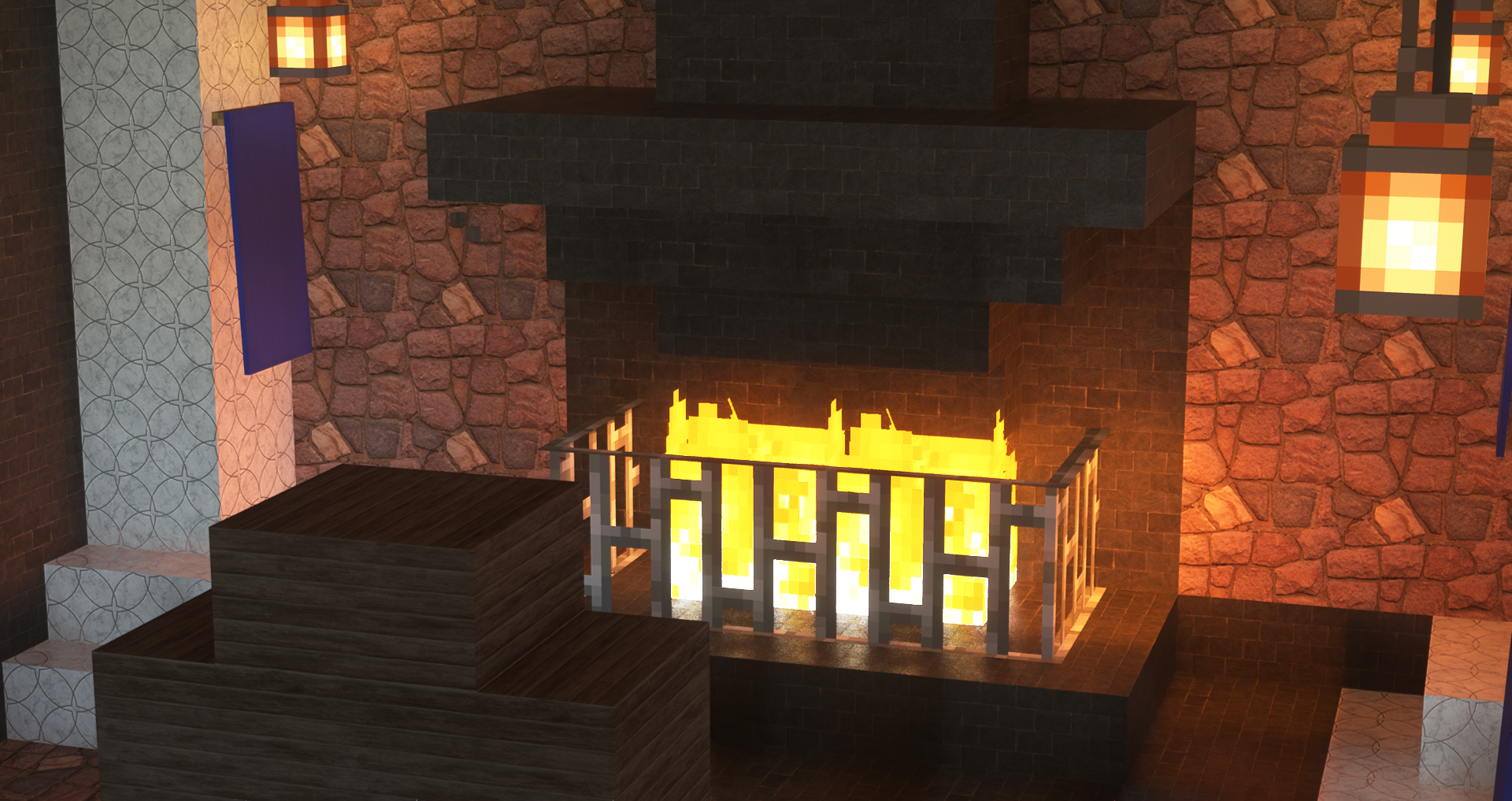
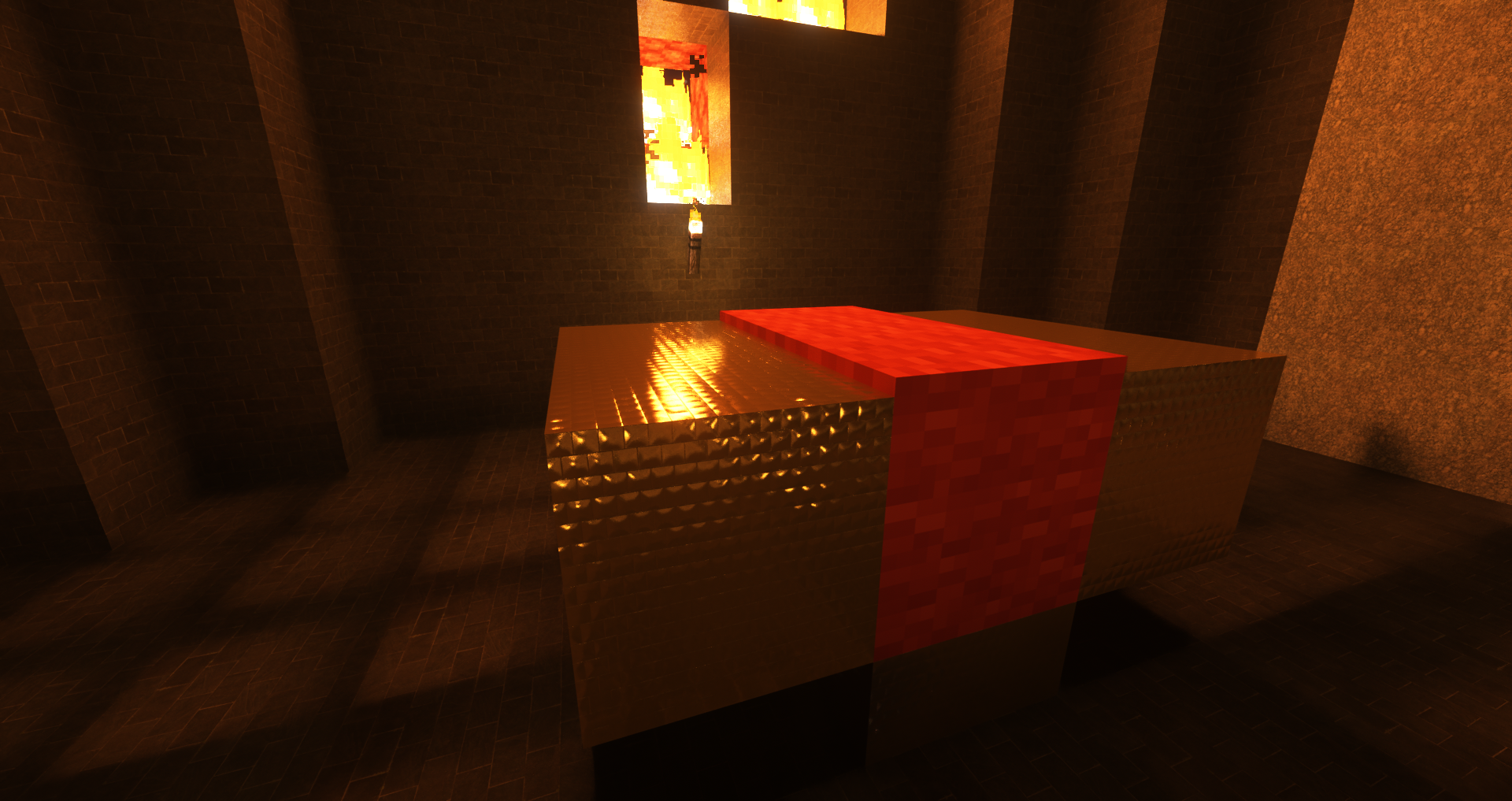
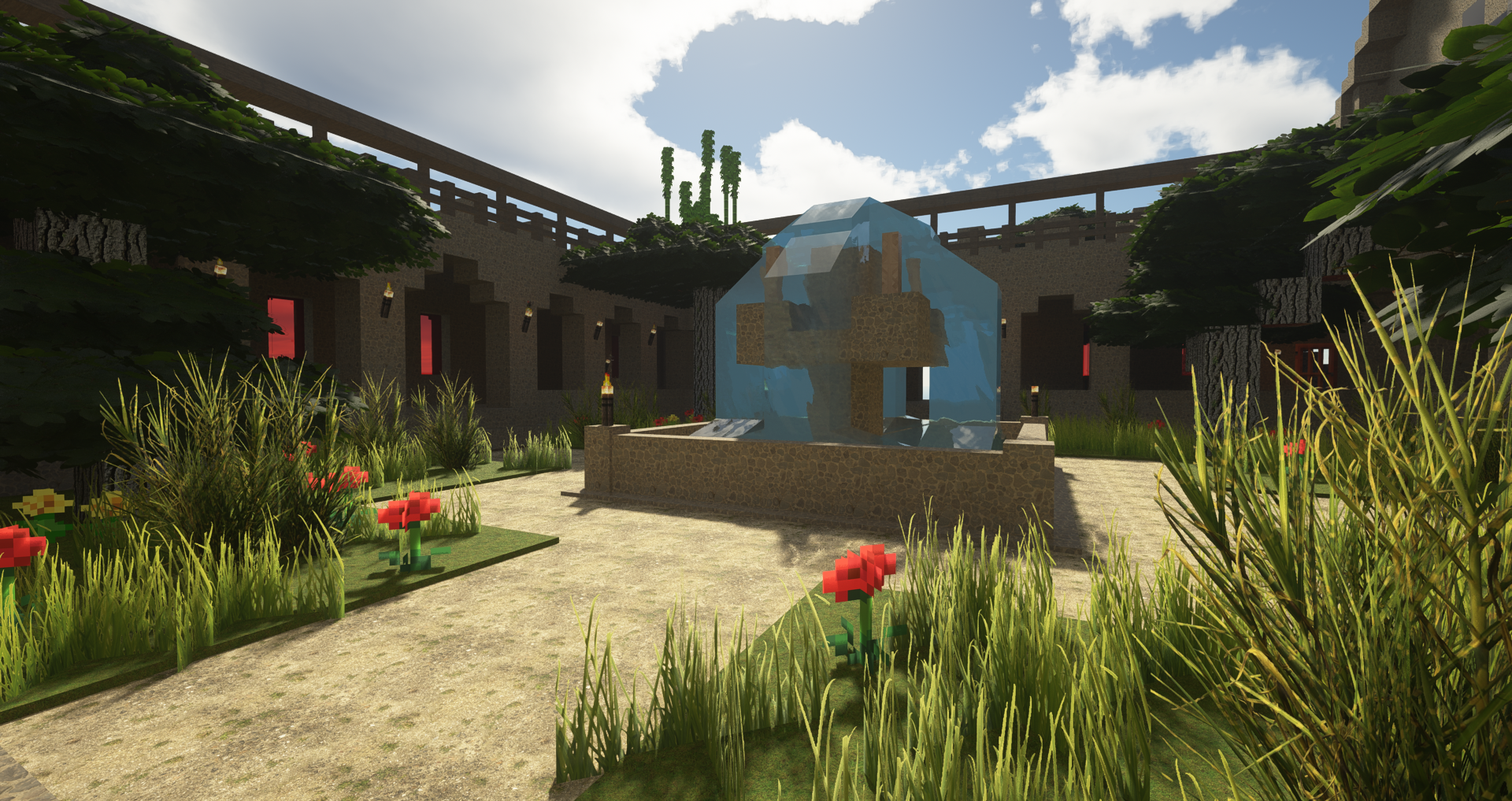
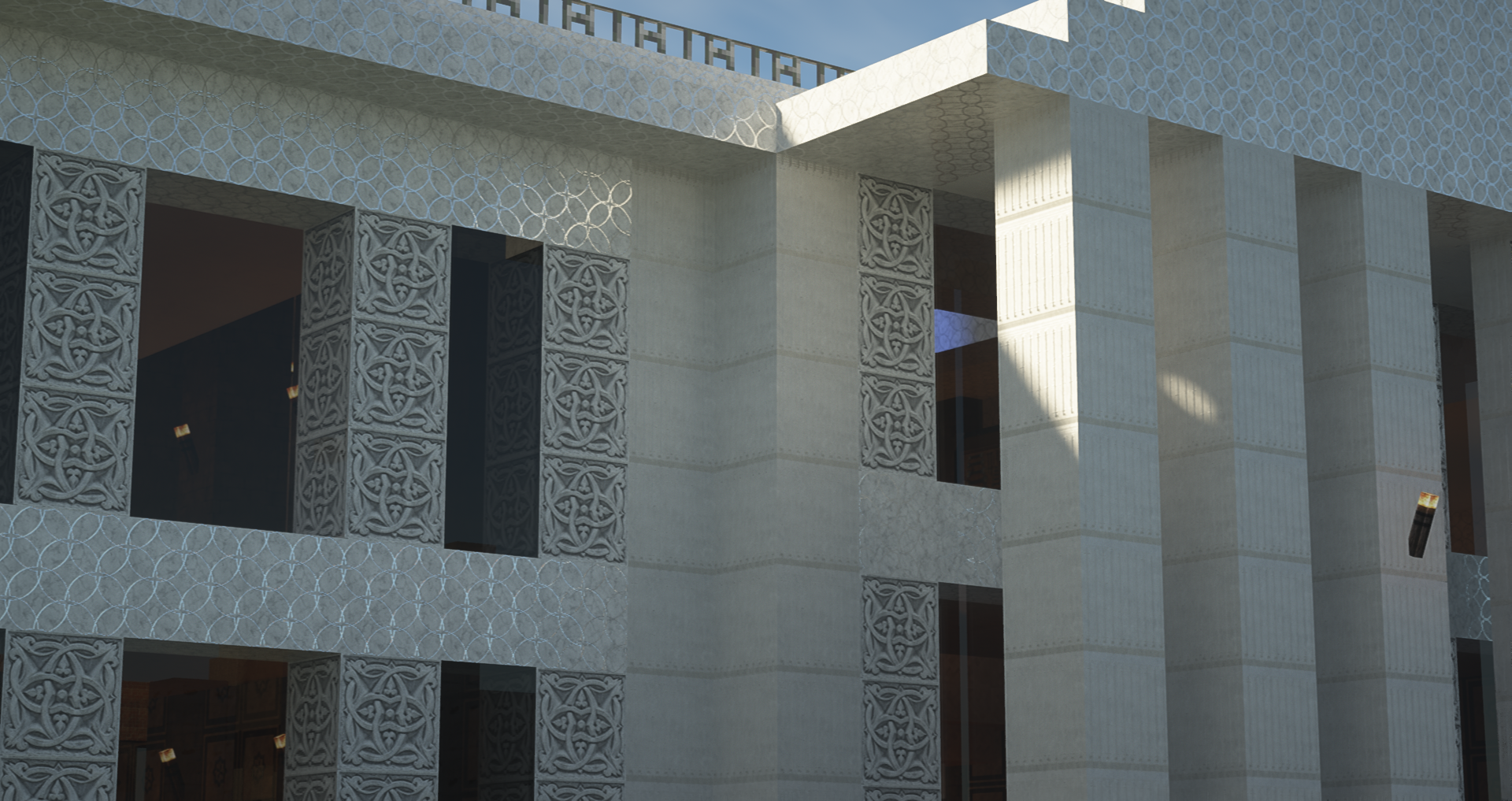
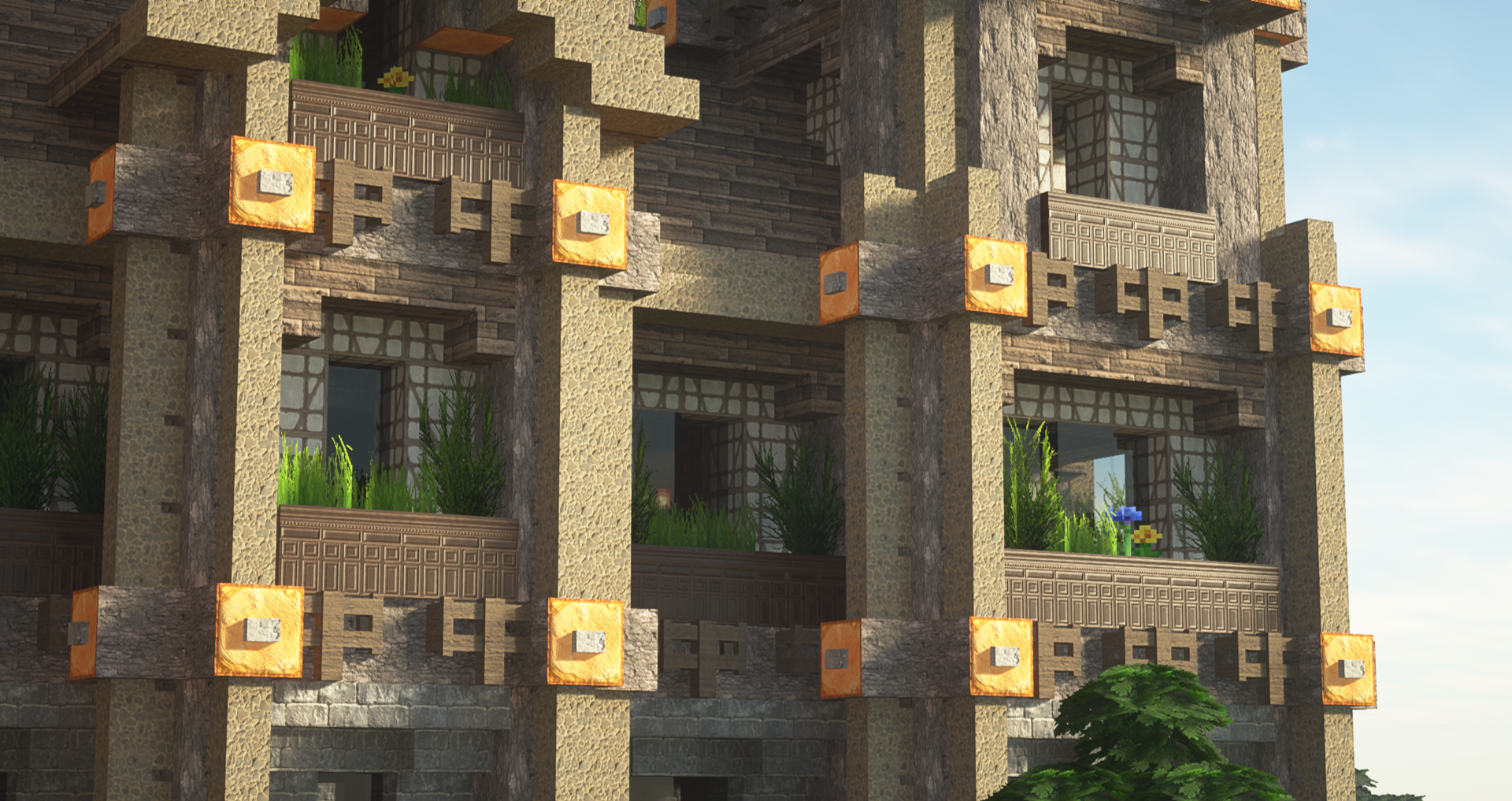
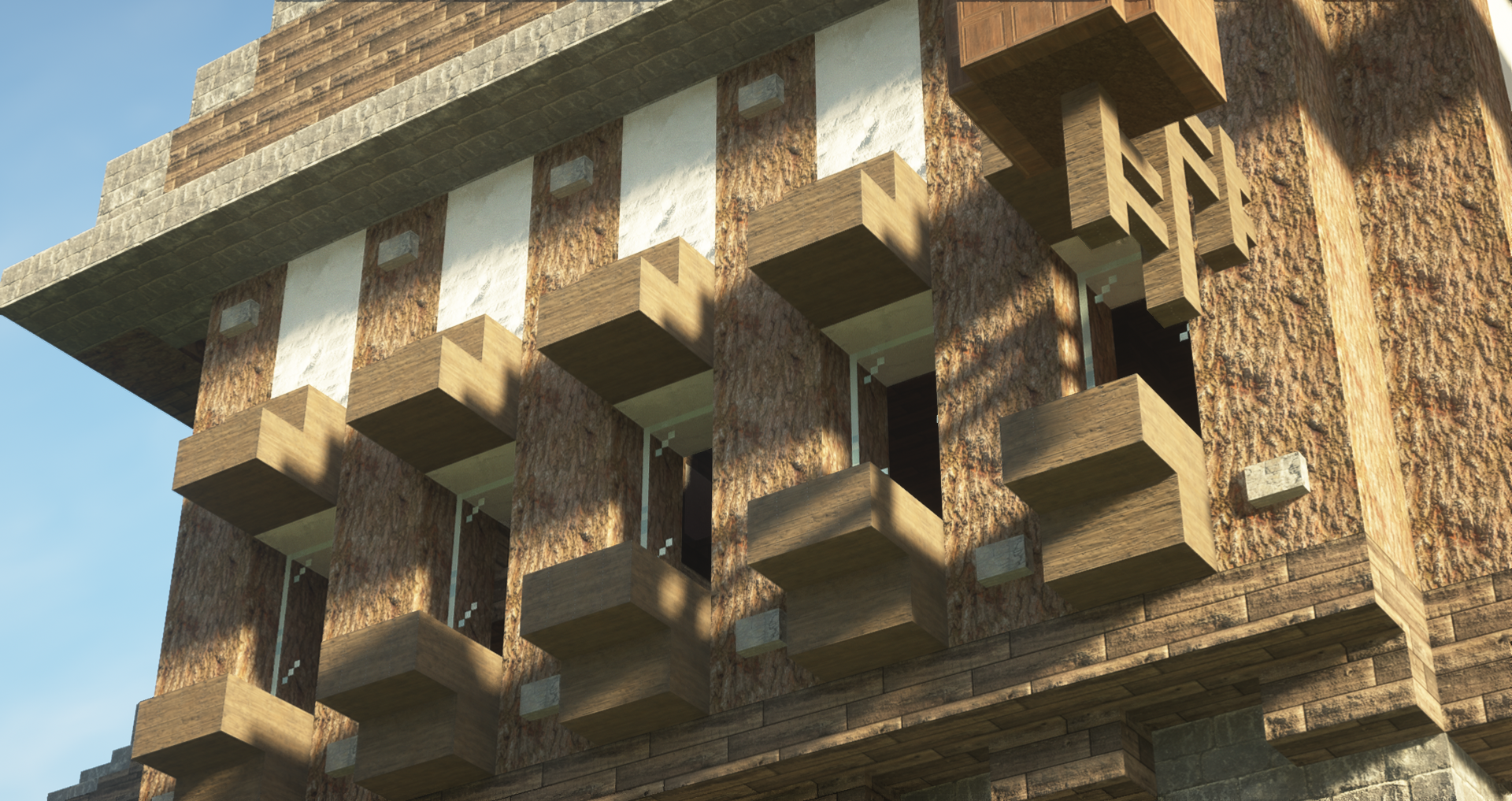
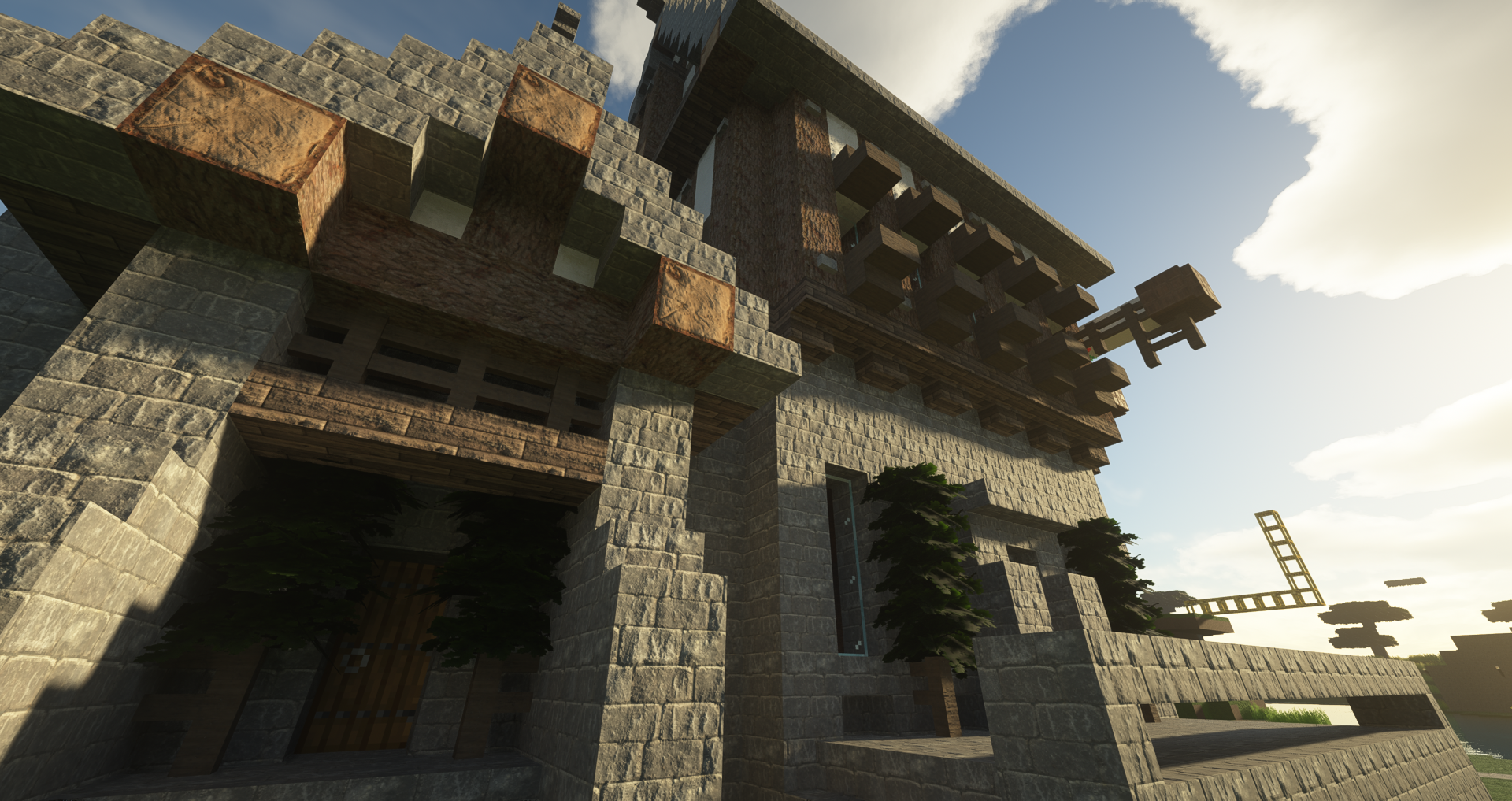
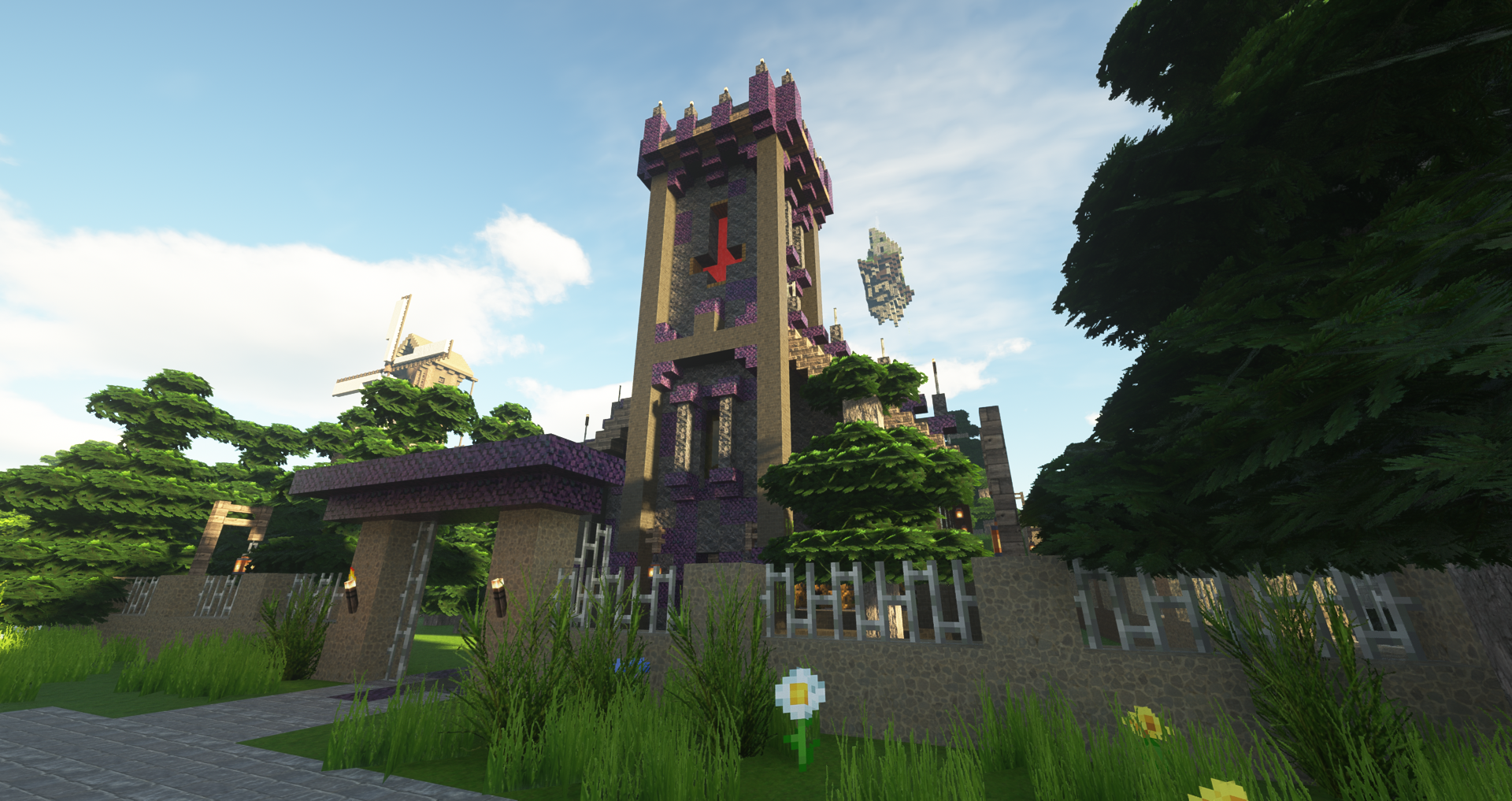
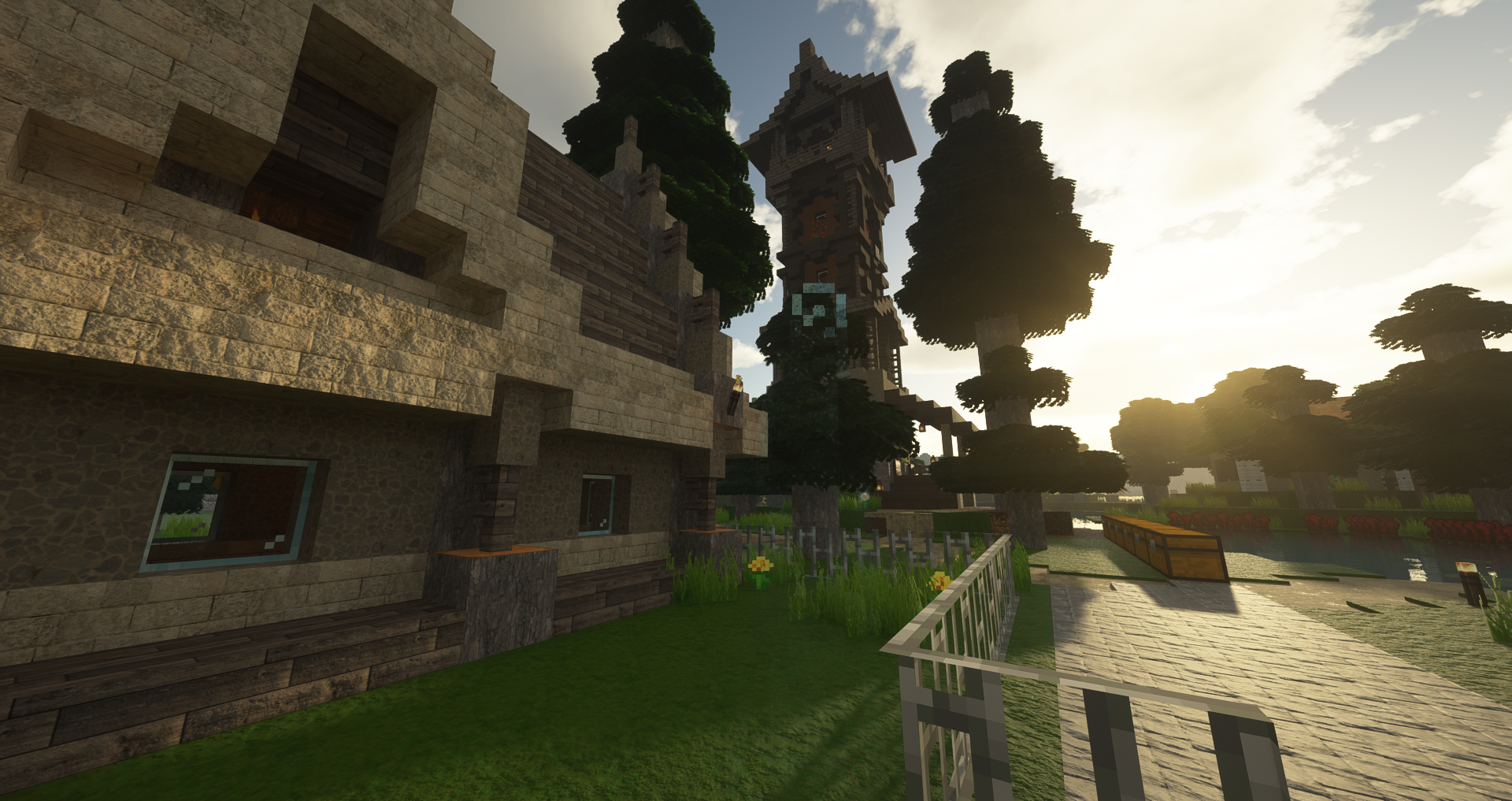
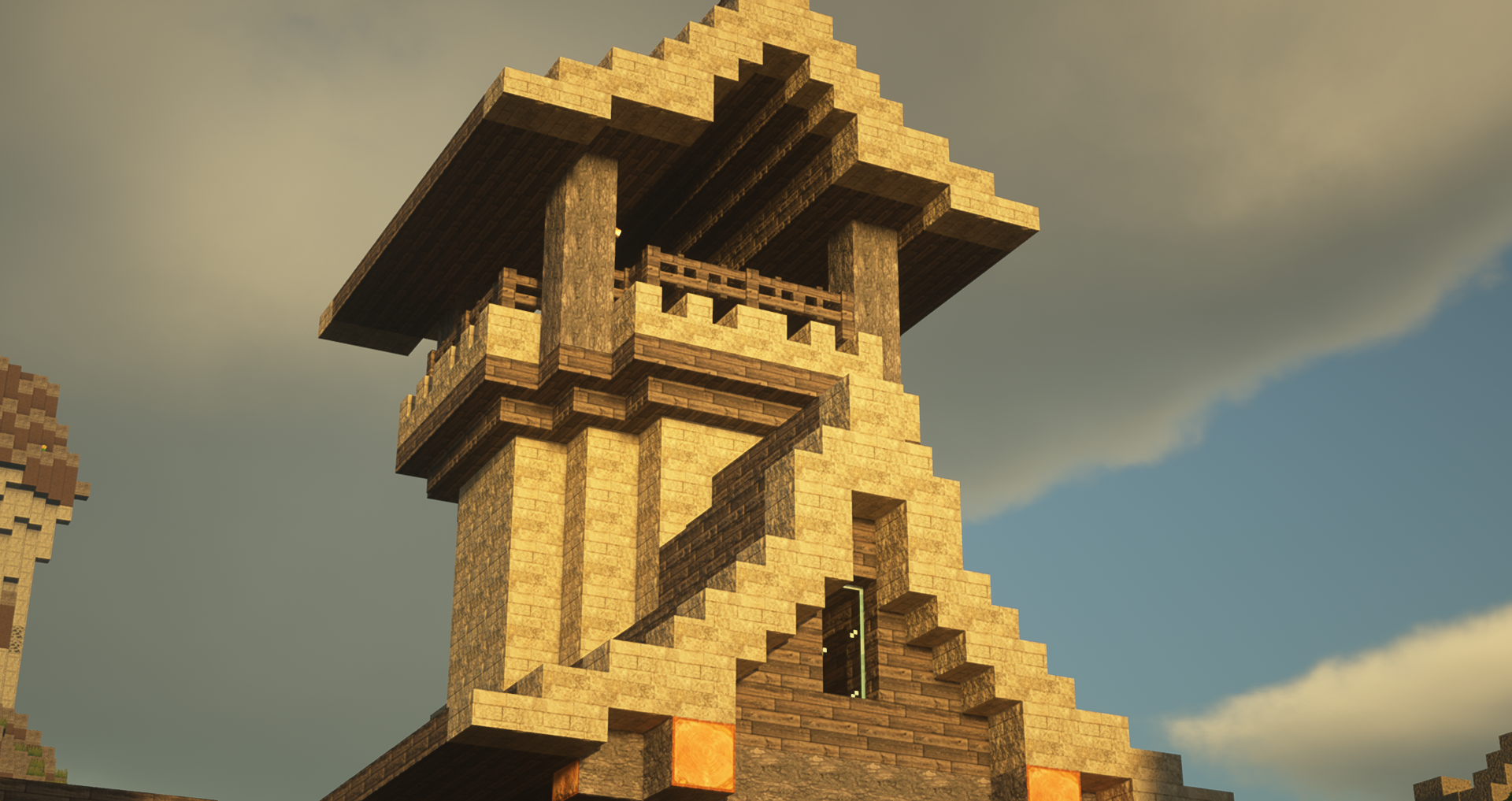
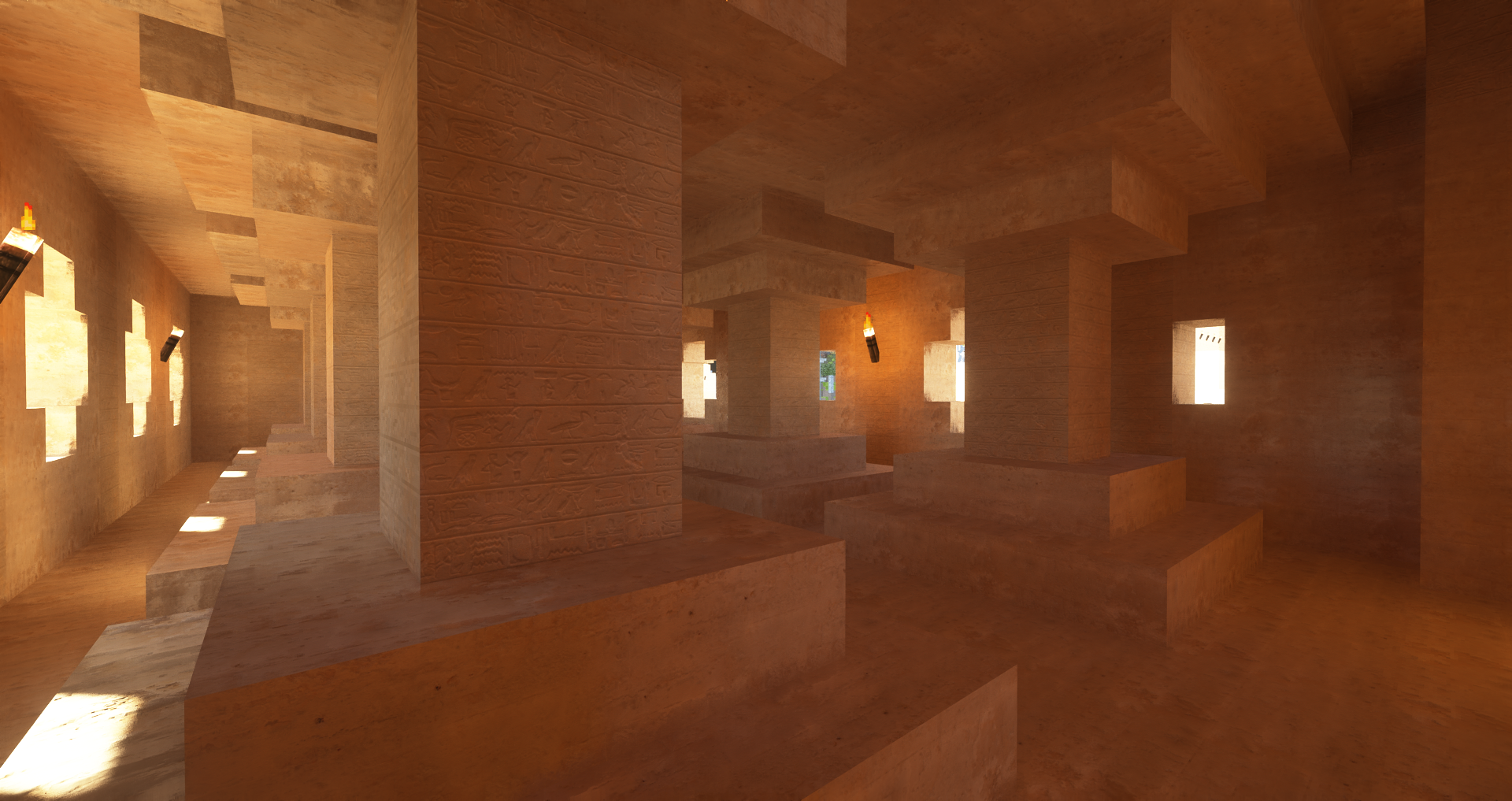
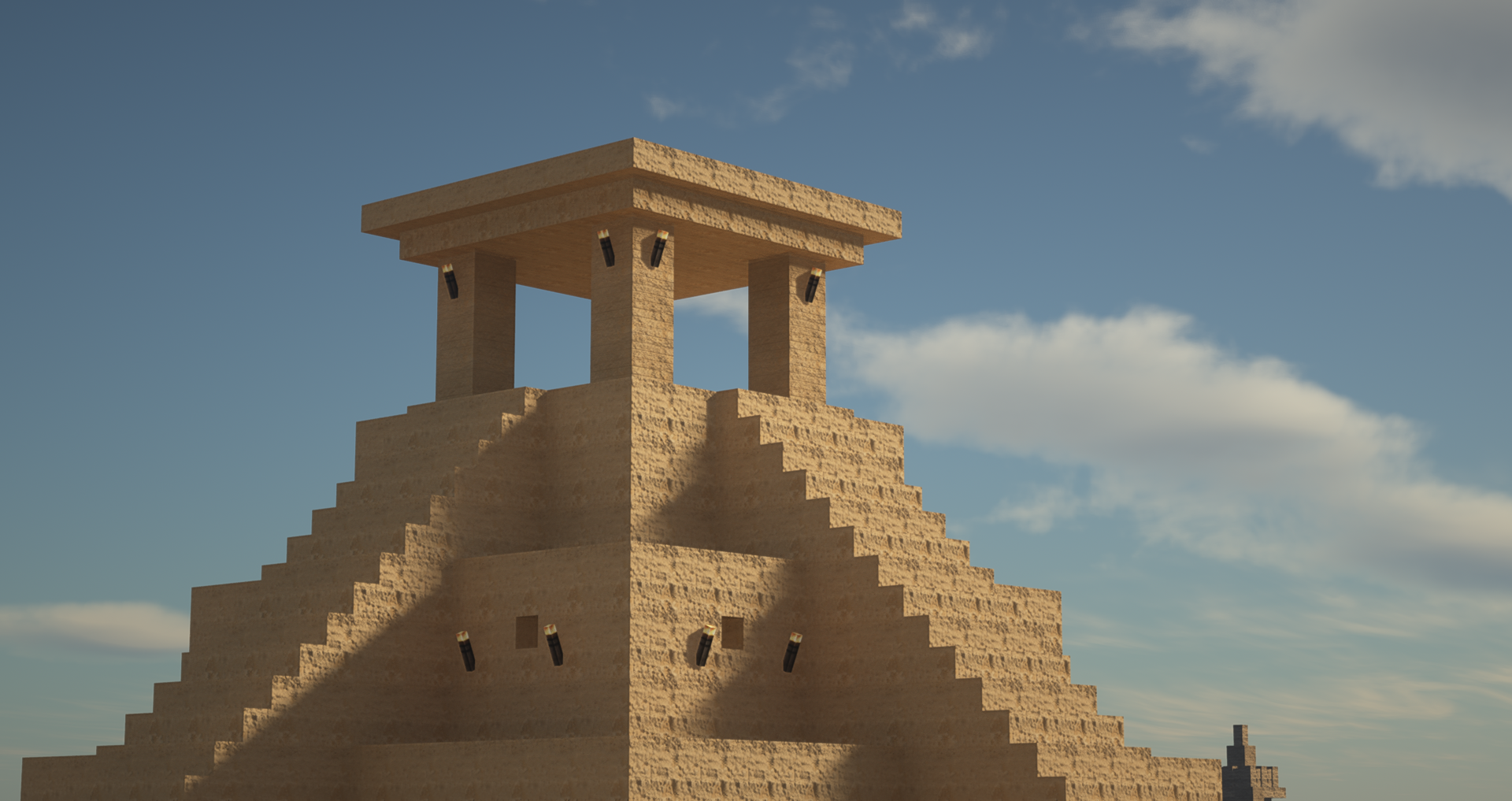
rustic-ish approach at high definition, semi realistic textures
by seppelbert
Download Claim this project
1,272 downloads
0 likes
Updated Oct 14, 2026
0 hypes
512x and Higher Medieval Photo Realistic Traditional
Advertisement Remove ads with Premium →

Hey guys!


This is my first attempt at creating a resource pack for minecraft. I aimed for a more rustic approach on realistic HD-textures. There are many blocks that change with almost every new build, because im still figuring everything out. It is made up of stock photos and own photographs, with "textures.com" beeing my main source for downloaded content.


My pack features:

-Resolutions of 1024x, 512x, 256x, 128x

-Normalmaps for POM

-PBR materials (lab-pbr)

-Features blocktextures and custom models, items, particles and such are planned for the future.


Be aware that the 1024x version of the pack is very demanding on your computer! Please feel free to tell me your opinion, critique and advice or ideas!


Cheers!


Credit:

"One or more textures on this 3D model have been created with photographs from Textures.com. These photographs may not be redistributed by default; please visit www.textures.com for more information."

Seppelbert's Rustic Realism 128x v0.1.zip
MC 1.13.1, 1.14.4, 1.14.1, 1.14.3, 1.13, 1.14, 1.14.2, 1.13-Snapshot, 1.14-Snapshot, 1.13.2
Release 2020-02-26 Get
Seppelbert's Rustic Realism 256x v0.1.zip
MC 1.13.1, 1.14.4, 1.14.1, 1.14.3, 1.13, 1.14, 1.14.2, 1.13-Snapshot, 1.14-Snapshot, 1.13.2
Release 2020-02-26 Get
Seppelbert's Rustic Realism 512x v0.1.zip
MC 1.13.1, 1.14.4, 1.14.1, 1.14.3, 1.13, 1.14, 1.14.2, 1.13-Snapshot, 1.14-Snapshot, 1.13.2
Release 2020-02-26 Get

Requirements & install

How to use this resource pack in Minecraft
Resolution
512x+
Minecraft
1.13.1 – 1.14.4
Install folder
.minecraft/resourcepacks

How to install resource packs

  1. Download the resource pack .zip file (do not extract it).
  2. In Minecraft open Options → Resource Packs → Open Pack Folder.
  3. Drop the .zip into the resourcepacks folder (.minecraft/resourcepacks).
  4. Move the pack to the Selected column and click Done.

512x packs need a strong GPU and at least 4 GB of RAM for Minecraft; a performance mod such as Sodium is strongly recommended.

Browse more: 16x resource packs 32x resource packs 64x resource packs 128x resource packs 256x resource packs 512x+ resource packs Resource Packs for 1.14.4 All resource packs
Advertisement Remove ads with Premium →

You Might Also Like