Mineuniverse
Resource Packs
Scythes Vanilla Pack (CIT)

Scythes Vanilla Pack (CIT)

RESOURCE PACK
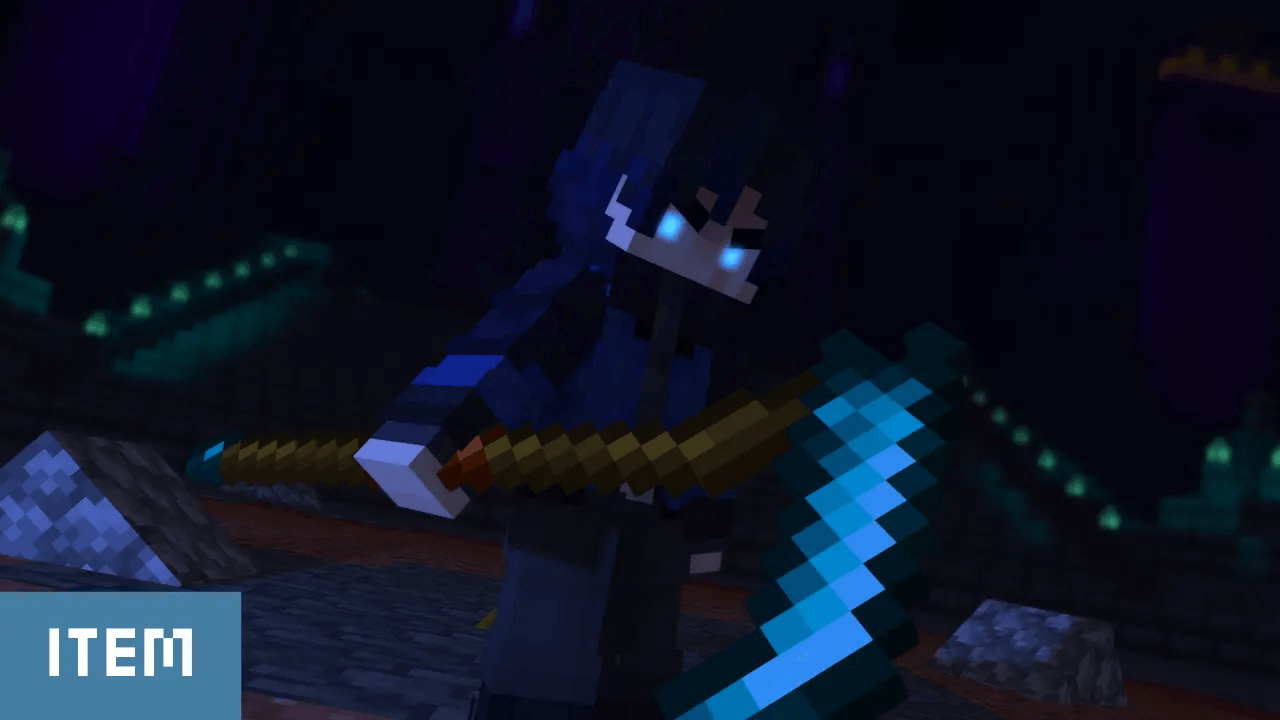
This resource pack brings scythes to Minecraft in a clean and immersive way, keeping everything fully vanilla while adding a darker, more medieval fantasy vibe to your weapons.
by Drift007
Download Claim this project
Add a badge to your pageLink to Scythes Vanilla Pack (CIT) from a README, website or forum post.
Preview: Badge

Badges update automatically and link to the resource pack page on MineUniverse.

2,109 downloads
0 likes
0 followers
Updated Oct 14, 2026
0 hypes
Follow0
16x Miscellaneous Traditional
Advertisement Remove ads with Premium →

Vanilla Scythes Pack — Scythes in Minecraft

Have you ever wanted scythes in Minecraft without installing mods, loaders, or anything that could affect compatibility?

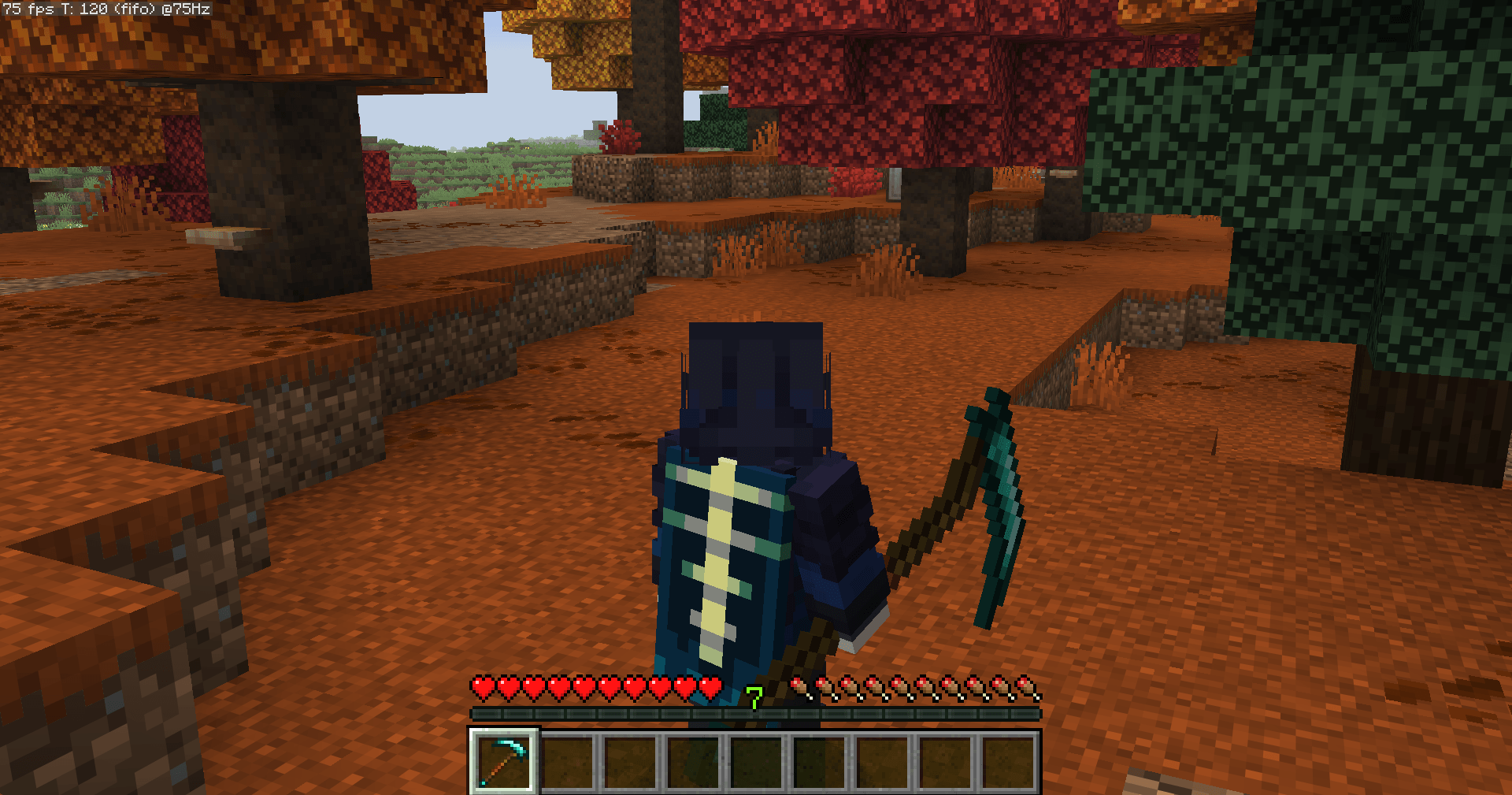
This resource pack adds scythes to Minecraft while preserving the vanilla experience, offering a simple and immersive way to bring these weapons into your world.

Vanilla (CIT)

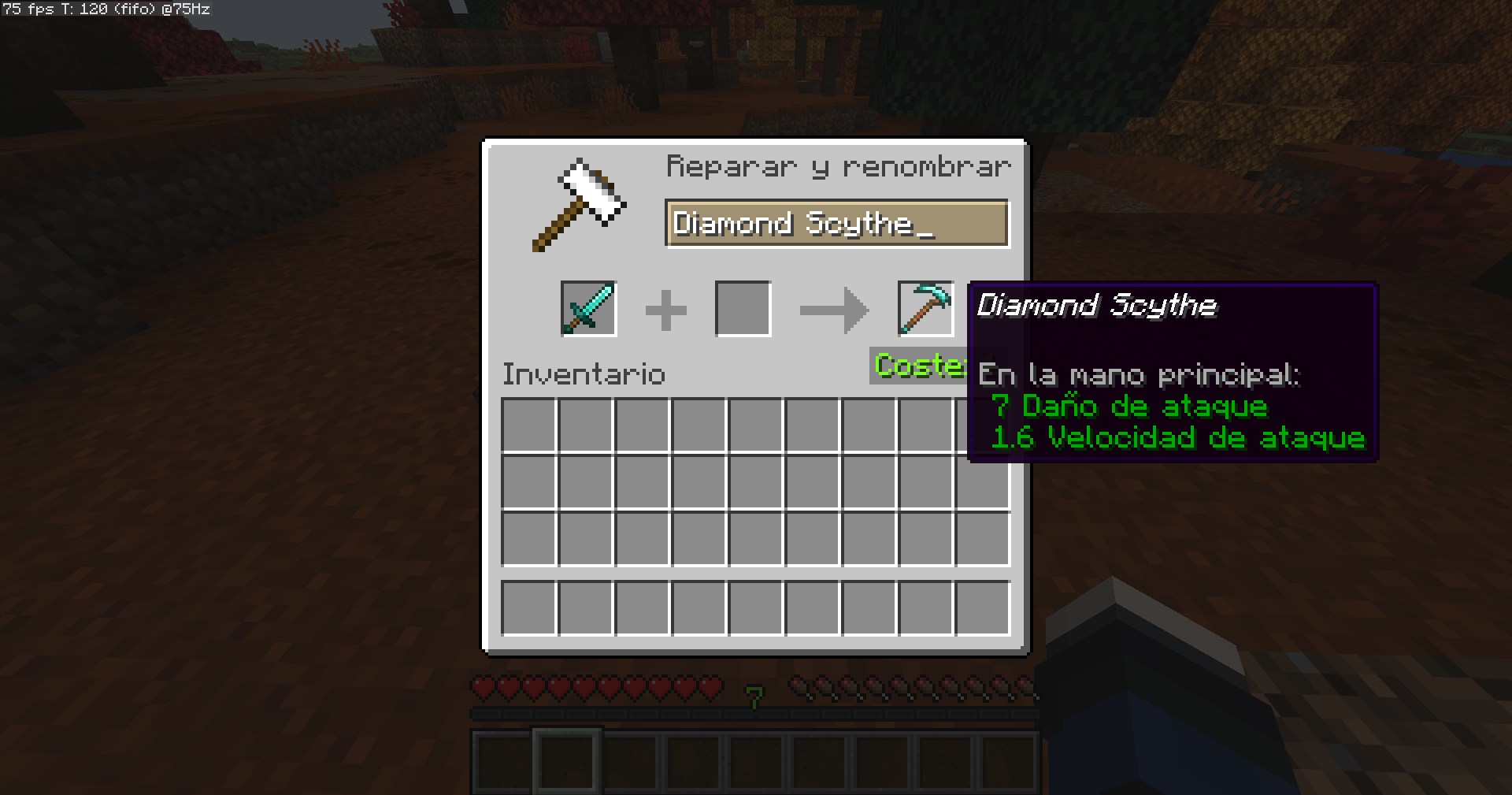
This version uses a simple renaming system. Rename specific swords in an anvil using the correct scythe name to transform their appearance into scythes.

Vanilla (Changes) — Coming Soon

An alternative version that replaces the default appearance of regular swords with scythes, without requiring renaming.

Pack Content — v1.4

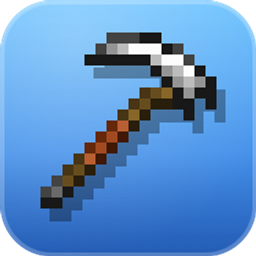
  • Wooden Scythe — Wooden Sword
  • Stone Scythe — Stone Sword
  • Copper Scythe — Copper Sword
  • Iron Scythe — Iron Sword
  • Golden Scythe — Golden Sword
  • Diamond Scythe — Diamond Sword
  • Netherite Scythe — Netherite Sword
  • Scythe — Mace

Vanilla gameplay, new weapon designs.
Scythes Vanilla Pack CIT v1.4
MC 1.21, 1.21.8, 1.21.5, 1.21.4, 1.21.1, 1.21.6, 1.21.3, 1.21.7, 1.21.2, 1.21.9, 1.21.10, 1.21.11, 26.1, 26.1.1, 26.1.2, 26.2, 26.3
Release 2026-10-10 Get
Scythes Vanilla Pack v1.2
MC 1.21, 1.21.8, 1.21.5, 1.21.4, 1.21.1, 1.21.6, 1.21.3, 1.21.7, 1.21.2, 1.21.9, 1.21.10, 1.21.11, 26.1, 26.1.1, 26.1.2, 26.2
Release 2026-06-19 Get
Scythes Vanilla Pack v1.0
MC 1.21.9, 1.21.10, 1.21.11
Release 2026-04-18 Get

Requirements & install

How to use this resource pack in Minecraft
Resolution
16x
Minecraft
1.21.9 – 26.3
Install folder
.minecraft/resourcepacks

How to install resource packs

  1. Download the resource pack .zip file (do not extract it).
  2. In Minecraft open Options → Resource Packs → Open Pack Folder.
  3. Drop the .zip into the resourcepacks folder (.minecraft/resourcepacks).
  4. Move the pack to the Selected column and click Done.
Browse more: 16x resource packs 32x resource packs 64x resource packs 128x resource packs 256x resource packs 512x+ resource packs Resource Packs for 26.3 All resource packs

More from Drift007

Advertisement Remove ads with Premium →

You Might Also Like