Mineuniverse
Resource Packs
SAO Legacy Pack

SAO Legacy Pack

RESOURCE PACK
The resource pack adds music and openings from SAO, ALO, GGO, and Alicization. The interface, menu, and records have been updated. The Iper's book interface has also been updated and features a new font.
by Stoshka
Download Claim this project
Add a badge to your pageLink to SAO Legacy Pack from a README, website or forum post.
Preview: Badge

Badges update automatically and link to the resource pack page on MineUniverse.

1,516 downloads
0 likes
0 followers
Updated Oct 14, 2026
0 hypes
Follow0
512x and Higher Font Packs Miscellaneous Traditional
Advertisement Remove ads with Premium →


SAO Legacy Pack:

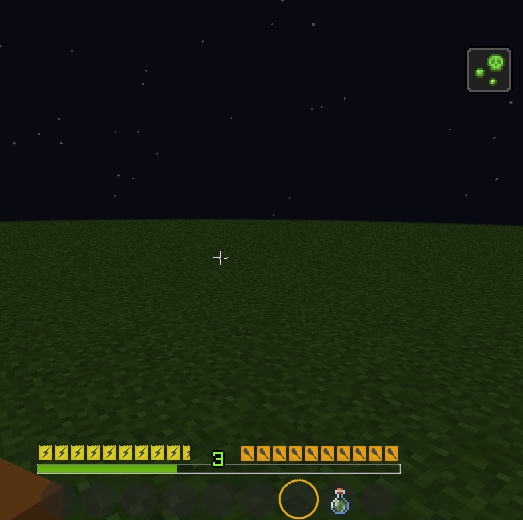
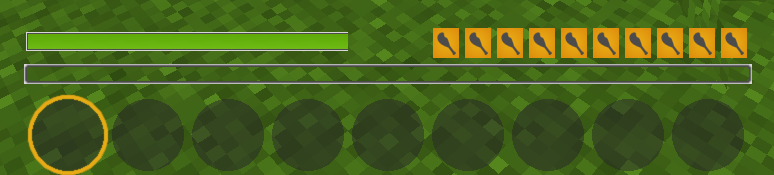
The texture pack changes the hotbar, replaces hearts with a health bar.


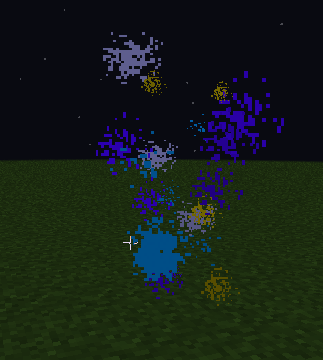
  • Attempt to add death particles from SAO


  • We see how the HP hotbar has changed due to the poison.

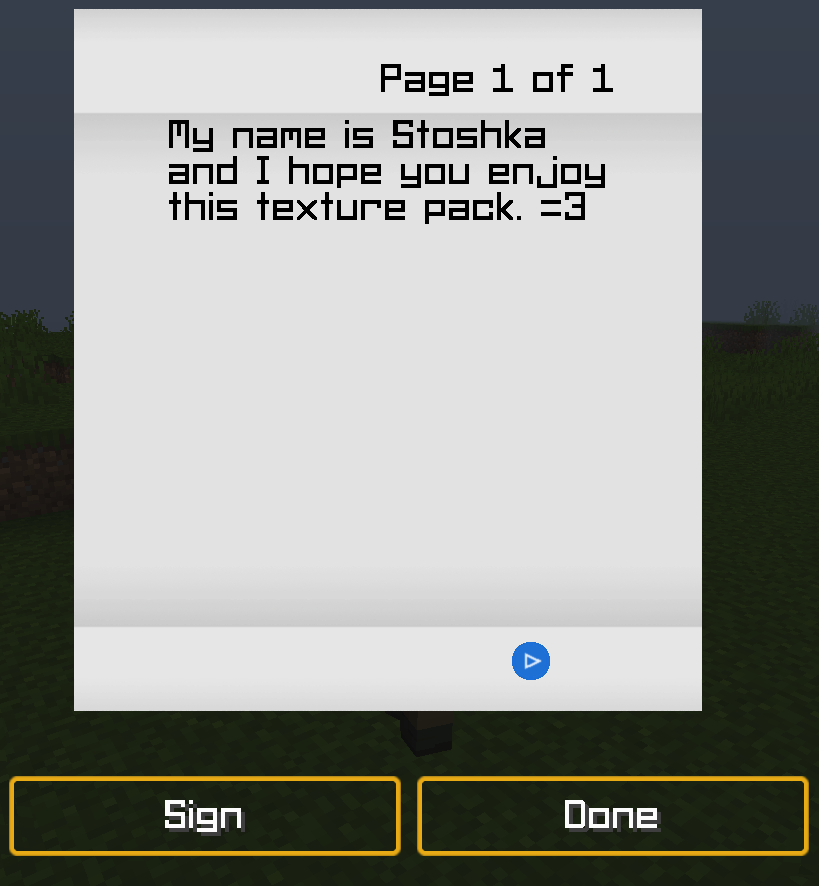
  • The book and quill interfaces have also been redesigned, and a new font has been added.


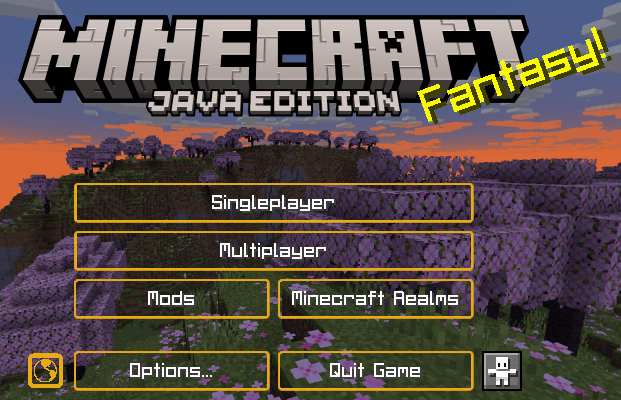
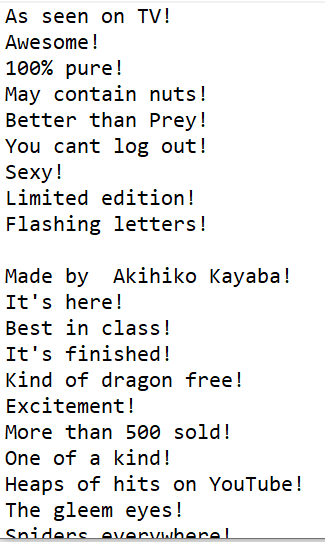
  • Anime phrases/references have been added to the main menu.


  • background changed


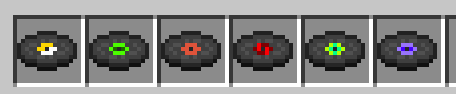
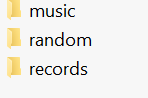
Records:


Installation:


Despite the red message, the texture pack works perfectly from 1.16+ to 1.20.1 (tested).

It might work on other versions too =3


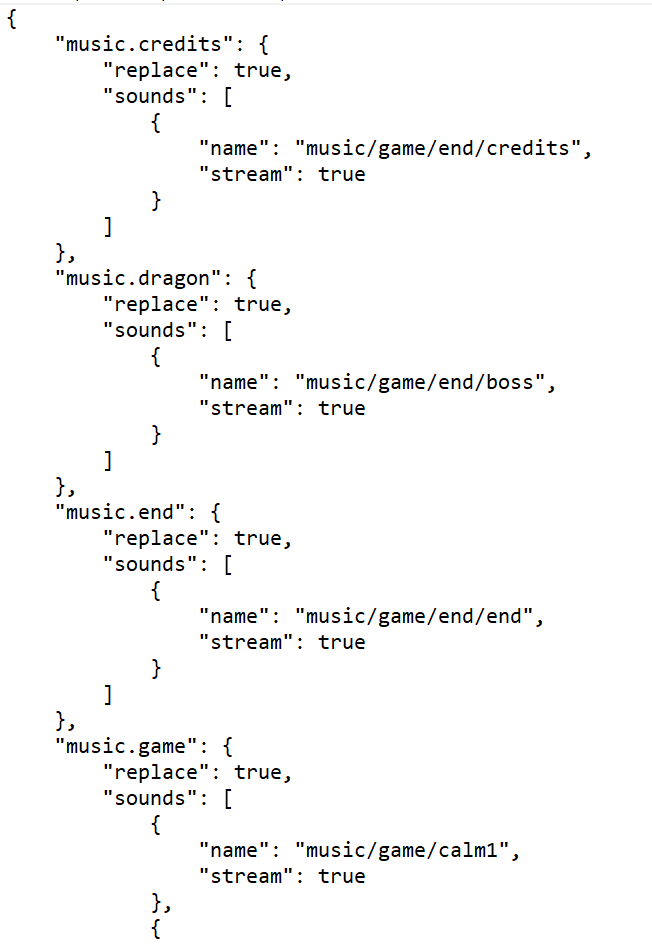
  • Ensures that only c418 tracks are played in the game, and replaces many of them with music from Sword Art Online. + You can also change what will be played and what will not. (file name: Sounds.json)


You also have the opportunity to change the phrases in the main menu. (texts/splashes.txt)


  • You can also change the music in records/menus/in the game: (assest/minecraft/sounds/)
There is a ready-made template inside for you)

SAOv2.2.1_1.21.8.zip
MC 1.21, 1.21.8, 1.21.5, 1.21.4, 1.21.1, 1.21.6, 1.21.3, 1.21.7, 1.21.2, 1.21.9, 1.21.10, 1.21.11
Release 2026-01-10 Get
SAOv2.2.1
MC 1.16.3, 1.16-Snapshot, 1.17.1, 1.16.1, 1.18.1, 1.16, 1.19-Snapshot, 1.16.5, 1.19.3, 1.19.4, 1.17, 1.19.4-Snapshot, 1.17-Snapshot, 1.18, 1.20.1, 1.20, 1.20-Snapshot, 1.19.1
Release 2025-11-20 Get

Requirements & install

How to use this resource pack in Minecraft
Resolution
512x+
Minecraft
1.21.4 – 1.21.11
Install folder
.minecraft/resourcepacks

How to install resource packs

  1. Download the resource pack .zip file (do not extract it).
  2. In Minecraft open Options → Resource Packs → Open Pack Folder.
  3. Drop the .zip into the resourcepacks folder (.minecraft/resourcepacks).
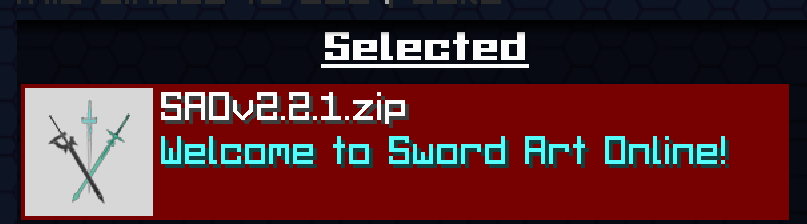
  4. Move the pack to the Selected column and click Done.

512x packs need a strong GPU and at least 4 GB of RAM for Minecraft; a performance mod such as Sodium is strongly recommended.

Browse more: 16x resource packs 32x resource packs 64x resource packs 128x resource packs 256x resource packs 512x+ resource packs Resource Packs for 1.21.11 All resource packs

More from Stoshka

Advertisement Remove ads with Premium →

You Might Also Like