A Simple addon for the other train mod known as "Minecraft Transit Railway"
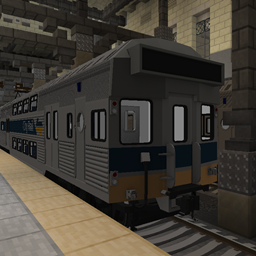
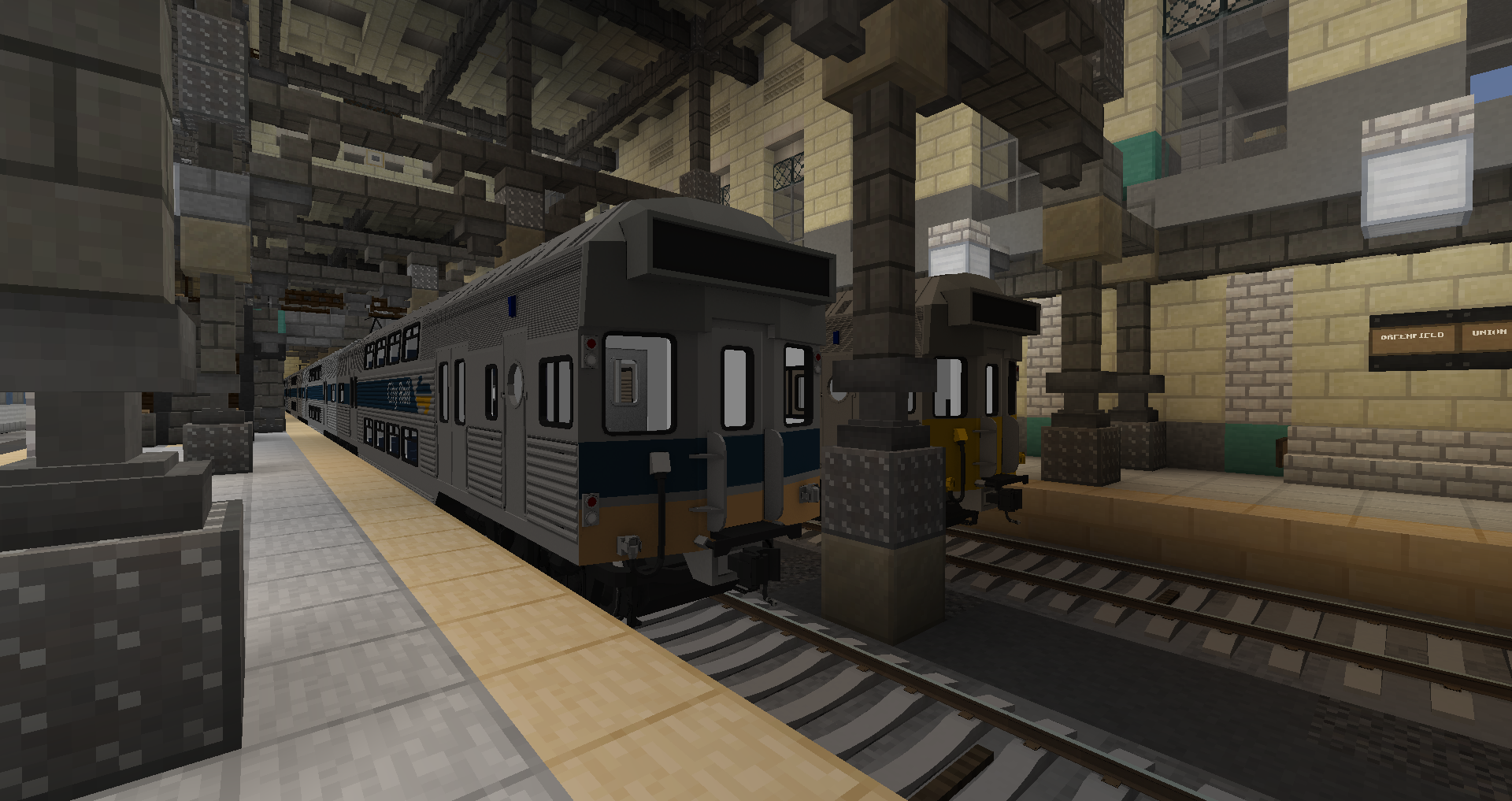
It does not any block/vanilla replacement textures, only content for MTR. Adds 2 Versions of the S set (ComEng)
Generic and City Decker. Yes, I am aware that the ComEng Version didn't run with a City Decker Livery in real life, but it does now I decided.
Requires Minecraft Transit Railway and MTE Addon (the addon allows for obj models instead of been limited to bbmodels)
Required Mods:
- MTR
Current Train List:
- S Set
- S Set - City Decker.
Note: Uses Default "M train" sounds, I tried getting custom sounds, but they wouldn't behave correctly.
Pack is currently in Beta, might get more content, might not, just an experimental side project, my main focus is still Immersive Railroading (aka the Santa Fe Pack set)
Santa Fe Discord: Here
Terms of use
Under no circumstances may any content in this pack be reproduced or modified and publicly distributed without explicit permission from the authors, Lachie1770. This includes remodels, retextures etc. You can only redistribute The original in the case of Modpacks, any all other types of redistribution are strickly Illegal. Usage of this pack to make any form of financial profit or monetary gain of any type is strictly forbidden. By downloading this pack, you agree to these terms and conditions.