Mineuniverse
Resource Packs
Rustic's Bottles

Rustic's Bottles

RESOURCE PACK
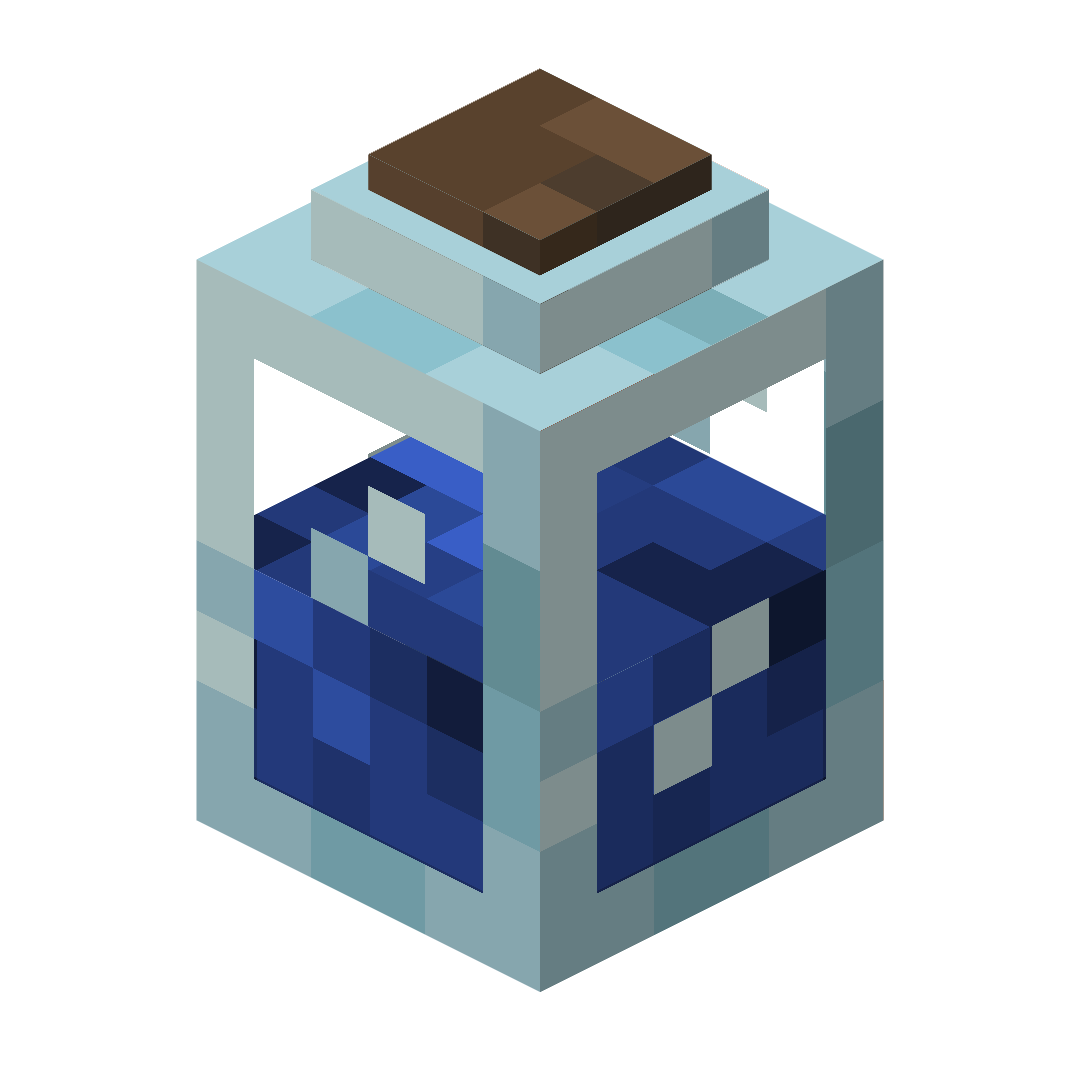
Retextures bottles and potions to be 3D!
by RusticPotatoes
Download Claim this project
1,426 downloads
0 likes
Updated Oct 14, 2026
0 hypes
16x Miscellaneous Traditional
Advertisement Remove ads with Premium →


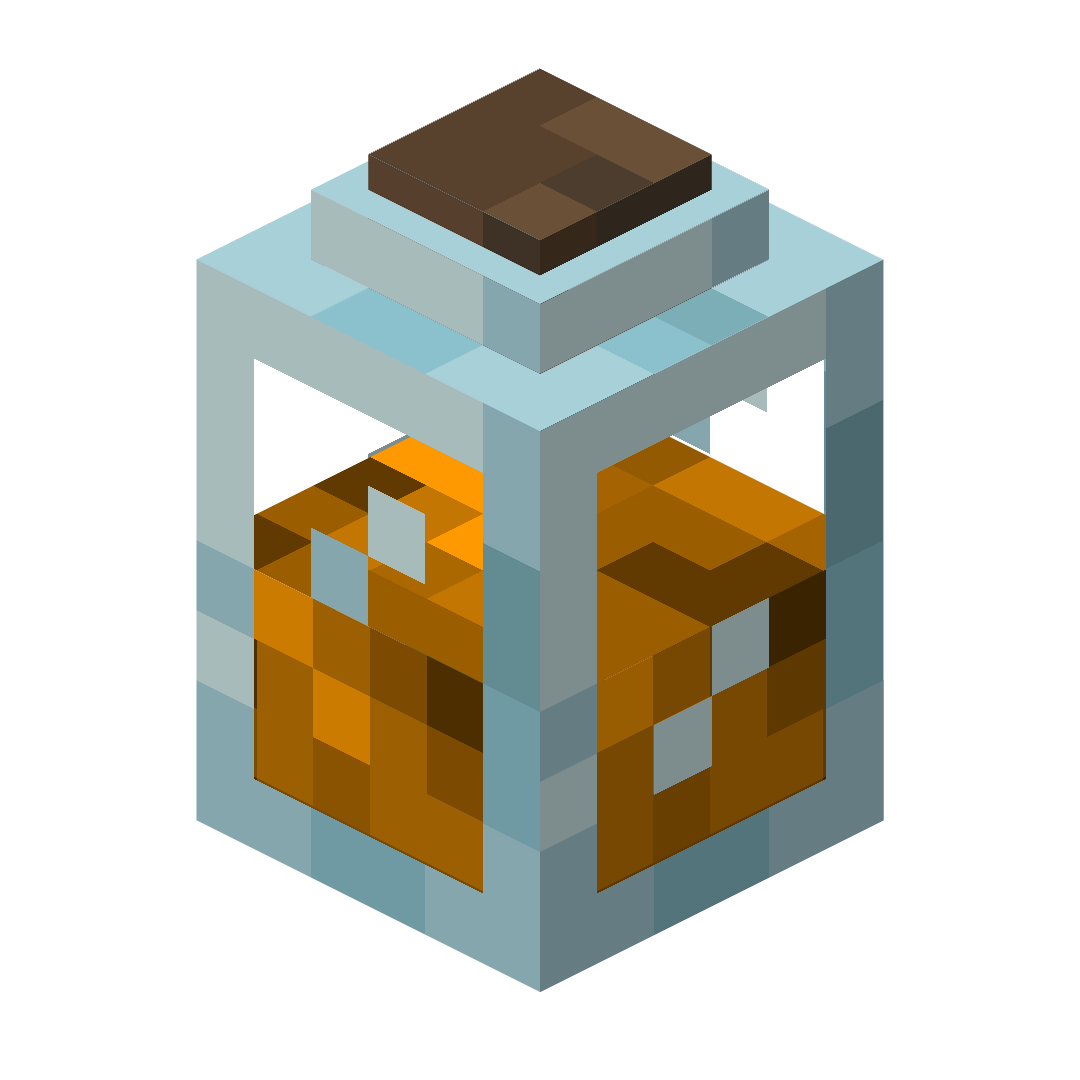
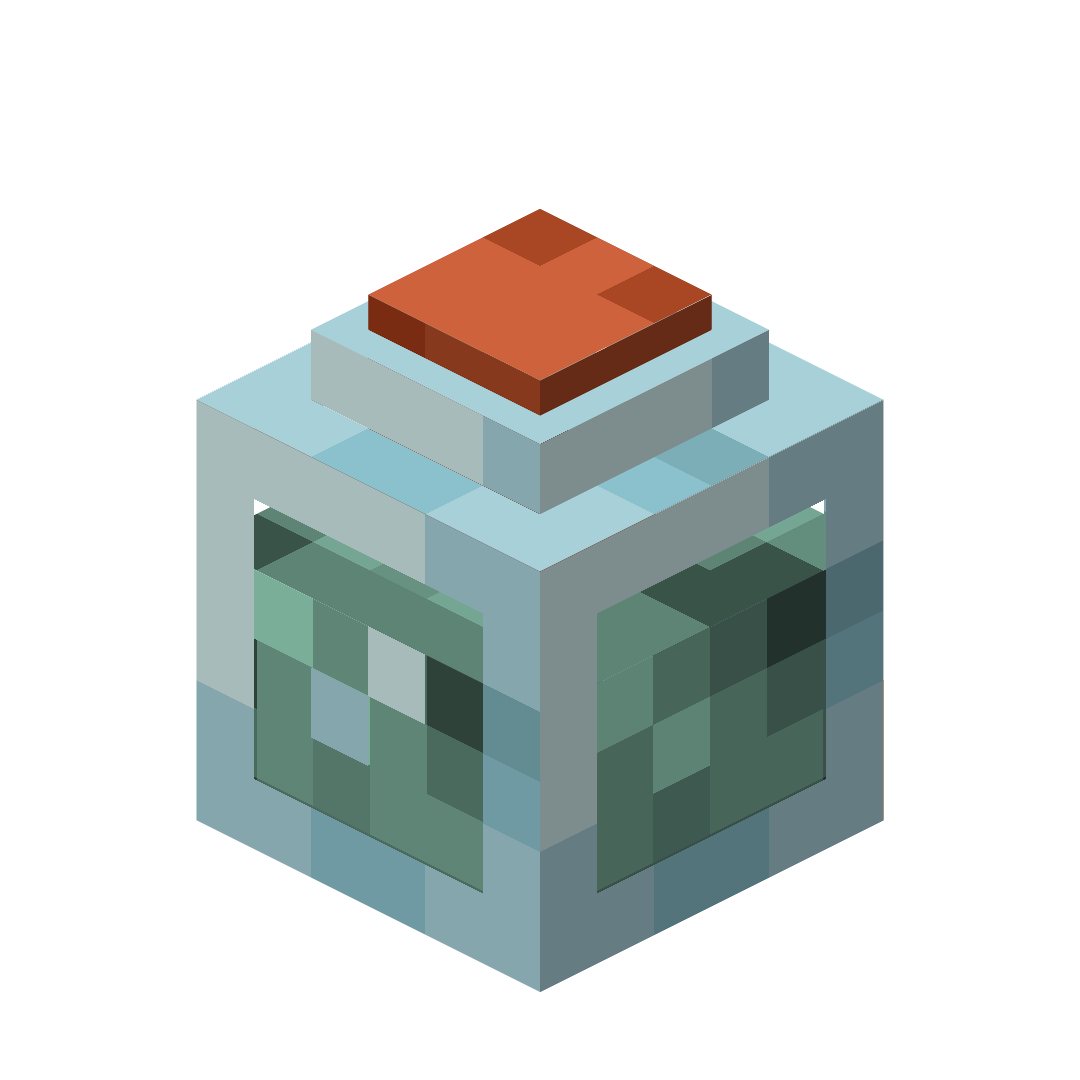
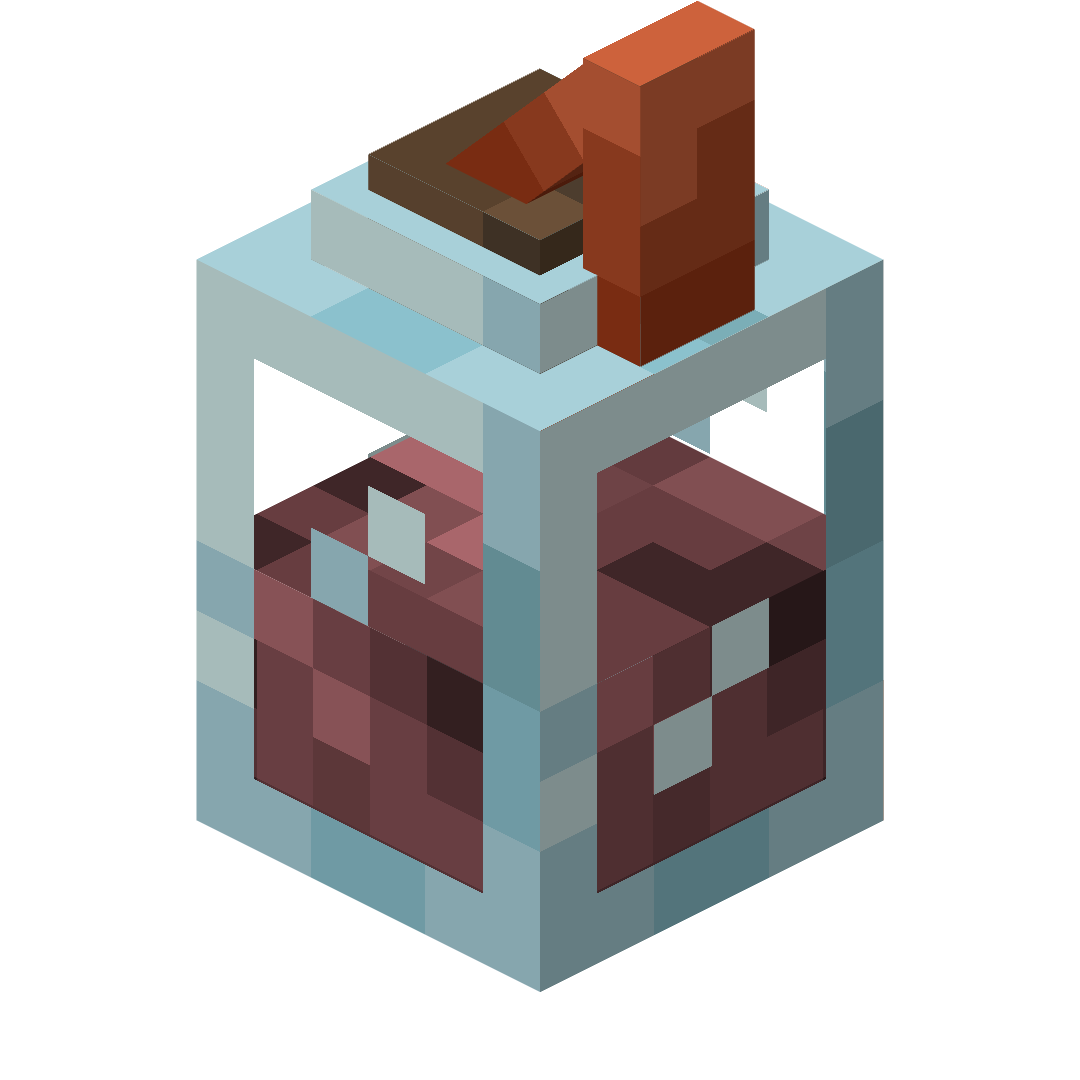
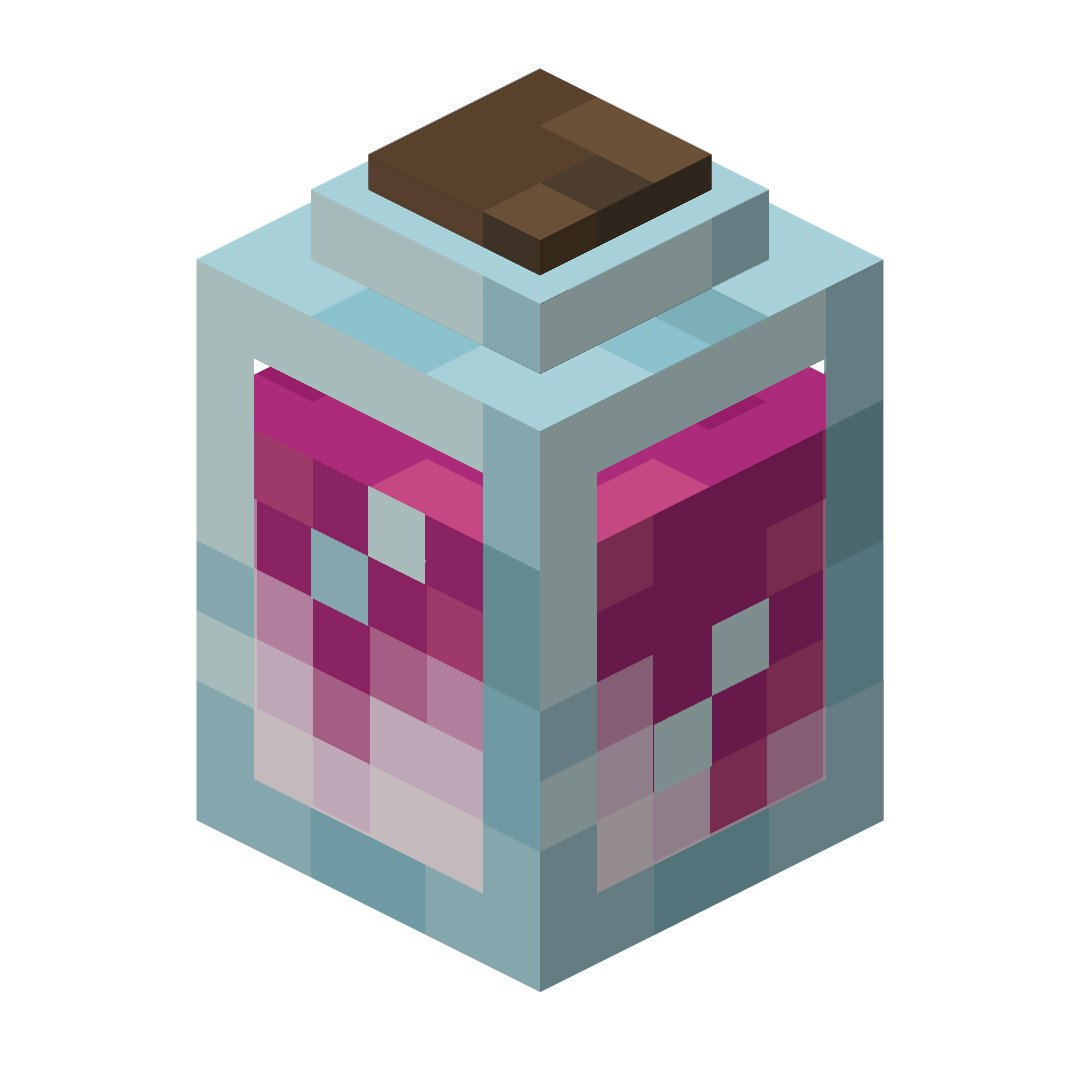
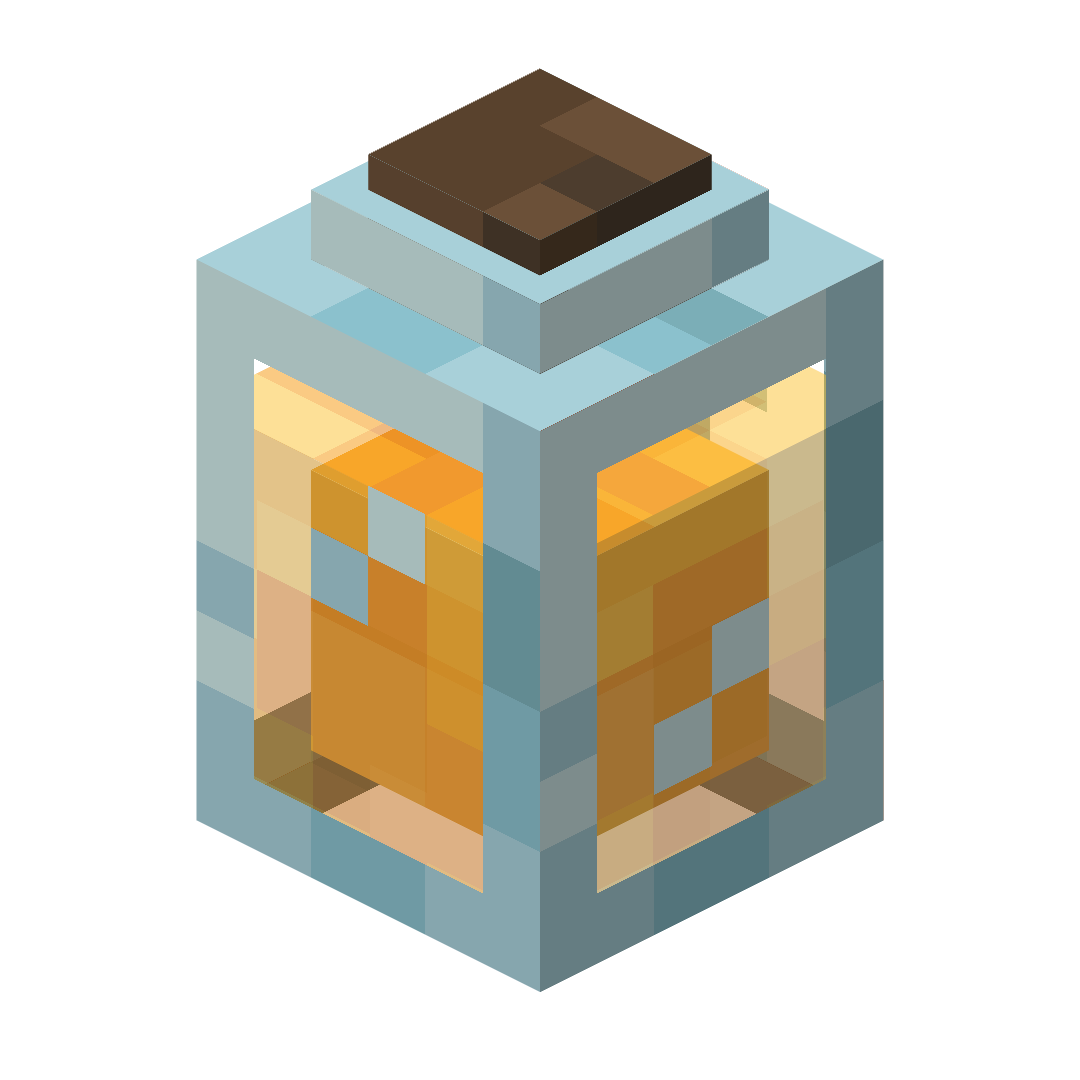
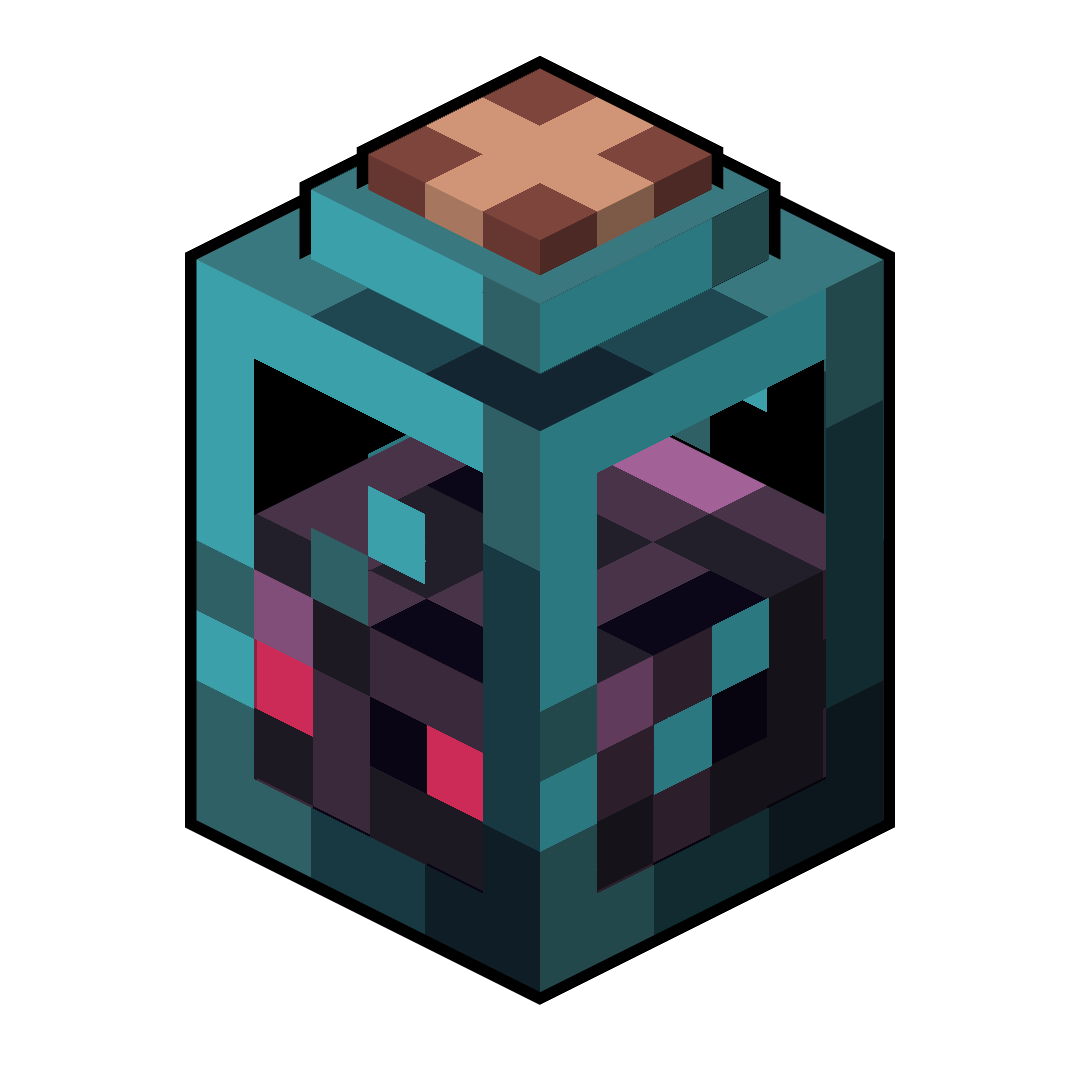
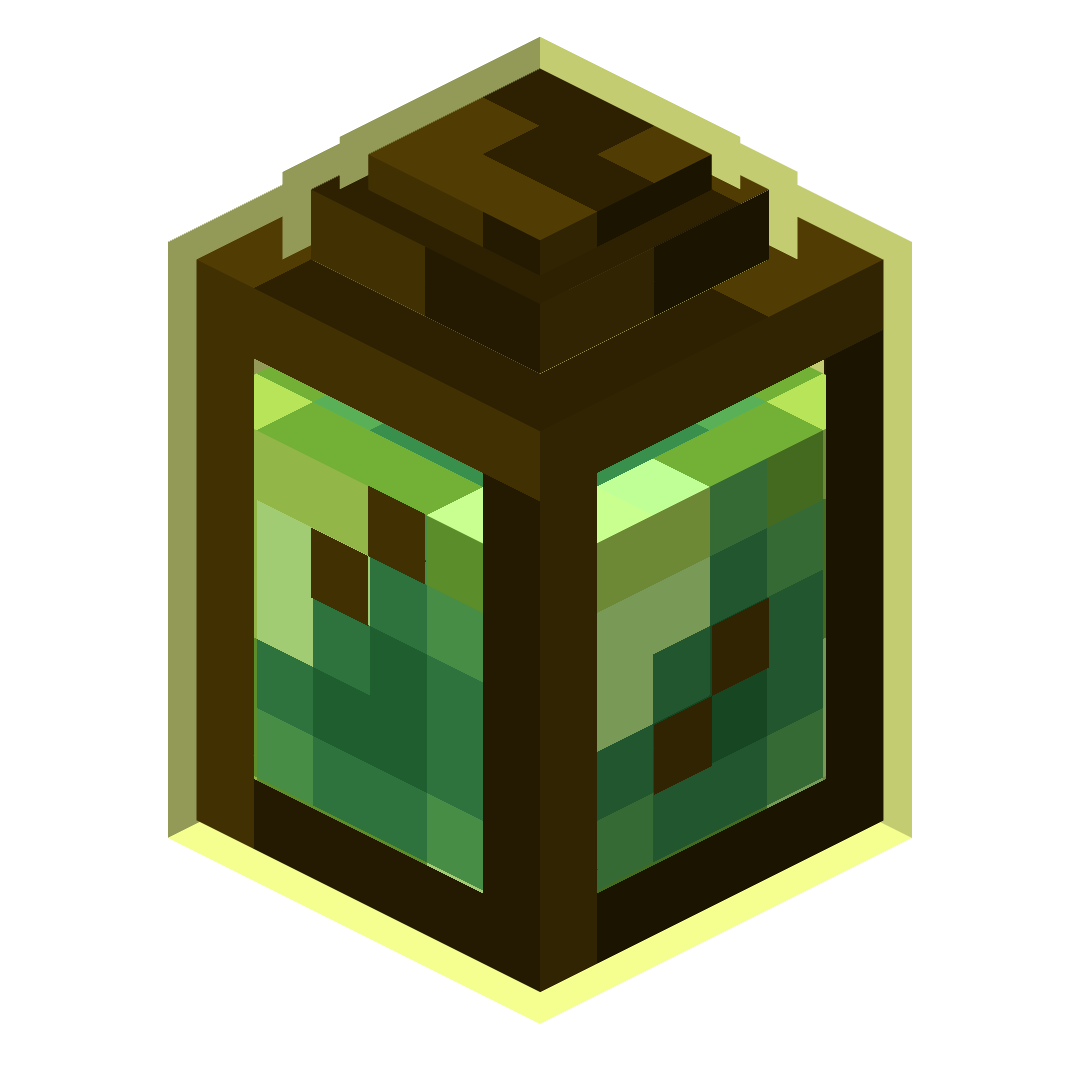
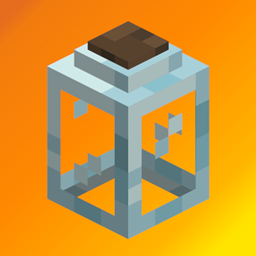
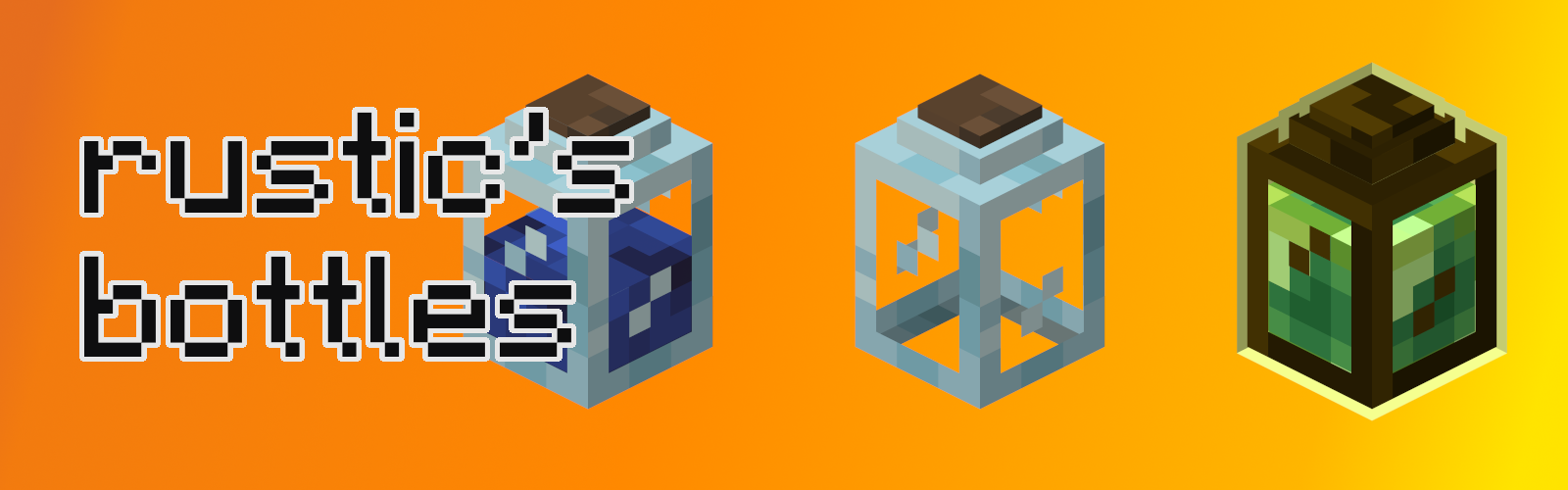
Rustic's Bottles retextures the bottles and bottle-like items in Minecraft to be 3D!

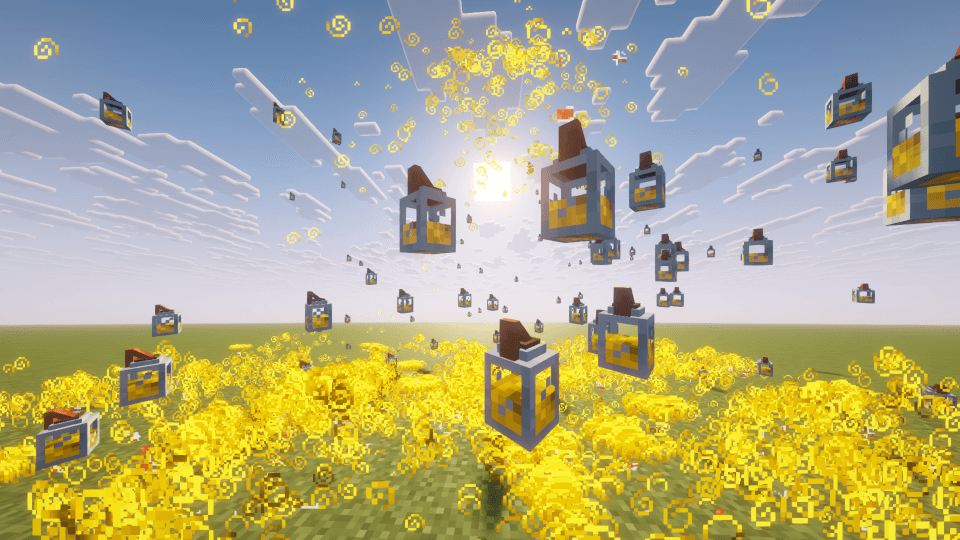
All of the potions and every item that contains a bottle in Minecraft are now 3D and animated (some can even glow). The custom model is also shown when a splash potion or bottle o' enchanting is thrown in the air. making it so the old texture won't be seen. In addition, modded potions should be able to have the correct color.

List of every item included:
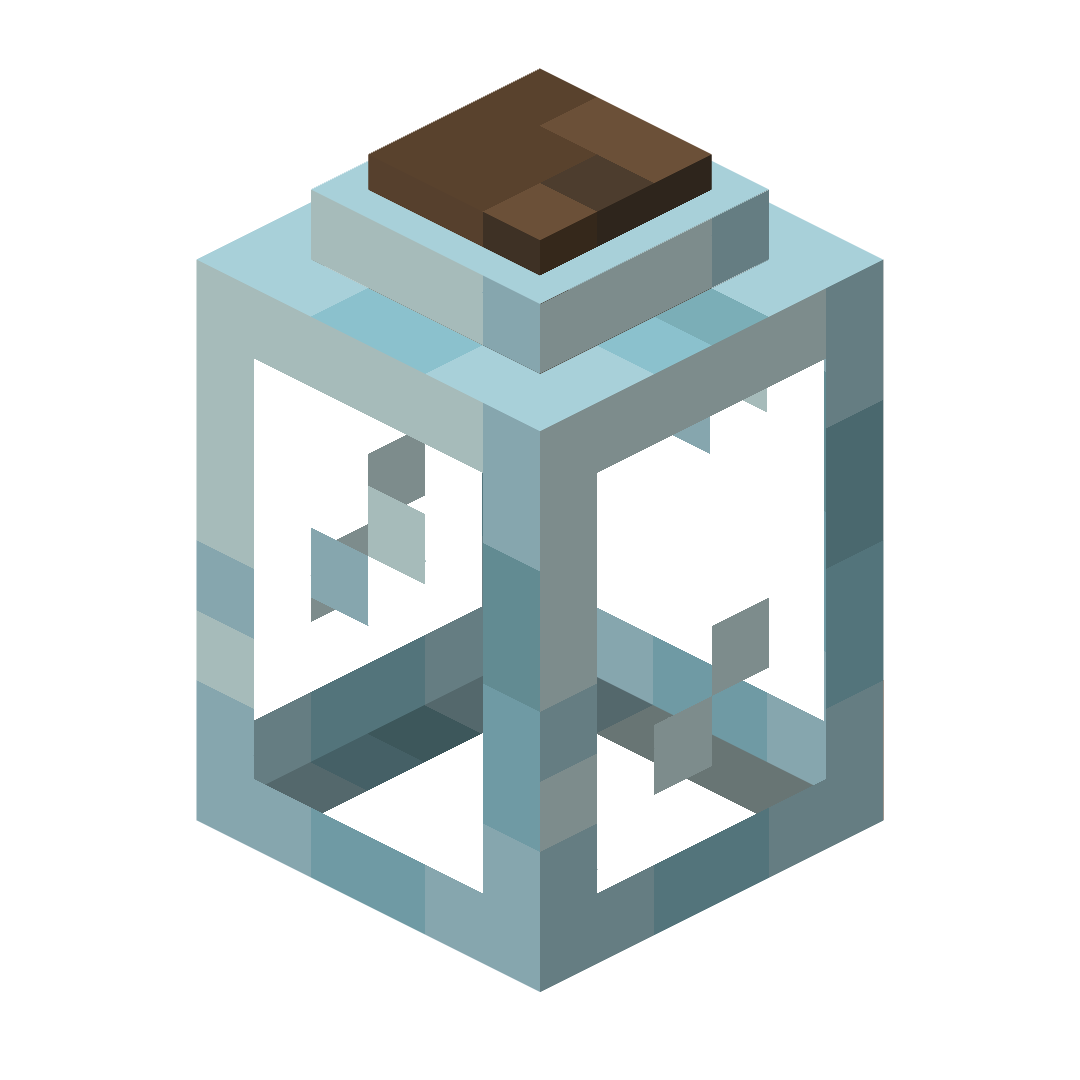
  • Glass Bottle

  • Water Bottle

  • Potions (Should also work with most modded potions)

  • Dragon's Breath

  • Honey Bottle

  • Ominous Bottle

  • Experience Bottle


If you encounter any bugs or have a suggestion, please report it on my Github page.

If you like this pack, try my other resource pack, Rustic's Books.


rusticsbottles-1.2.1.zip
MC 1.21.2-Snapshot, 1.21, 1.21.6-snapshot, 1.21.1-Snapshot, 1.21.8, 1.21.5, 1.21.4, 1.21.5-Snapshot, 1.21.1, 1.21.6, 1.21.3, 1.21.7, 1.21.4-Snapshot, 1.21.2, 1.21.9-snapshot, 1.21.9
Release 2026-04-05 Get
rusticsbottles-1.2.zip
MC 1.21.2-Snapshot, 1.21, 1.21.6-snapshot, 1.21.1-Snapshot, 1.21.8, 1.21.5, 1.21.4, 1.21.5-Snapshot, 1.21.1, 1.21.6, 1.21.3, 1.21.7, 1.21.4-Snapshot, 1.21.2, 1.21.9-snapshot, 1.21.9
Release 2026-02-28 Get
rusticsbottles-1.1.zip
MC 1.21.8, 1.21.7, 1.21.9-snapshot, 1.21.9, 1.21.10, 1.21.11-snapshot, 1.21.11
Release 2026-01-02 Get
rusticsbottles-1.0.zip
MC 1.21.8, 1.21.7, 1.21.9-snapshot, 1.21.9, 1.21.10, 1.21.11-snapshot, 1.21.11, 26.1-snapshot
Release 2025-10-25 Get

Requirements & install

How to use this resource pack in Minecraft
Resolution
16x
Minecraft
1.21.7 – 26.1-snapshot
Install folder
.minecraft/resourcepacks

How to install resource packs

  1. Download the resource pack .zip file (do not extract it).
  2. In Minecraft open Options → Resource Packs → Open Pack Folder.
  3. Drop the .zip into the resourcepacks folder (.minecraft/resourcepacks).
  4. Move the pack to the Selected column and click Done.
Browse more: 16x resource packs 32x resource packs 64x resource packs 128x resource packs 256x resource packs 512x+ resource packs Resource Packs for 26.1-snapshot All resource packs

More from RusticPotatoes

Advertisement Remove ads with Premium →

You Might Also Like