Mineuniverse
Resource Packs
Rustic's Books

Rustic's Books

RESOURCE PACK
Retextures Books and Paper to be 3D!
by RusticPotatoes
Download Claim this project
569 downloads
0 likes
Updated Oct 14, 2026
0 hypes
16x Miscellaneous Traditional
Advertisement Remove ads with Premium →

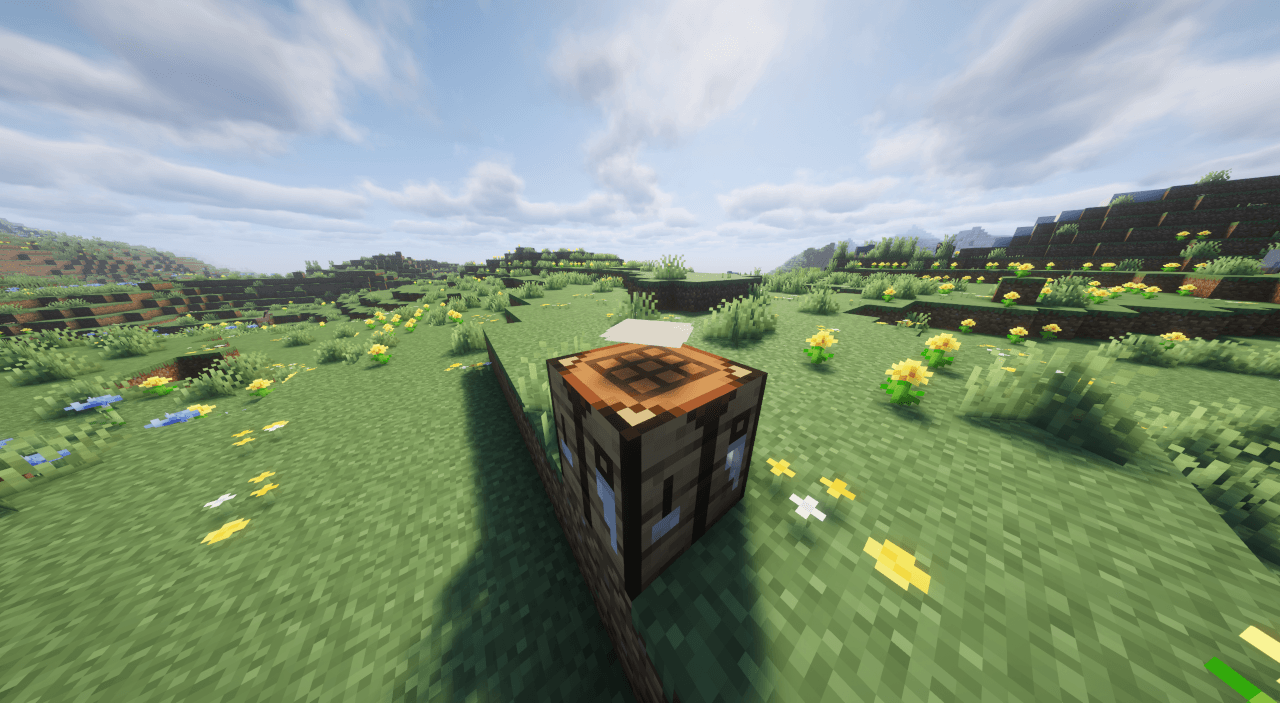
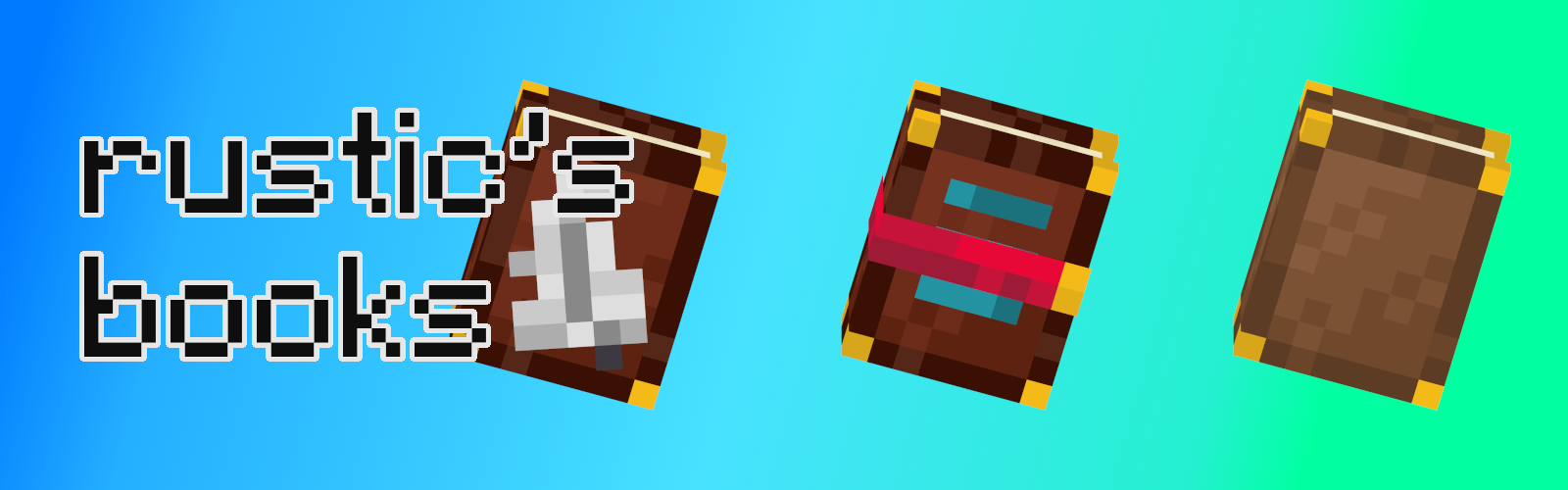
this image shows books with the words rustic's book


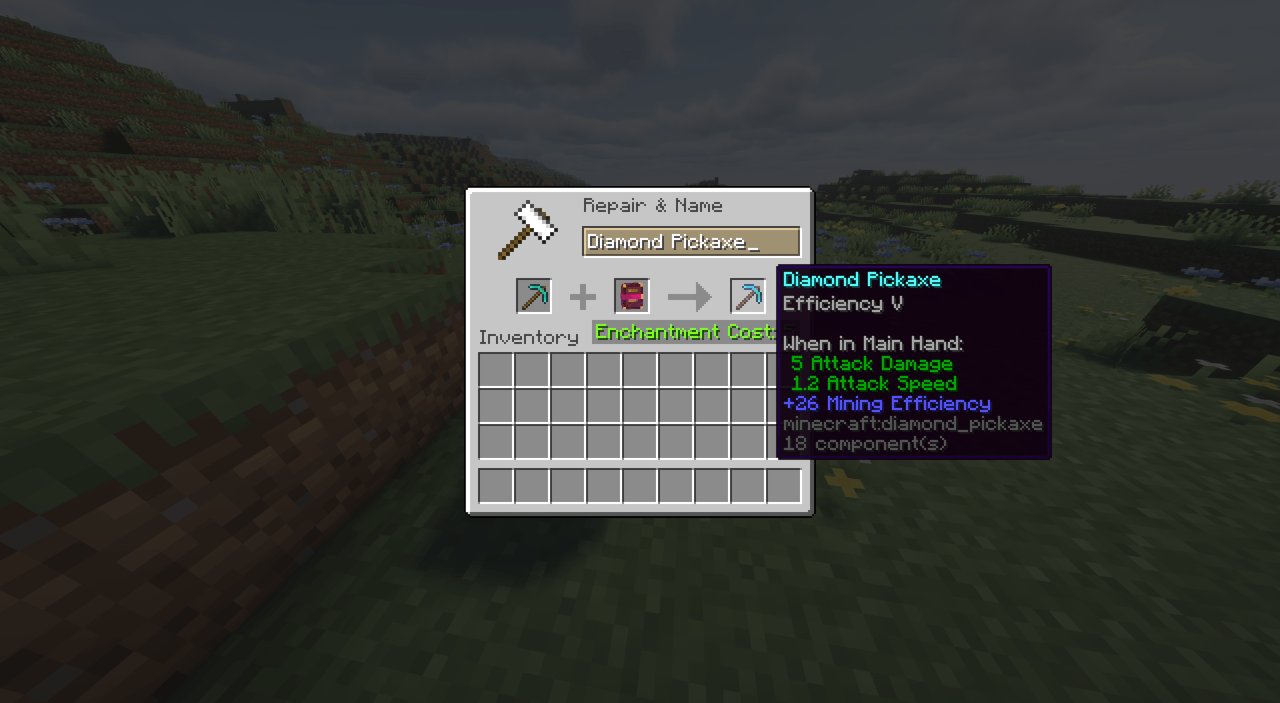
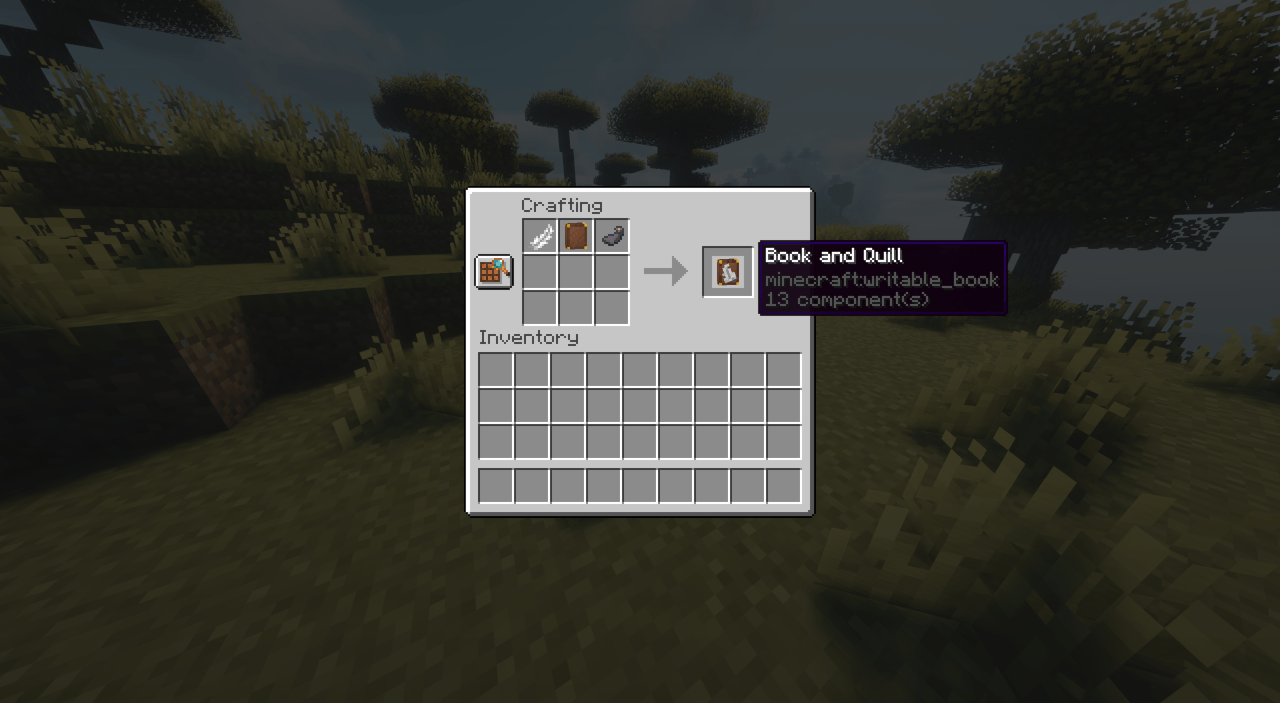
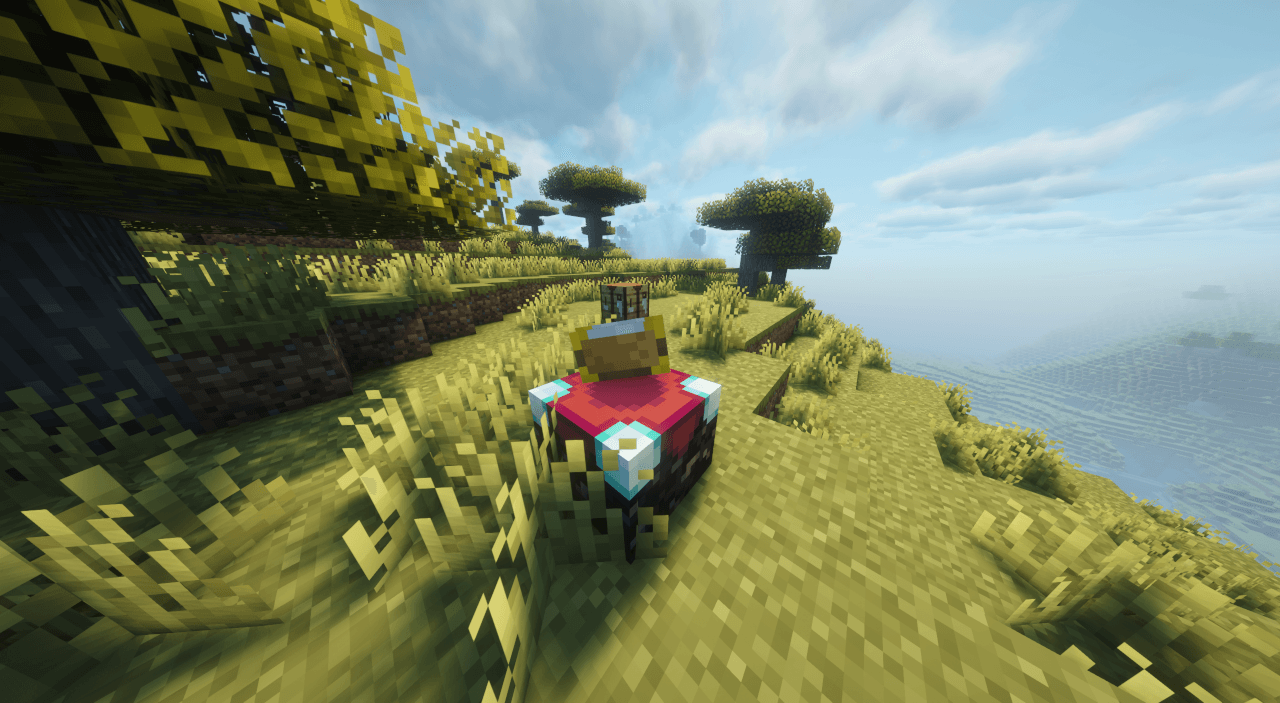
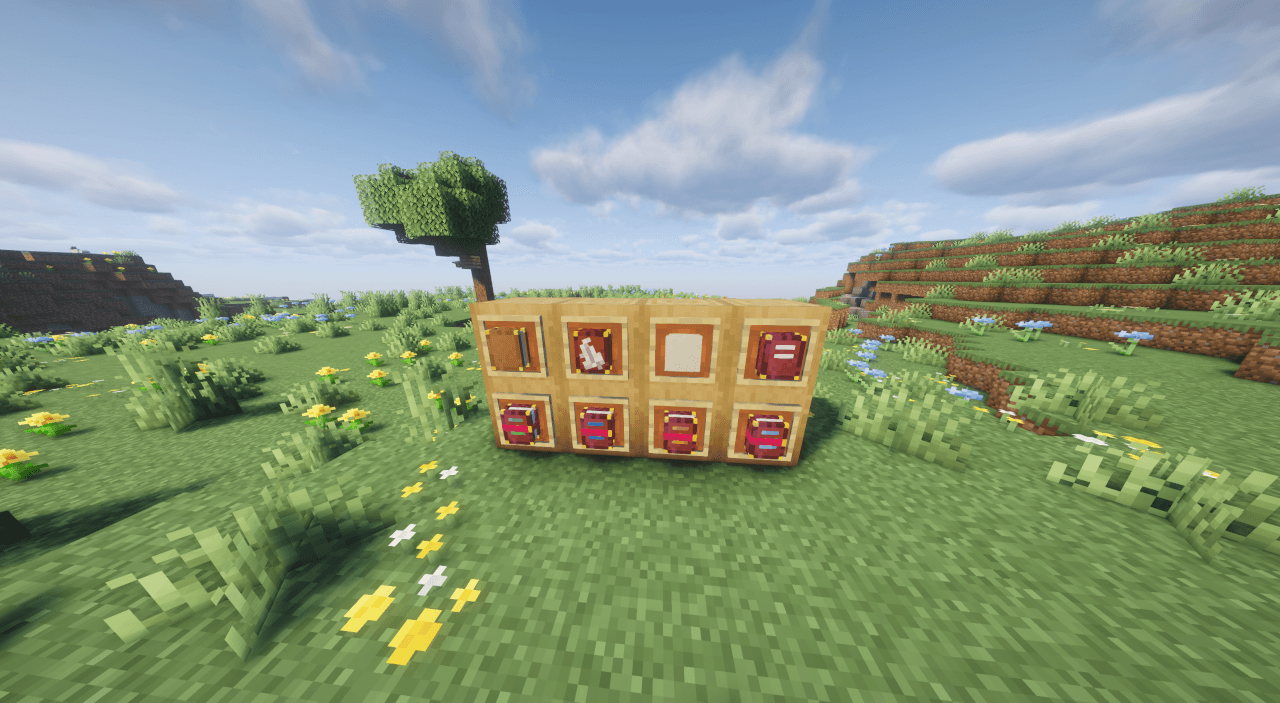
Rustic's Books retextures books and paper in Minecraft to be 3D!

Every book, including written books, writable books, and enchanted books has been reworked to be 3D and, in the case of enchanted books, show what enchantment is on it based on the label's color. Every enchanted book now has a custom color to help identify what is on it without needing to pick it up.


If you encounter any bugs or have a suggestion, please report it on my Github page.

If you like this pack, try my other resource pack, Rustic's Bottles.


This pack now has Respackopts Support!

you can now disable some modded textures and models to fit your needs without editing the pack directly.


rusticsbooks-1.1.zip
MC 1.21.8, 1.21.7, 1.21.9-snapshot, 1.21.9, 1.21.10, 1.21.11-snapshot, 1.21.11, 26.1, 26.1.1, 26.1.2, 26.2
Release 2026-01-24 Get
rusticsbooks-1.0.zip
MC 1.21.8, 1.21.7, 1.21.9-snapshot, 1.21.9, 1.21.10, 1.21.11-snapshot, 1.21.11, 26.1-snapshot
Release 2026-01-17 Get

Requirements & install

How to use this resource pack in Minecraft
Resolution
16x
Minecraft
1.21.10 – 26.2
Install folder
.minecraft/resourcepacks

How to install resource packs

  1. Download the resource pack .zip file (do not extract it).
  2. In Minecraft open Options → Resource Packs → Open Pack Folder.
  3. Drop the .zip into the resourcepacks folder (.minecraft/resourcepacks).
  4. Move the pack to the Selected column and click Done.
Browse more: 16x resource packs 32x resource packs 64x resource packs 128x resource packs 256x resource packs 512x+ resource packs Resource Packs for 26.2 All resource packs

More from RusticPotatoes

Advertisement Remove ads with Premium →

You Might Also Like