Mineuniverse
Resource Packs
RPG PVP Swords and Tools

RPG PVP Swords and Tools

RESOURCE PACK
RPG Swords and Tools for PVP (includes custom PVP Crosshair too!)
by GamerPotion
Download Claim this project
Add a badge to your pageLink to RPG PVP Swords and Tools from a README, website or forum post.
Preview: Badge

Badges update automatically and link to the resource pack page on MineUniverse.

5,099,353 downloads
0 likes
0 followers
Updated Oct 14, 2026
0 hypes
Follow0
32x Medieval
Advertisement Remove ads with Premium →

Summary

Custom RPG & PVP Pack made for use on my DarkRPG modpack. Now released as a standalone. Sword and Tool graphics by Hakiem.


Description

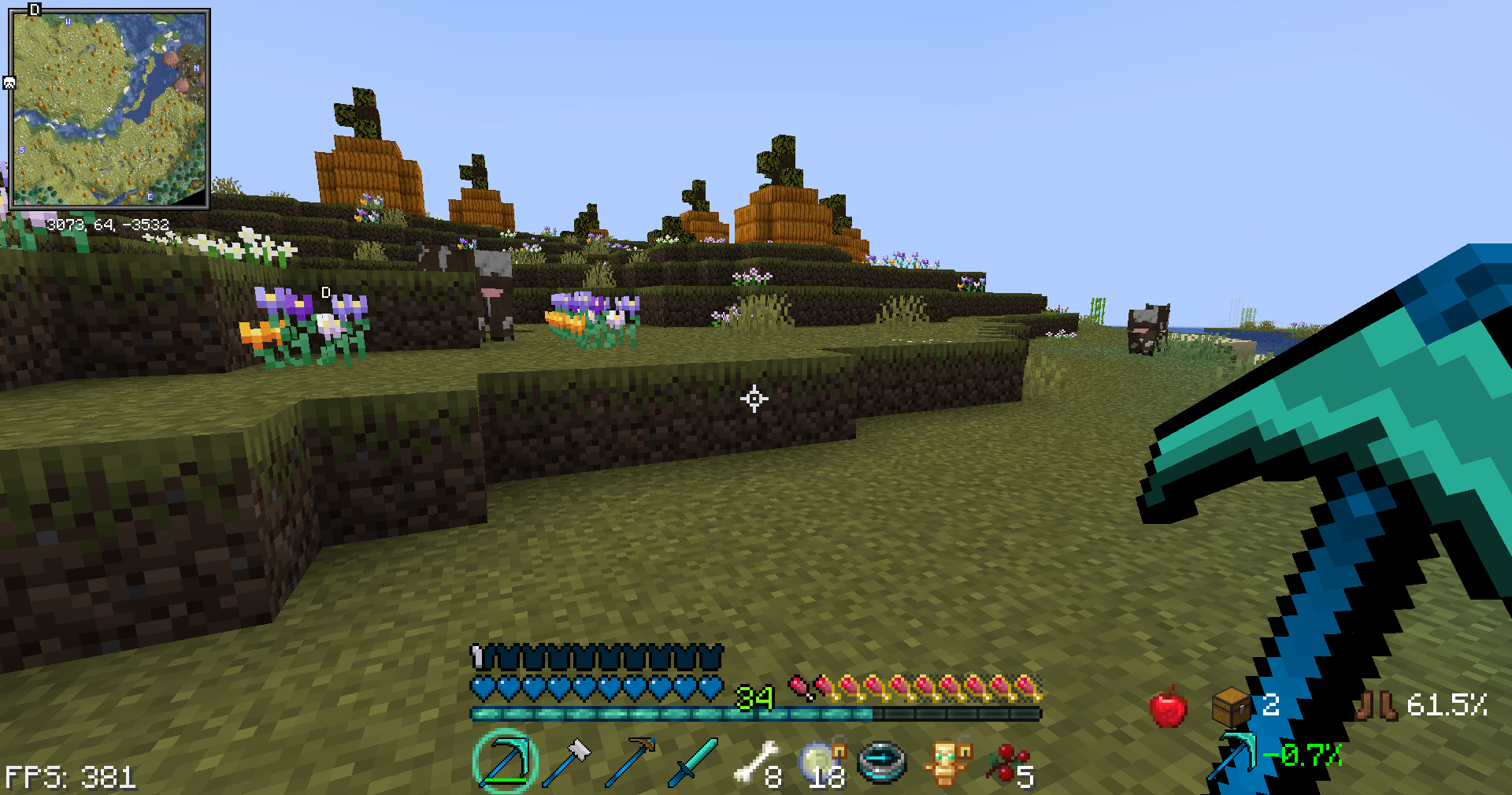
This will further improve your vanilla experience by giving you a RPG feeling which can also be used in PVP. 

This pack features 32x images all crafted from scratch to give you an immersive feeling inside the game.

This pack will feature:-

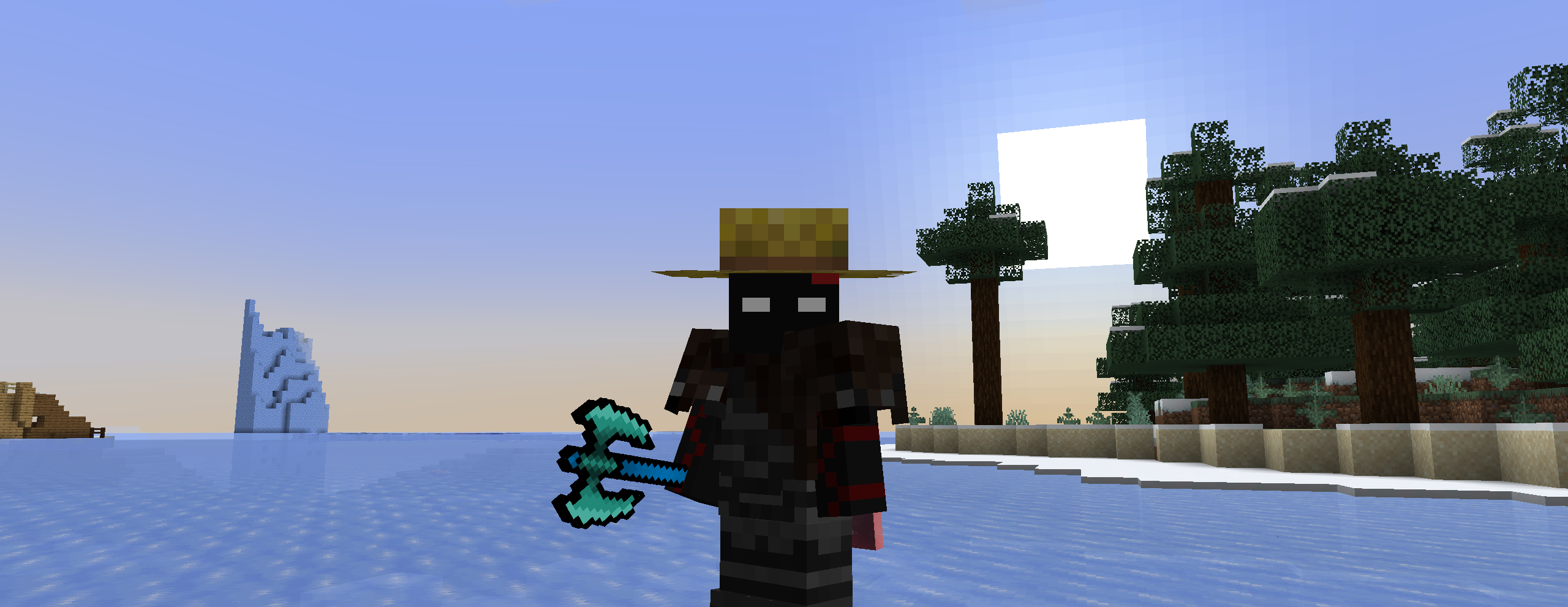
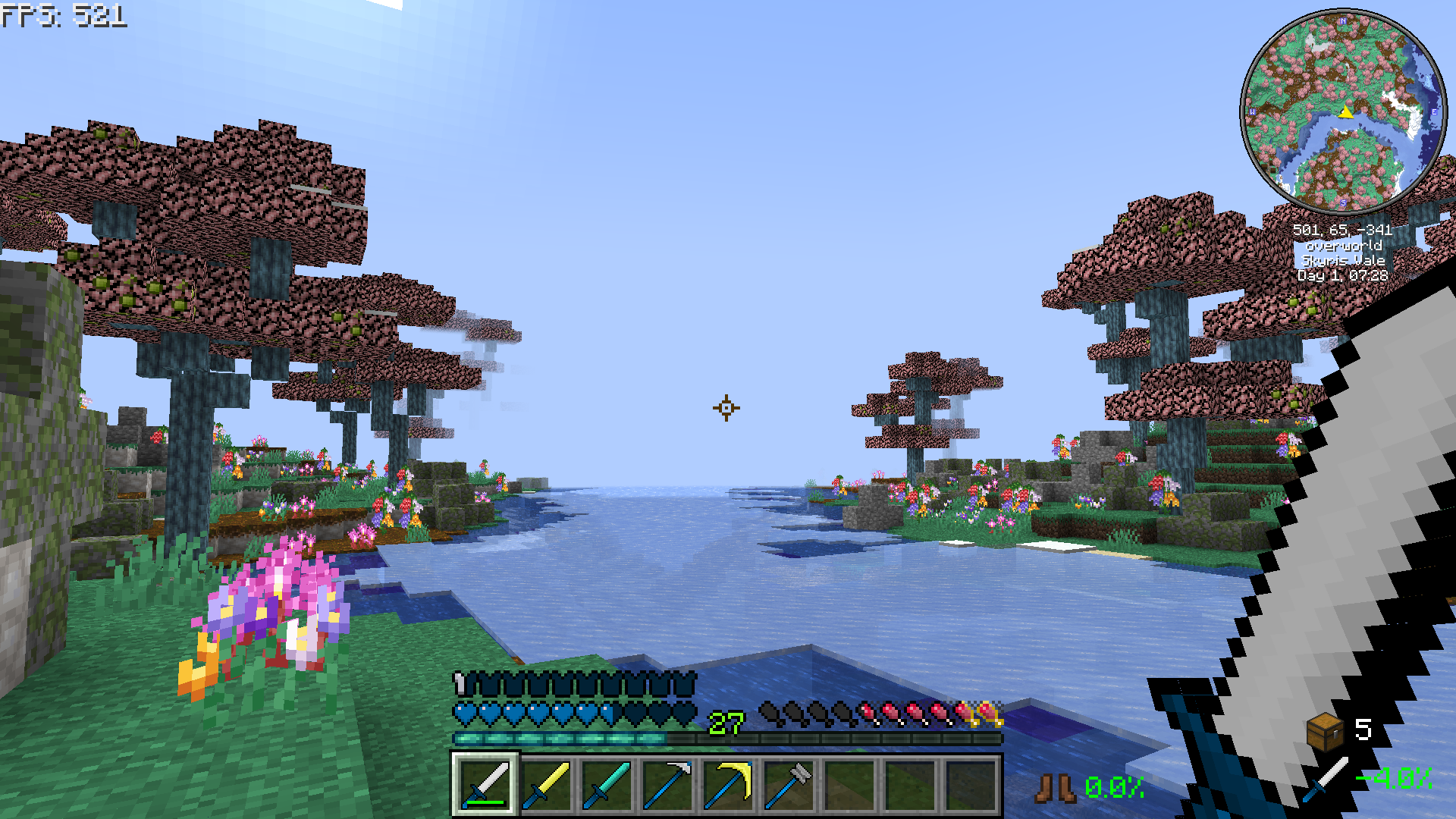
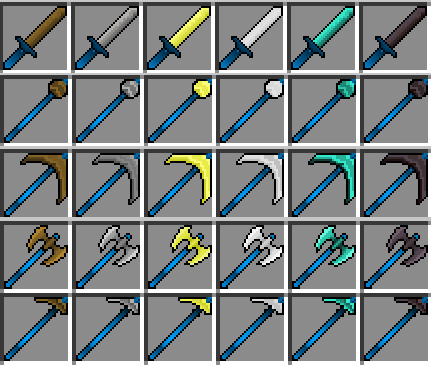
- Custom Swords with blue hilts

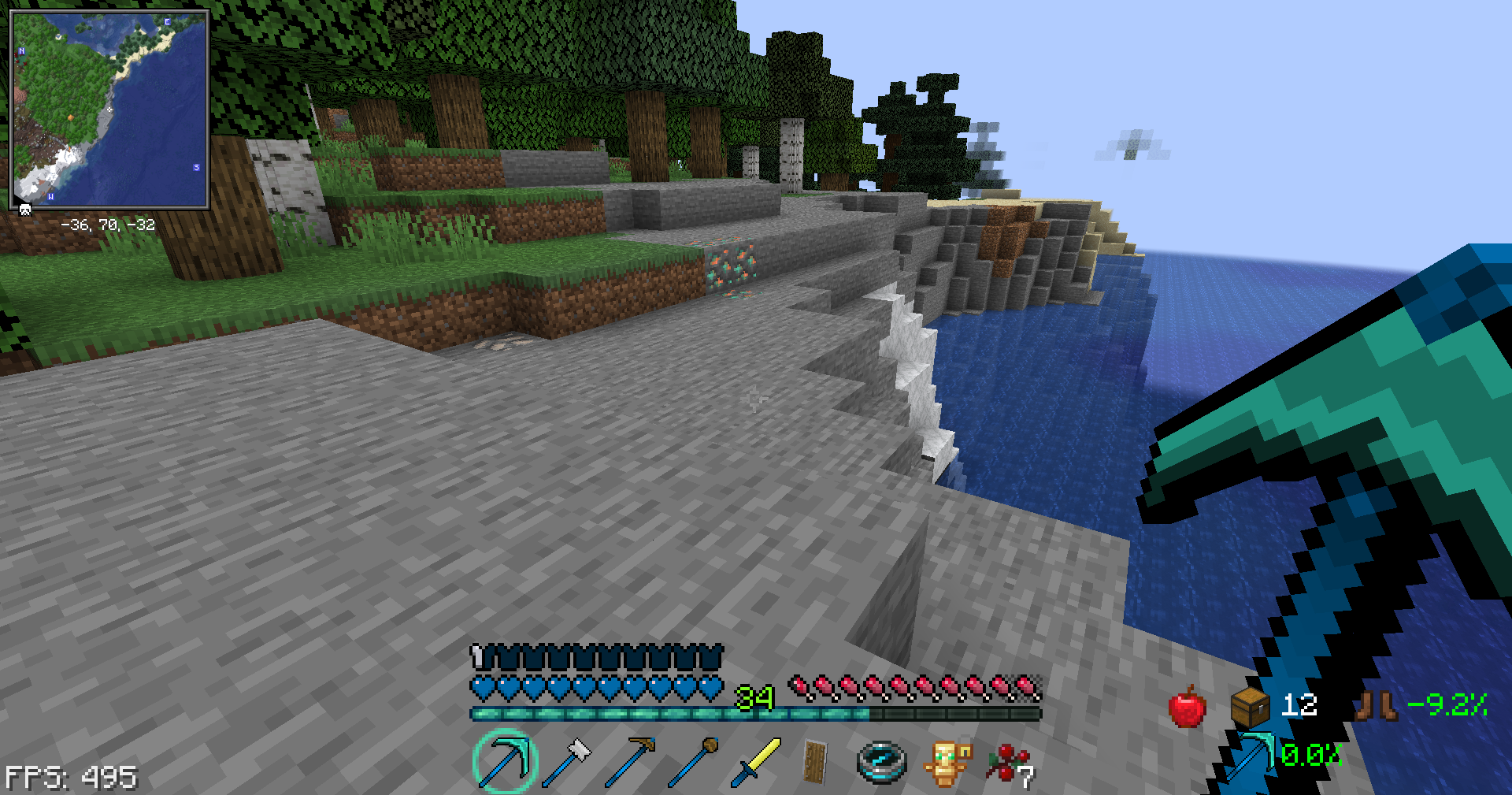
- Custom Shovel

- Custom Pickaxe

- Custom Axe

- Custom Hoe

- Custom Hearts

- Custom Hunger bar

- Custom XP bar

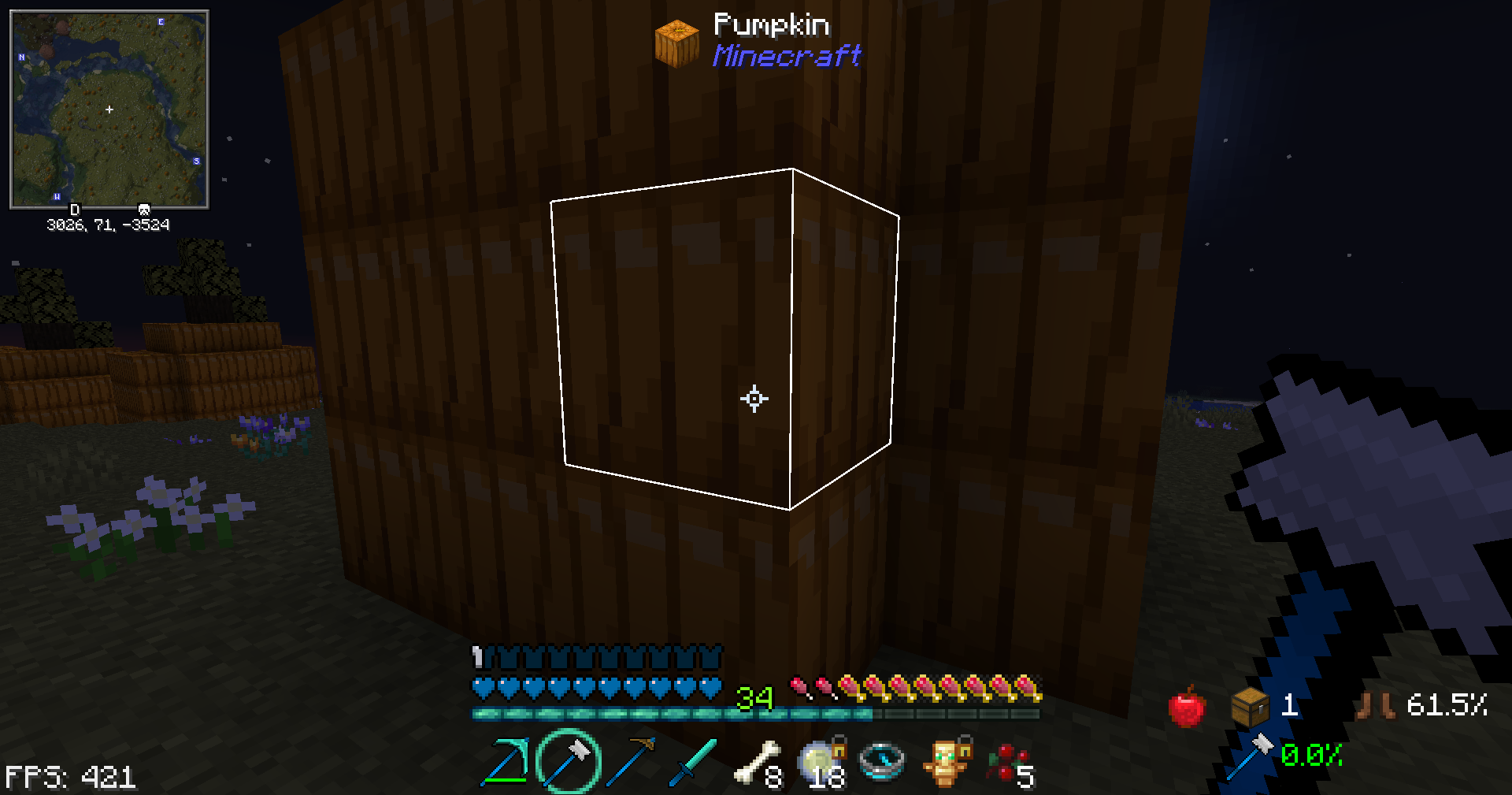
- Custom Crosshair

- White Highlight line for blocks (use Restore Block Lines for vanilla colored lines)

 Improve your RPG gameplay and use this pack today.


Looking for more PVP packs? check out my Tiny PVP Swords and Tools pack Here


Get a server today and play with your friends! Click HERE or below banner & Use Code GAMERPOTION to get 25 off!




RPG PVP Swords and Tools.zip
MC 1.21.8, 1.21.6, 1.21.7, 1.21.9, 1.21.10, 1.21.11, 26.1, 26.1.1, 26.1.2, 26.2, 26.3
Release 2025-06-18 Get
RPG PVP Swords and Tools.zip
MC 1.21.5, 1.21.4
Release 2024-12-07 Get
RPG PVP Swords and Tools.zip
MC 1.20.2, 1.21, 1.20.5, 1.20.5-Snapshot, 1.20.3, 1.20.6, 1.20.4, 1.21.3, 1.21.1, 1.21.2
Release 2023-09-23 Get
RPG PVP Swords and Tools.zip
MC 1.17.1, 1.19.3, 1.18.1, 1.17, 1.19.4, 1.16.5, 1.18.2, 1.19.2, 1.20.1, 1.20, 1.19.1, 1.18, 1.19
Release 2023-07-29 Get
RPG PVP Swords and Tools.zip
MC 1.17.1, 1.19.3, 1.18.1, 1.17, 1.19.4, 1.16.5, 1.18.2, 1.19.2, 1.20.1, 1.20, 1.19.1, 1.18, 1.19
Release 2023-04-12 Get

Requirements & install

How to use this resource pack in Minecraft
Resolution
32x
Minecraft
1.21.9 – 26.3
Install folder
.minecraft/resourcepacks

How to install resource packs

  1. Download the resource pack .zip file (do not extract it).
  2. In Minecraft open Options → Resource Packs → Open Pack Folder.
  3. Drop the .zip into the resourcepacks folder (.minecraft/resourcepacks).
  4. Move the pack to the Selected column and click Done.
Browse more: 16x resource packs 32x resource packs 64x resource packs 128x resource packs 256x resource packs 512x+ resource packs Resource Packs for 26.3 All resource packs

More from GamerPotion

Advertisement Remove ads with Premium →

You Might Also Like