Mineuniverse
Resource Packs
Rgb Animated Xp Bar

Rgb Animated Xp Bar

RESOURCE PACK
Animated your Xp bar in Vanilla Minecraft!
by Smootheez
Download Claim this project
9,785 downloads
0 likes
0 followers
Updated Oct 14, 2026
0 hypes
Follow0
16x Animated
Advertisement Remove ads with Premium →

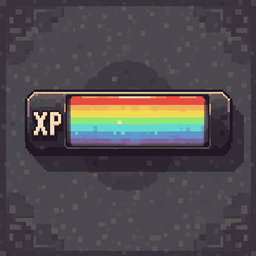
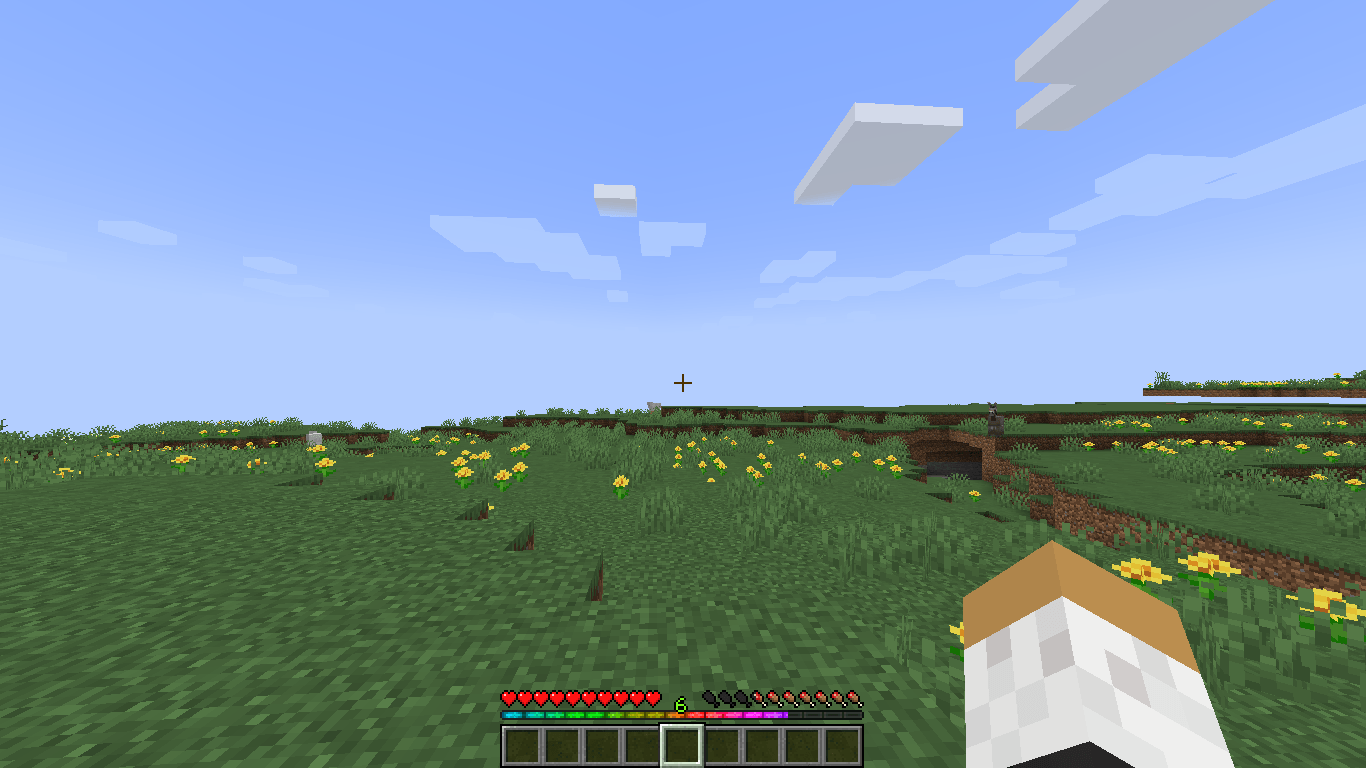
Rgb animated xp bar in vanilla.
So Mojang in some back versions. Let us to customize gui further, even add animation on it. Because before this added it's not possible to create animated gui in vanilla Minecraft. But now you can so enjoy :).

32X Example Animation

https://i.imgur.com/j8tIykE.gif

16X Example Animation

https://i.imgur.com/qWQPn9K.gif
Note: Xp text is still green actually

Example Image

RA-Xp-Bar-x16
MC 1.21.2-Snapshot, 1.21, 1.20.5, 1.20.5-Snapshot, 1.21.1-Snapshot, 1.20.6, 1.20.4, 1.21-Snapshot, 1.21.1
Release 2024-09-25 Get
RA-Xp-Bar-x32
MC 1.21.2-Snapshot, 1.21, 1.20.5, 1.20.5-Snapshot, 1.21.1-Snapshot, 1.20.6, 1.20.4, 1.21-Snapshot, 1.21.1
Release 2024-09-25 Get
Vanilla-Rgb-Animated-Xp-Bar-x16
MC 1.21.2-Snapshot, 1.21, 1.20.5, 1.20.5-Snapshot, 1.21.1-Snapshot, 1.20.6, 1.20.4, 1.21-Snapshot, 1.21.1
Beta 2024-09-15 Get
Vanilla-Rgb-Animated-Xp-Bar-x32
MC 1.21.2-Snapshot, 1.21, 1.20.5, 1.20.5-Snapshot, 1.21.1-Snapshot, 1.20.6, 1.20.4, 1.21-Snapshot, 1.21.1
Beta 2024-09-15 Get

Requirements & install

How to use this resource pack in Minecraft
Resolution
16x
Minecraft
1.20.5-Snapshot – 1.21.2-Snapshot
Install folder
.minecraft/resourcepacks

How to install resource packs

  1. Download the resource pack .zip file (do not extract it).
  2. In Minecraft open Options → Resource Packs → Open Pack Folder.
  3. Drop the .zip into the resourcepacks folder (.minecraft/resourcepacks).
  4. Move the pack to the Selected column and click Done.
Browse more: 16x resource packs 32x resource packs 64x resource packs 128x resource packs 256x resource packs 512x+ resource packs Resource Packs for 1.21.2-Snapshot All resource packs

More from Smootheez

Advertisement Remove ads with Premium →

You Might Also Like