Mineuniverse
Resource Packs
Resident Evil Requiem Painting

Resident Evil Requiem Painting

RESOURCE PACK
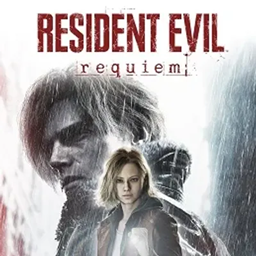
A fan-made painting texture pack for Minecraft, inspired by Resident Evil Requiem, made for Resident Evil and Minecraft fans who want darker cinematic artwork inside their worlds.
by MistXRage
Download Claim this project
Add a badge to your pageLink to Resident Evil Requiem Painting from a README, website or forum post.
Preview: Badge

Badges update automatically and link to the resource pack page on MineUniverse.

61 downloads
0 likes
0 followers
Updated Oct 14, 2026
0 hypes
Follow0
512x and Higher Miscellaneous Photo Realistic
Advertisement Remove ads with Premium →

🩸 Resident Evil Requiem Painting Pack

A fan-made Minecraft painting texture pack inspired by Resident Evil Requiem, created for both Resident Evil and Minecraft fans.

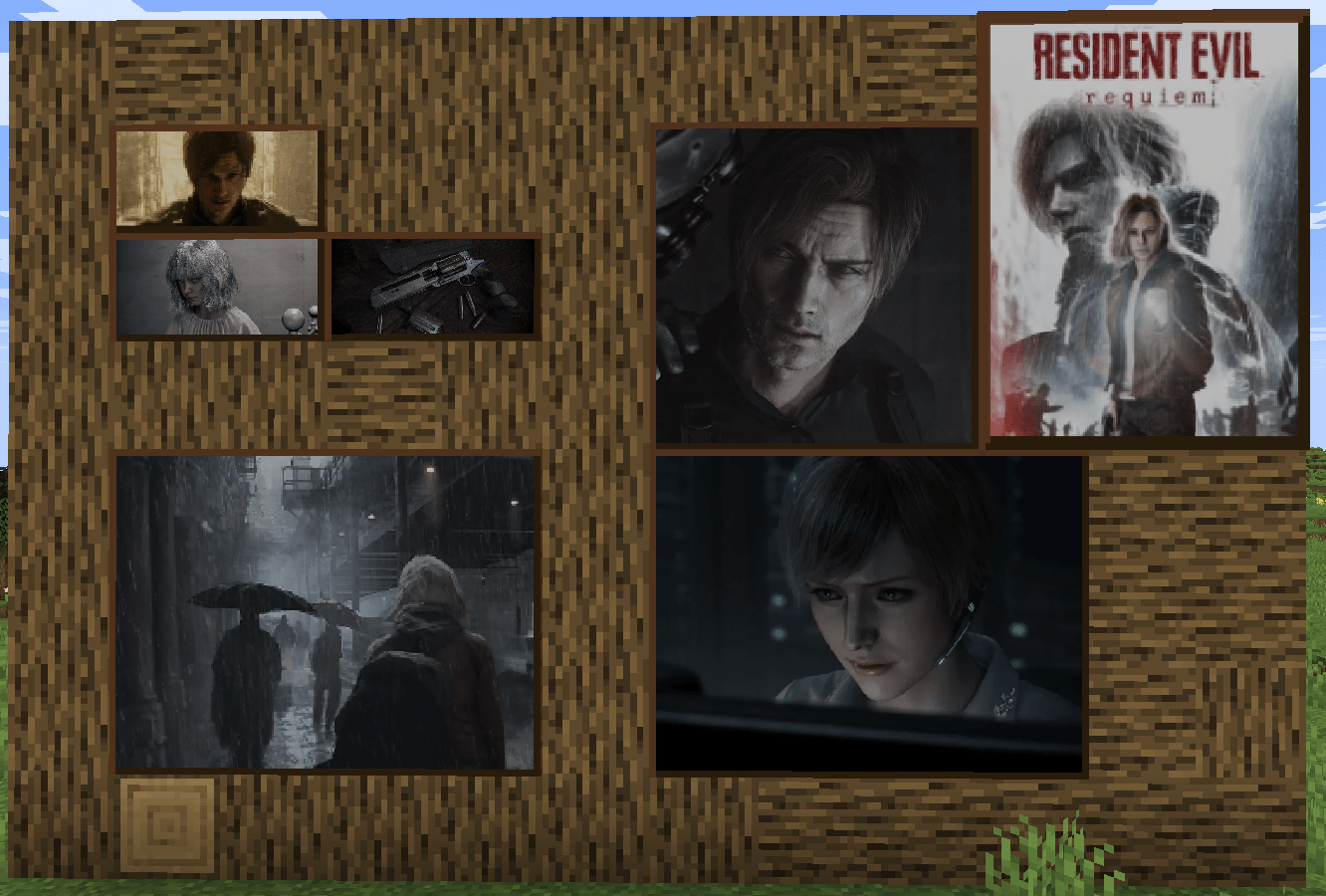
This pack replaces Minecraft's original paintings with cinematic, horror-themed artwork inspired by the atmosphere and visual style of the Resident Evil universe.

Bring a darker, more atmospheric feel to your Minecraft builds with paintings inspired by the world of Resident Evil Requiem.

🎨 Included Paintings

The current version includes the following paintings:

  • Kong
  • Mortal Coil
  • The Pool
  • Bonjour Monsieur Courbet
  • Dennis
  • Backyard
  • sunset_dense

🖼️ How to Get the Paintings

In Creative Mode, open the Painting item list and look for the paintings using the names listed above.

You can also place them normally in Survival Mode once you have access to the corresponding paintings.

🩸 More Coming Soon

This pack is still being worked on.

More Resident Evil Requiem-inspired paintings are coming. ;)

Stay tuned for future updates!

Resident Evil Requiem by MistXRage.zip
MC 26.1, 26.1.1, 26.1.2, 26.2, 26.3
Release 2026-09-26 Get

Requirements & install

How to use this resource pack in Minecraft
Resolution
512x+
Minecraft
26.1 – 26.3
Install folder
.minecraft/resourcepacks

How to install resource packs

  1. Download the resource pack .zip file (do not extract it).
  2. In Minecraft open Options → Resource Packs → Open Pack Folder.
  3. Drop the .zip into the resourcepacks folder (.minecraft/resourcepacks).
  4. Move the pack to the Selected column and click Done.

512x packs need a strong GPU and at least 4 GB of RAM for Minecraft; a performance mod such as Sodium is strongly recommended.

Browse more: 16x resource packs 32x resource packs 64x resource packs 128x resource packs 256x resource packs 512x+ resource packs Resource Packs for 26.3 All resource packs

More from MistXRage

Advertisement Remove ads with Premium →

You Might Also Like