Mineuniverse
Resource Packs
Reshaped Vanilla x Fresh Animations (Curseforge)

Reshaped Vanilla x Fresh Animations (Curseforge)

RESOURCE PACK
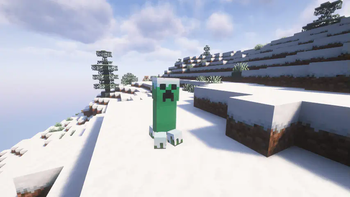
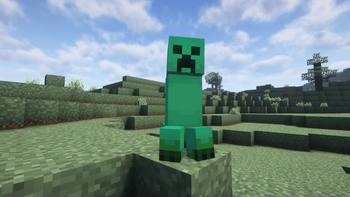
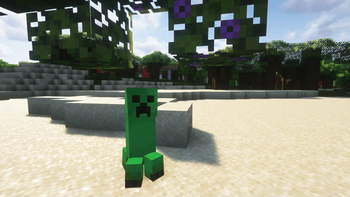
Adds compatibility with FreshLX's fresh animation pack with Reshaped Vanilla.
by otoadgamer
Download Claim this project
Add a badge to your pageLink to Reshaped Vanilla x Fresh Animations (Curseforge) from a README, website or forum post.
Preview: Badge

Badges update automatically and link to the resource pack page on MineUniverse.

5,687 downloads
0 likes
0 followers
Updated Oct 14, 2026
0 hypes
Follow0
16x Animated Modern
Advertisement Remove ads with Premium →

What does this pack do?

Modrinth PlanetMinecraft Curseforge Ko-fi


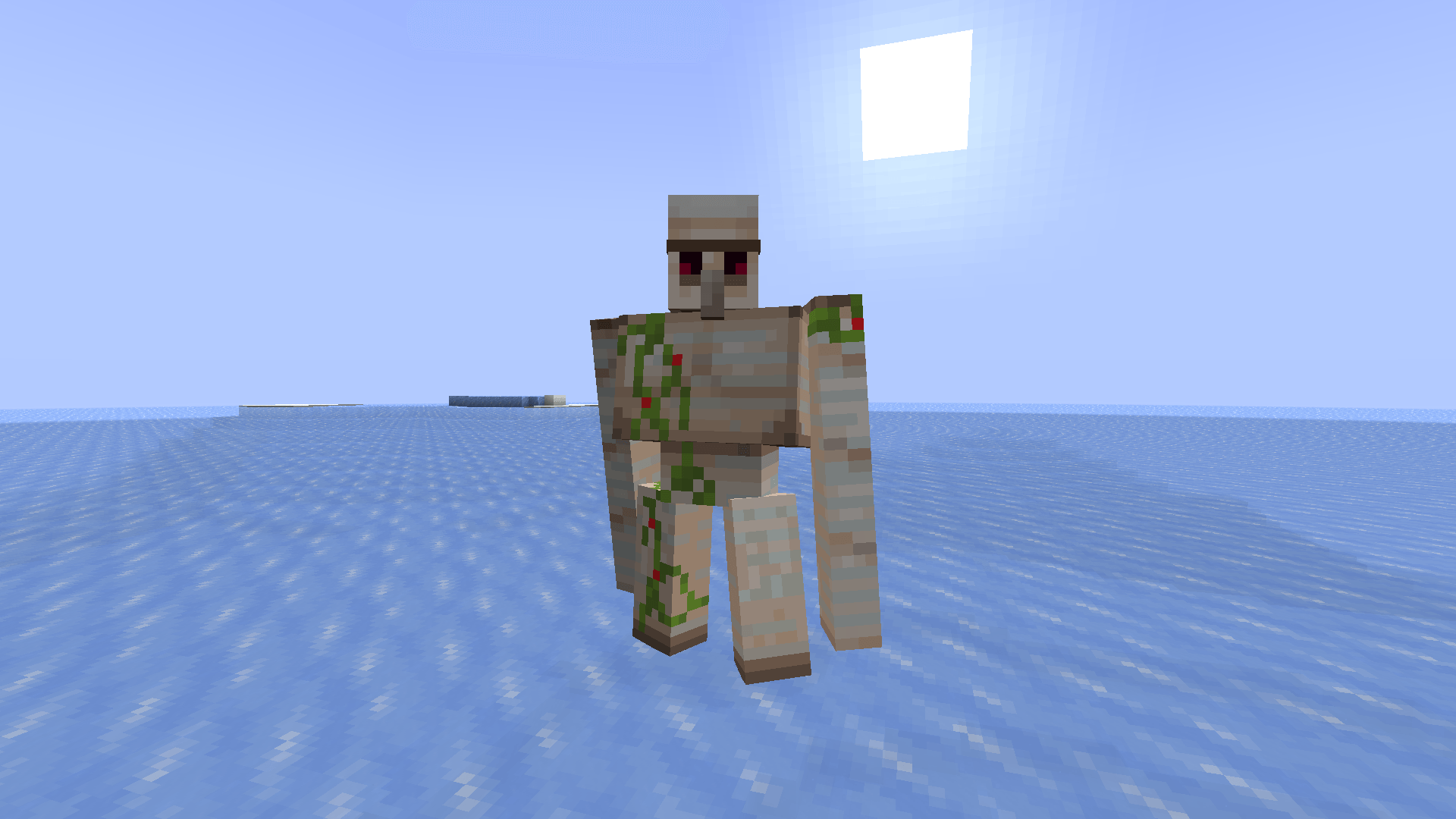
This pack makes it so you can use the resource pack Reshaped Vanilla with Fresh animations.


WARNING!

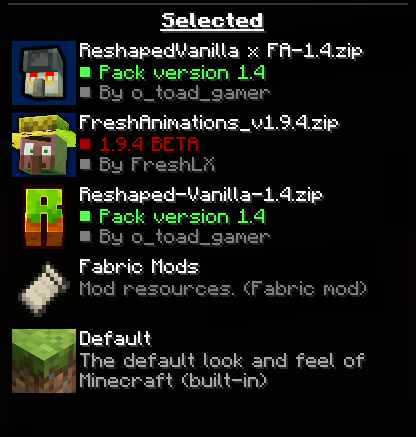
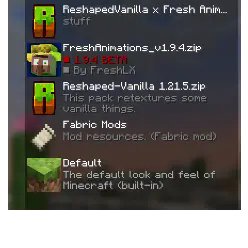
DOWNLOAD ALL OF THE REQUIRED MODS AND RESOURCE PACKS! IF YOU DON'T WANT ENTITY MODEL FEATURES AND ENTITY MODELS, THEN OPTIFINE IS REQUIRED. PLEASE PUT THE PACKS IN THE ORDER IN THE GALLERY. THERE ARE OTHER REQUIREMENTS, SO DOWNLOAD THEM ALL.


Installation Guide:


Windows:

  1. Go to your files to %appdata% and then go to the /.minecraft/ folder.
  2. Go to /.minecraft/resourcepacks.
  3. Put the resourcepack in the folder.

Linux:

  1. Go to your files to your /.minecraft/ folder.
  2. Then go to /resourcepacks/.
  3. Put the resourcepack in the same folder.

MacOS

  1. Go to ~/.minecraft/resourcepacks/ in your file manager.
  2. Put the pack inside that folder.


This pack requires optifine or Entity model features.


[ETF] Entity Texture Features

https://modrinth.com/mod/entitytexturefeatures


Credit

Freshlx: https://modrinth.com/user/FreshLX](https://modrinth.com/user/FreshLX

I did not animate anything these animations were made by FreshLX.


Shaders:

Amethyst Shaders: https://modrinth.com/shader/amethyst-shaders

Complementary Unbound:

[https://modrinth.com/shader/complementary-unbound]

BSL Shaders: [https://modrinth.com/shader/yofps


Thanks For Downloading!

ReshapedVanilla x FA-1.4.zip
MC 1.16-Snapshot, 1.17.1, 1.16.3, 1.19.3, 1.20.2, 1.21.2-Snapshot, 1.21, 1.21.6-snapshot, 1.15-Snapshot, 1.16.1, 1.18.1, 1.19.4-Snapshot, 1.20.5, 1.21.5, 1.14.4, 1.14.1, 1.17
Release 2025-07-25 Get
ReshapedVanilla x FA-1.3.zip
MC 1.16-Snapshot, 1.17.1, 1.16.3, 1.19.3, 1.20.2, 1.21.2-Snapshot, 1.21, 1.21.6-snapshot, 1.15-Snapshot, 1.16.1, 1.18.1, 1.19.4-Snapshot, 1.20.5, 1.21.5, 1.14.4, 1.14.1, 1.17
Release 2025-07-22 Get

Requirements & install

How to use this resource pack in Minecraft
Resolution
16x
Minecraft
1.19.3 – 1.21.6-snapshot
Install folder
.minecraft/resourcepacks

How to install resource packs

  1. Download the resource pack .zip file (do not extract it).
  2. In Minecraft open Options → Resource Packs → Open Pack Folder.
  3. Drop the .zip into the resourcepacks folder (.minecraft/resourcepacks).
  4. Move the pack to the Selected column and click Done.
Browse more: 16x resource packs 32x resource packs 64x resource packs 128x resource packs 256x resource packs 512x+ resource packs Resource Packs for 1.21.6-snapshot All resource packs

More from otoadgamer

Advertisement Remove ads with Premium →

You Might Also Like