Mineuniverse
Resource Packs
Enhanced creepers

Enhanced creepers

RESOURCE PACK
Makes creepers better and adds new creepers.
by otoadgamer
Download Claim this project
204 downloads
0 likes
Updated Oct 14, 2026
0 hypes
16x Miscellaneous
Advertisement Remove ads with Premium →

What does this pack do?

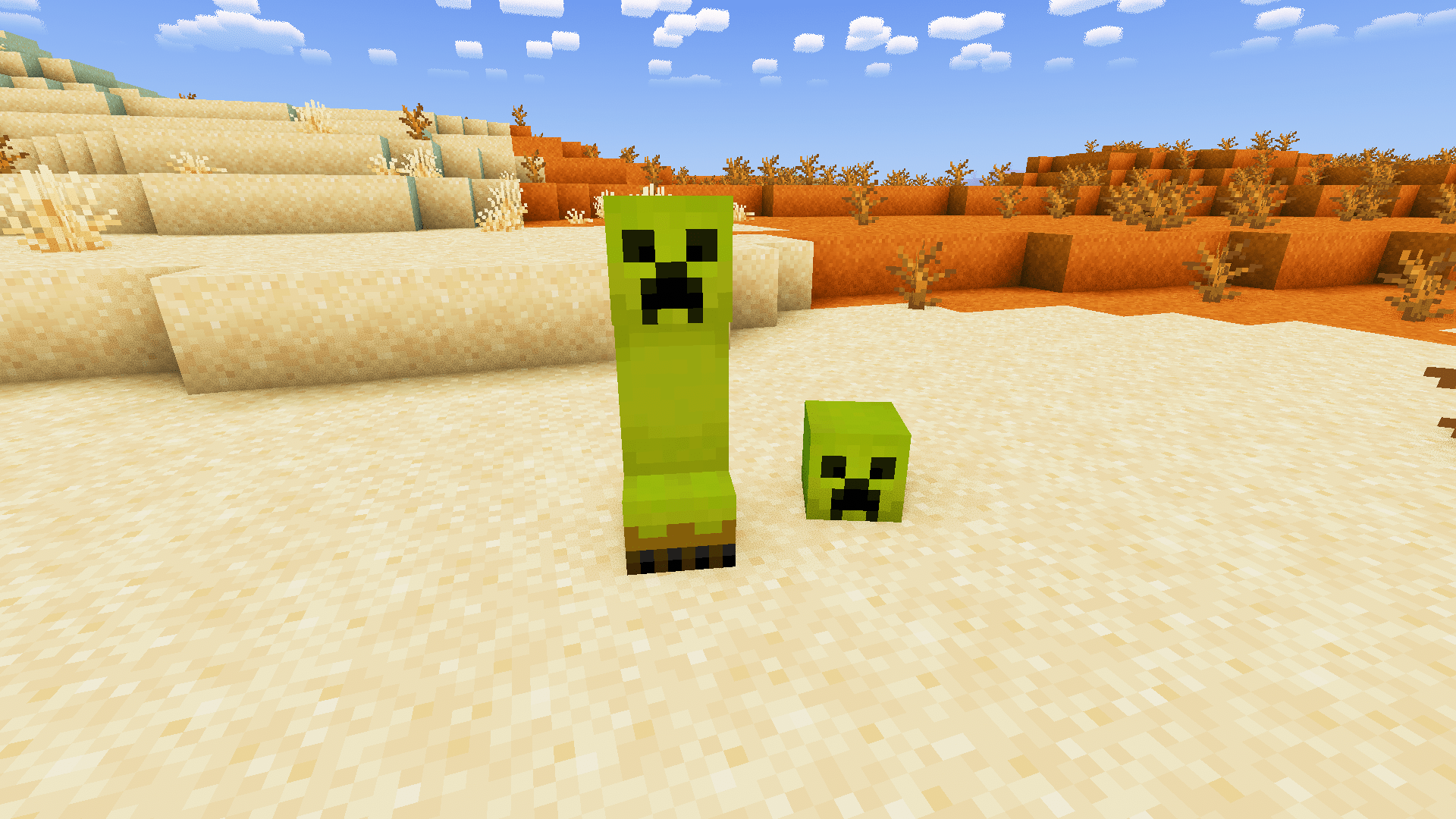
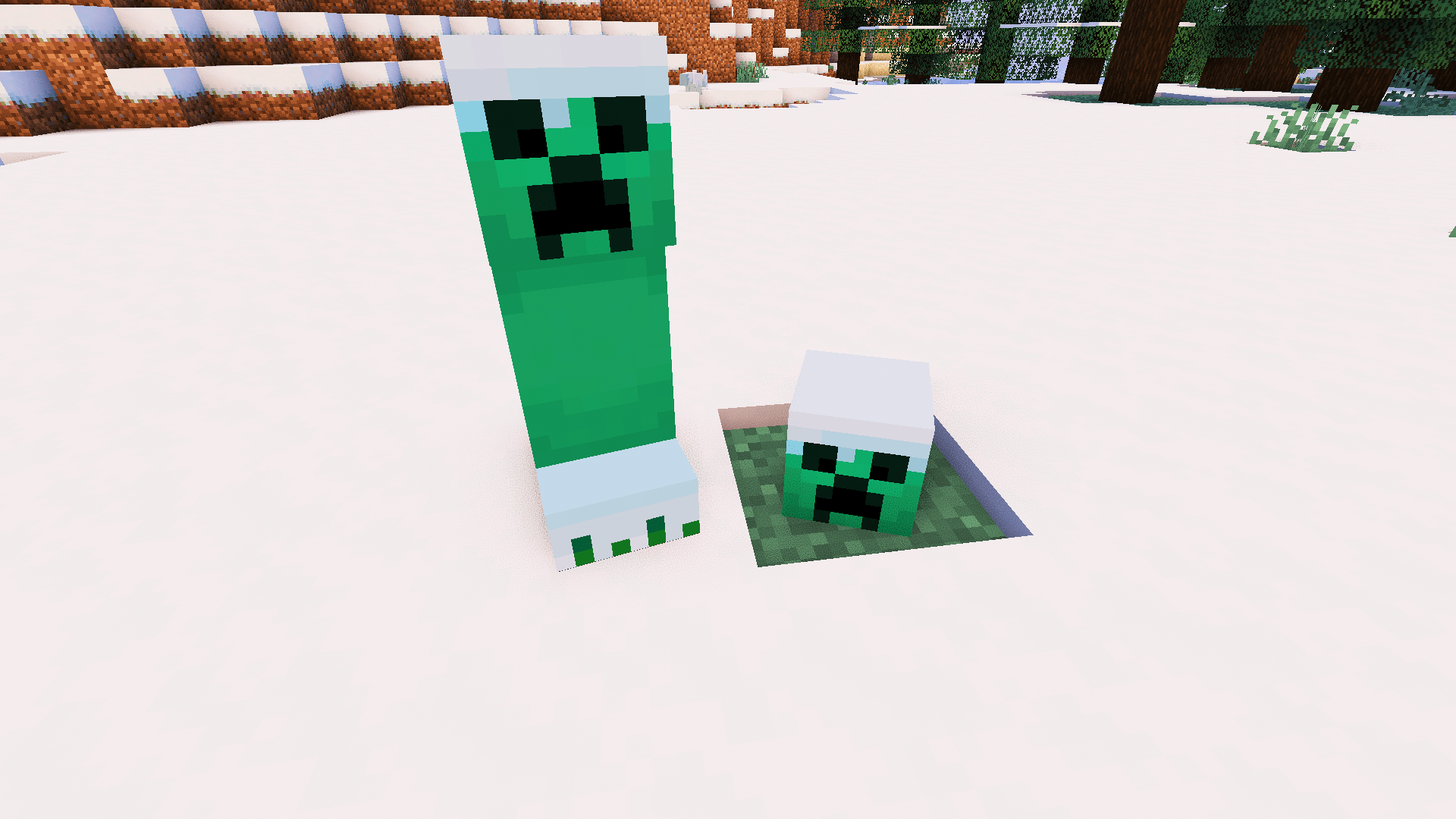
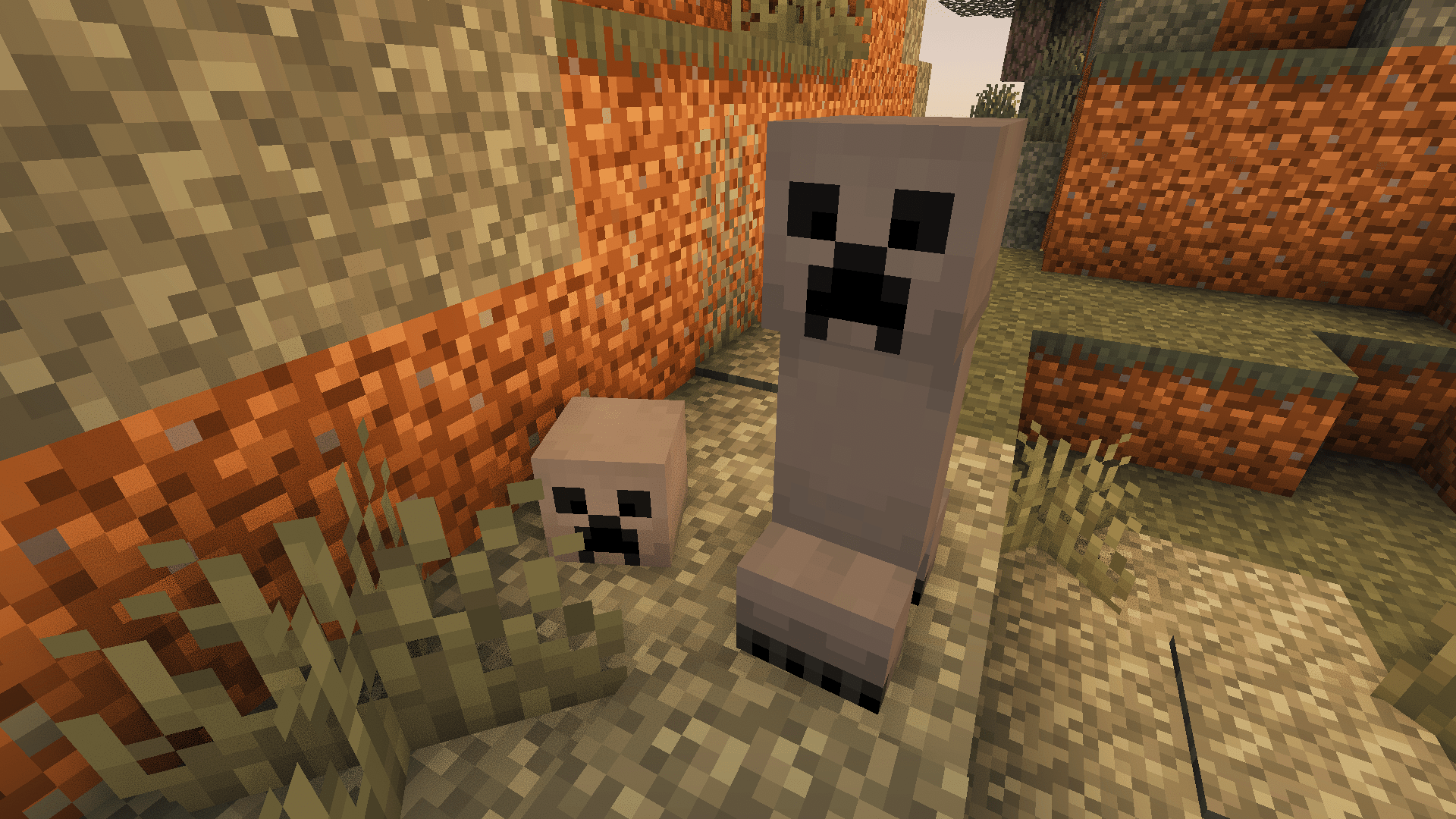
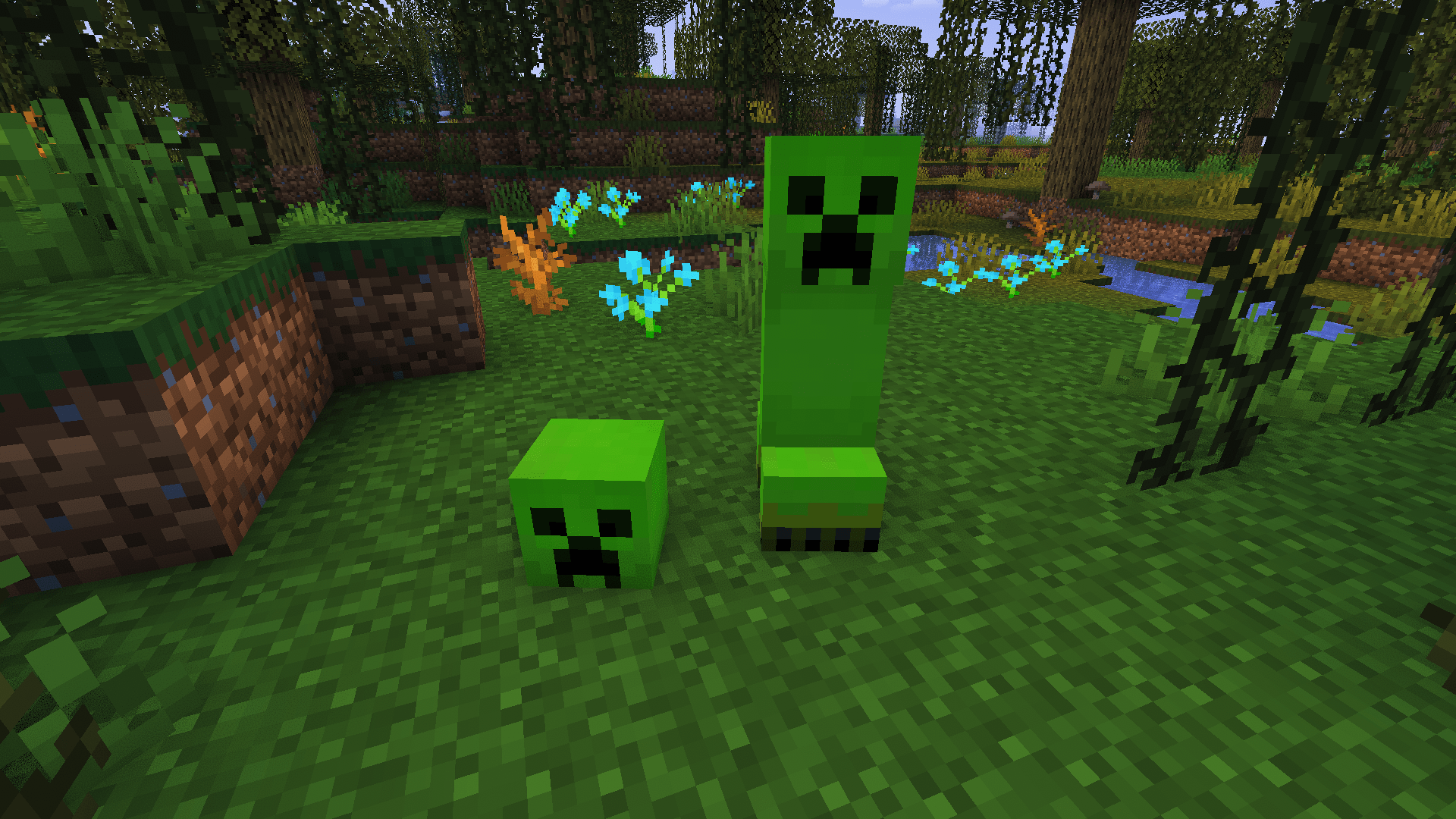
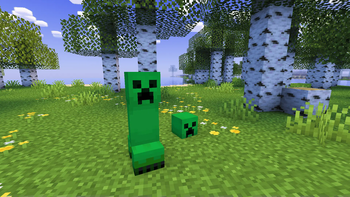
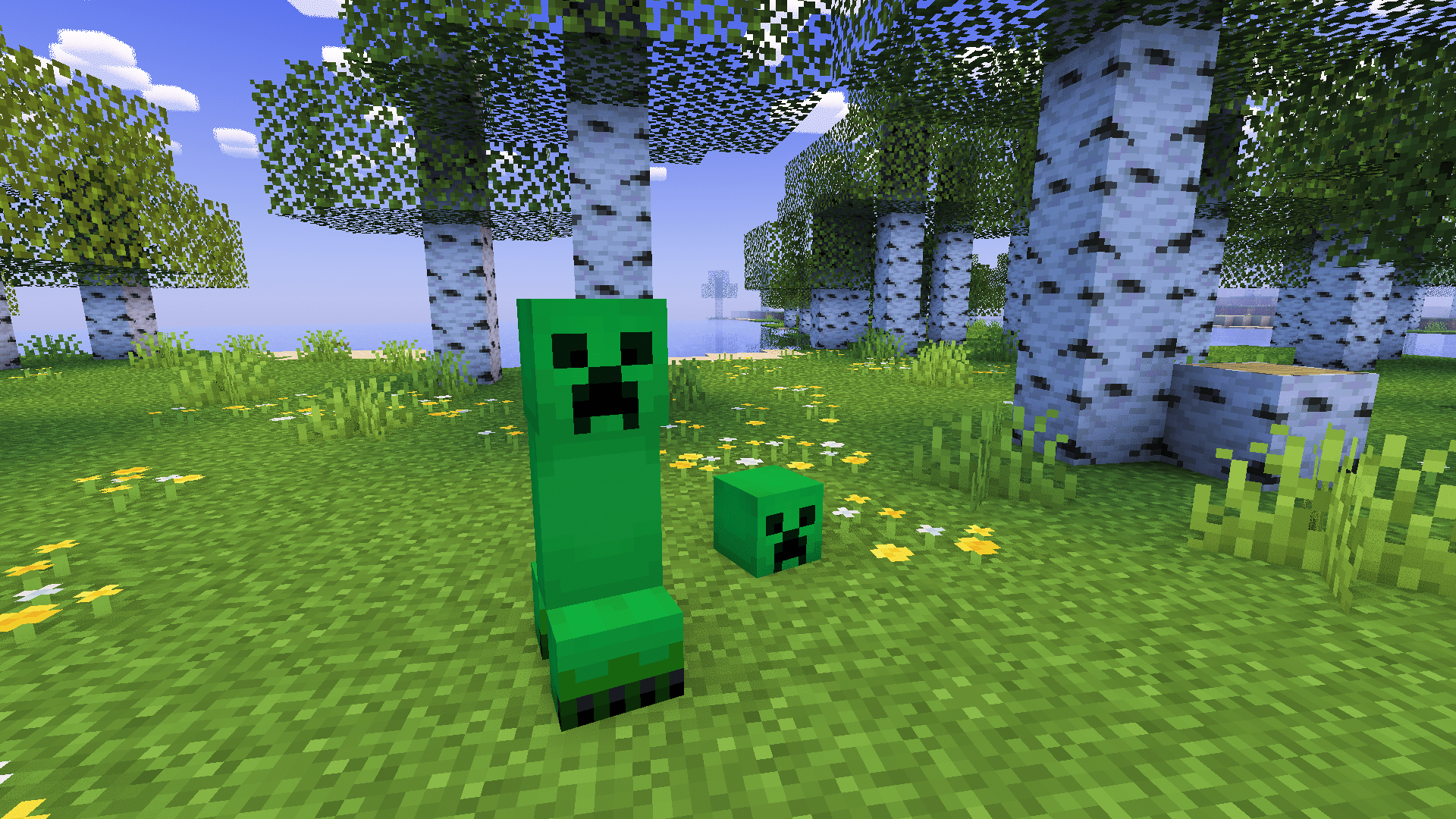
This pack adds new creepers and makes the creeper improved. These are the creepers,

Creeper

Desert creeper

Winter creeper

Pale garden creeper

Swamp creeper

And many more!

Installation Guide:

Windows:

  1. Go to your files to %appdata% and then go to the /.minecraft/ folder.
  2. Go to /.minecraft/resourcepacks.
  3. Put the resourcepack in the folder.

Linux:

  1. Go to your files to your /.minecraft/ folder.
  2. Then go to /resourcepacks/.
  3. Put the resourcepack in the same folder.

MacOS

  1. Go to ~/.minecraft/resourcepacks/ in your file manager.
  2. Put the pack inside that folder.


Shader Credit:

Amethyst Shaders: https://modrinth.com/shader/amethyst-shaders
Enhanced-Creepers-1.0
MC 1.16-Snapshot, 1.17.1, 1.16.3, 1.19.3, 1.20.2, 1.21.2-Snapshot, 1.21, 1.21.6-snapshot, 1.15-Snapshot, 1.16.1, 1.18.1, 1.19.4-Snapshot, 1.20.5, 1.21.5, 1.17, 1.20.2-Snapshot
Release 2025-07-04 Get

Requirements & install

How to use this resource pack in Minecraft
Resolution
16x
Minecraft
1.19.4-Snapshot – 1.21.6-snapshot
Install folder
.minecraft/resourcepacks

How to install resource packs

  1. Download the resource pack .zip file (do not extract it).
  2. In Minecraft open Options → Resource Packs → Open Pack Folder.
  3. Drop the .zip into the resourcepacks folder (.minecraft/resourcepacks).
  4. Move the pack to the Selected column and click Done.
Browse more: 16x resource packs 32x resource packs 64x resource packs 128x resource packs 256x resource packs 512x+ resource packs Resource Packs for 1.21.6-snapshot All resource packs

More from otoadgamer

Advertisement Remove ads with Premium →

You Might Also Like