Mineuniverse
Resource Packs
Relics & Reliquified Artifacts Japanese Translation Pack (日本語化パック)

Relics & Reliquified Artifacts Japanese Translation Pack (日本語化パック)

RESOURCE PACK
Relics / Reliquified Artifacts Japanese Translation
by AyaneMC
Download Claim this project
Add a badge to your pageLink to Relics & Reliquified Artifacts Japanese Translation Pack (日本語化パック) from a README, website or forum post.
Preview: Badge

Badges update automatically and link to the resource pack page on MineUniverse.
835 downloads
0 likes
0 followers
Updated Oct 14, 2026
0 hypes
Follow0
16x Mod Support
Advertisement Remove ads with Premium →


🌐Description

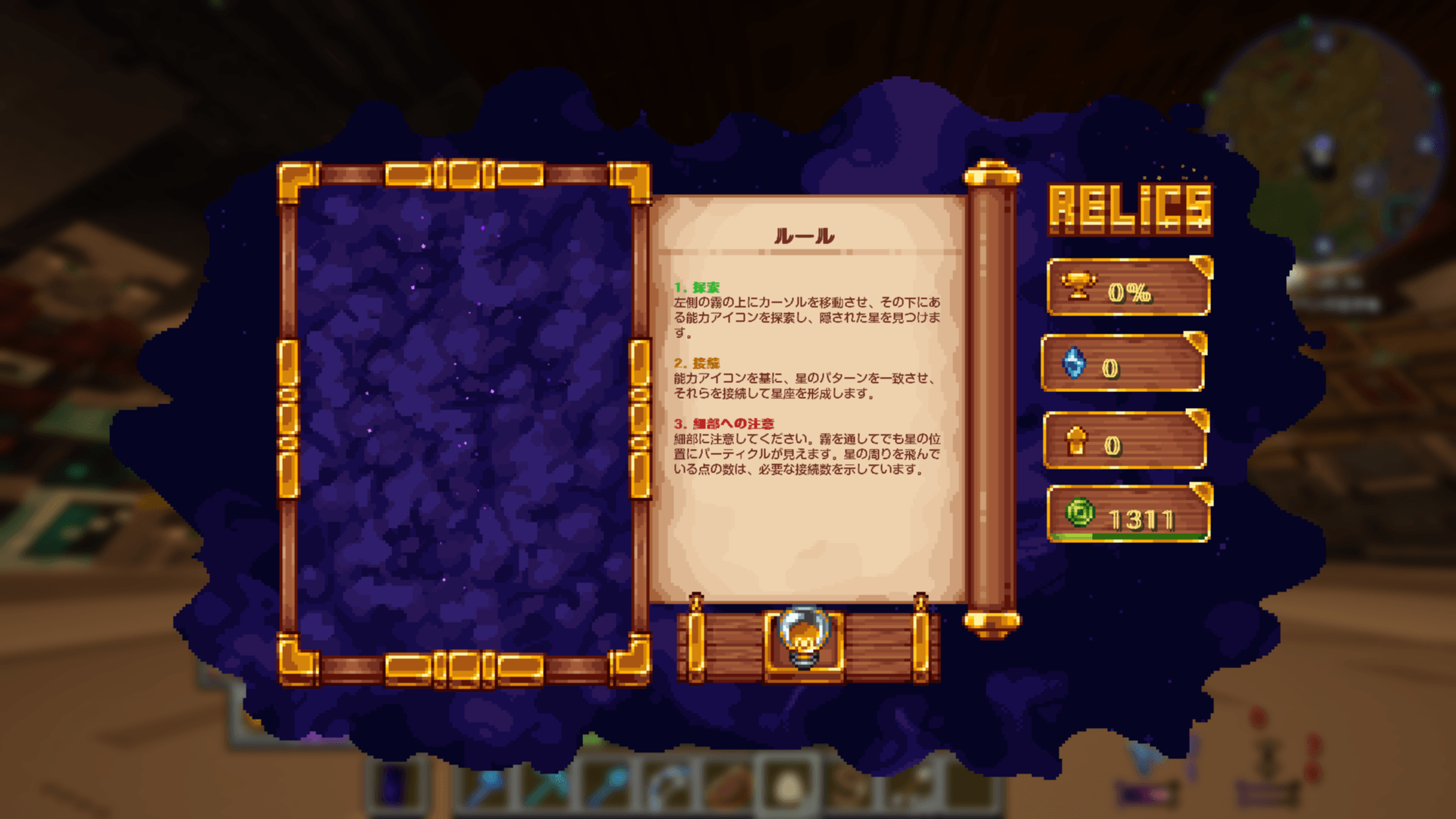
A Japanese translation resource pack for the "Relics" mod and "Reliquified Artifacts" addon, for Minecraft 1.21.1.

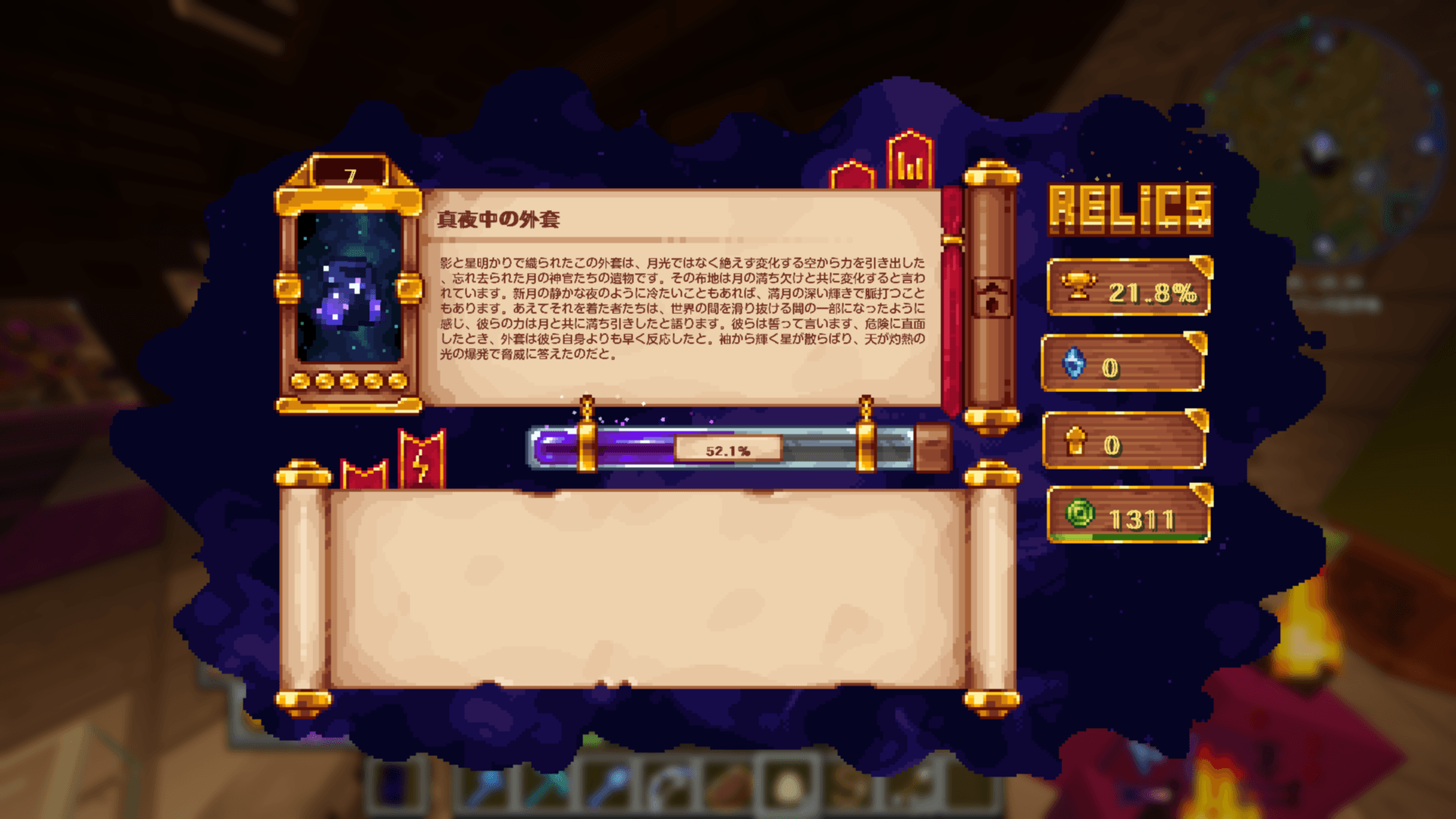
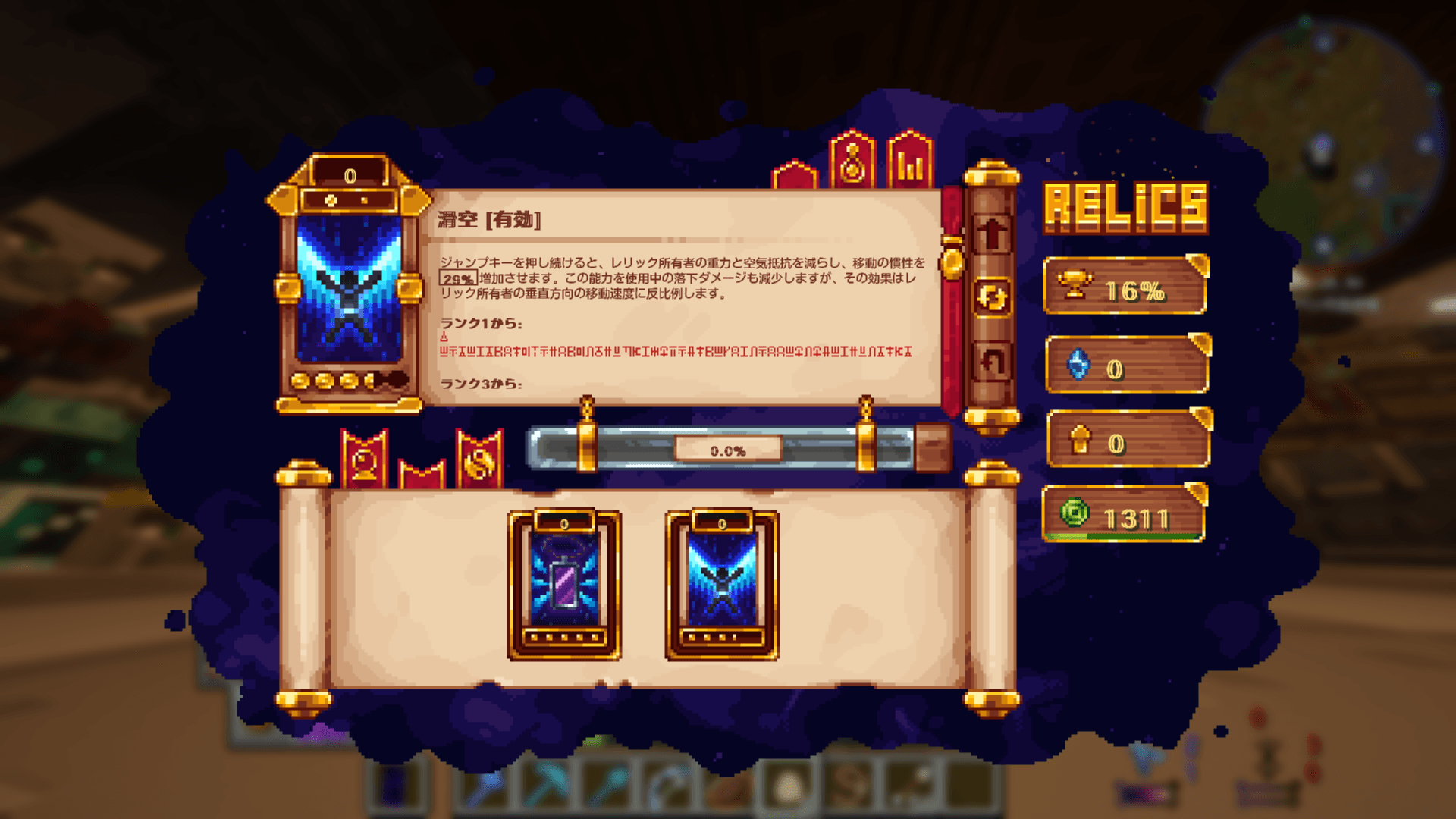
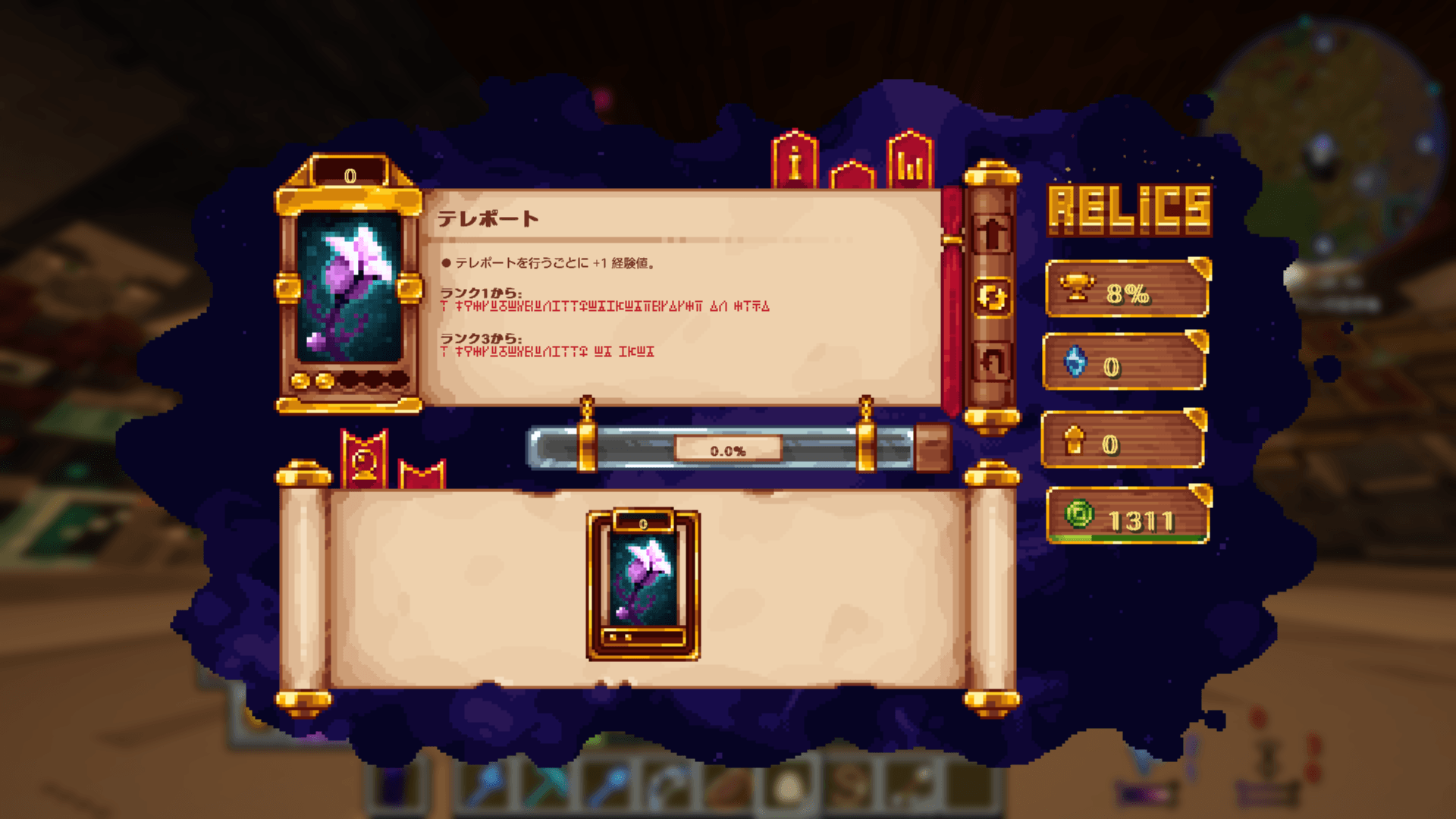
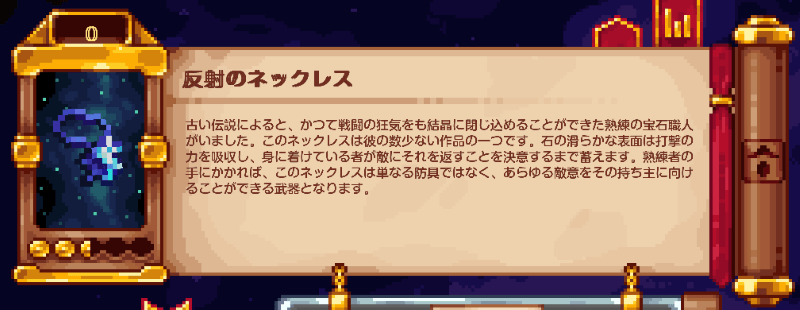
All relic item names / descriptions / ability texts / statistics are translated into Japanese.

Tested with All The Mods 10


2026/5/28

Now compatible with Relics 0.12.8!


📿概要

Minecraft1.21.1用「Relics」「Reliquified Artifacts」MODの日本語化リソースパックです。

2つ入れたのはAll The Mods 10に適応させるためです。

レリック装備のアイテム名・説明文・能力テキスト・経験値情報・統計情報まで完全日本語化されています。


2026.5.28

Relics0.12.8に対応したアップデートを追加しました!


🎮 対応バージョン / Compatible Versions

Minecraft 1.21.1 (NeoForge / Forge)

他の 1.21.x バージョンでも動作する可能性あり (要動作確認)

動作確認環境 All The Mods 10


📥 導入方法 / Installation

1. ダウンロードしたzipフォルダをリソースパック画面にドラッグ&ドラッグ、または"resourcepacks"フォルダに配置してください。
2. オプション→リソースパック→▶ボタンをクリックし有効化します。
3. ゲーム内言語設定が「日本語」になっていることを確認してください。


💎Original Mods

Relics by Sokolll
Relics - Minecraft Mods - CurseForge

Reliquified Artifacts by Sokolll
Reliquified Artifacts - Minecraft Mods - CurseForge


Redistribution and modified redistribution (including partial edits) are strictly prohibited.

再配布、または一部のみ編集し配布することは固く禁止します。

RelicsReliquified Artifacts_JP_26.5.28.zip
MC 1.21.1
Release 2026-05-28 Get
Relics&Reliquified Artifacts_JP_26.5.21.zip
MC 1.21.1
Release 2026-05-21 Get
Relics&Reliquified Artifacts_JP_Pack.zip
MC 1.21.1
Release 2026-05-14 Get

Requirements & install

How to use this resource pack in Minecraft
Resolution
16x
Minecraft
1.21.1
Install folder
.minecraft/resourcepacks

How to install resource packs

  1. Download the resource pack .zip file (do not extract it).
  2. In Minecraft open Options → Resource Packs → Open Pack Folder.
  3. Drop the .zip into the resourcepacks folder (.minecraft/resourcepacks).
  4. Move the pack to the Selected column and click Done.
Browse more: 16x resource packs 32x resource packs 64x resource packs 128x resource packs 256x resource packs 512x+ resource packs Resource Packs for 1.21.1 All resource packs

More from AyaneMC

Advertisement Remove ads with Premium →

You Might Also Like