Mineuniverse
Resource Packs
Refined Storage Recolor - Red

Refined Storage Recolor - Red

RESOURCE PACK
A Red Refined Storage System.
by VT_14
Download Claim this project
Add a badge to your pageLink to Refined Storage Recolor - Red from a README, website or forum post.
Preview: Badge

Badges update automatically and link to the resource pack page on MineUniverse.

4,273 downloads
0 likes
0 followers
Updated Oct 14, 2026
0 hypes
Follow0
16x
Advertisement Remove ads with Premium →

For Refined Storage 1.6.x, use Version 4.0.  For RS 1.5.x, use Version 3.2.

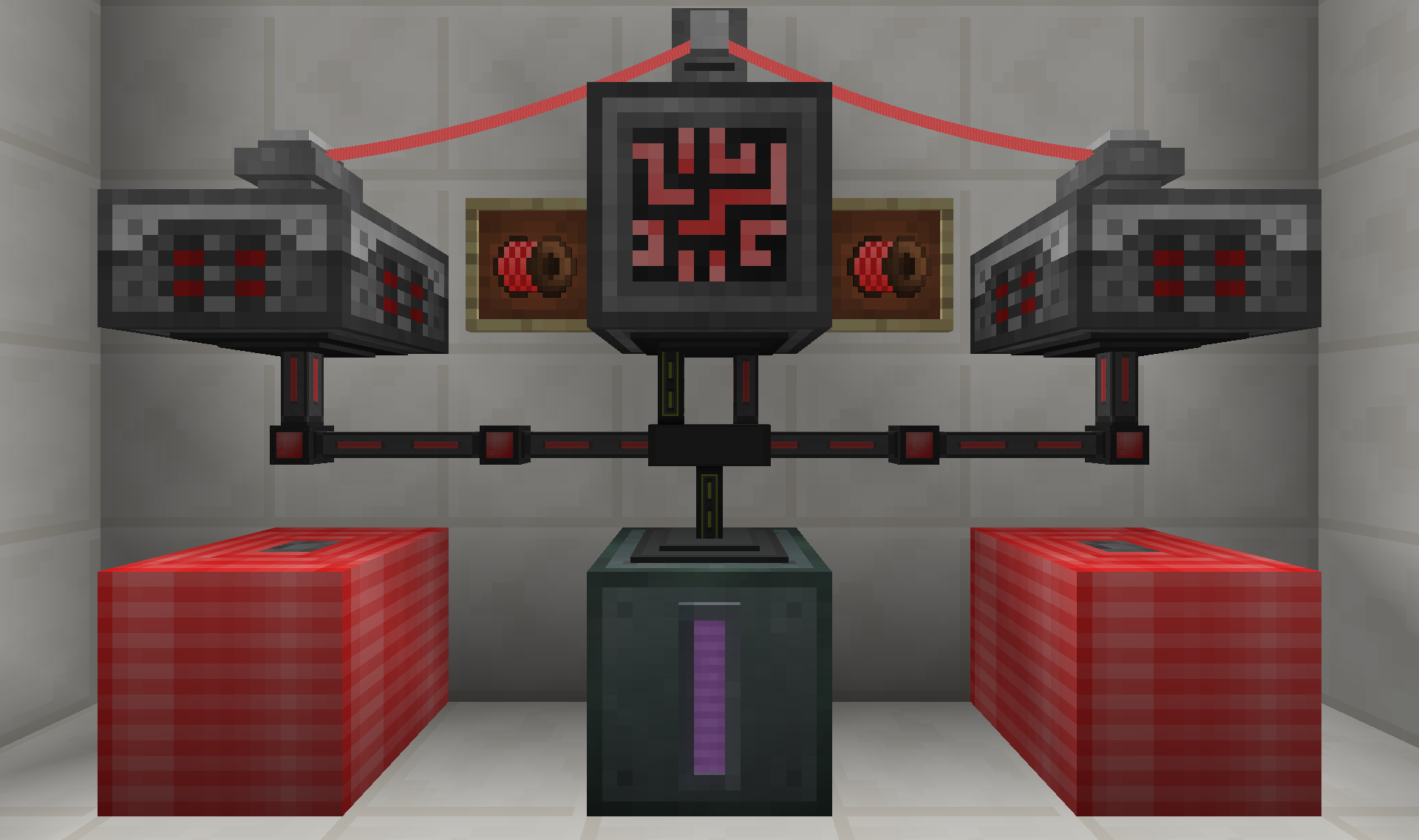
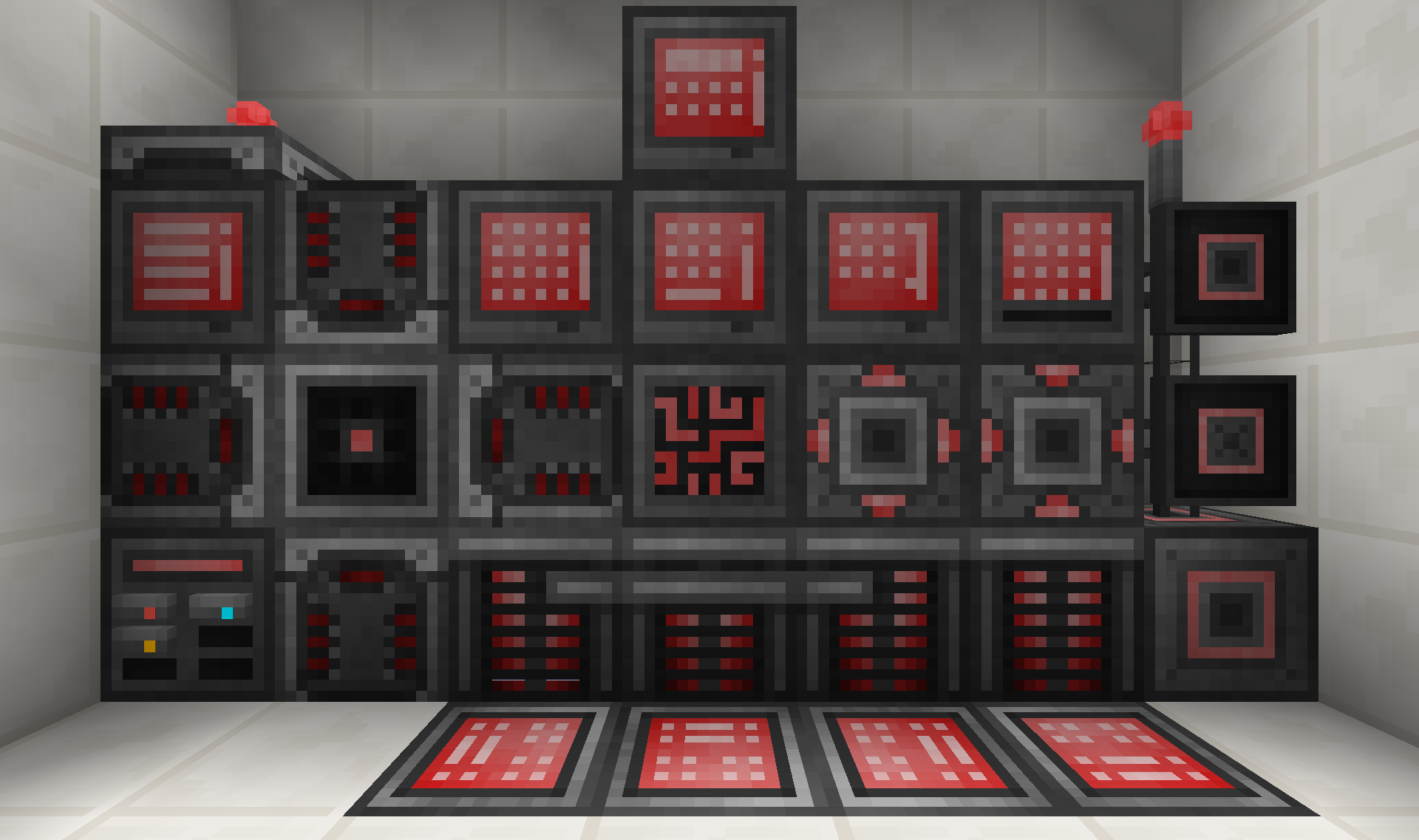
This is a resource pack to recolor the Refined Storage mod by raoulvdberg.  Normally, Refined Storage has exclusively blue details.  This replaces those blues with reds.  The goal is to have textures where each thing is still easily identifiable to anyone looking, but to have the color switched to the user's favorite color.  Different color variations of this pack are also available as separate projects.

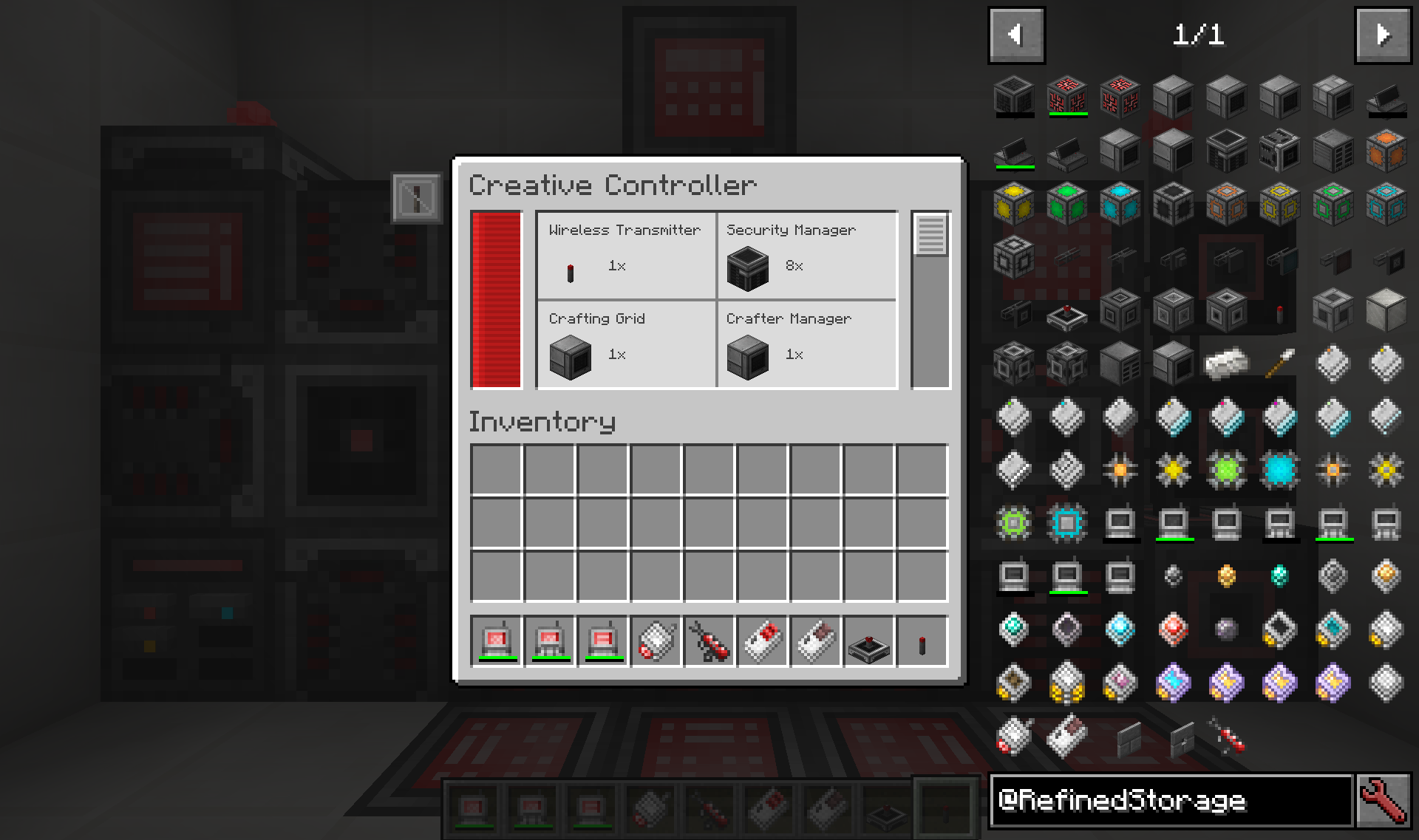
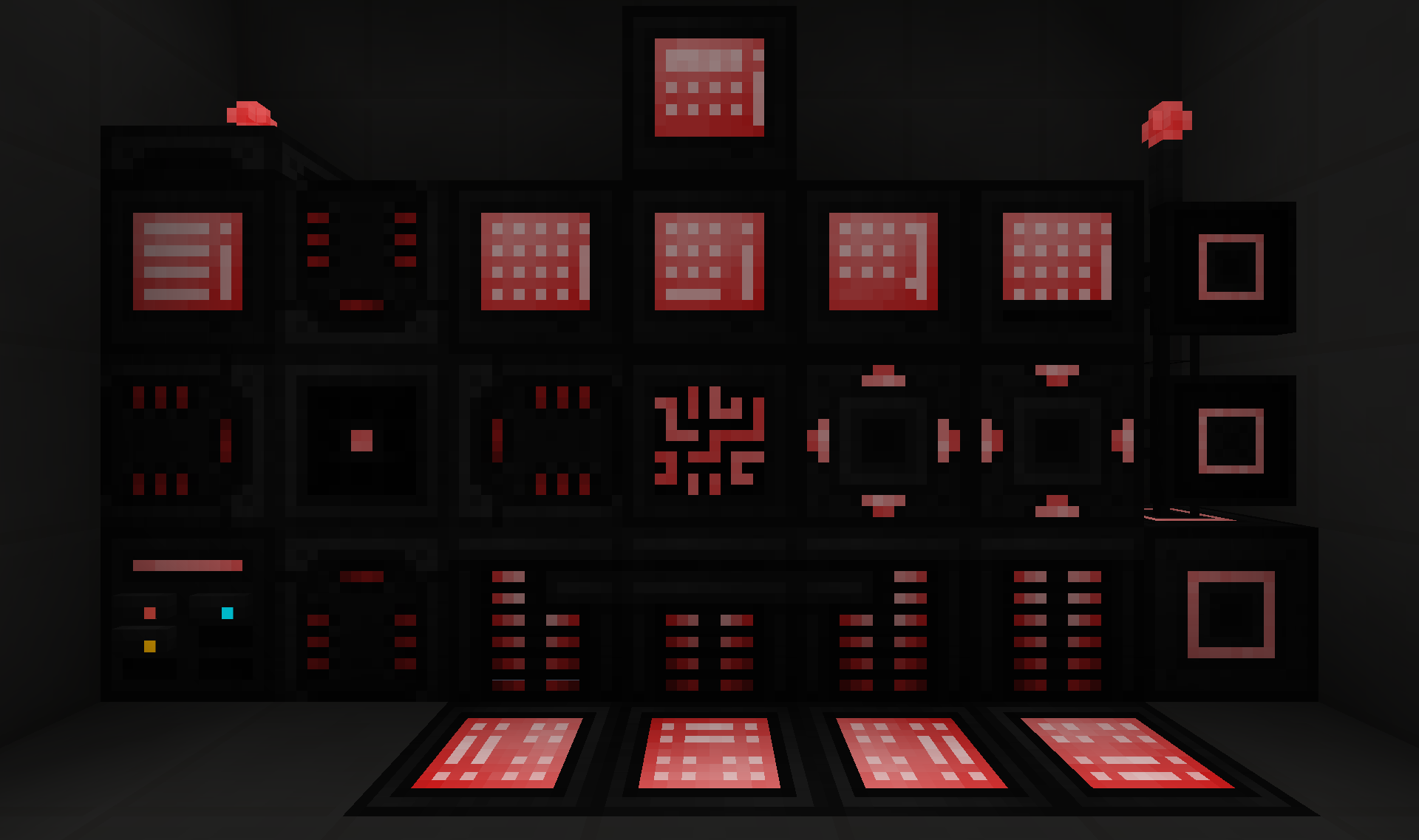
This resource pack affects the majority of textures in Refined Storage that include blue on them.  Changes include all of the Grids, the Controller, Crafters, the Wrench, and more.  Crafting Ingredients are left untouched, as are the Drive indicator lights and the Constructor block.

Refined Storage's original textures were made by CyanideX.

This Resource Pack also supports:

RSRecolor - Red V4.1
MC 1.14.4
Release 2020-02-18 Get
RSRecolor - Red V4.2
MC 1.15.2
Release 2020-02-18 Get
RSRecolor - Red V4.0
MC 1.12.2
Release 2018-10-16 Get
RSRecolor Red V3.2
MC 1.12.2
Release 2018-05-30 Get
RSRecolor V3.1 - Red.zip
MC 1.12.2
Release 2017-12-27 Get
RSRecolor V3 - Red.zip
MC 1.12.1, 1.12, 1.12.2
Release 2017-08-11 Get
RSRecolor V3 BP - Red 1.10.zip
MC 1.10.2, 1.10, 1.10.1
Release 2017-08-11 Get
RSRecolor V3 BP - Red 1.11.zip
MC 1.11, 1.11.1, 1.11.2
Release 2017-08-11 Get
Refined Storage Recolor - Red 1.10.2-rv2.zip
MC 1.10.2
Release 2017-06-01 Get
Refined Storage Recolor - Red 1.11.2+ rv2
MC 1.12, 1.11.2
Release 2017-06-01 Get
Refined Storage Recolor - Red 1.11.2-rv1.zip
MC 1.11.2
Release 2017-05-31 Get
Refined Storage Recolor - Red 1.10.2-rv1.zip
MC 1.10.2
Release 2017-05-31 Get

Requirements & install

How to use this resource pack in Minecraft
Resolution
16x
Minecraft
1.11 – 1.15.2
Install folder
.minecraft/resourcepacks

How to install resource packs

  1. Download the resource pack .zip file (do not extract it).
  2. In Minecraft open Options → Resource Packs → Open Pack Folder.
  3. Drop the .zip into the resourcepacks folder (.minecraft/resourcepacks).
  4. Move the pack to the Selected column and click Done.
Browse more: 16x resource packs 32x resource packs 64x resource packs 128x resource packs 256x resource packs 512x+ resource packs Resource Packs for 1.15.2 All resource packs

More from VT_14

Advertisement Remove ads with Premium →

You Might Also Like