Mineuniverse
Resource Packs
Ender IO Display FE (Forge Energy)

Ender IO Display FE (Forge Energy)

RESOURCE PACK
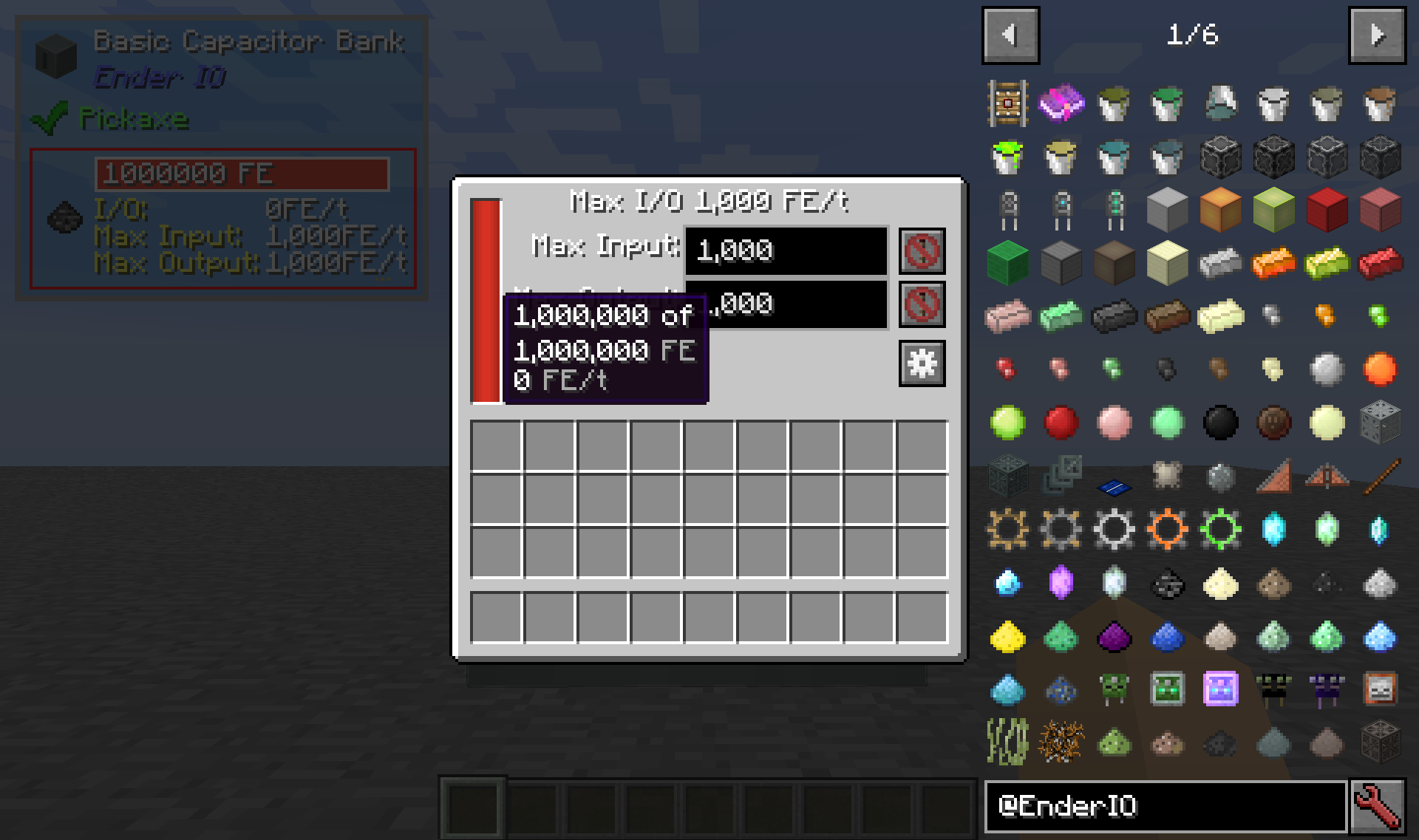
Resource Pack to change Ender IO's power units from µI to FE.
by VT_14
Download Claim this project
4,320 downloads
0 likes
0 followers
Updated Oct 14, 2026
0 hypes
Follow0
16x
Advertisement Remove ads with Premium →

This Resource Pack changes Ender IO's power system labels to FE (Forge Energy), rather than the default µI (Micro-Infinities), to match several other Forge Energy mods.

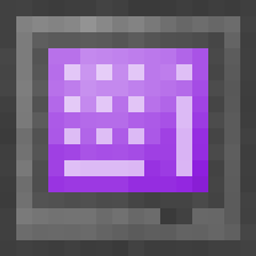
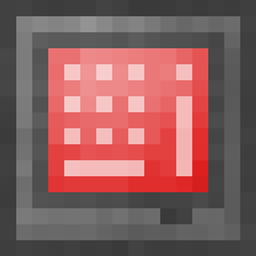
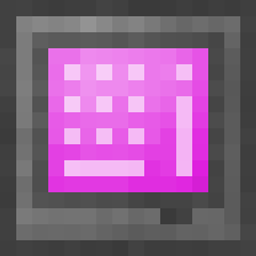
There are also optional files available to change Ender IO's Purple (or Bedrock on older versions) power bar to Red, similar to the one in 1.10 and earlier.  Those are available by going to the Files tab, Selecting the version you want, and scrolling down to the "Additional Files" section.


Expected FAQs

Q1: Will you make a RF (Redstone Flux) version?

A1: No.  Ender IO dropped support for the CoFH RF API, so labeling the power system as RF would be a lie.  This is one of the core reasons Ender IO changed the power system units in the first place.  If you really want it to show RF, then feel free to unpack the .zip file and edit the en_us.lang file in notepad yourself.

A1 Update: While I still don't approve of making Ender IO display a power system it isn't 100% compatible with, someone has made that kind of Resource Pack.


Q2: Part of The One Probe (TOP) still shows µI.  Can you change this?

A2: Unfortunately, that is a limitation with TOP on Servers.

Ender IO Display FE V1.2
MC 1.12.2
Release 2018-05-30 Get
Ender IO Display FE.zip
MC 1.12.2
Release 2018-04-24 Get
Ender IO Display FE 1.1.zip
MC 1.12.2
Release 2018-04-24 Get

Requirements & install

How to use this resource pack in Minecraft
Resolution
16x
Minecraft
1.12.2
Install folder
.minecraft/resourcepacks

How to install resource packs

  1. Download the resource pack .zip file (do not extract it).
  2. In Minecraft open Options → Resource Packs → Open Pack Folder.
  3. Drop the .zip into the resourcepacks folder (.minecraft/resourcepacks).
  4. Move the pack to the Selected column and click Done.
Browse more: 16x resource packs 32x resource packs 64x resource packs 128x resource packs 256x resource packs 512x+ resource packs Resource Packs for 1.12.2 All resource packs

More from VT_14

Advertisement Remove ads with Premium →

You Might Also Like