Badges update automatically and link to the resource pack page on MineUniverse.
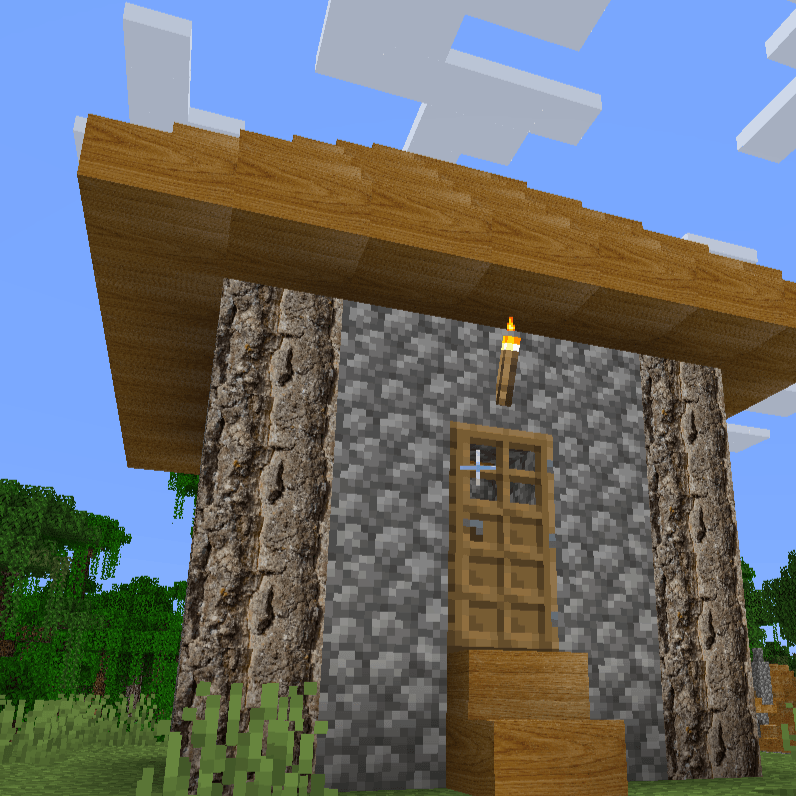
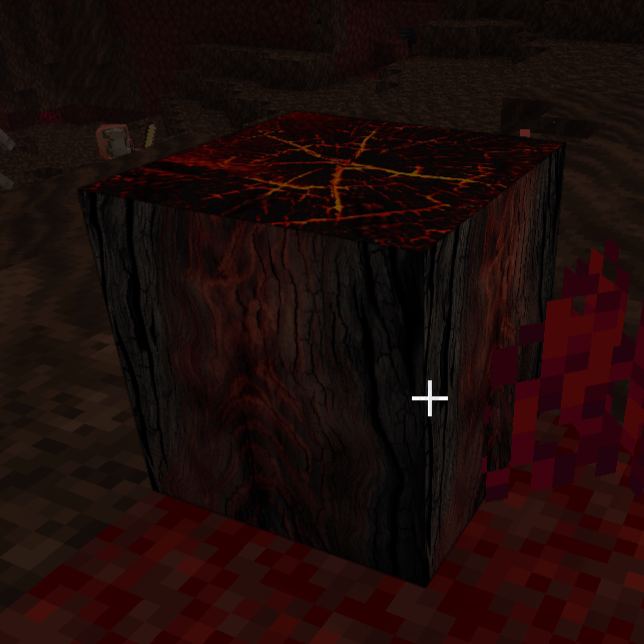
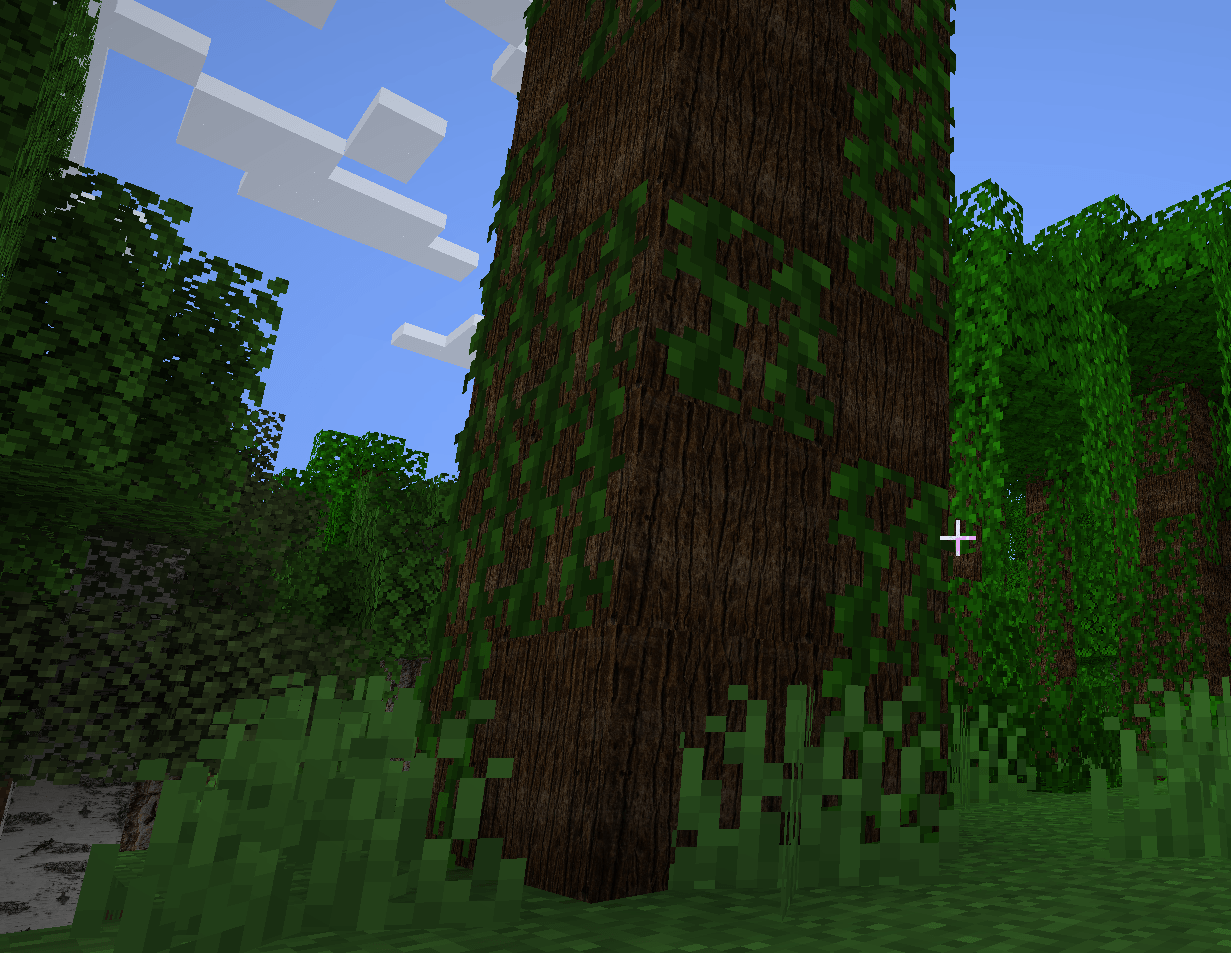
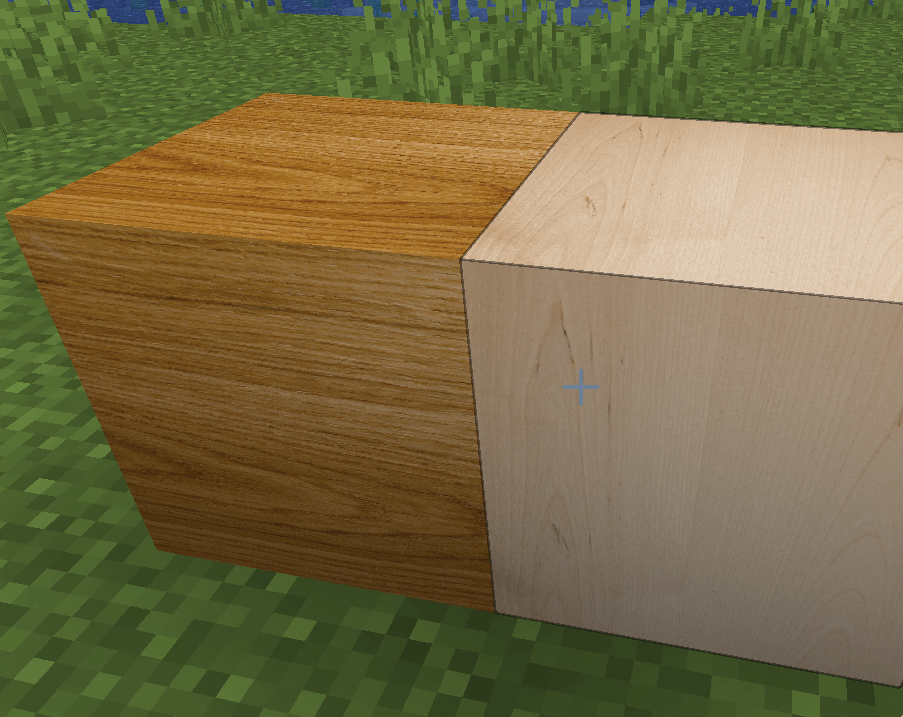
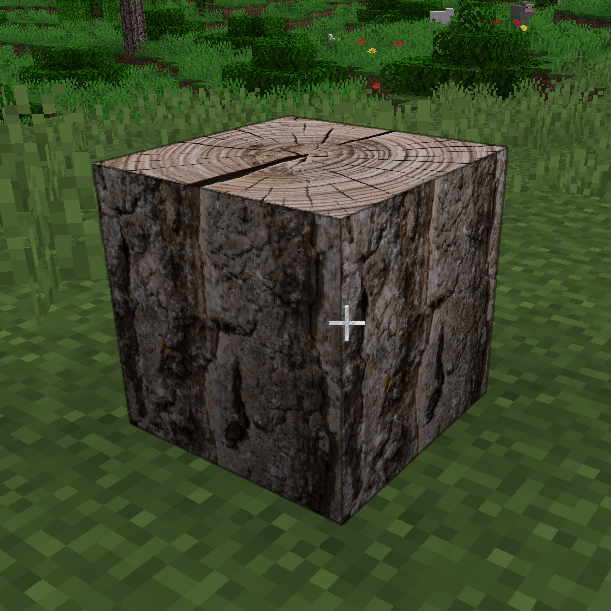
Realistic Wood is a Minecraft resource pack that makes the wood textures in the game look much more realistic. Instead of the simple vanilla textures, wooden blocks get more detail, natural wood grain, and more realistic colors. This makes buildings, forests, and wooden structures feel more alive while still keeping the classic Minecraft style.
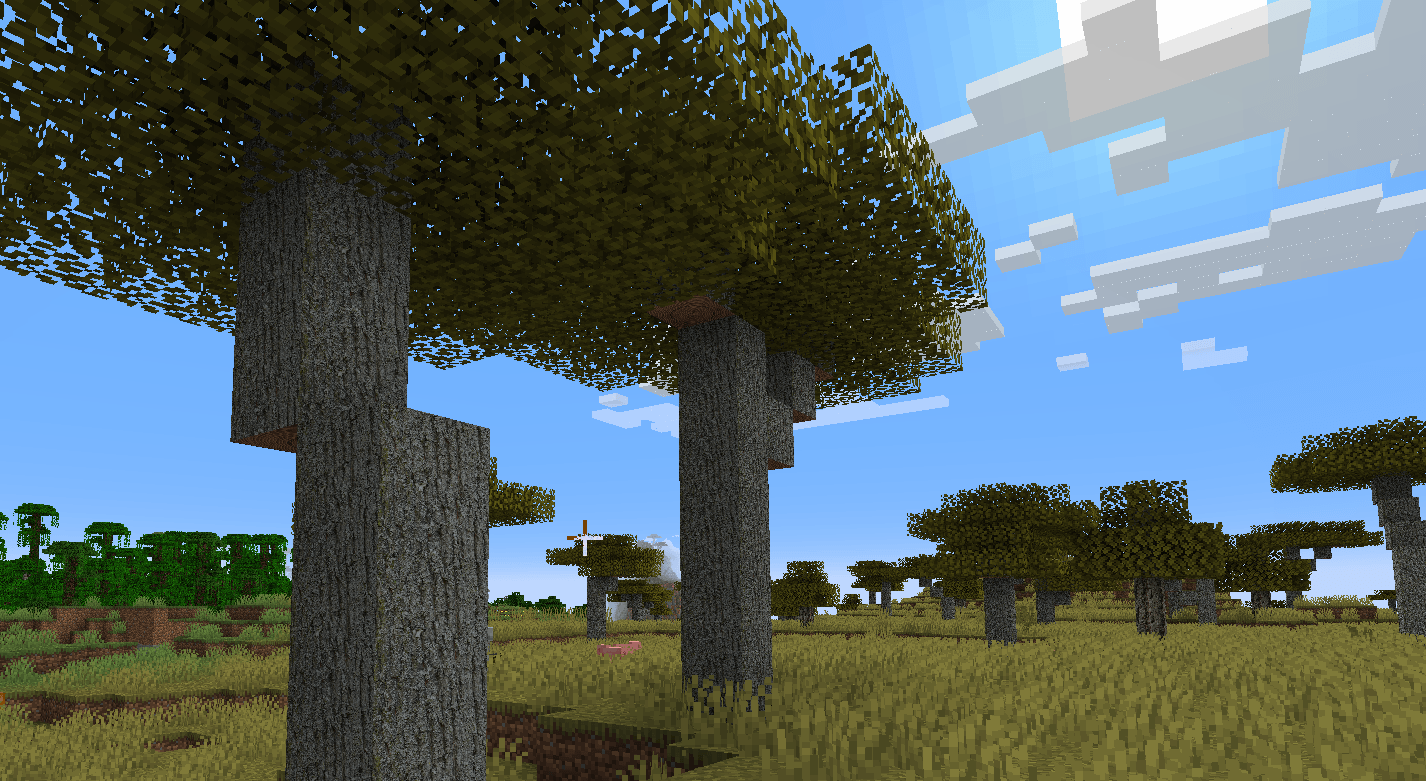
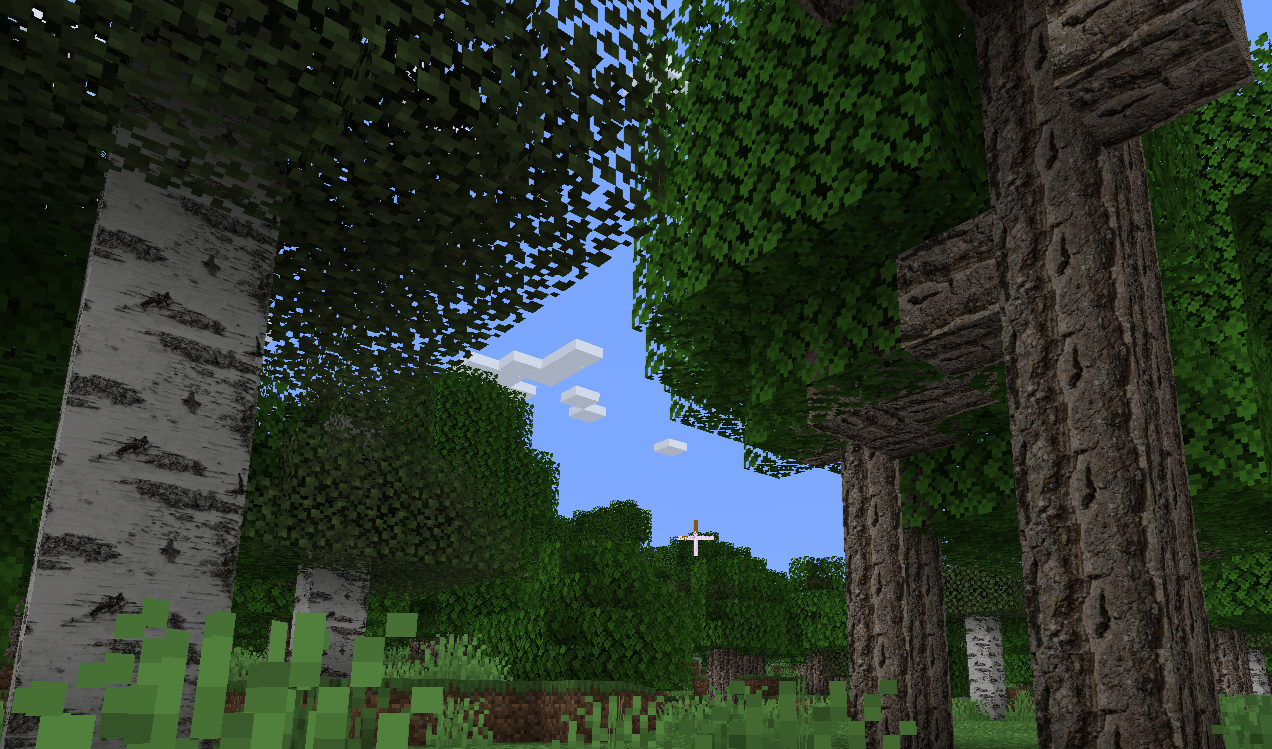
The pack focuses entirely on wood and improves several wood types such as Oak, Spruce, Birch, Jungle, Acacia, and Dark Oak. Each type of wood has been reworked with more depth, clearer texture patterns, and more natural color variations. This is especially noticeable when building houses, cabins, or medieval-style structures, where the improved textures give builds a much nicer and more realistic look.
Realistic Wood is designed to stay vanilla-friendly. The textures still fit well with the original Minecraft blocks and do not feel out of place. Because of this, the pack can easily be used in normal survival worlds, creative building projects, or on servers.
Installing the pack is very simple: download the resource pack, open Minecraft, go to Options → Resource Packs, and enable Realistic Wood.
I also recommend it in combination with modern Arch. https://www.curseforge.com/minecraft/texture-packs/modernarch
If you like the pack, feedback, favorites, and downloads on CurseForge are always appreciated. Have fun building!