Mineuniverse
Resource Packs
Realism upscaled

Realism upscaled

RESOURCE PACK
replaces Minecraft textures with its real life versions
by BetelgeuseHD
Download Claim this project
1,764 downloads
0 likes
Updated Oct 14, 2026
0 hypes
256x Photo Realistic
Advertisement Remove ads with Premium →

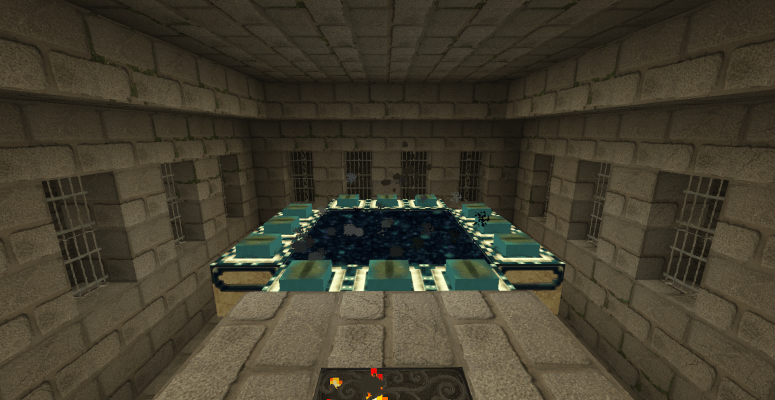
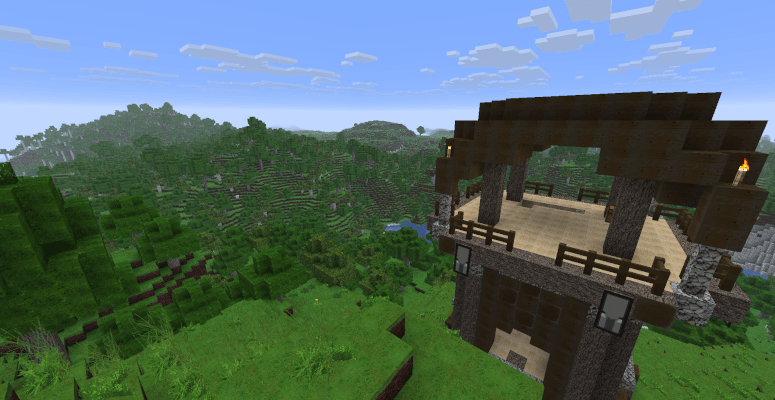
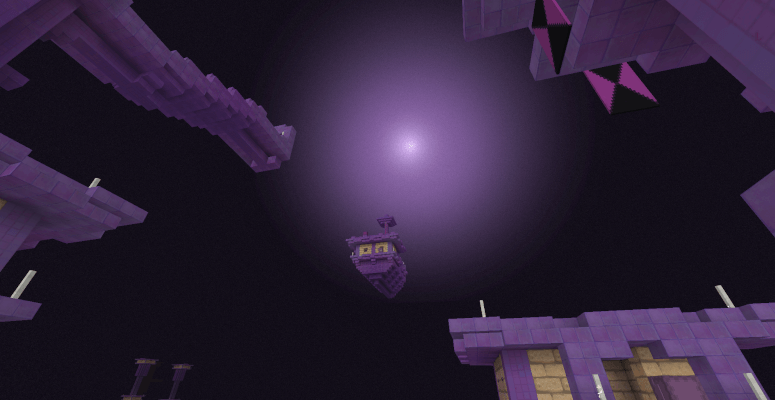
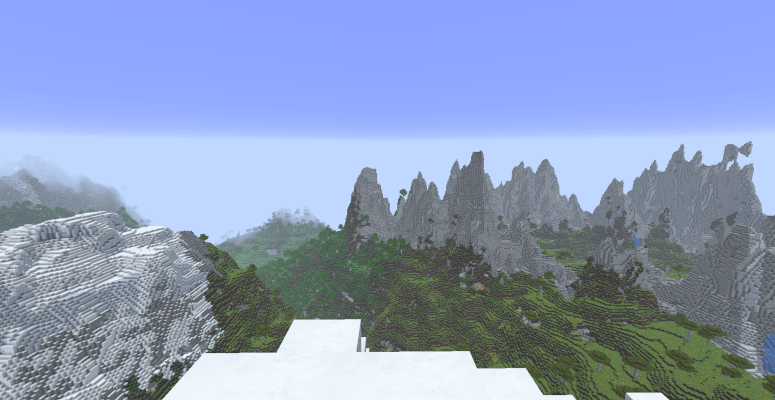
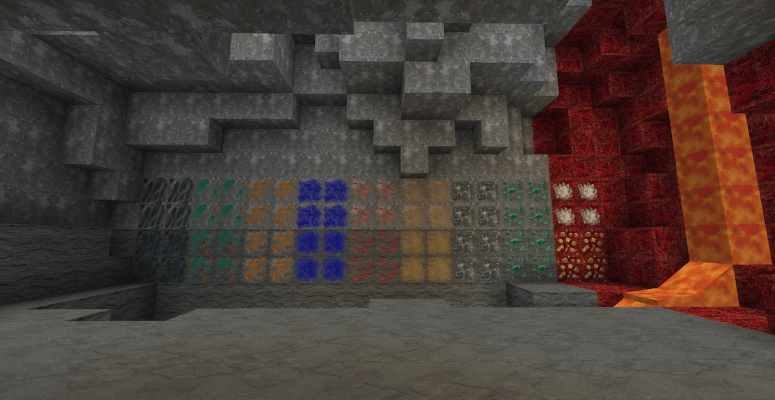
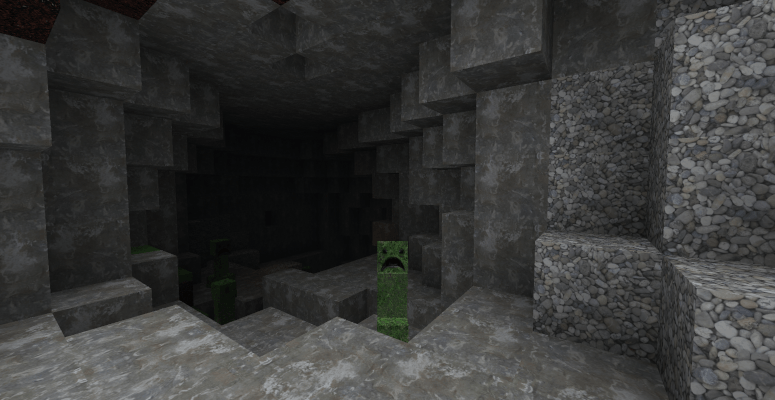
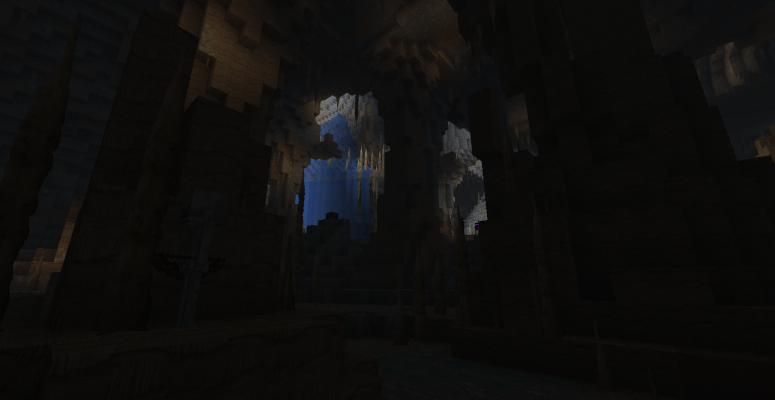
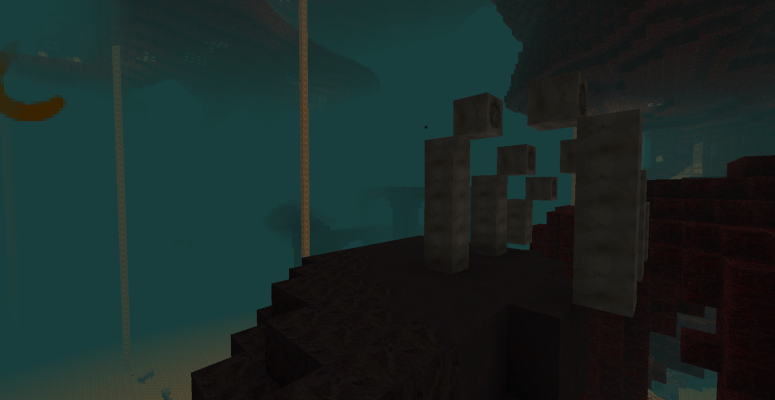
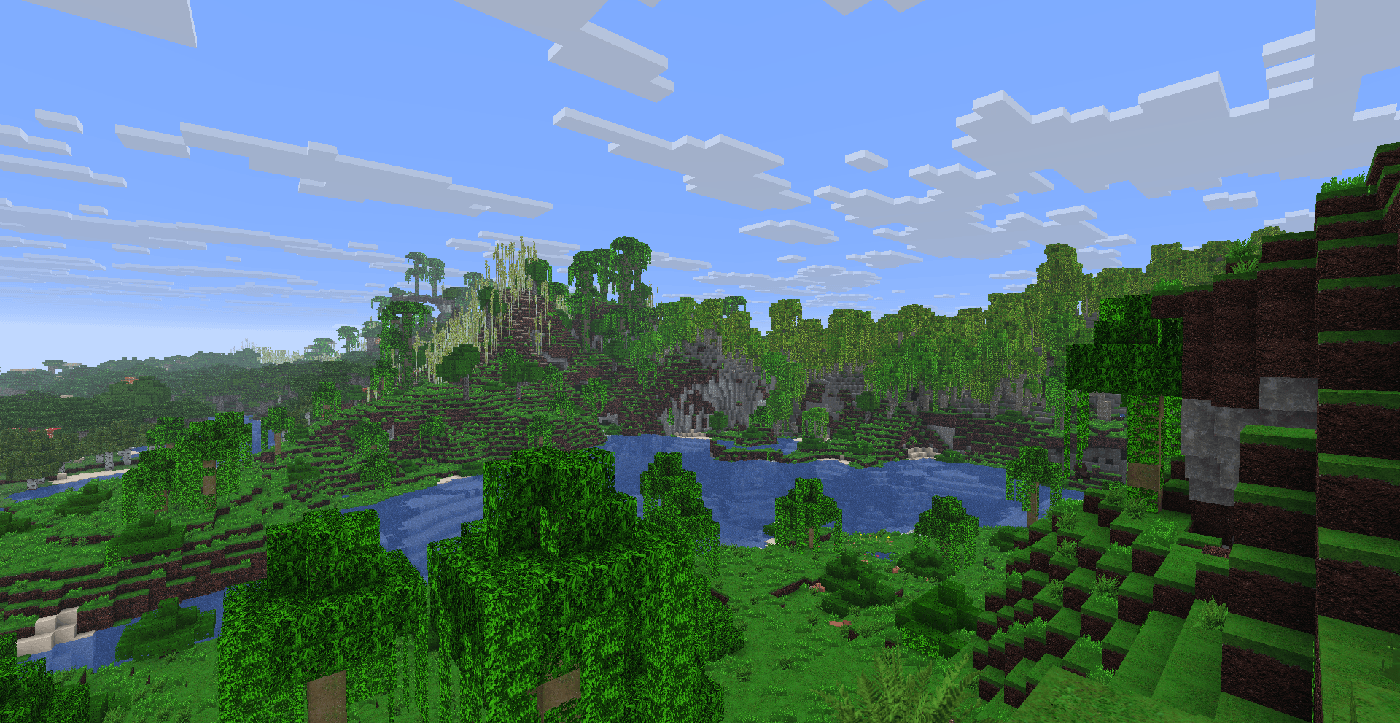
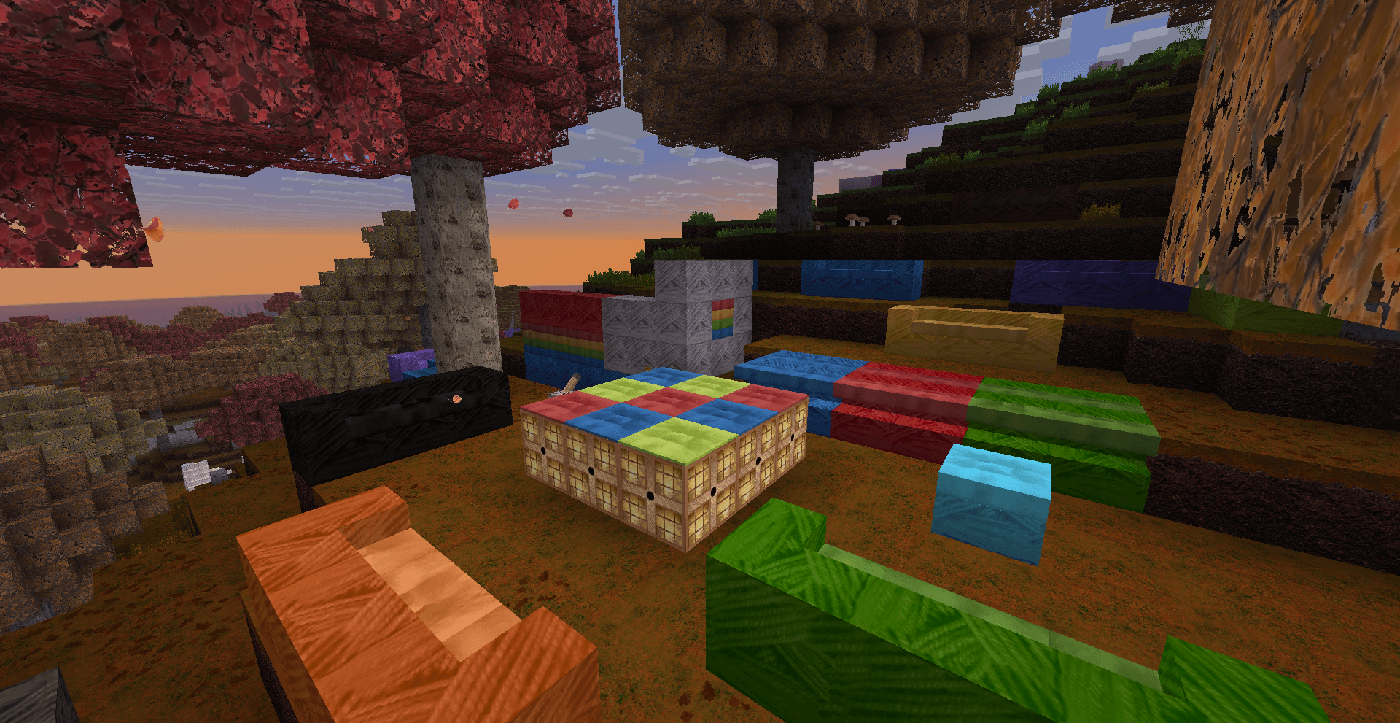
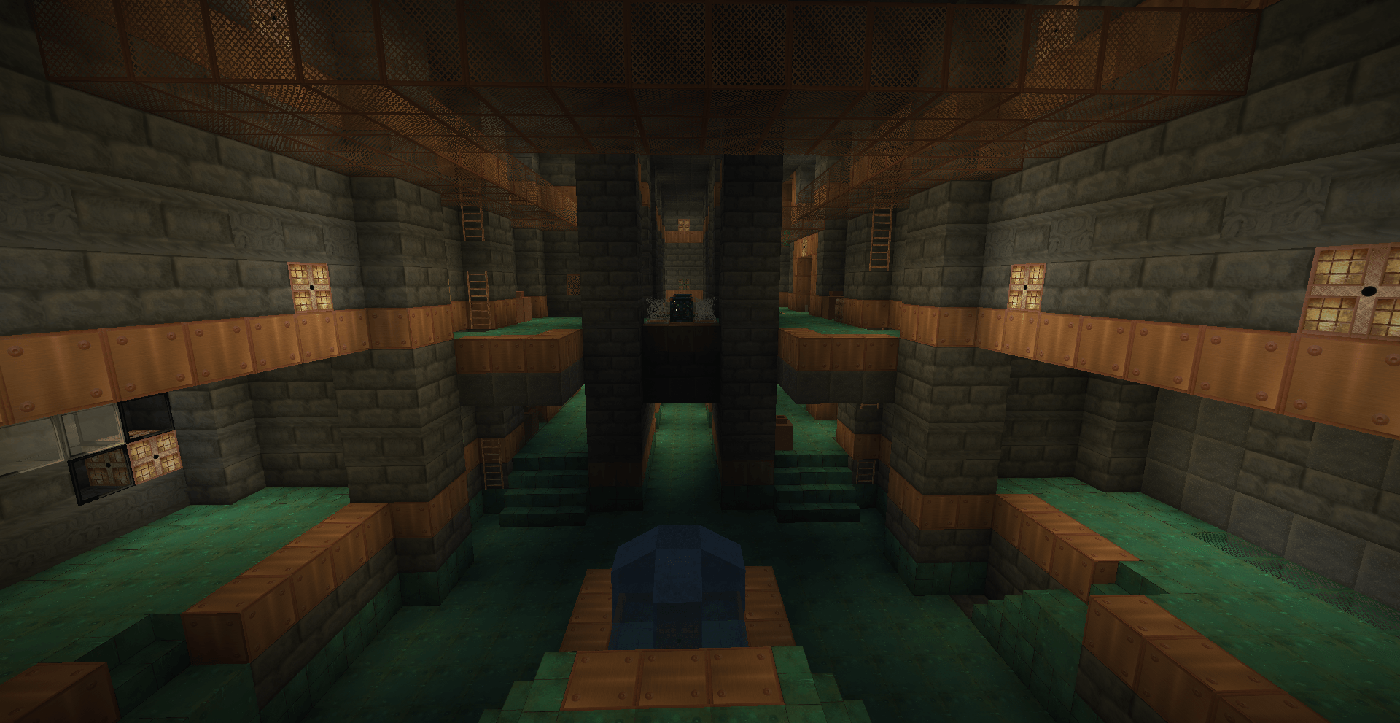
Realism upscaled changes the way Minecraft looks by replacing the textures with their real life counterparts. The textures are mostly self taken photos or if too hard to take also improved AI-generated pictures with only the most realistic ones being actually added as a textures. There are also some textures drawn on the computer like for example the ghast tear and all of the paintings are self drawn on paper. This took months to make and I hope it works well with vanilla minecraft.
Tipp: it works the best when used with realistic shaders

Realism upscaled.zip
MC 26.1, 26.1.1, 26.1.2, 26.2, 26.3
Release 2026-09-15 Get
Realism upscaled.zip
MC 26.1, 26.1.1, 26.1.2, 26.2
Release 2026-06-17 Get
Realism upscaled.zip
MC 26.1, 26.1.1, 26.1.2
Release 2026-05-02 Get

Requirements & install

How to use this resource pack in Minecraft
Resolution
256x
Minecraft
26.1 – 26.3
Install folder
.minecraft/resourcepacks

How to install resource packs

  1. Download the resource pack .zip file (do not extract it).
  2. In Minecraft open Options → Resource Packs → Open Pack Folder.
  3. Drop the .zip into the resourcepacks folder (.minecraft/resourcepacks).
  4. Move the pack to the Selected column and click Done.

Packs from 128x upwards need more video memory: install a performance mod such as Sodium for smooth frame rates.

Browse more: 16x resource packs 32x resource packs 64x resource packs 128x resource packs 256x resource packs 512x+ resource packs Resource Packs for 26.3 All resource packs
Advertisement Remove ads with Premium →

You Might Also Like