Mineuniverse
Resource Packs
Realism Mats

Realism Mats

RESOURCE PACK
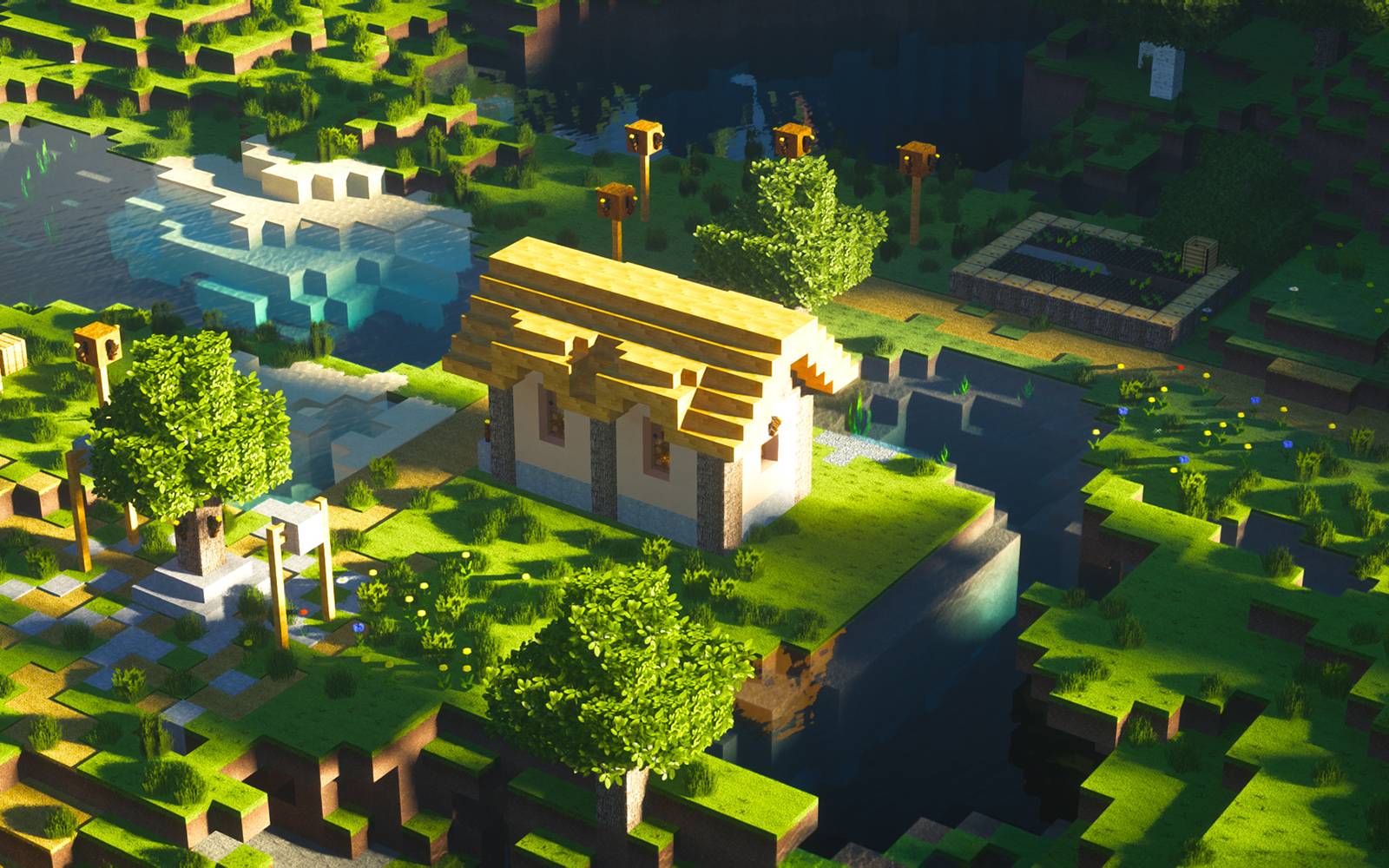
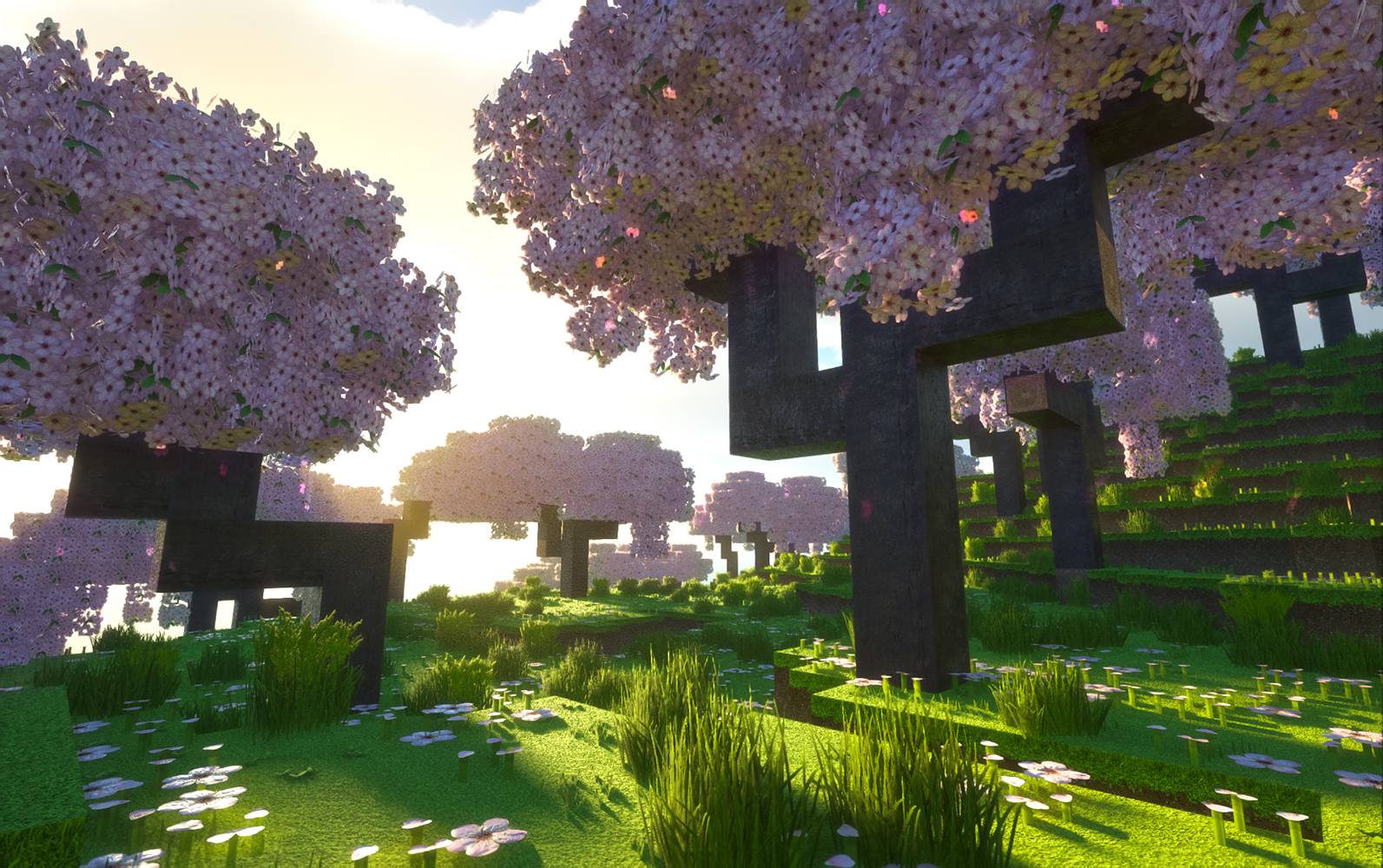
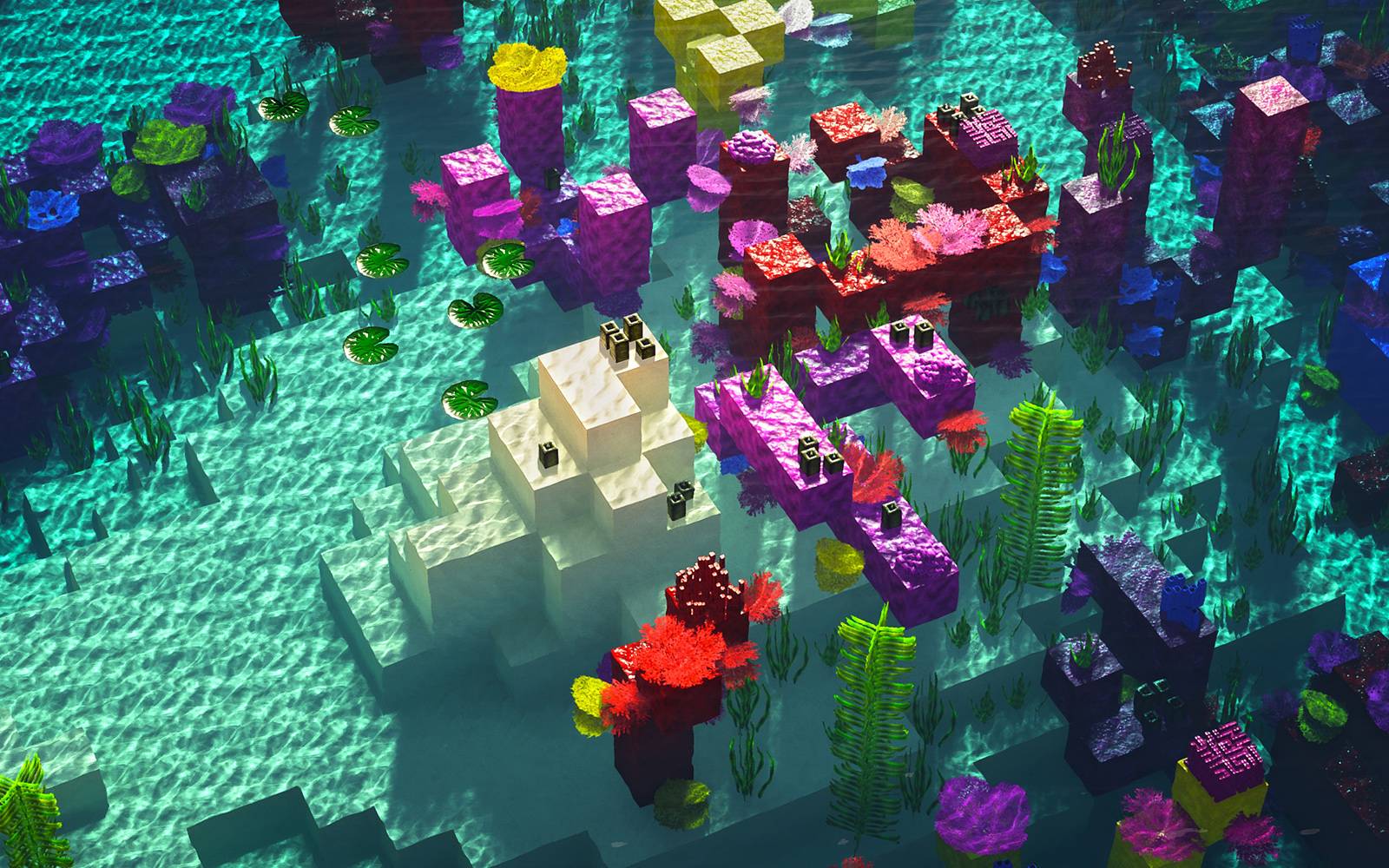
The most realistic texture pack for Minecraft Java Edition 1.12 / 1.16 / 1.17 / 1.18 / 1.19 / 1.20 / 1.21
by imonedesign
Download Claim this project
Add a badge to your pageLink to Realism Mats from a README, website or forum post.
Preview: Badge

Badges update automatically and link to the resource pack page on MineUniverse.

53,842 downloads
0 likes
0 followers
Updated Oct 14, 2026
0 hypes
Follow0
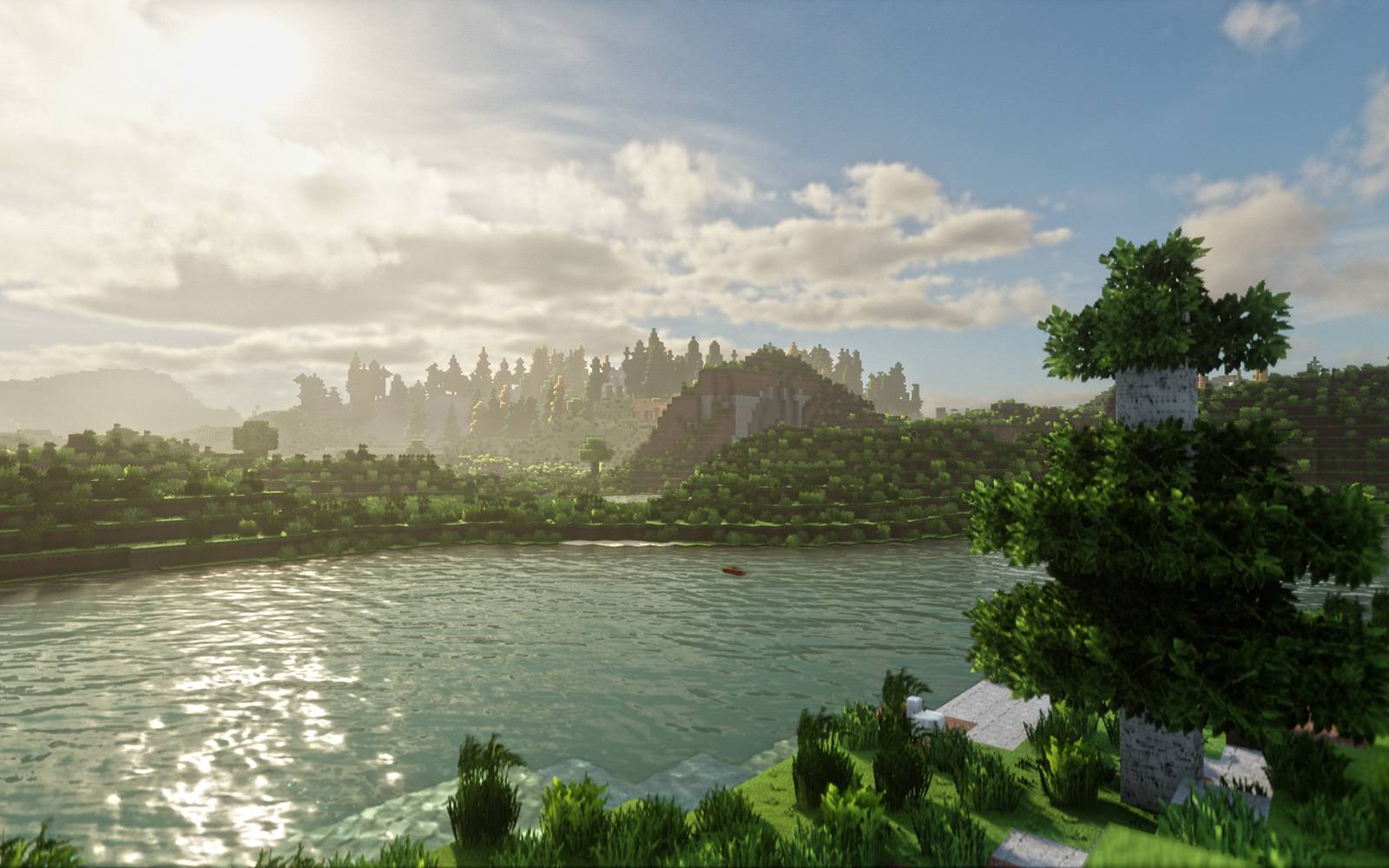
64x Animated Modern Photo Realistic
Advertisement Remove ads with Premium →
 
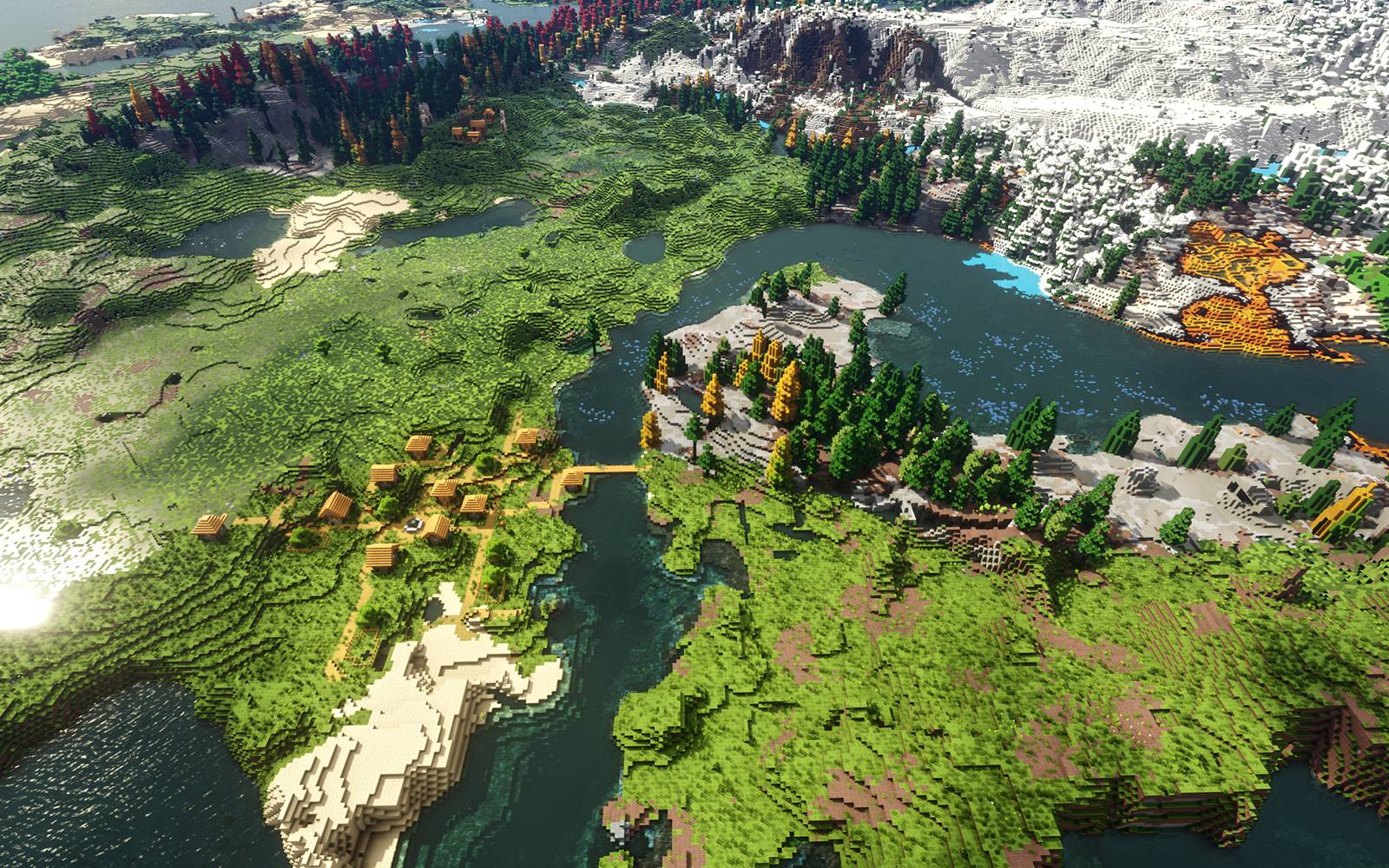
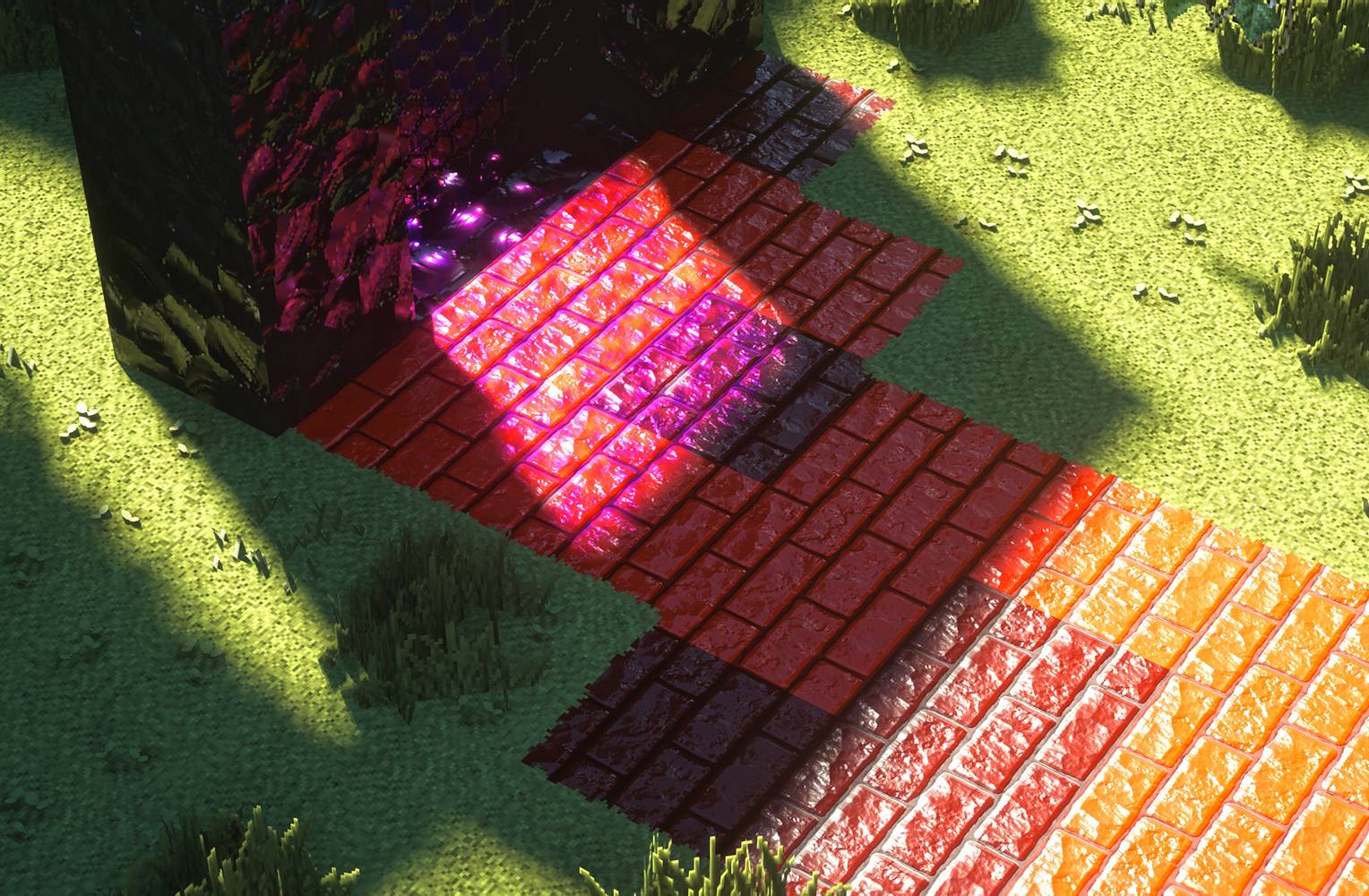
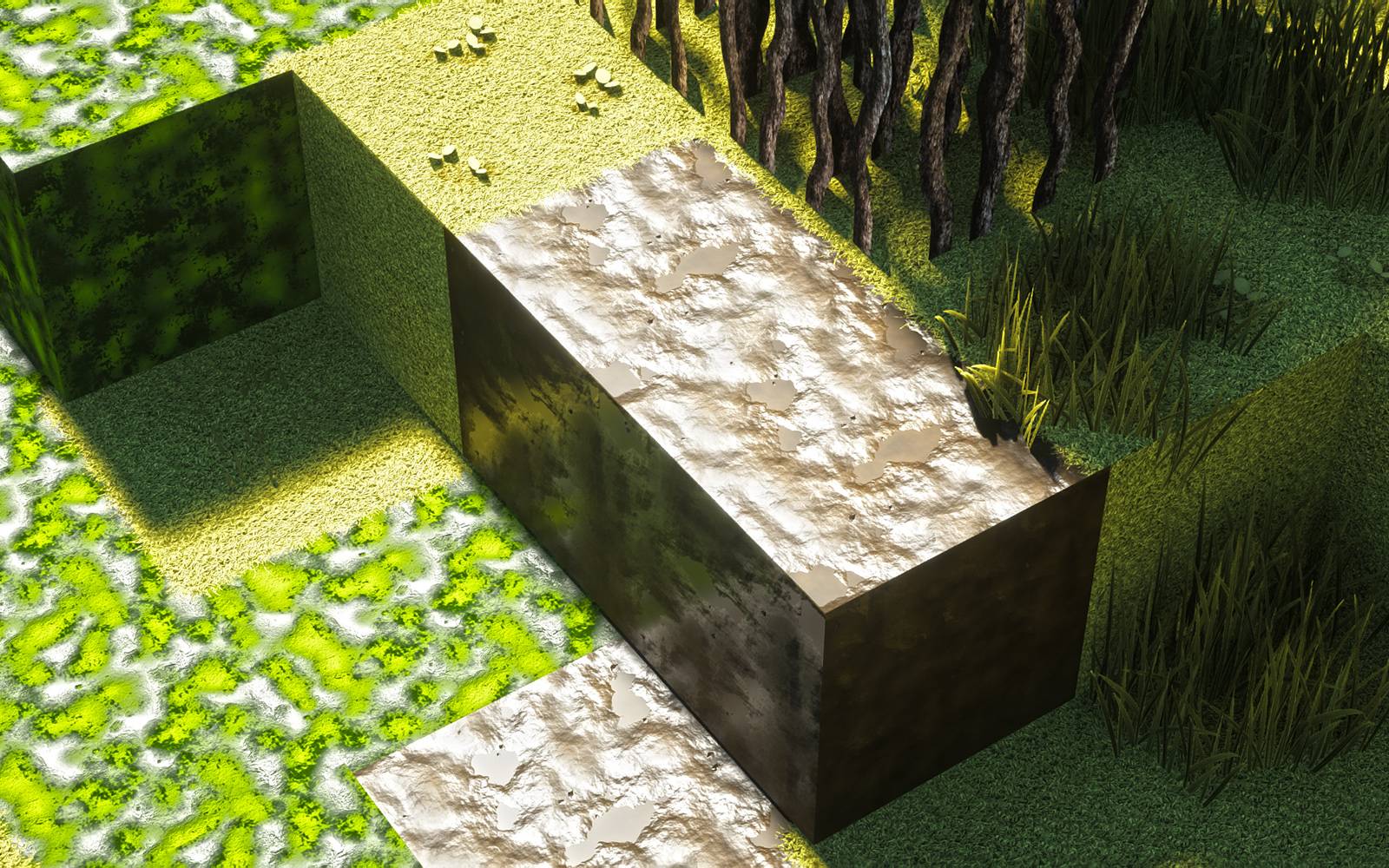
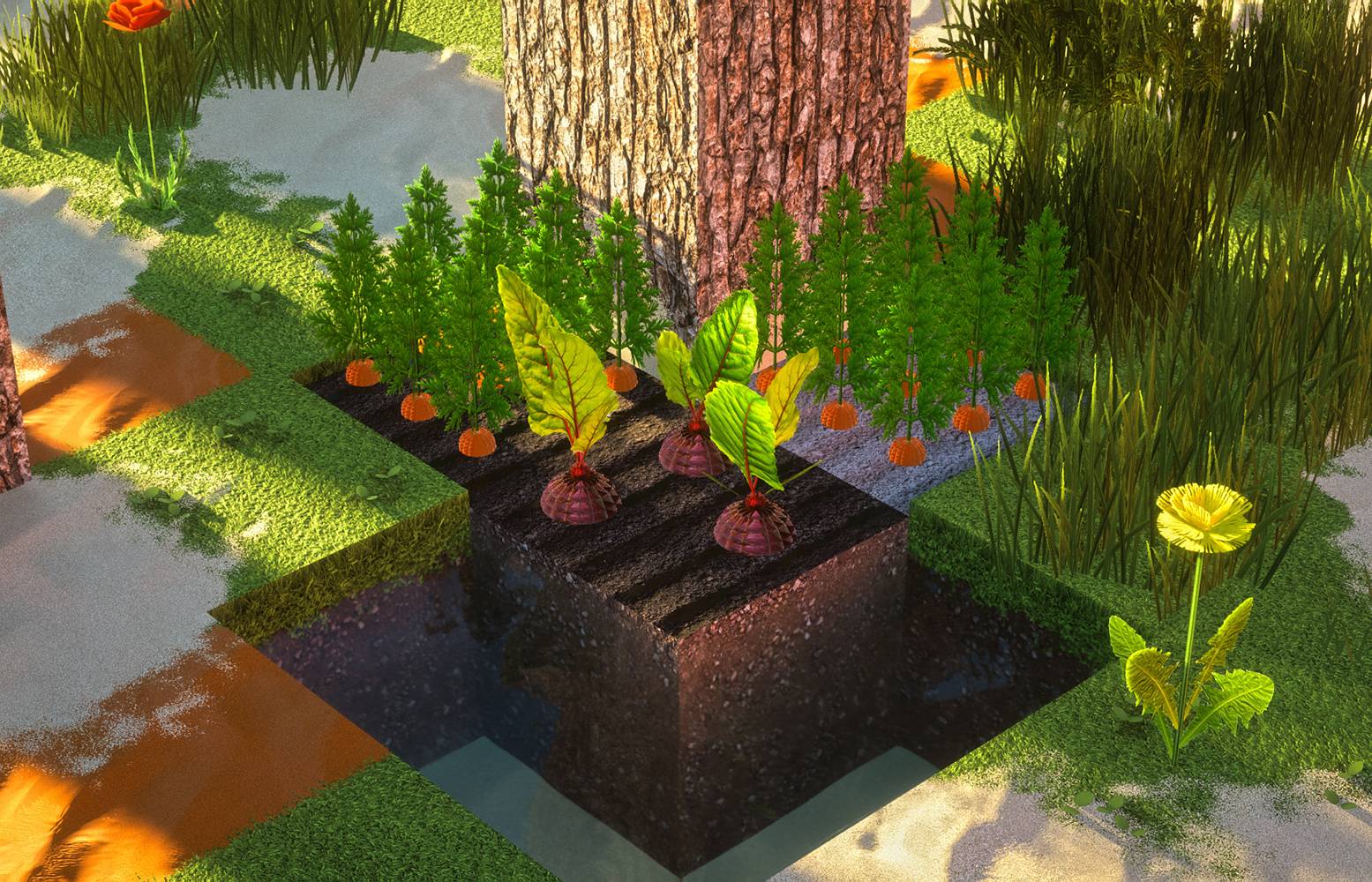
"When Minecraft graphics are better than real life!"


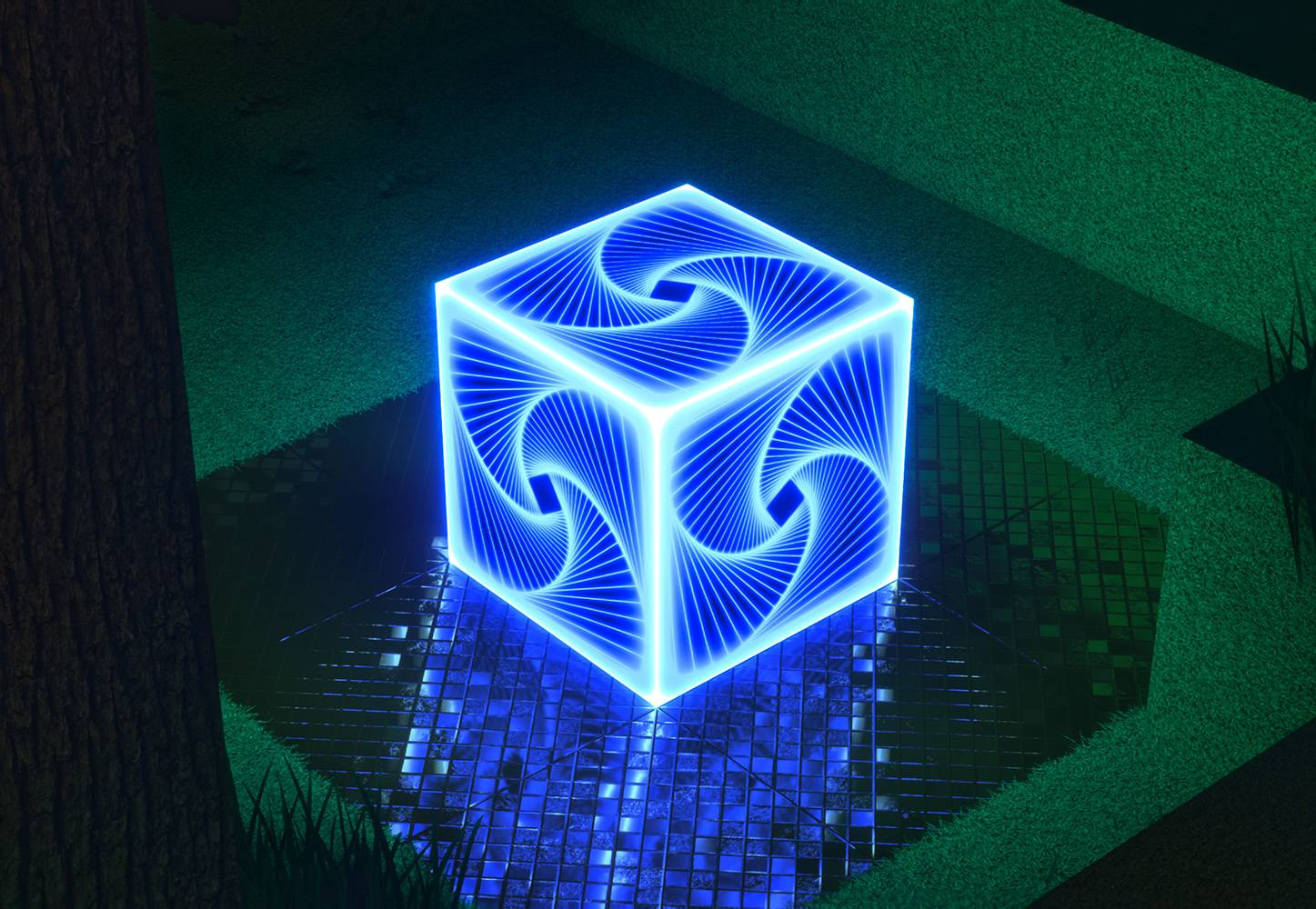
I'm working on this project to make the most realistic texture pack for Minecraft that works with SEUS PTGI shaders and supports its Raytracing features for more realistic graphics, It will also work well with the free Bliss Shaders.

Available in the following resolutions: 64x FREE & 1024x / 512x / 256x PAID

Each month, I release new textures between the 20th and the end of the month.

Requirements:


About Realism Mats:

Realism Mats is made using Photoshop, Autodesk 3ds Max, and Mudbox with so much love, attention to detail, and passion to bring this old game to life so you can enjoy it again with a fresh, new, realistic look and feel.

This passion-driven project needs your help so I can find more time to continue making it better and creating more textures.

I'm spending so much time photographing, scanning, painting, and 3d sculpting most of the textures I use to make sure you get the most detailed product.

Please help this project stay alive by supporting what I do with whatever you can.

Need help?

You can find everything about Realism Mats texture pack on the website: www.realismmats.com

Test Map:

Here you can find the test map here:

www.realismmats.com/test-map

-------------------------------------

You can join my Discord Server with +2700 members for more updates and help.

Thank you so much for your support!

Realism_Mats_Full_Texture_Pack_64x_1.21.zip
MC 1.21
Release 2025-05-07 Get
Realism_Mats_Free_Texture_Pack_64x_1.21.zip
MC 1.21, 1.21.1
Release 2025-01-04 Get

Requirements & install

How to use this resource pack in Minecraft
Resolution
64x
Minecraft
1.21 – 1.21.1
Install folder
.minecraft/resourcepacks

How to install resource packs

  1. Download the resource pack .zip file (do not extract it).
  2. In Minecraft open Options → Resource Packs → Open Pack Folder.
  3. Drop the .zip into the resourcepacks folder (.minecraft/resourcepacks).
  4. Move the pack to the Selected column and click Done.
Browse more: 16x resource packs 32x resource packs 64x resource packs 128x resource packs 256x resource packs 512x+ resource packs Resource Packs for 1.21.1 All resource packs

More from imonedesign

Advertisement Remove ads with Premium →

You Might Also Like