Mineuniverse
Resource Packs
_real life_ pack

_real life_ pack

RESOURCE PACK
texture pack
by _ForgeUser17633248
Download Claim this project
1,467 downloads
0 likes
Updated Oct 14, 2026
0 hypes
64x Miscellaneous
Advertisement Remove ads with Premium →

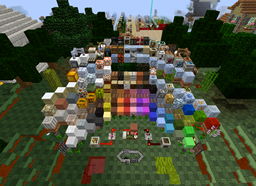
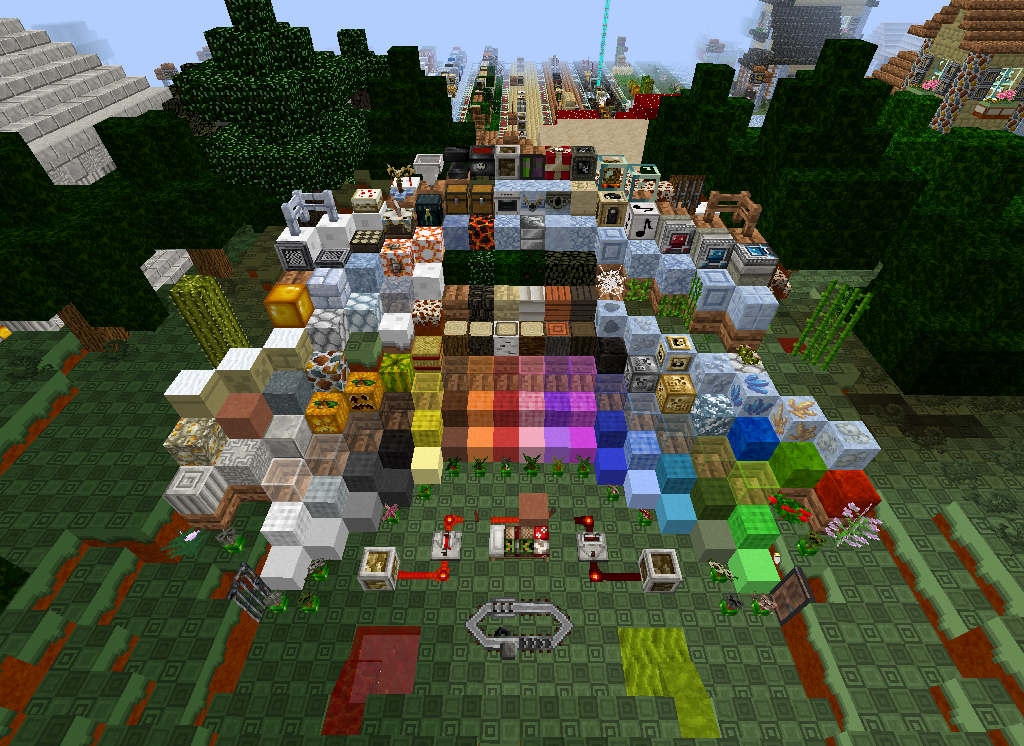
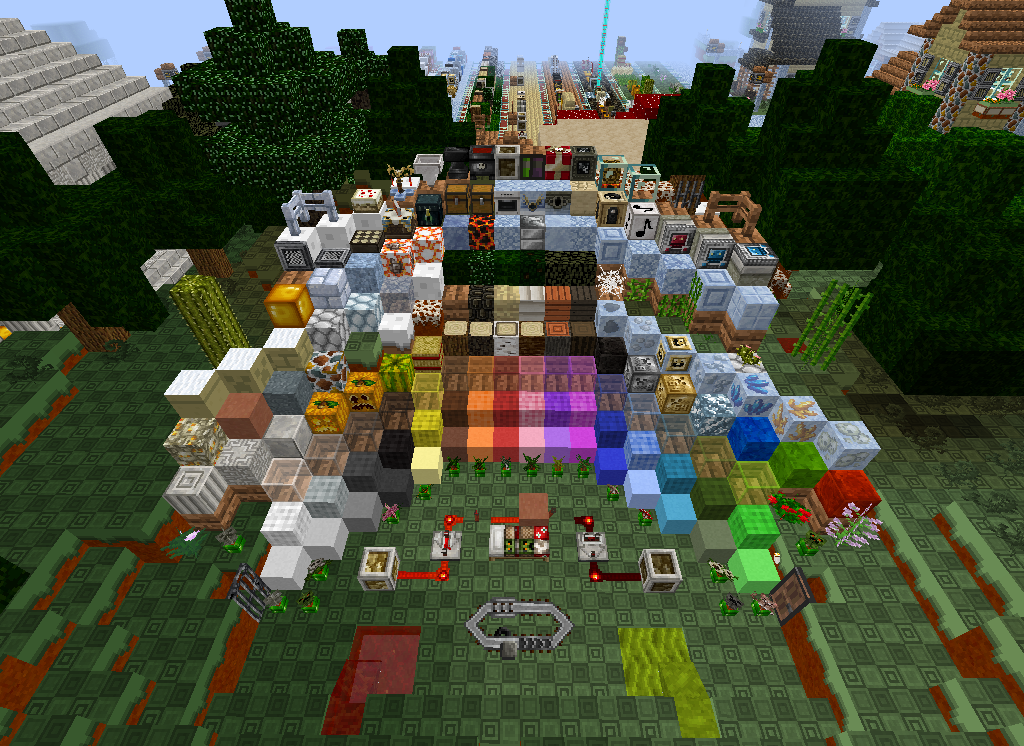
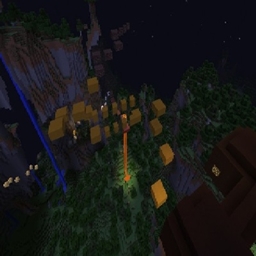
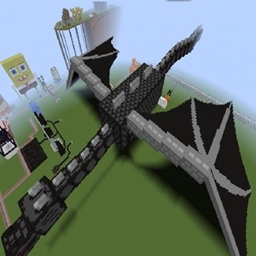
this is a texture pack texture packs changes the looks in minecraft like the blocks and items mobs and even armour. all you do is download the

file and place it in your resourcepack folder in minecraft folder (C:\Users\Thomas\AppData\Roaming\.minecraft\resourcepacks) if you done have a resource pack folder go to (C:\Users\Thomas\AppData\Roaming\.minecraft) and make a new folder called resourcepacks no caps no spaces then place in the file. after that go to your minecraft launch it go into options then resource packs hover over _real life pack_ and there is a arrow click it then click done it will take a minute to load when you click done so be patient and dont click on minecraft again or it wil say not responding then its done and you can play your minecraft. 

_RealLife_pack
MC 1.8
Release 2015-12-11 Get

Requirements & install

How to use this resource pack in Minecraft
Resolution
64x
Minecraft
1.8
Install folder
.minecraft/resourcepacks

How to install resource packs

  1. Download the resource pack .zip file (do not extract it).
  2. In Minecraft open Options → Resource Packs → Open Pack Folder.
  3. Drop the .zip into the resourcepacks folder (.minecraft/resourcepacks).
  4. Move the pack to the Selected column and click Done.
Browse more: 16x resource packs 32x resource packs 64x resource packs 128x resource packs 256x resource packs 512x+ resource packs Resource Packs for 1.8 All resource packs

More from _ForgeUser17633248

Advertisement Remove ads with Premium →

You Might Also Like