Mineuniverse
Resource Packs
Real life enhanced

Real life enhanced

RESOURCE PACK
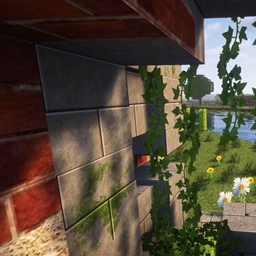
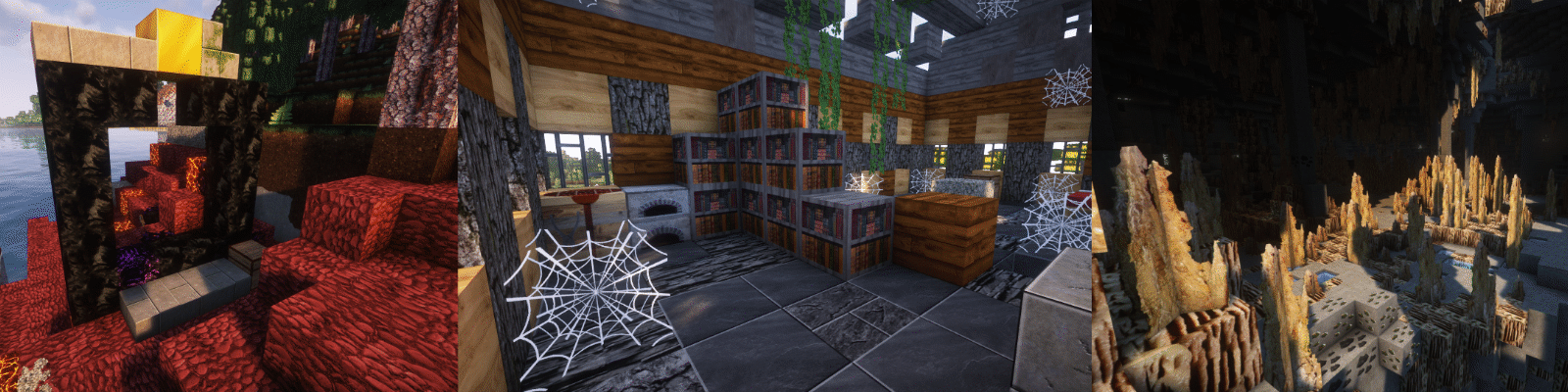
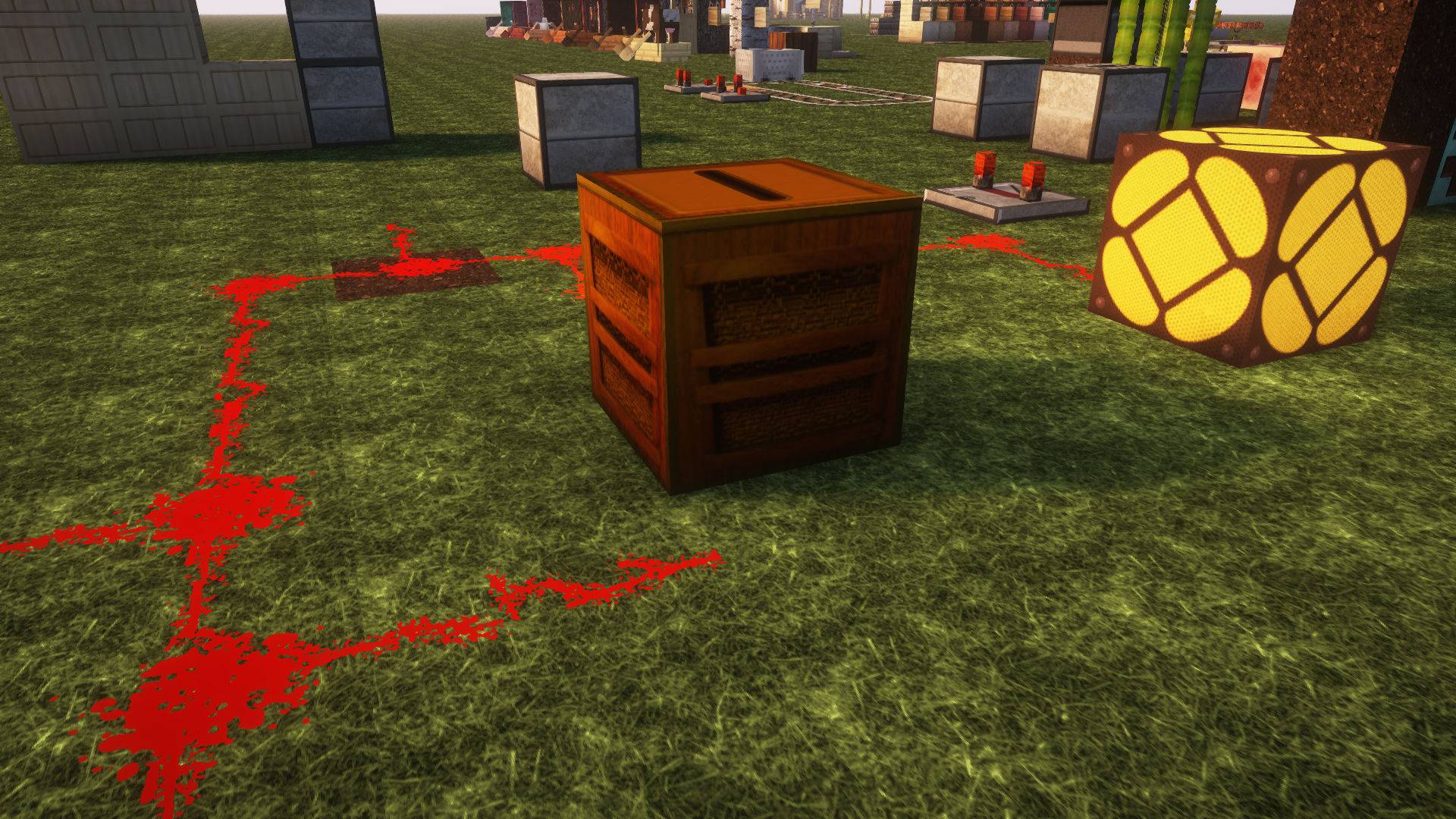
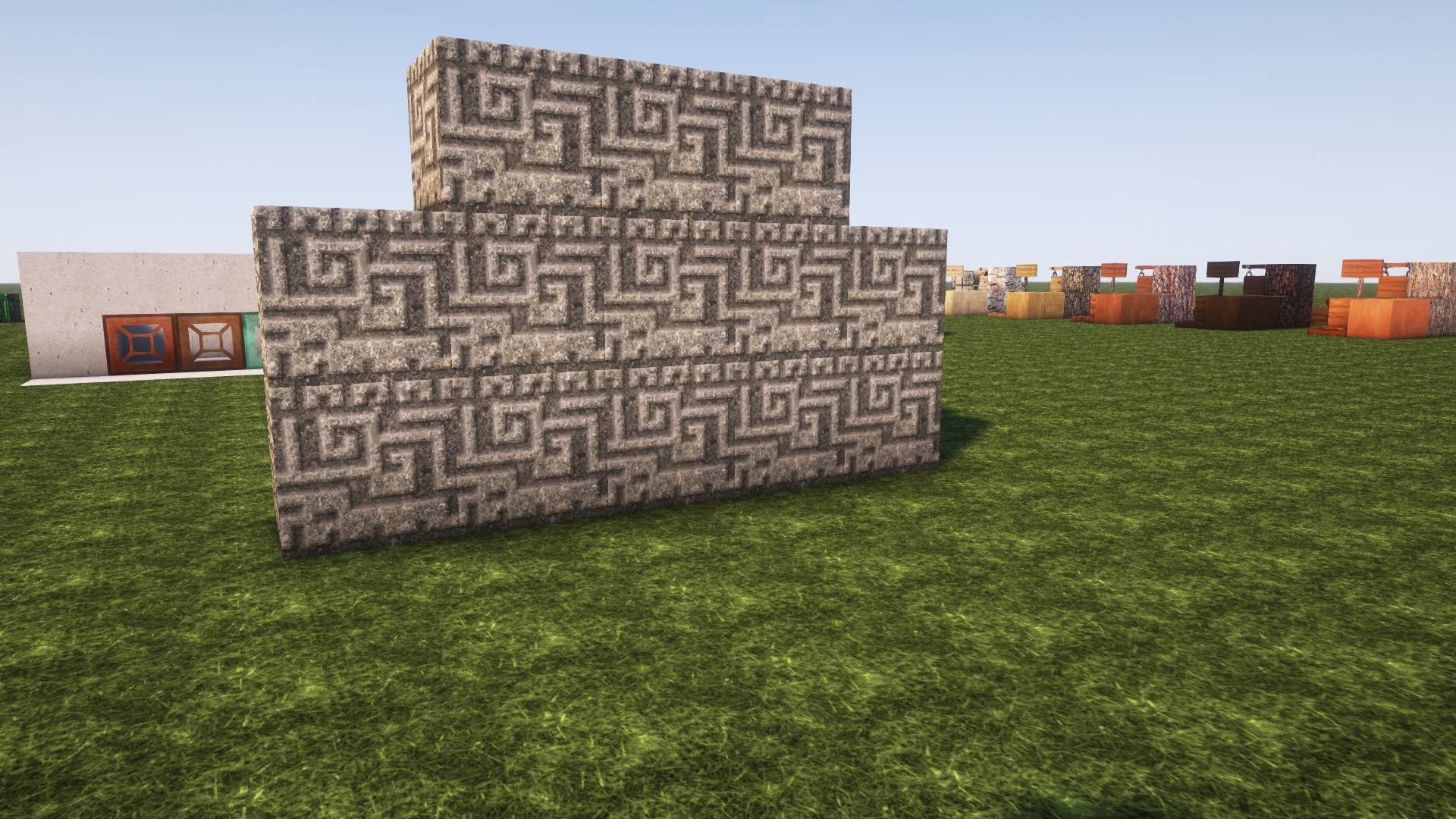
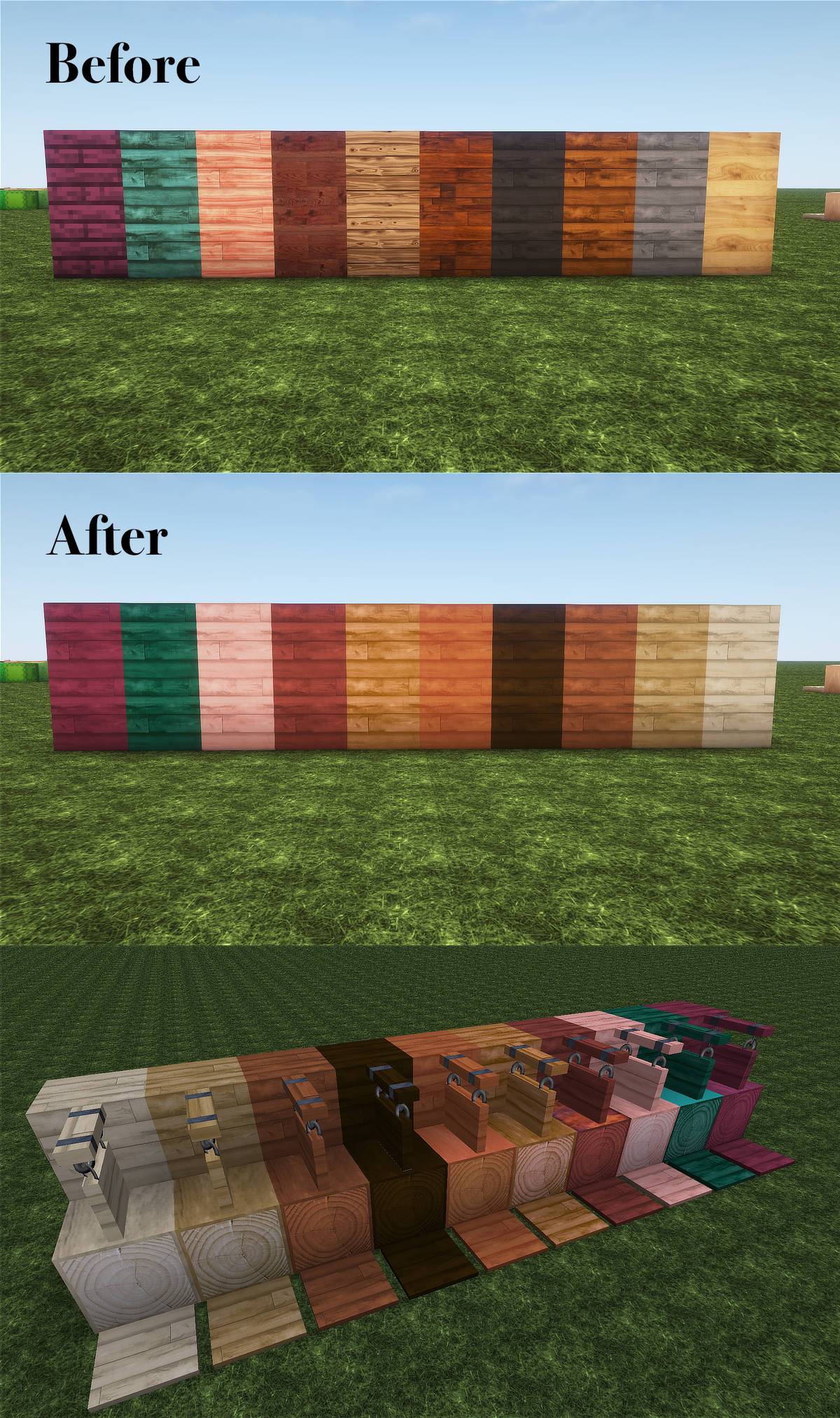
Realistic Minecraft Textures, 256, Natural look and easy on the eye. Looks great with shaders.
by LynxArt
Download Claim this project
21,166 downloads
0 likes
Updated Oct 14, 2026
0 hypes
256x Photo Realistic
Advertisement Remove ads with Premium →

Another realistic texture pack? Really? Well, why not. Ever since I started using packs I have been unsatisfied. Don't get me wrong, some are amazing, Patrix for one has always been an inspiration.

A lot of thought went into the making so far. I'm referring whenever possible to real life stuff but everything has to work together.

The work is not finished but be assured that the texture pack will be updated every month, I'll even try to keep up with Mojang's new updates! I'm open to ideas and suggestions. Come and chat in my Discord. Show me your builds or best seeds

Visit my YouTube channel LynxArt-tp or become a member on my Patreon and get exclusives like access to my Discord, 3 extra texture packs: Bushy Leaves, Overlay and LABpbr LynxArt Patreon

For a limited time people who become free members on my Patreon page will have access to the Bushy pack!

Peace

LynxArt Texture Pack
MC 1.21, 1.20, 1.21.11, 26.1, 26.2
Release 2026-09-02 Get
LynxArt Texture Pack.
MC 1.21, 1.20
Release 2026-06-14 Get
LynxArt Texture Pack
MC 1.21, 1.20
Release 2026-01-18 Get
LynxArt Texture Pack.
MC 1.21, 1.21.8, 1.21.5, 1.21.4, 1.20, 1.21.1, 1.21.6, 1.21.3, 1.21.7, 1.21.2
Release 2025-10-19 Get
LynxArt Texture Pack
MC 1.21, 1.21.5, 1.21.4, 1.20, 1.21.3, 1.21.7, 1.21.1, 1.21.6, 1.21.2
Release 2025-08-03 Get
LynxArt Texture Pack
MC 1.21, 1.21.5, 1.21.4, 1.20, 1.21.3, 1.21.1, 1.21.2
Release 2025-06-07 Get
LynxArt Texture Pack
MC 1.20.2, 1.21, 1.20.5, 1.21.4, 1.20.3, 1.20.1, 1.20, 1.20.6, 1.20.4, 1.21.3, 1.21.1, 1.21.2
Release 2025-04-03 Get
LynxArt Texture Pack
MC 1.21, 1.20
Release 2025-01-01 Get
LynxArt Texture Pack
MC 1.20.2, 1.21, 1.20.5, 1.20.3, 1.20.1, 1.20, 1.20.6, 1.20.4, 1.21.1
Release 2024-11-01 Get

Requirements & install

How to use this resource pack in Minecraft
Resolution
256x
Minecraft
1.21.4 – 26.2
Install folder
.minecraft/resourcepacks

How to install resource packs

  1. Download the resource pack .zip file (do not extract it).
  2. In Minecraft open Options → Resource Packs → Open Pack Folder.
  3. Drop the .zip into the resourcepacks folder (.minecraft/resourcepacks).
  4. Move the pack to the Selected column and click Done.

Packs from 128x upwards need more video memory: install a performance mod such as Sodium for smooth frame rates.

Browse more: 16x resource packs 32x resource packs 64x resource packs 128x resource packs 256x resource packs 512x+ resource packs Resource Packs for 26.2 All resource packs
Advertisement Remove ads with Premium →

You Might Also Like