Mineuniverse
Resource Packs
Rails of Ruun - Immersive Railroading

Rails of Ruun - Immersive Railroading

RESOURCE PACK
Large 3ft gauge track pack including multiple ballast materials and track models.
by Aunuli
Download Claim this project
Add a badge to your pageLink to Rails of Ruun - Immersive Railroading from a README, website or forum post.
Preview: Badge

Badges update automatically and link to the resource pack page on MineUniverse.

1,099 downloads
0 likes
0 followers
Updated Oct 14, 2026
0 hypes
Follow0
16x Mod Support
Advertisement Remove ads with Premium →

Rails of Ruun requires Immersive Railroading to function properly

RAILS OF RUUN

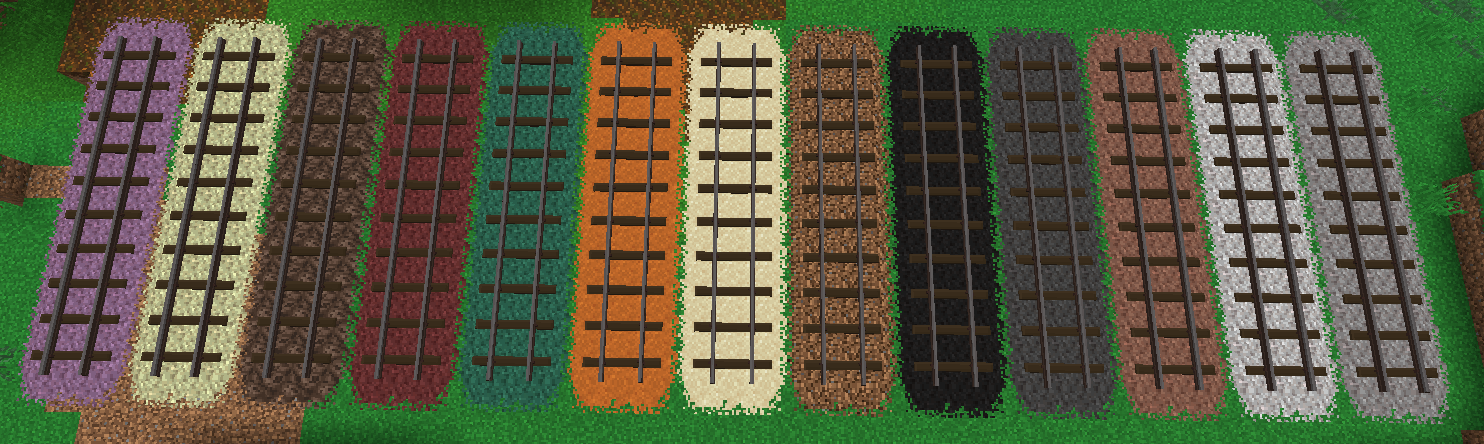
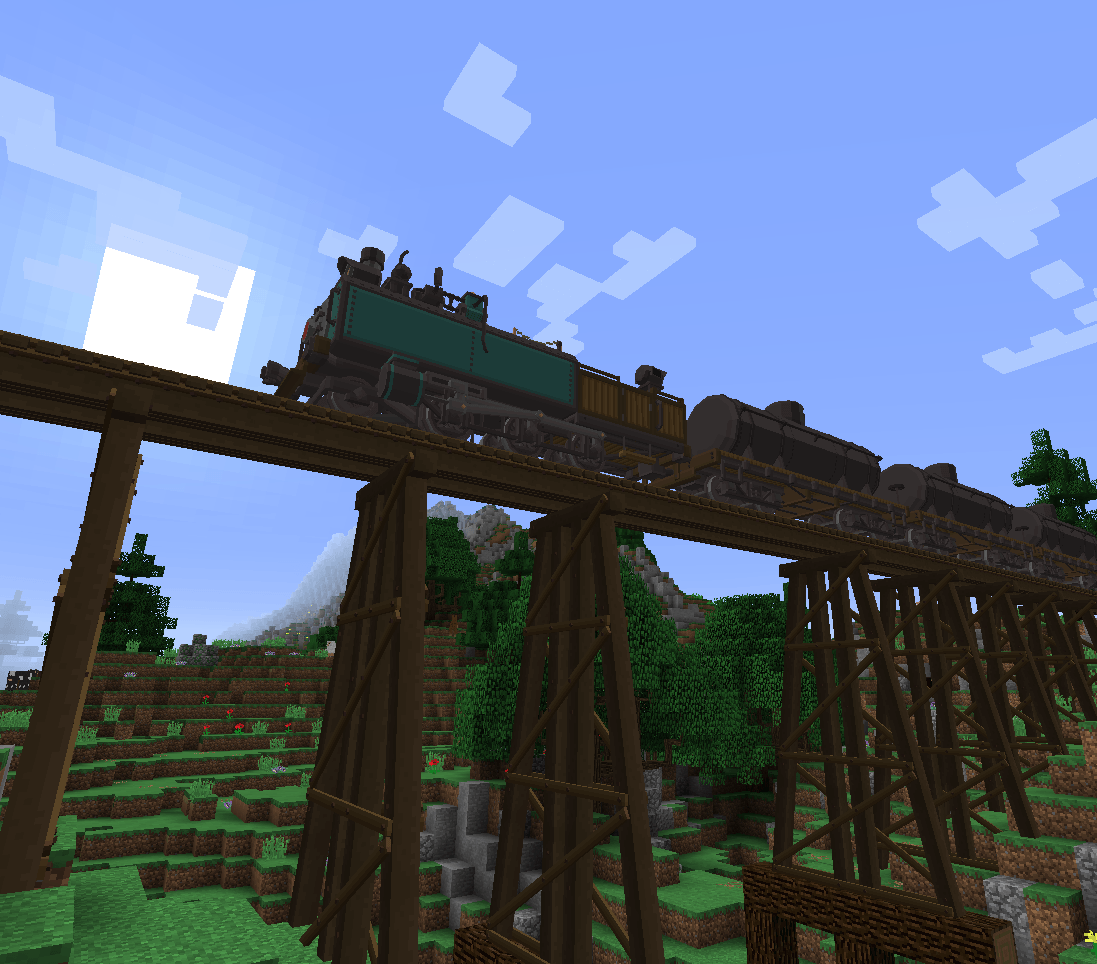
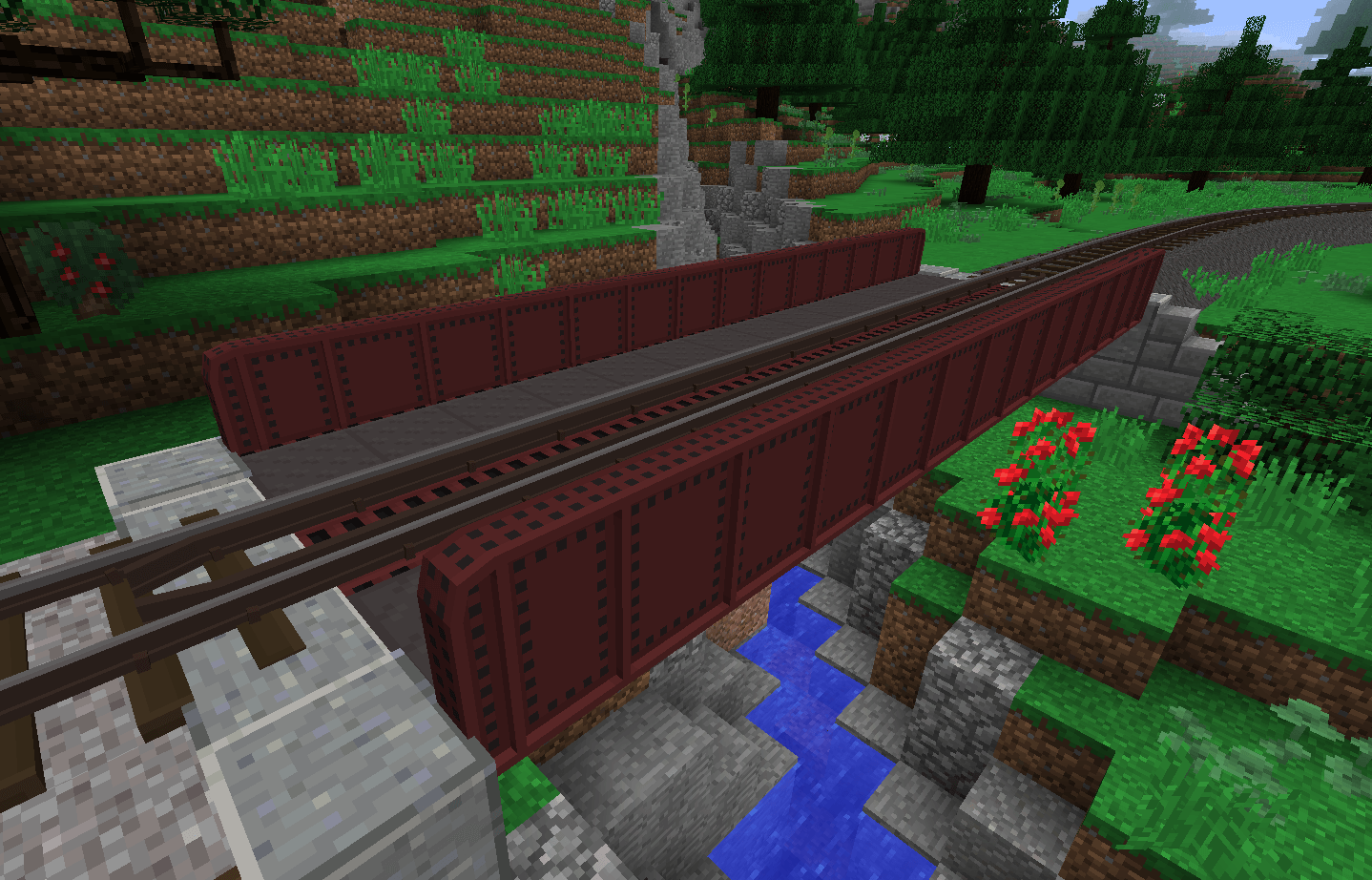
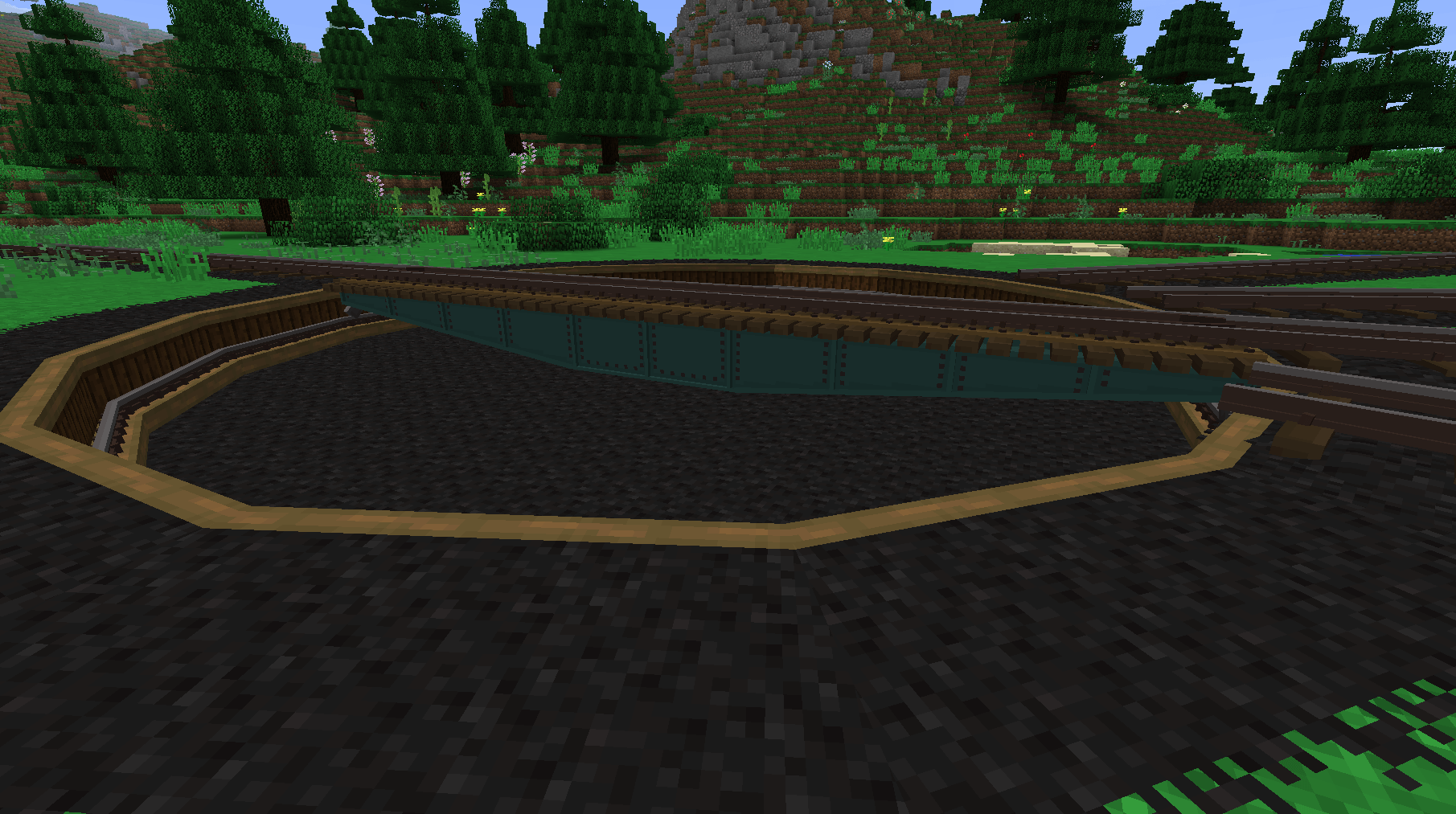
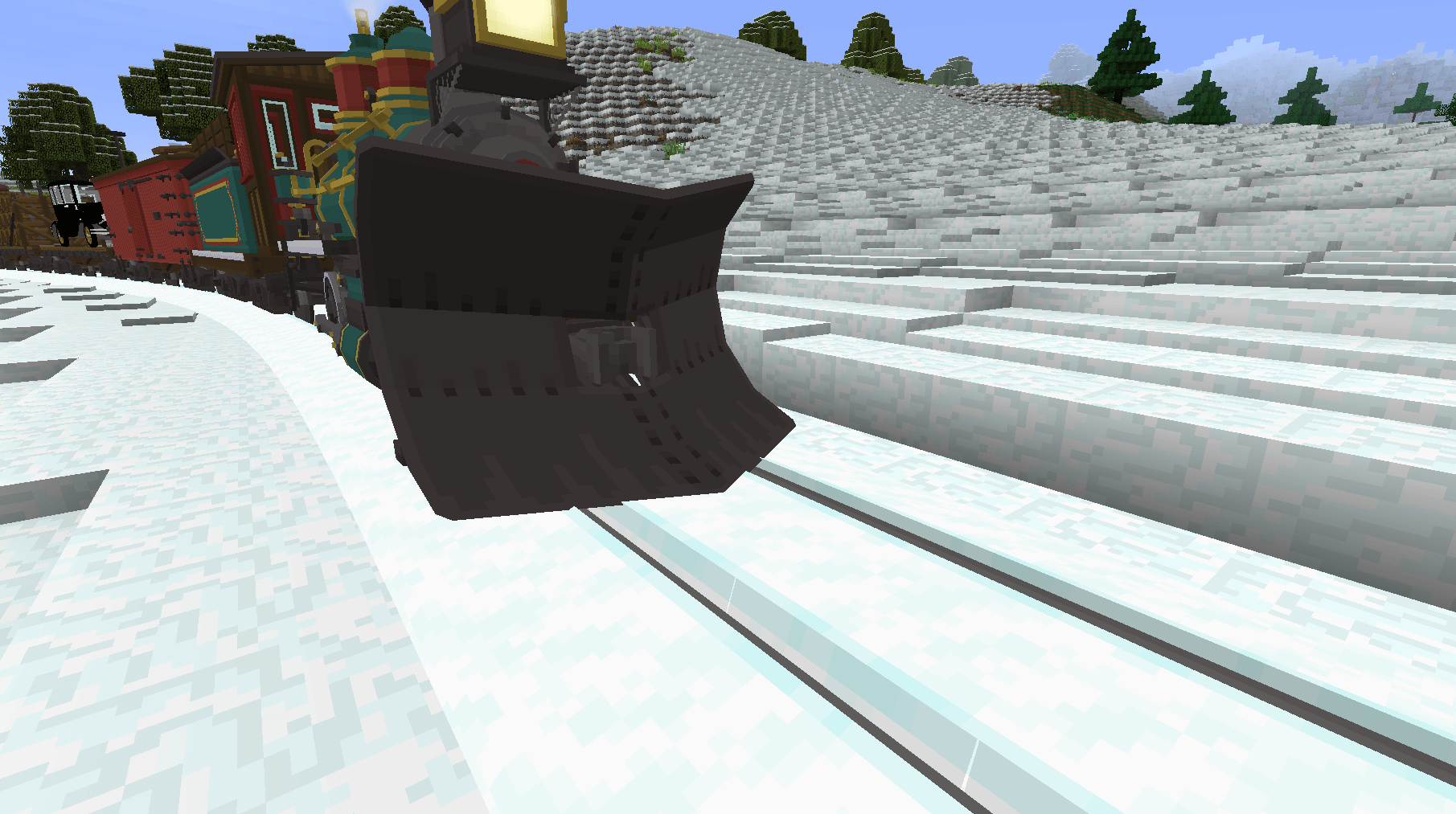
Rails of Ruun seeks to add detailed, immersive track models that blend well into a vanilla aesthetic. Elevate your Immersive Railroading 3ft gauge network with detailed turntables, bridges, and embankments in 13 base game inspired material pallets!

CONTENTS

Track Types
- Standard track
- One sided catch rail track
- Dual catch rail track
- Ballasted tracks
- Ballasted ends
- Ballasted transitions
- Embankments
- Embanked transitions
- Abutments
- Abutments with catch rails
- Trestle pieces
- Plate girder bridges
- Turntables
- Turntable pits

Ballast Types
- Gravel
- Coal
- Deepslate
- Diorite
- Dirt
- Granite
- Red sand
- Sand
- Snow
- Prismarine
- Netherrack
- Soulsand
- Endstone
- Purpur

Paint Colors for Bridges and Turntables
- Steel
- Brown
- Crimson
- Green
- Navy
- Teal

NOTES

This pack is done as a hobby and will be updated inconsistently and as I see fit.

Usage and redistribution in any form is allowed, just credit Iron Horse Dev Group and link back here in some form =)

Discord
Patreon

Iron Horse Dev Group

Rails of Ruun V1.0.1.zip
MC 1.16.5, 1.20.1, 1.7.10, 1.12.2
Release 2026-06-27 Get
Rails of Ruun V1.0.zip
MC 1.16.5, 1.20.1, 1.7.10, 1.12.2
Release 2026-06-26 Get

Requirements & install

How to use this resource pack in Minecraft
Resolution
16x
Minecraft
1.7.10 – 1.20.1
Install folder
.minecraft/resourcepacks

How to install resource packs

  1. Download the resource pack .zip file (do not extract it).
  2. In Minecraft open Options → Resource Packs → Open Pack Folder.
  3. Drop the .zip into the resourcepacks folder (.minecraft/resourcepacks).
  4. Move the pack to the Selected column and click Done.
Browse more: 16x resource packs 32x resource packs 64x resource packs 128x resource packs 256x resource packs 512x+ resource packs Resource Packs for 1.20.1 All resource packs

More from Aunuli

Advertisement Remove ads with Premium →

You Might Also Like