Mineuniverse
Resource Packs
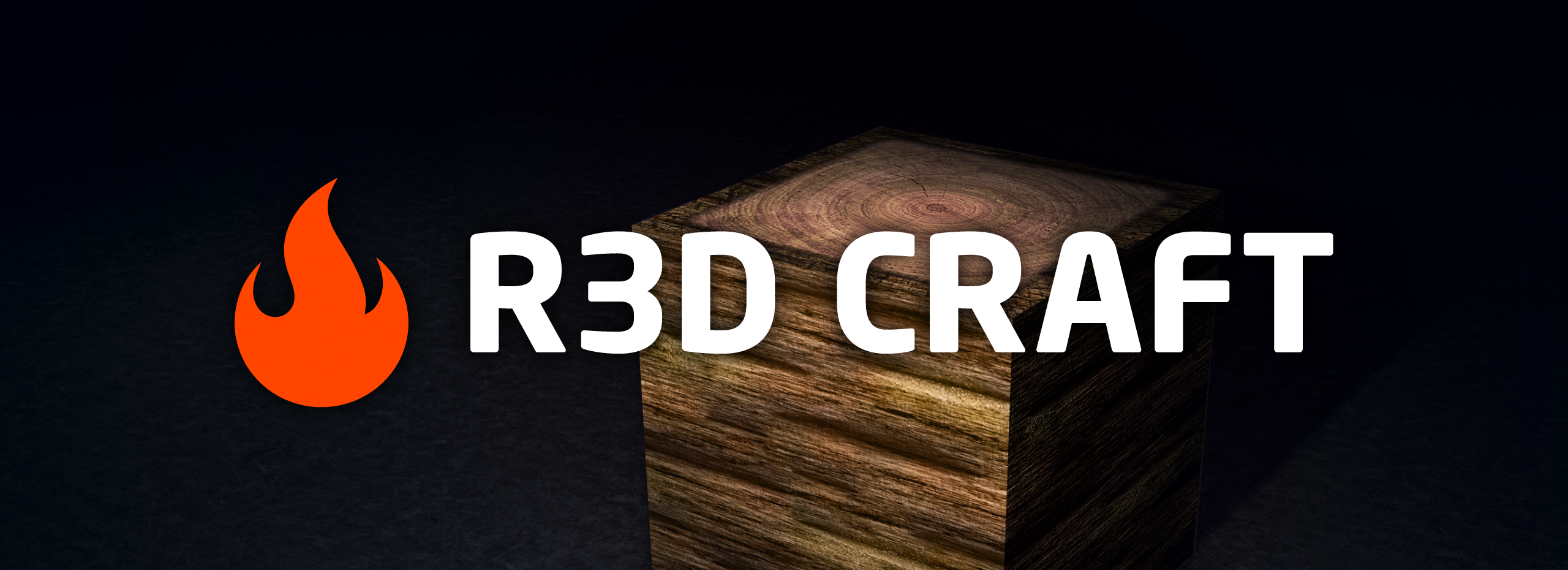
R3D CRAFT: Default Realism 64px

R3D CRAFT: Default Realism 64px

RESOURCE PACK
A HD alternative to Minecraft's default apperance
by Alvtron
Download Claim this project
Add a badge to your pageLink to R3D CRAFT: Default Realism 64px from a README, website or forum post.
Preview: Badge

Badges update automatically and link to the resource pack page on MineUniverse.
234,512 downloads
0 likes
0 followers
Updated Oct 14, 2026
0 hypes
Follow0
64x Animated Modern Photo Realistic Traditional
Advertisement Remove ads with Premium →


NB! R3D CRAFT: Default Realism is discontinued! It will be updated to be usable with newer versions of Minecraft, but no new blocks will be added. I will continue working on the original R3D CRAFT (previously named Smooth Realism), so check it out here.


R3D.CRAFT, pronounced Red Craft or R-3-D Craft, is a high-res texture pack that can be applied to the game, Minecraft. Based on the default texture that comes along with this game, R3D.CRAFT enhances the missing realism, with high quality textures, smoother colortransitions, smooth shapes, shadows, lighting, missing details + so much more.


This texture is made for those who seek more quality in-game, but also want to keep the default design and feeling. Therefore, this texture tries to stay close to the default appearance, by matching the correct colors and indication of shape.


R3D.CRAFT: Default Realism in other resolutions:

You will find higher quality versions, images, videos and more info here.

R3D CRAFT DR-64x (v0.1.5)
MC 1.9.1, 1.9.3, 1.10-Snapshot, 1.9.4, 1.9.2, 1.10, 1.9-Snapshot, 1.9
Release 2016-06-14 Get
_1.7__R3D.CRAFT_DR-64x_v0.1.5.zip
MC 1.7.4
Release 2014-01-24 Get
_1.7__R3D.CRAFT_DR-64x_v0.1.4.zip
MC 1.7.4
Release 2014-01-20 Get
_1.7__R3D.CRAFT_DR-64x_v0.1.3.zip
MC 1.7.4
Release 2014-01-10 Get
_1.7__R3D.CRAFT_Default_Realism_64x_v0.1.2.zip
MC 1.7.4
Release 2013-12-13 Get
_1.6.2__R3D.CRAFT_Default_Realism_64x_v0.1.1.zip
MC 1.6.2
Release 2013-07-28 Get
_1.6.2__R3D_CRAFT_Default_Realism_64x_v0.1.0.zip
MC 1.6.2
Release 2013-07-26 Get
_1.6.2__R3D_CRAFT_Default_Realism_64x__75__.zip
MC 1.6.2
Release 2013-07-24 Get
_1.5__R3D_CRAFT_Default_Realism_64x64__75__.zip
MC 1.5.1
Release 2013-03-27 Get
_1.5__R3D_CRAFT_Default_Realism_64x64__75__.zip
MC 1.5.1
Release 2013-03-26 Get
_1.5__R3D_CRAFT_Default_Realism_64x64__75__.zip
MC 1.5.0
Release 2013-03-14 Get
_1.5__R3D_CRAFT_Default_Realism_64x64__75__.zip
MC 1.5.0
Release 2013-03-13 Get

Requirements & install

How to use this resource pack in Minecraft
Resolution
64x
Minecraft
1.9-Snapshot – 1.10
Install folder
.minecraft/resourcepacks

How to install resource packs

  1. Download the resource pack .zip file (do not extract it).
  2. In Minecraft open Options → Resource Packs → Open Pack Folder.
  3. Drop the .zip into the resourcepacks folder (.minecraft/resourcepacks).
  4. Move the pack to the Selected column and click Done.
Browse more: 16x resource packs 32x resource packs 64x resource packs 128x resource packs 256x resource packs 512x+ resource packs Resource Packs for 1.10 All resource packs

More from Alvtron

Advertisement Remove ads with Premium →

You Might Also Like