Mineuniverse
Resource Packs
Quiby's Realistic Resource Pack

Quiby's Realistic Resource Pack

RESOURCE PACK
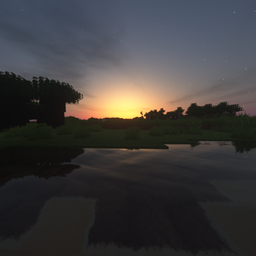
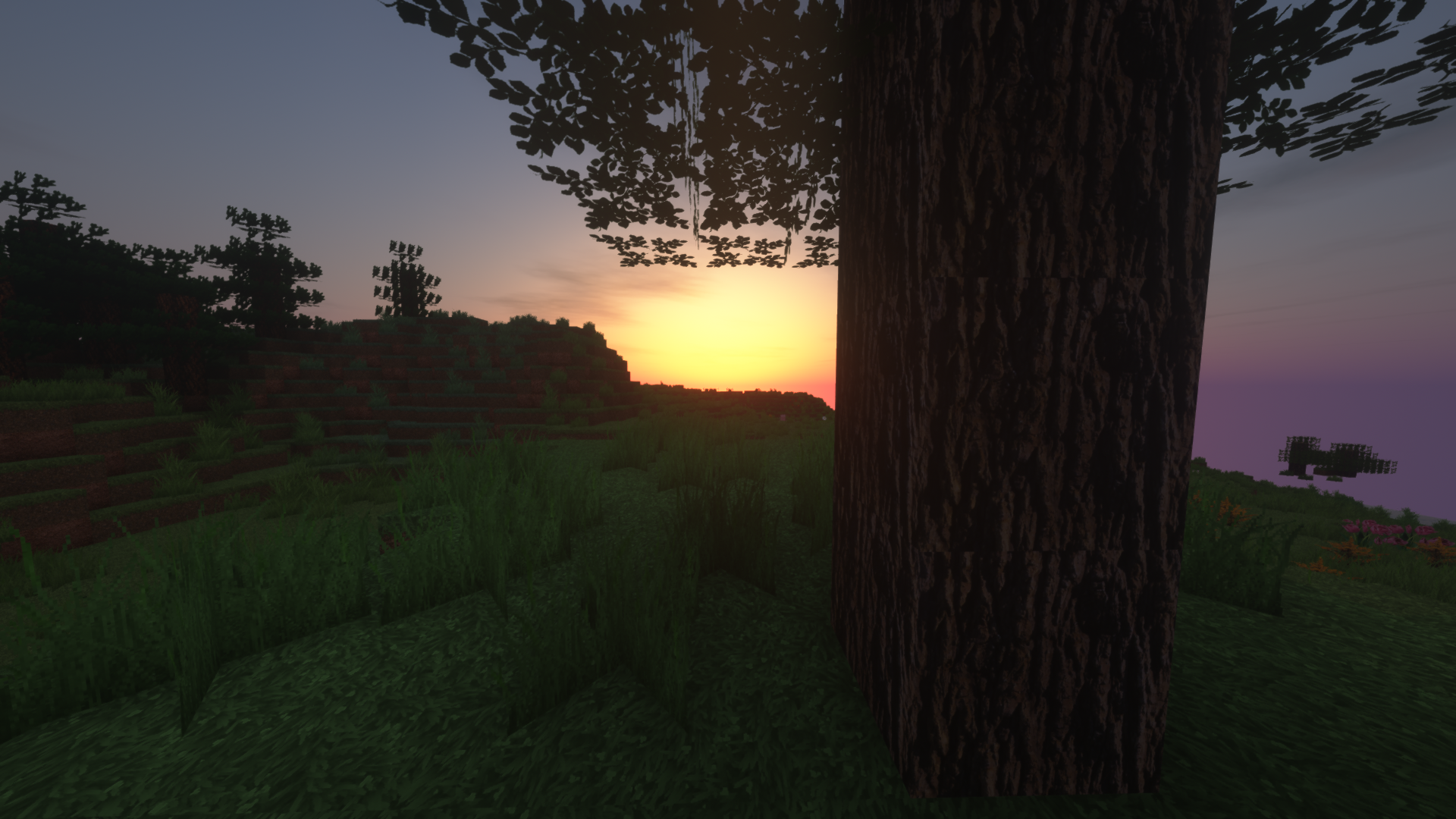
A mashing together of realistic textures of blocks.
by QuibyYT
Download Claim this project
7,548 downloads
0 likes
0 followers
Updated Oct 14, 2026
0 hypes
Follow0
256x Photo Realistic
Advertisement Remove ads with Premium →

*Note that I am not trying to make anything off of this is made this for the fun and entertainment. Anyone can download it and do whatever with it. This also took a few weeks so all of the new textures and a few old ones aren't complete yet. Some textures are as low as 128x while others go to 1024x. Keep in mind that this was made for 1.17 making it possible that I might not work for 1.16. or lower. Also, to make this texture more realistic I suggest SEUS Renewed shaders. Most textures look weird.

Thank You and enjoy!

Quiby's Realistic Resource Pack.zip
MC 1.17.1, 1.17, 1.17-Snapshot
Release 2021-11-03 Get

Requirements & install

How to use this resource pack in Minecraft
Resolution
256x
Minecraft
1.17-Snapshot – 1.17.1
Install folder
.minecraft/resourcepacks

How to install resource packs

  1. Download the resource pack .zip file (do not extract it).
  2. In Minecraft open Options → Resource Packs → Open Pack Folder.
  3. Drop the .zip into the resourcepacks folder (.minecraft/resourcepacks).
  4. Move the pack to the Selected column and click Done.

Packs from 128x upwards need more video memory: install a performance mod such as Sodium for smooth frame rates.

Browse more: 16x resource packs 32x resource packs 64x resource packs 128x resource packs 256x resource packs 512x+ resource packs Resource Packs for 1.17.1 All resource packs
Advertisement Remove ads with Premium →

You Might Also Like