Mineuniverse
Resource Packs
Quartz UI

Quartz UI

RESOURCE PACK
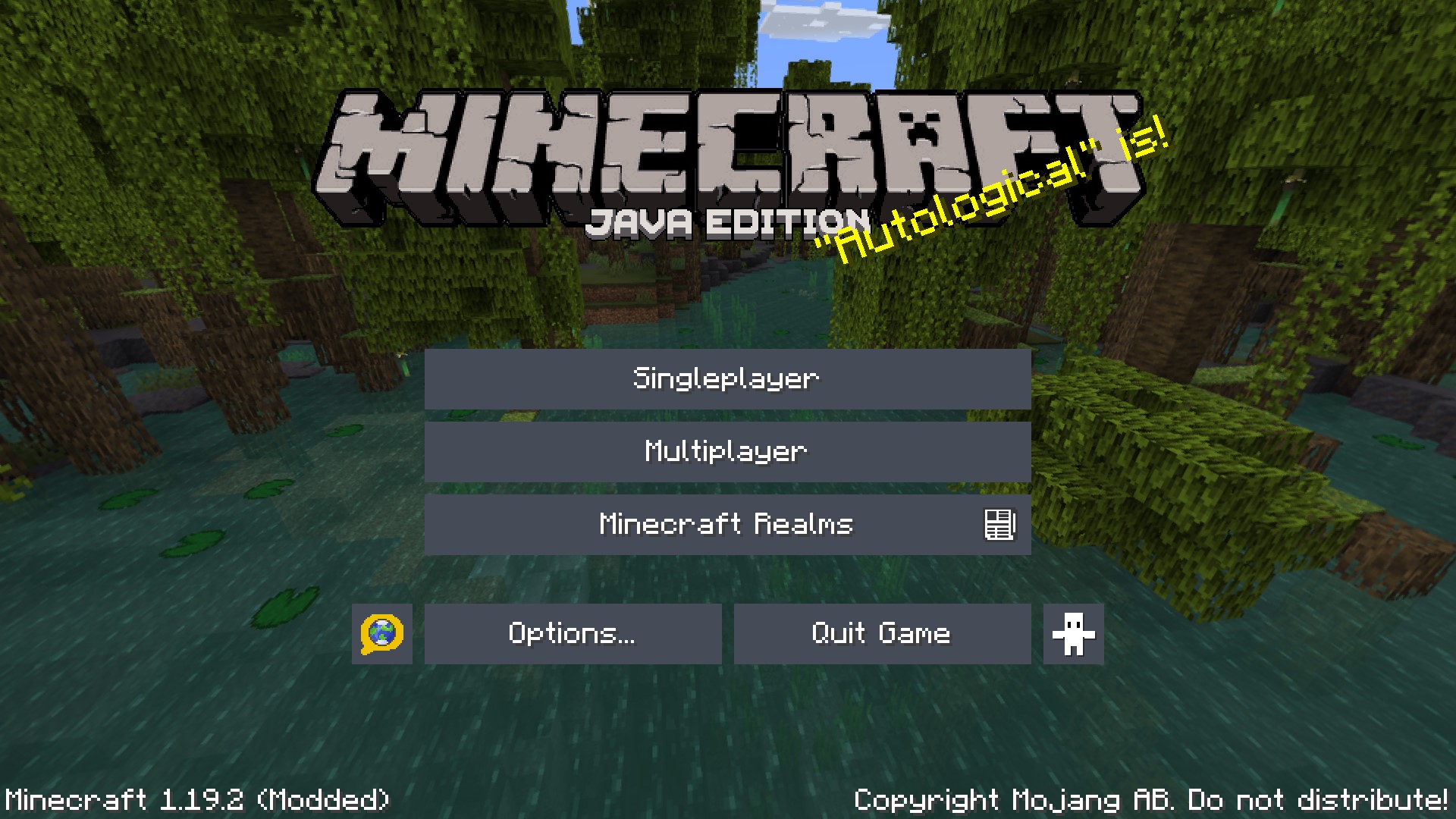
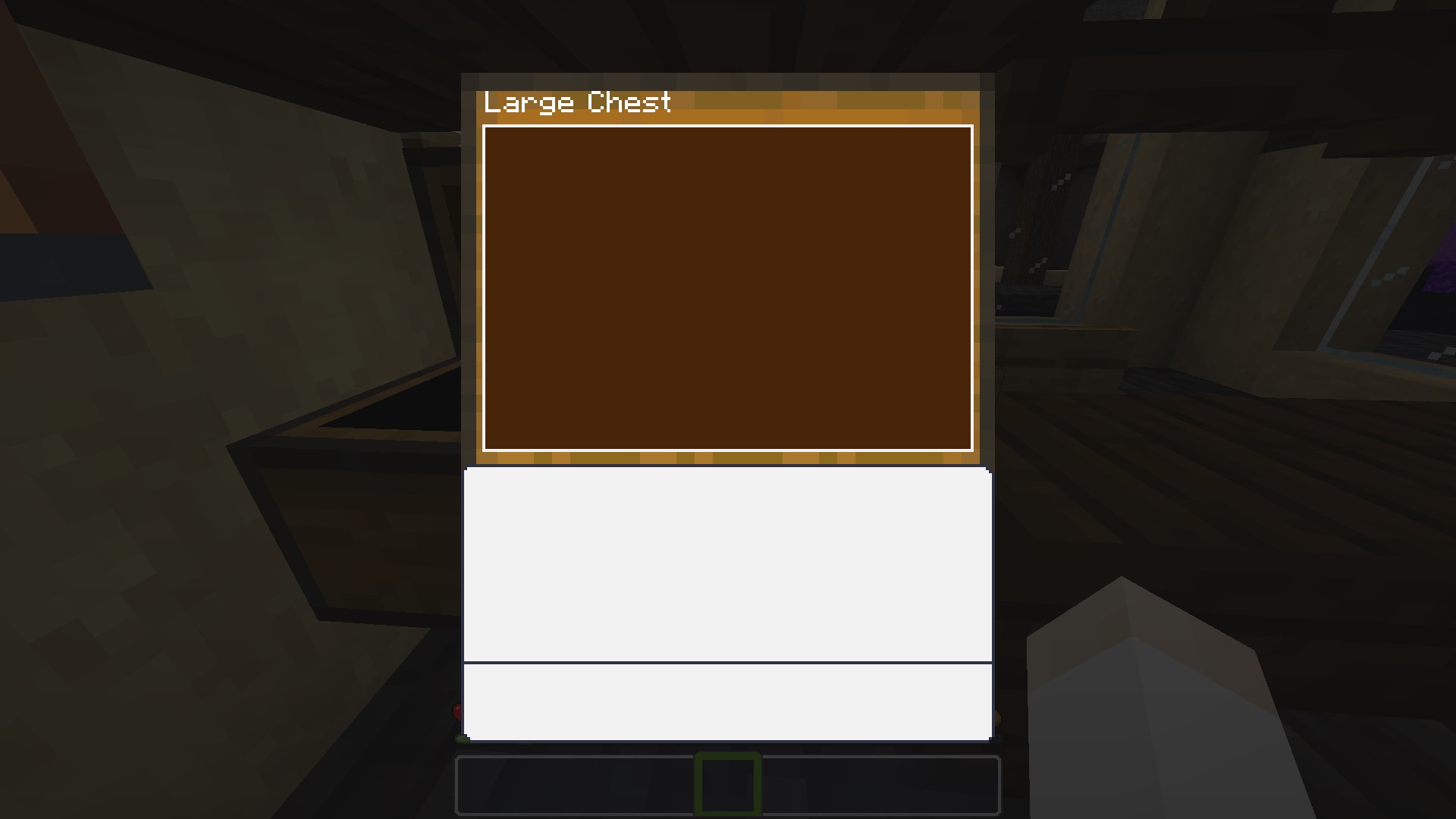
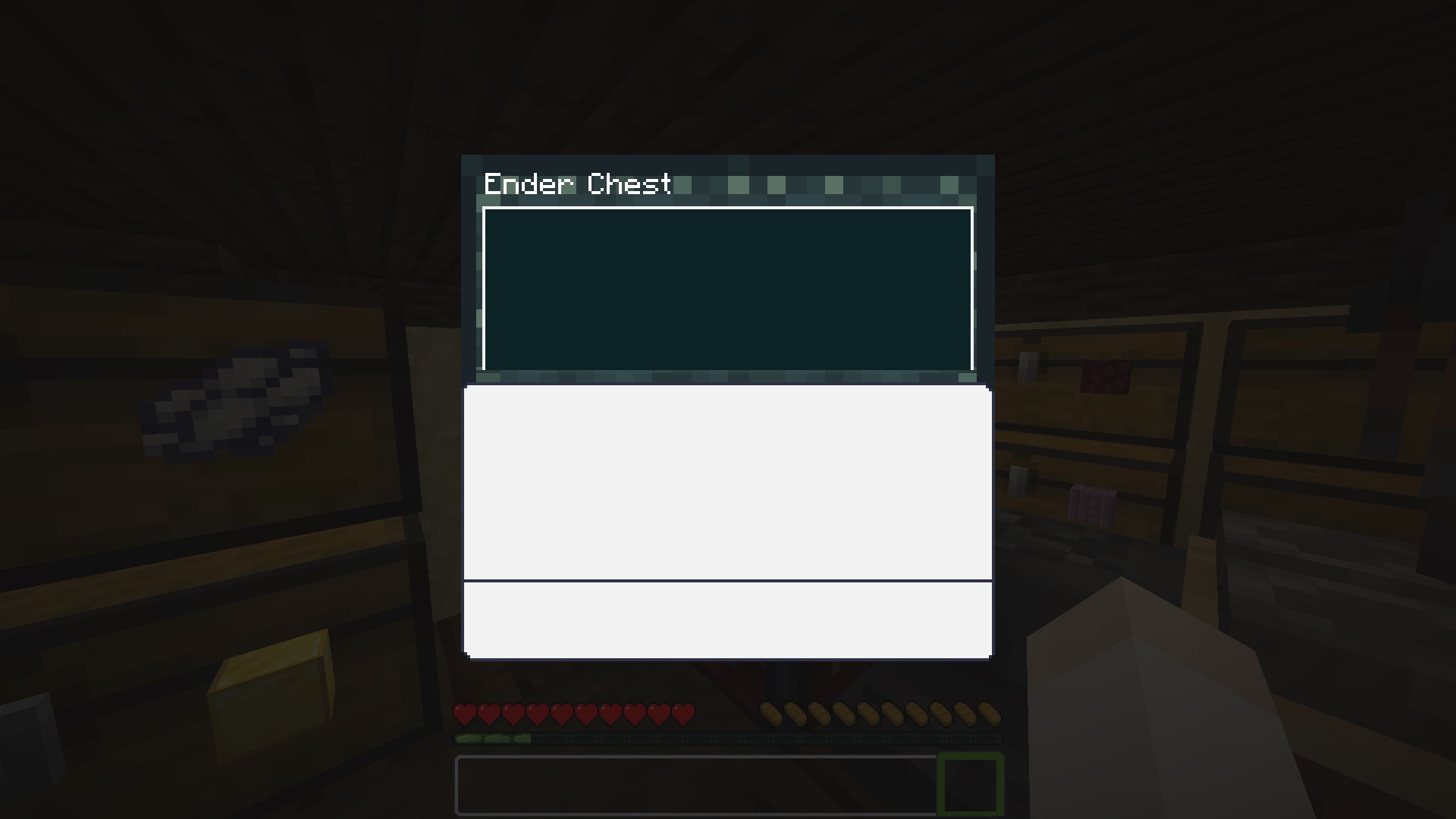
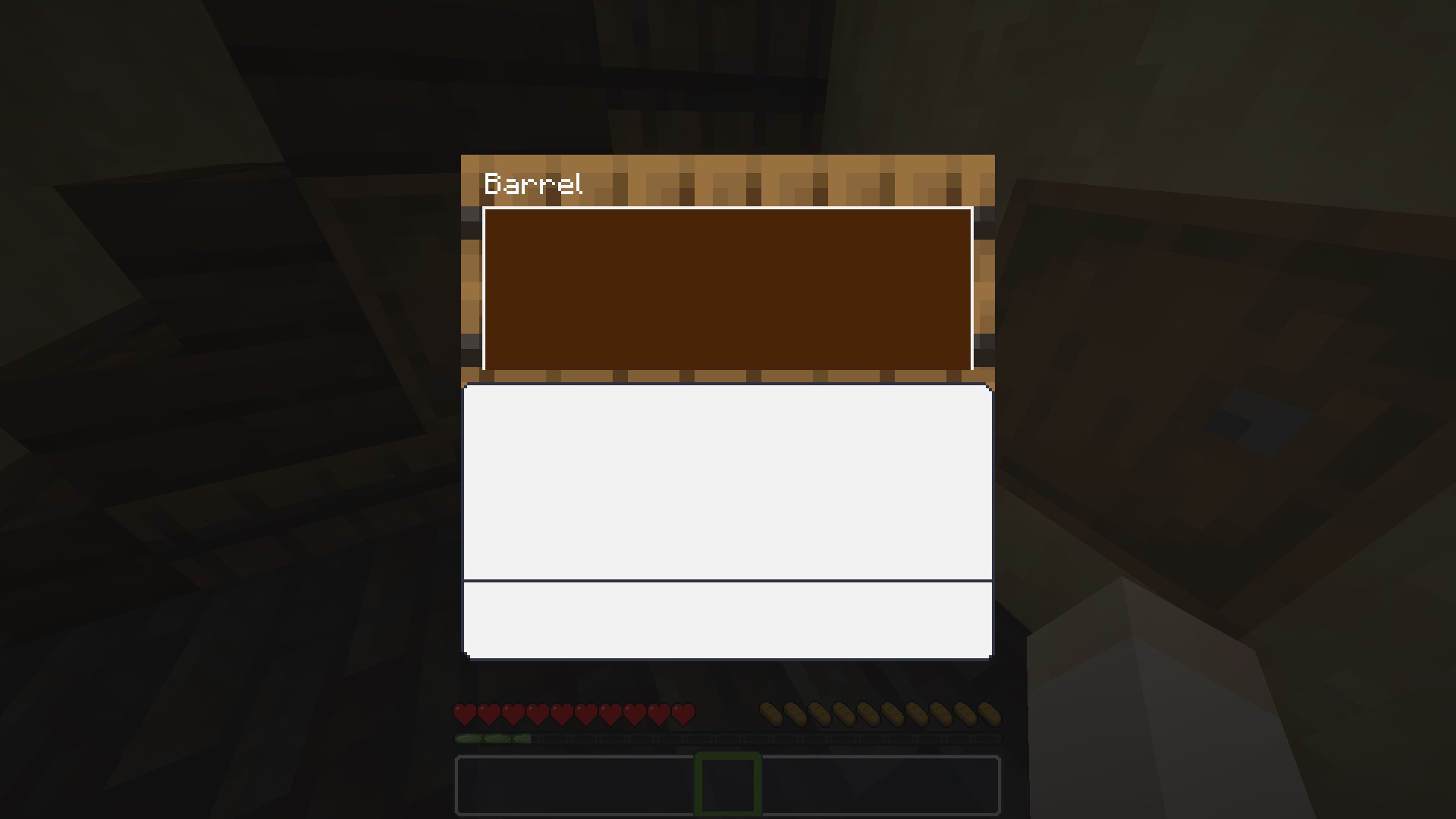
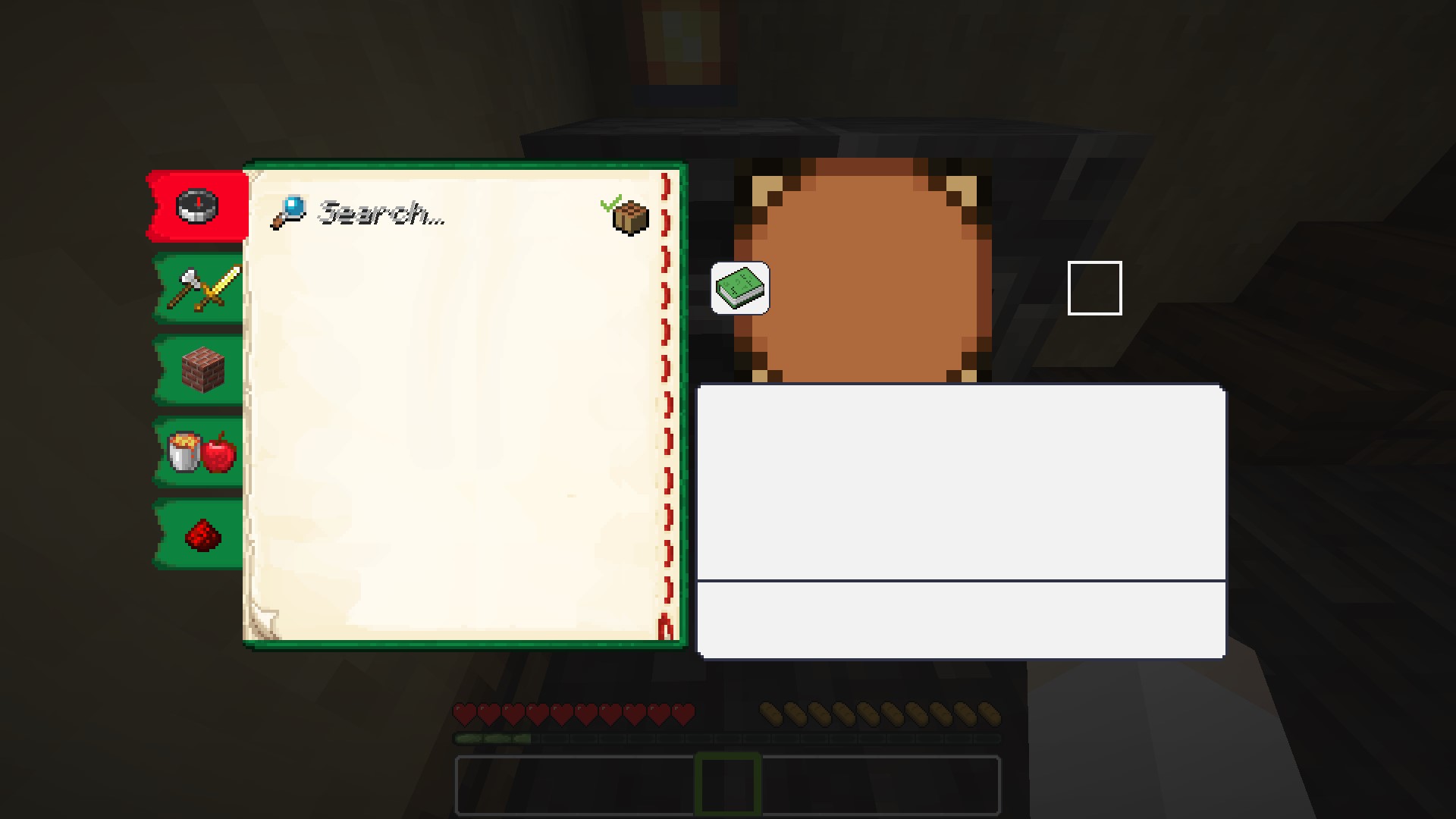
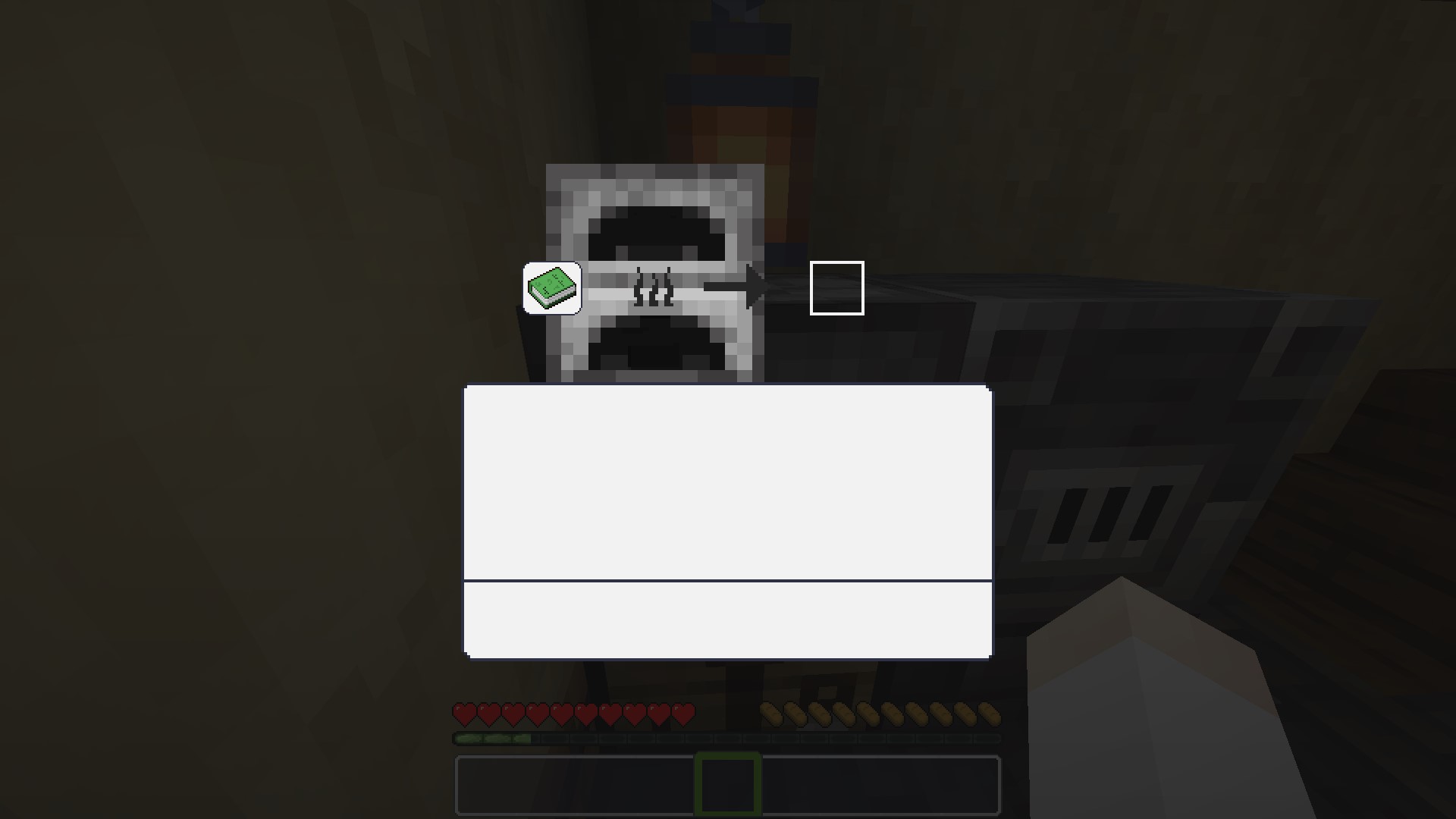
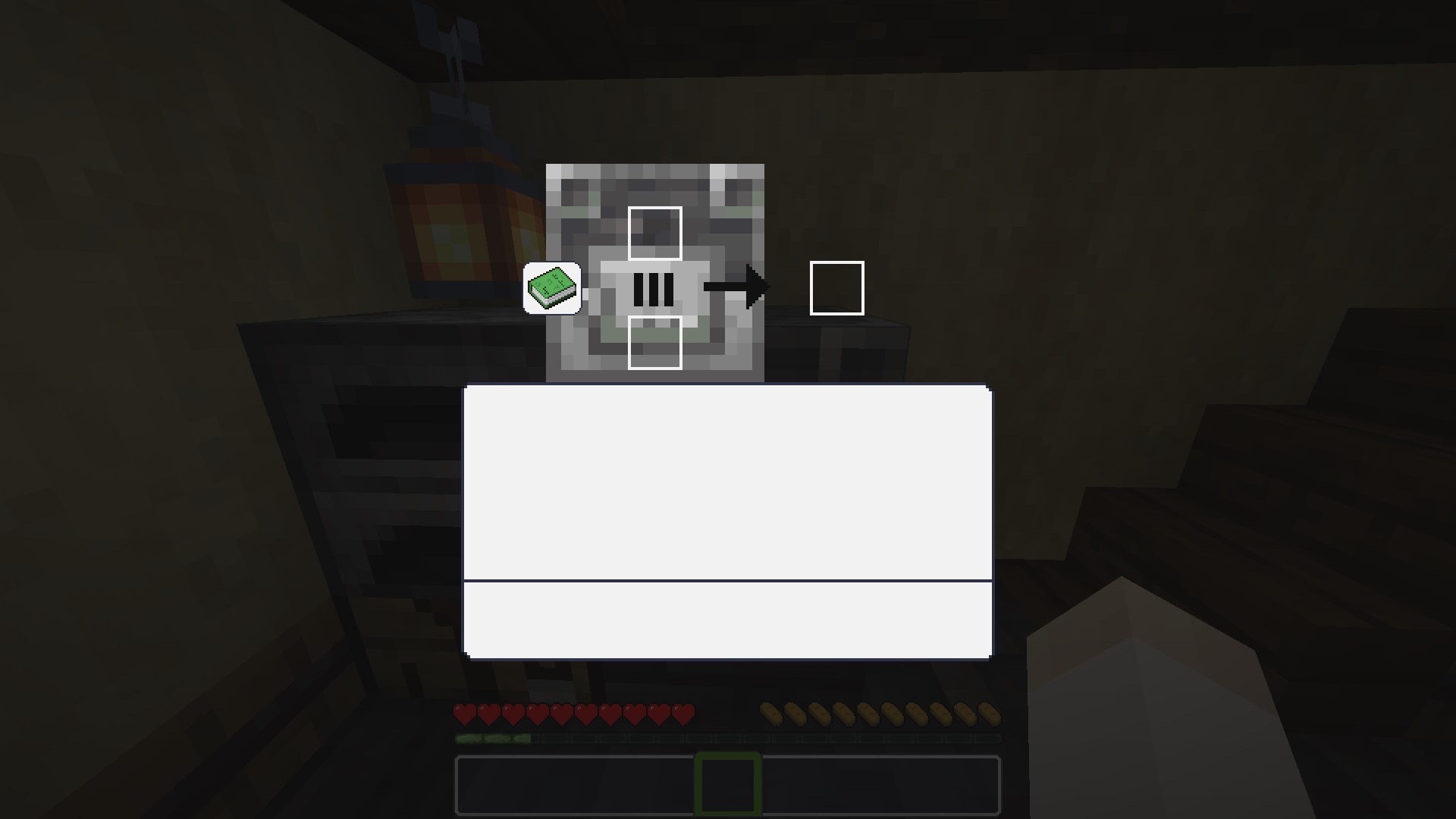
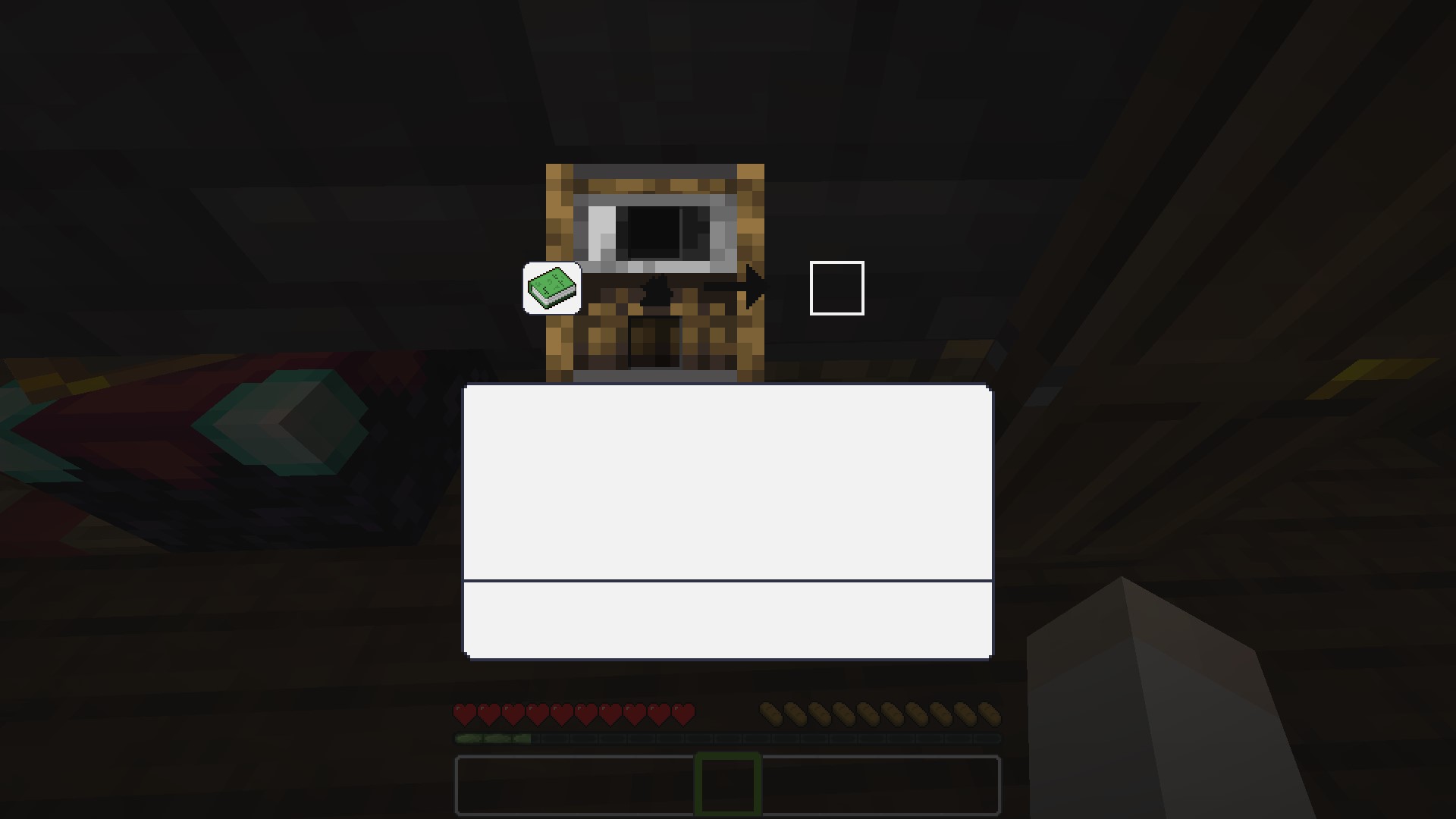
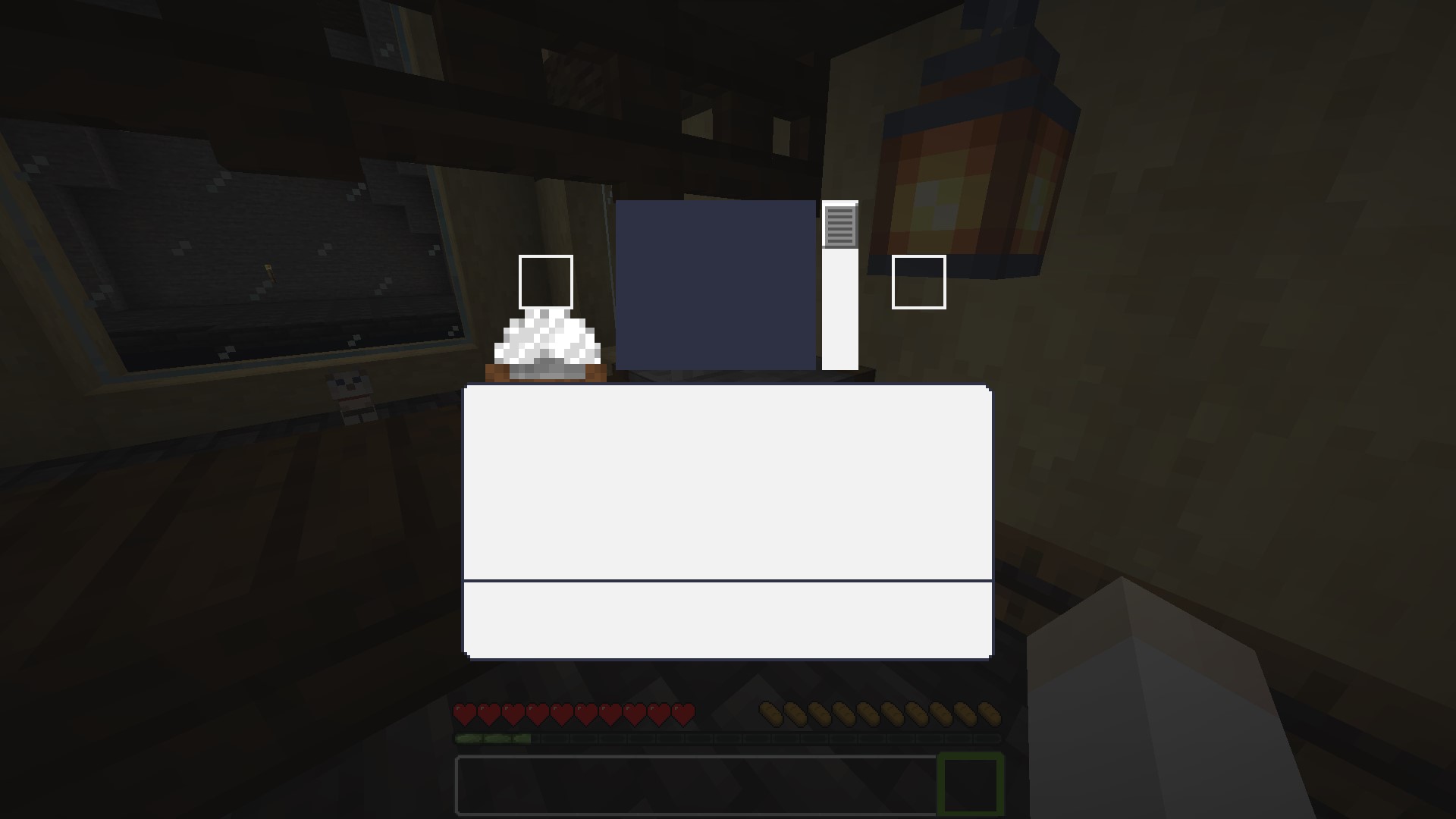
A minimalist, white and clear GUI overhaul in 16x — clean and bright, while staying true to vanilla Minecraft's original look and feel.
by Azerxim
Download Claim this project
19,348 downloads
0 likes
Updated Oct 14, 2026
0 hypes
16x Miscellaneous
Advertisement Remove ads with Premium →

Download on CurseForge Download on Modrinth

Quartz UI

White and clear GUI.

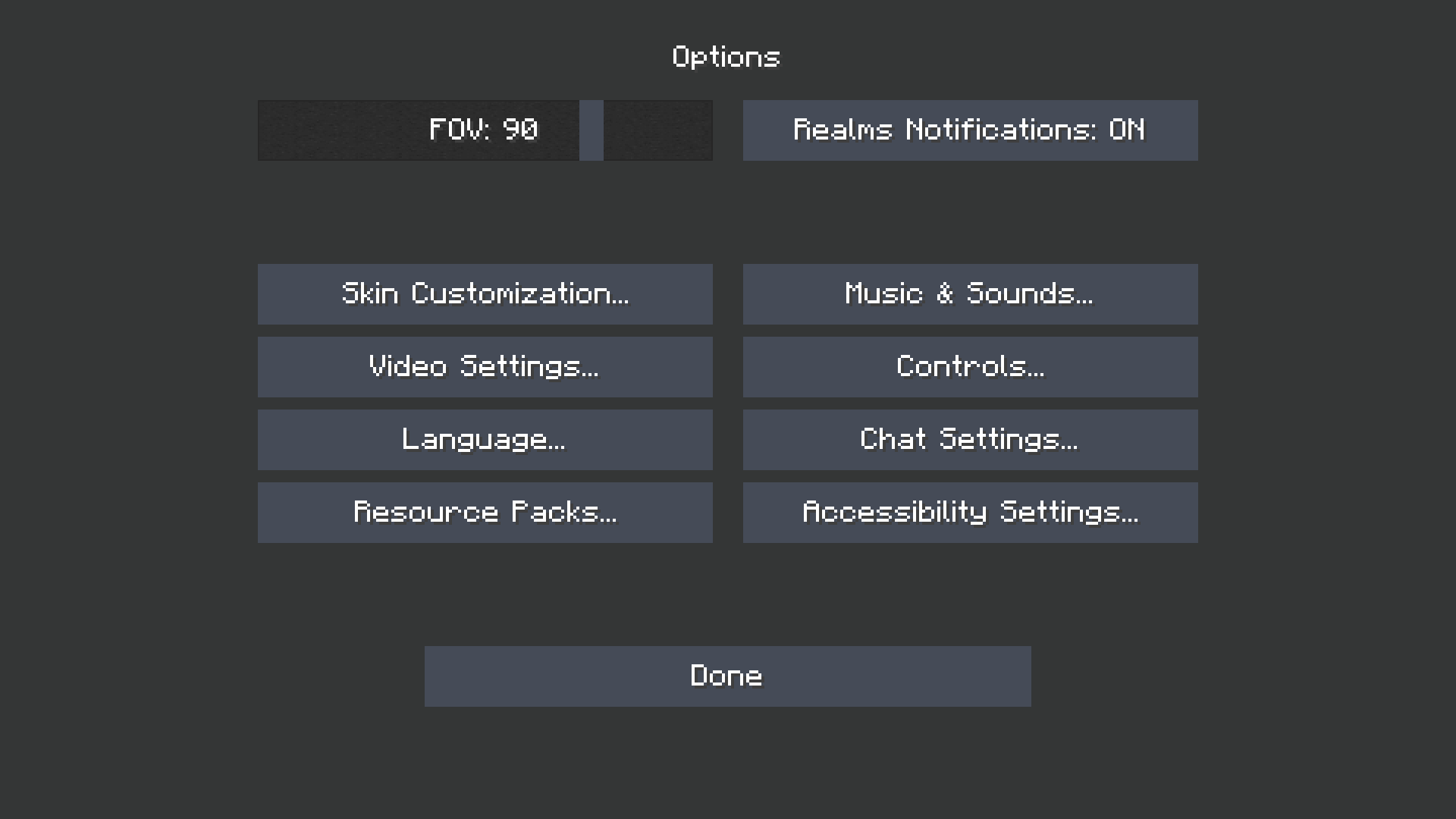
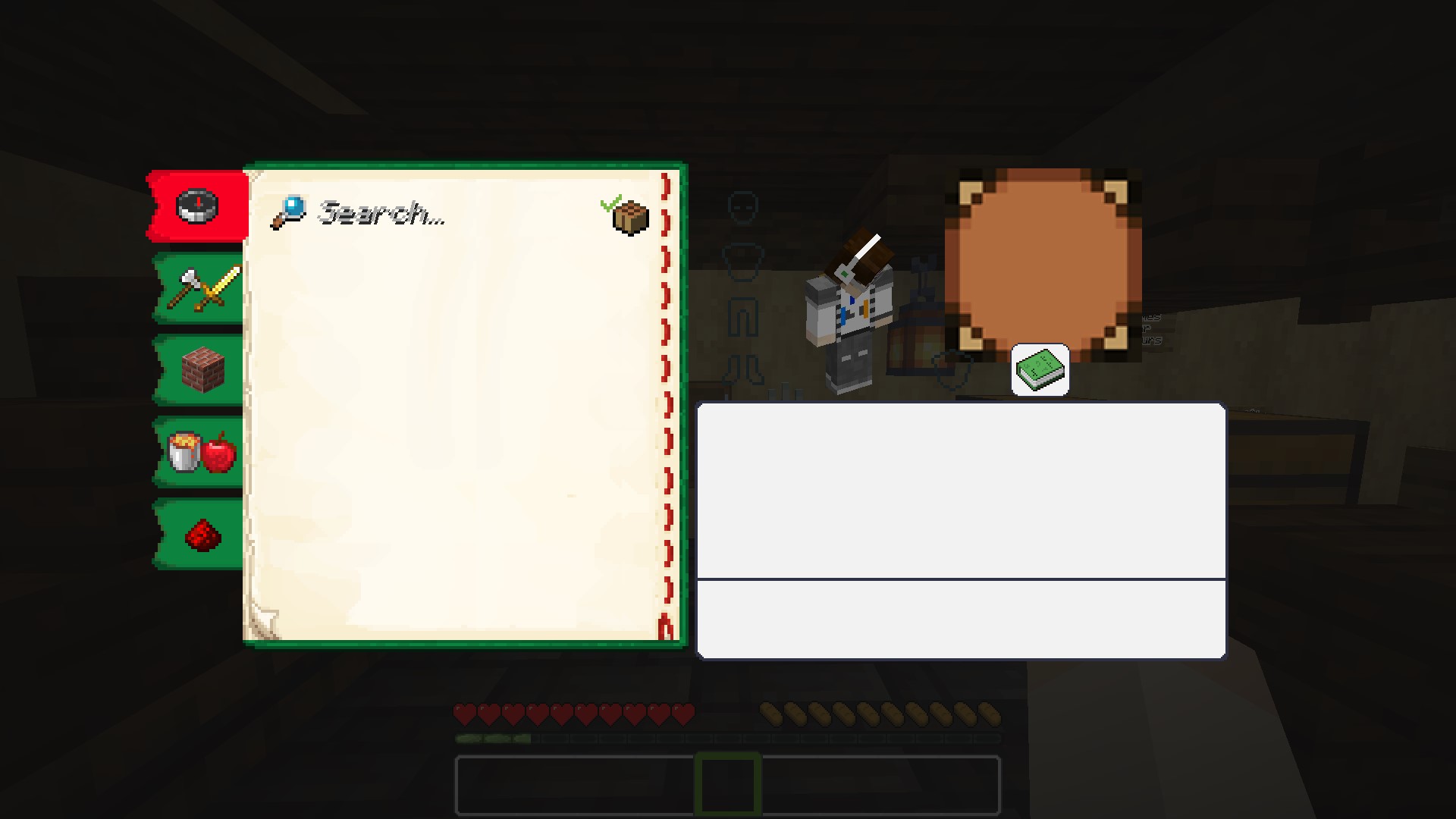
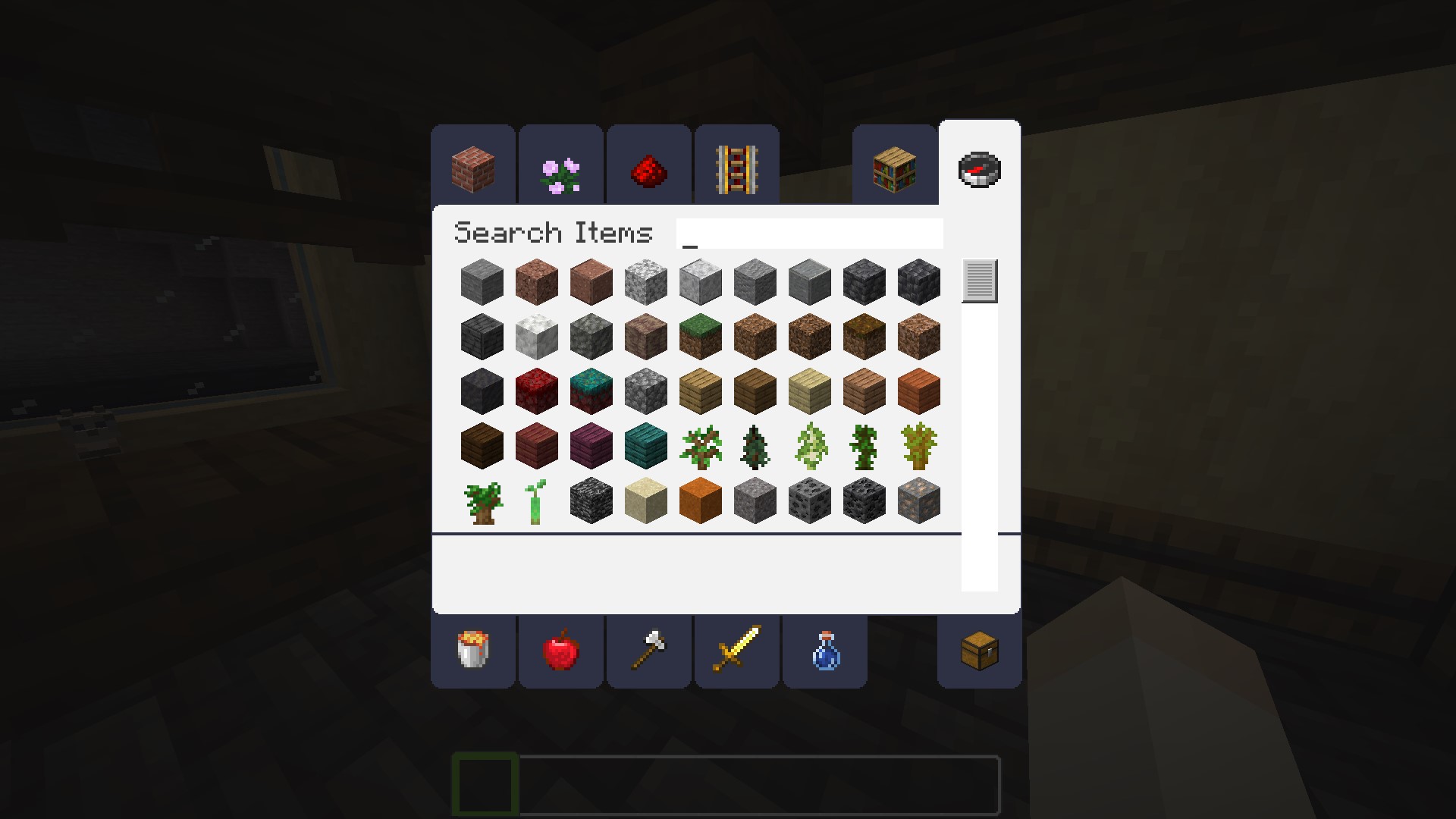
Quartz UI is a minimalist resource pack that gives Minecraft's interface a clean, bright, whitened look — without straying from the game's original layout or feel. If you love vanilla Minecraft but want a crisper, less muddy interface, this pack keeps everything familiar while giving it a polished finish.

✨ Features

  • Whitened GUI: menus, screens and widgets get a brighter, cleaner "quartz" palette instead of the default grey/brown tones.
  • Vanilla-faithful layout: no elements are moved, resized, or redesigned from scratch — it's a re-skin, not a rework, so everything stays exactly where you expect it.
  • Consistent across the interface: the whitened style is applied throughout the UI for a cohesive look, rather than reskinning just a single screen.
  • Lightweight: a pure 16x GUI-focused resource pack, easy on performance and simple to combine with other packs (textures, sounds, etc.).

🎨 Style

  • Resolution: 16x
  • Theme: Simplistic, vanilla-like
  • Palette: White / off-white, clean and bright

🕹️ How to use

  1. Download the resource pack.
  2. Drop it into your .minecraft/resourcepacks folder.
  3. Enable it in Options → Resource Packs, above any conflicting packs if you're stacking it with others.

📦 Compatibility

Minecraft versions 1.19.4 · 1.20.x · 1.21.x · 26.1.x · 26.2 · 26.3
Type Resource Pack (client-side, GUI only)
License MIT
Source GitHub

📥 Installation

Place the downloaded file into .minecraft/resourcepacks/, then enable it from the in-game resource pack menu.

Quartz UI 7.0 for Minecraft 26.3
MC 1.21.9, 1.21.10, 1.21.11, 26.1, 26.1.1, 26.1.2, 26.2, 26.3
Release 2026-09-27 Get
QuartzUI 6.0
MC 1.21.9, 1.21.10, 1.21.11, 26.1, 26.1.1, 26.1.2
Release 2025-11-05 Get
Quartz UI 5.2
MC 1.21, 1.21.5, 1.21.8, 1.21.4, 1.21.3, 1.21.7, 1.21.1, 1.21.6, 1.21.2
Release 2024-08-11 Get
Quartz UI 5.1
MC 1.20.2, 1.21, 1.20.5, 1.20.3, 1.20.6, 1.20.4
Release 2024-05-04 Get
Quartz UI 5.0
MC 1.20.2, 1.20.5-Snapshot, 1.20.3-Snapshot, 1.20.3, 1.20.4
Release 2023-10-01 Get
Quartz UI 4.0
MC 1.20.2-Snapshot, 1.20.1, 1.20, 1.20-Snapshot
Release 2023-06-09 Get
Quartz UI 3.3
MC 1.19.4-Snapshot, 1.19.4
Release 2023-04-27 Get
Quartz UI 3.2.1 (MC 1.19.3)
MC 1.19.3, 1.19.4
Release 2023-03-23 Get
Quartz UI 3.2
MC 1.17.1, 1.16.3, 1.18.1, 1.17, 1.16.5, 1.18.2, 1.19.2, 1.19.1, 1.18, 1.16.4, 1.16.2, 1.19
Release 2022-12-11 Get
Quartz UI 3.1
MC 1.17.1, 1.16.3, 1.16.5, 1.18.2, 1.19.2, 1.19.1, 1.19
Release 2022-07-04 Get
Quartz UI 3.0
MC 1.17.1, 1.16.3, 1.16.5, 1.18.2
Release 2022-03-16 Get
Quartz UI 2.3 | MC 1.18
MC 1.18.1, 1.18
Release 2022-02-08 Get
Quartz UI 2.2 | MC1.17+
MC 1.17.1, 1.18.1
Release 2022-01-12 Get
Quartz UI 2.2 | MC1.12
MC 1.12.2
Release 2022-01-12 Get

Requirements & install

How to use this resource pack in Minecraft
Resolution
16x
Minecraft
1.21.9 – 26.3
Install folder
.minecraft/resourcepacks

How to install resource packs

  1. Download the resource pack .zip file (do not extract it).
  2. In Minecraft open Options → Resource Packs → Open Pack Folder.
  3. Drop the .zip into the resourcepacks folder (.minecraft/resourcepacks).
  4. Move the pack to the Selected column and click Done.
Browse more: 16x resource packs 32x resource packs 64x resource packs 128x resource packs 256x resource packs 512x+ resource packs Resource Packs for 26.3 All resource packs

More from Azerxim

Advertisement Remove ads with Premium →

You Might Also Like