Mineuniverse
Resource Packs
Purple Lanterns

Purple Lanterns

RESOURCE PACK
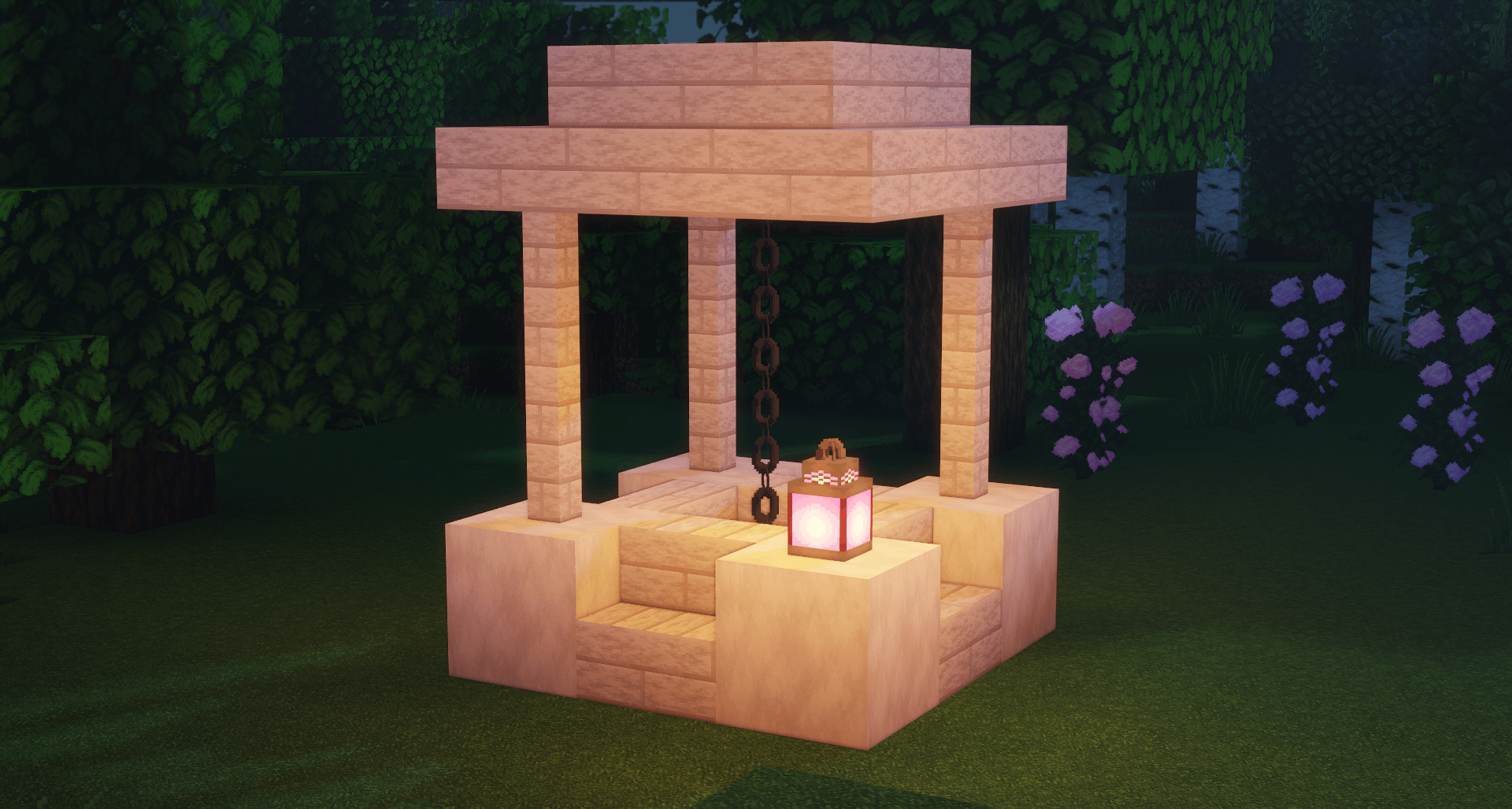
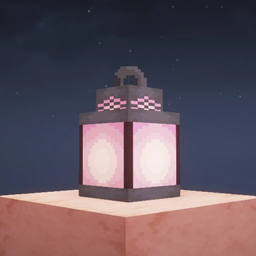
Makes the Vanilla MC Lantern into a Purple lantern!
by ThetaHalo
Download Claim this project
3,564 downloads
0 likes
Updated Oct 14, 2026
0 hypes
64x Animated Miscellaneous Modern
Advertisement Remove ads with Premium →

Purple Lanterns is Licensed under CC BY-NC-ND 4.0, you may read the license here.

Feel free to use this in your Mod Packs, as long as I (ThetaHalo) am credited, thank you for using my pack! 🩷


Purple Lanterns (1.21.11 Support!!!)
MC 1.16.3, 1.17.1, 1.21, 1.16.1, 1.18.1, 1.14.3, 1.15, 1.16, 1.16.5, 1.19.3, 1.20.2, 1.19.4, 1.21.8, 1.14.4, 1.14.1, 1.17, 1.20.5, 1.21.5, 1.18, 1.21.4, 1.20.1, 1.20, 1.20.6
Release 2026-02-06 Get
Purple Lanterns (1.21.10!)
MC 1.16.3, 1.17.1, 1.21, 1.16.1, 1.18.1, 1.14.3, 1.15, 1.16, 1.16.5, 1.19.3, 1.20.2, 1.19.4, 1.21.8, 1.14.4, 1.14.1, 1.17, 1.20.5, 1.21.5, 1.18, 1.21.4, 1.20.1, 1.20, 1.20.6
Release 2025-11-16 Get
Purple Lanterns (1.21.7/8 Support!)
MC 1.16.3, 1.17.1, 1.21, 1.16.1, 1.18.1, 1.14.3, 1.15, 1.16, 1.16.5, 1.19.3, 1.20.2, 1.19.4, 1.21.8, 1.14.4, 1.14.1, 1.17, 1.20.5, 1.21.5, 1.18, 1.21.4, 1.20.1, 1.20, 1.20.6
Release 2025-07-01 Get
Purple Lanterns (1.21.6 Support!)
MC 1.17.1, 1.16.3, 1.19.3, 1.20.2, 1.21, 1.21.6-snapshot, 1.16.1, 1.18.1, 1.20.5, 1.21.5, 1.14.4, 1.14.1, 1.17, 1.14.3, 1.15, 1.16, 1.19.4, 1.16.5, 1.21.4, 1.18.2, 1.19.2, 1.20.3
Release 2025-06-17 Get
Purple Lanterns (1.21.5 Support!)
MC 1.17.1, 1.16.3, 1.19.3, 1.20.2, 1.21, 1.16.1, 1.18.1, 1.20.5, 1.21.5, 1.14.4, 1.14.1, 1.17, 1.14.3, 1.15, 1.16, 1.19.4, 1.16.5, 1.21.4, 1.18.2, 1.19.2, 1.20.3, 1.15.2, 1.14
Release 2025-03-25 Get
Purple Lanterns
MC 1.17.1, 1.16.3, 1.19.3, 1.20.2, 1.21, 1.16.1, 1.18.1, 1.20.5, 1.14.4, 1.14.1, 1.17, 1.14.3, 1.15, 1.16, 1.19.4, 1.16.5, 1.21.4, 1.18.2, 1.20.3, 1.15.2, 1.14, 1.20.1, 1.20
Release 2025-02-14 Get

Requirements & install

How to use this resource pack in Minecraft
Resolution
64x
Minecraft
1.20.3 – 1.21.8
Install folder
.minecraft/resourcepacks

How to install resource packs

  1. Download the resource pack .zip file (do not extract it).
  2. In Minecraft open Options → Resource Packs → Open Pack Folder.
  3. Drop the .zip into the resourcepacks folder (.minecraft/resourcepacks).
  4. Move the pack to the Selected column and click Done.
Browse more: 16x resource packs 32x resource packs 64x resource packs 128x resource packs 256x resource packs 512x+ resource packs Resource Packs for 1.21.8 All resource packs

More from ThetaHalo

Advertisement Remove ads with Premium →

You Might Also Like