Mineuniverse
Resource Packs
Programming Language Logos

Programming Language Logos

RESOURCE PACK
14 Programming Language Logos added to Minecraft!
by user-102773528
Download Claim this project
763 downloads
0 likes
Updated Oct 14, 2026
0 hypes
256x Miscellaneous
Advertisement Remove ads with Premium →

Official Video: https://youtu.be/bdtF7Xy9BfQ


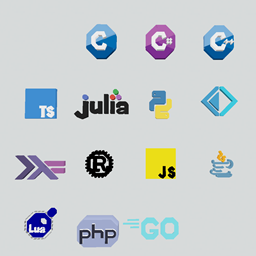
This resourcepack replaces the textures and models of stained glass with programming language logos. This resource pack includes 14 programming languages.

I have uploaded versions for 1.15, 1.16 and 1.17 but it should work on any version with stained glass.

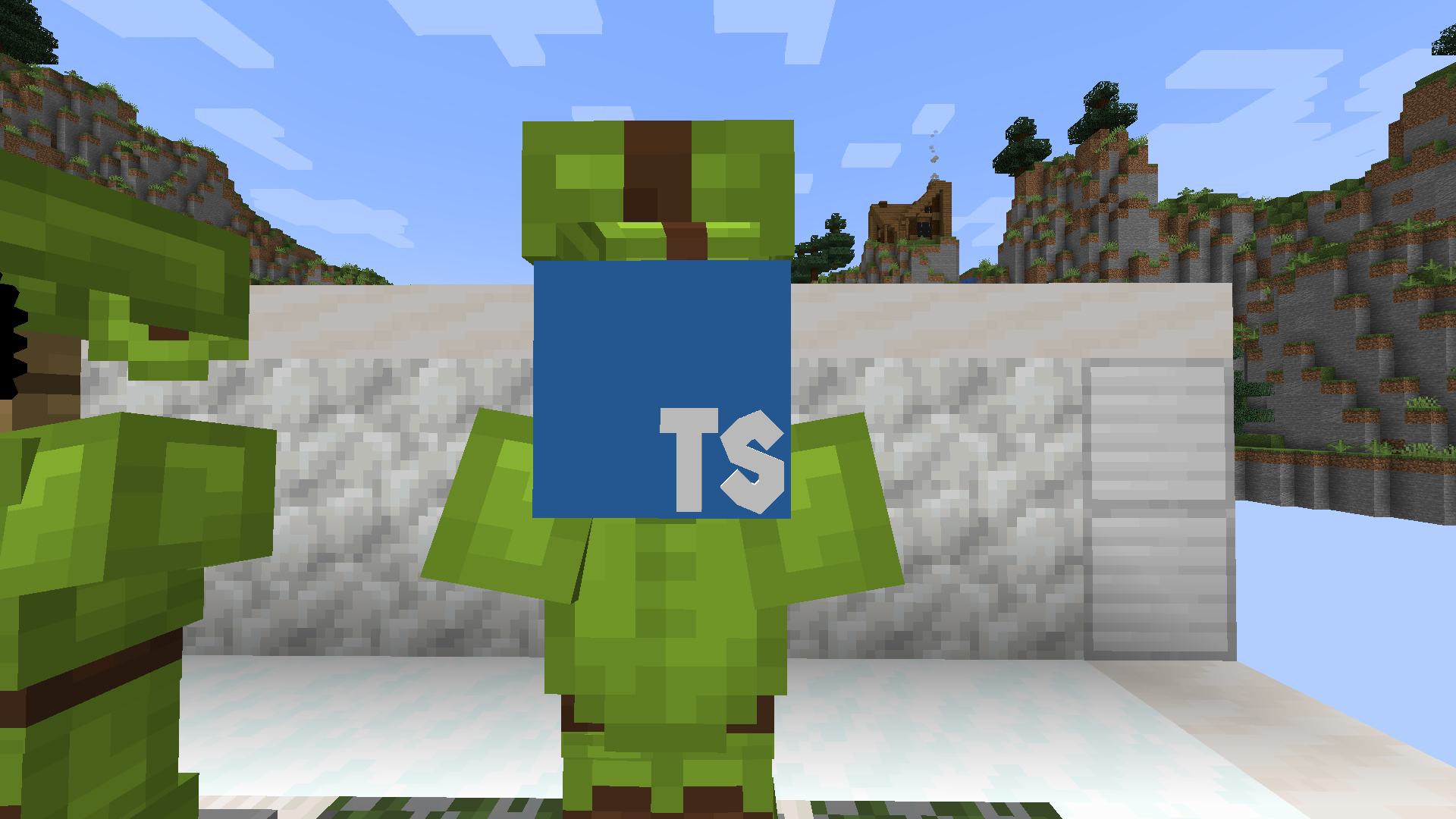
Note: The programming language logos placed in the form of blocks are unrotatable so I would recommend summoning an armour stand with the concerned logo on its head, if you don't want the look of the armour stand then spawn an invisible armour stand.


Blocks Replaced:
white_stained_glass: TypeScript
orange_stained_glass: Python

magenta_stained_glass: C#
light_blue_stained_glass: Go
yellow_stained_glass: JavaScript
pink_stained_glass: Lua
gray_stained_glass: Rust
light_gray_stained_glass: PHP
cyan_stained_glass: F#
purple_stained_glass: Haskell

blue_stained_glass: C++
brown_stained_glass: Java
red_stained_glass: Julia

black_stained_glass: C


IMPORTANT: If you use this resource pack in a map or video please credit me in the description!


Please subscribe to my youtube channel! https://www.youtube.com/channel/UCokcsvnQLN8N_BiId-86ySQ

§bProgramming Language Logos in Minecraft by Jayrom 1.17.zip
MC 1.17.1, 1.17, 1.17-Snapshot
Release 2021-10-24 Get
§bProgramming Language Logos in Minecraft by Jayrom 1.16.zip
MC 1.16-Snapshot, 1.16.3, 1.16.1, 1.16, 1.16.5, 1.16.4, 1.16.2
Release 2021-10-24 Get
§bProgramming Language Logos in Minecraft by Jayrom 1.15.zip
MC 1.15-Snapshot, 1.15, 1.15.2, 1.15.1
Release 2021-10-24 Get

Requirements & install

How to use this resource pack in Minecraft
Resolution
256x
Minecraft
1.16.1 – 1.17.1
Install folder
.minecraft/resourcepacks

How to install resource packs

  1. Download the resource pack .zip file (do not extract it).
  2. In Minecraft open Options → Resource Packs → Open Pack Folder.
  3. Drop the .zip into the resourcepacks folder (.minecraft/resourcepacks).
  4. Move the pack to the Selected column and click Done.

Packs from 128x upwards need more video memory: install a performance mod such as Sodium for smooth frame rates.

Browse more: 16x resource packs 32x resource packs 64x resource packs 128x resource packs 256x resource packs 512x+ resource packs Resource Packs for 1.17.1 All resource packs
Advertisement Remove ads with Premium →

You Might Also Like