Mineuniverse
Resource Packs
PPSh-41 pack

PPSh-41 pack

RESOURCE PACK
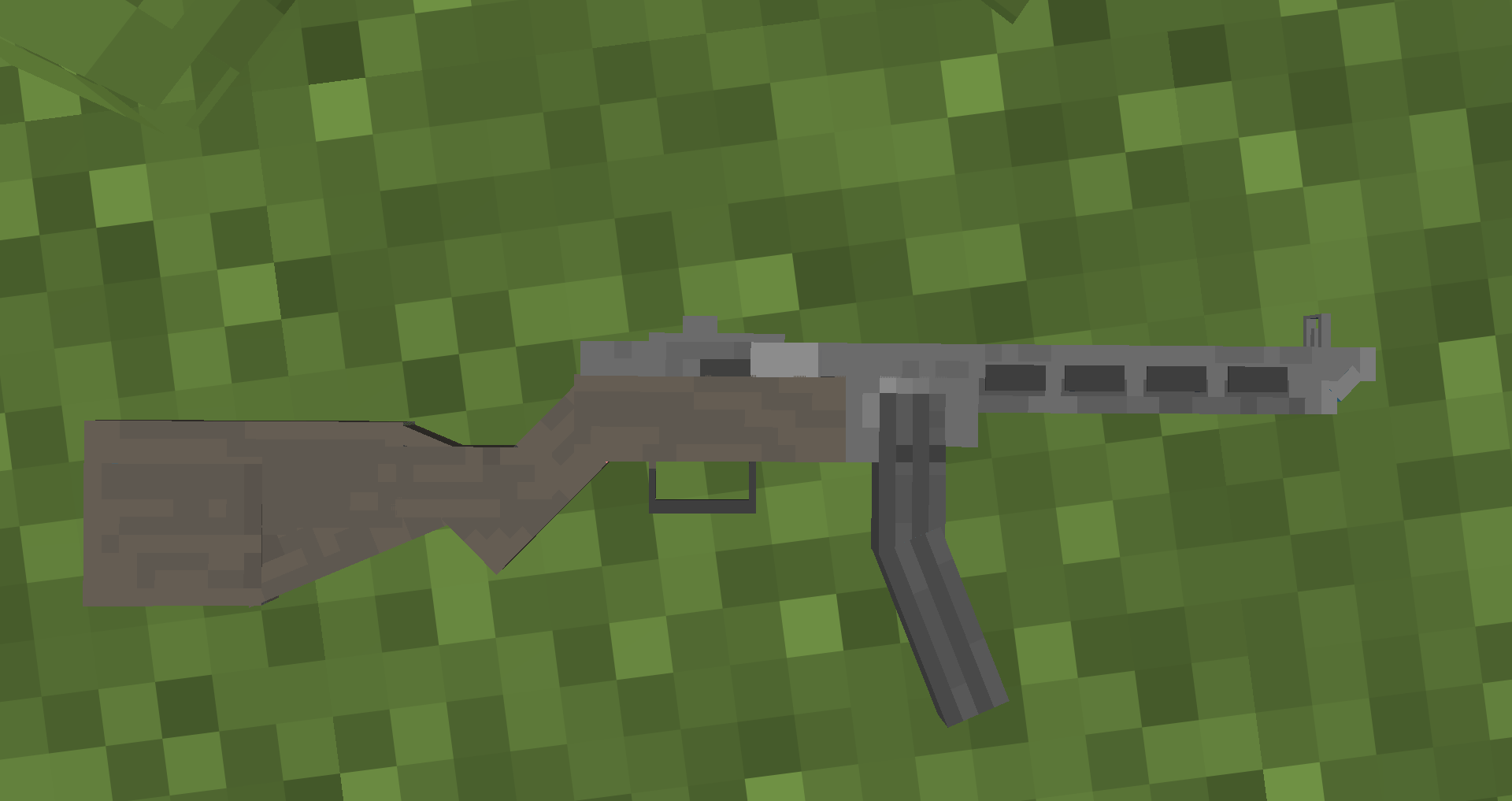
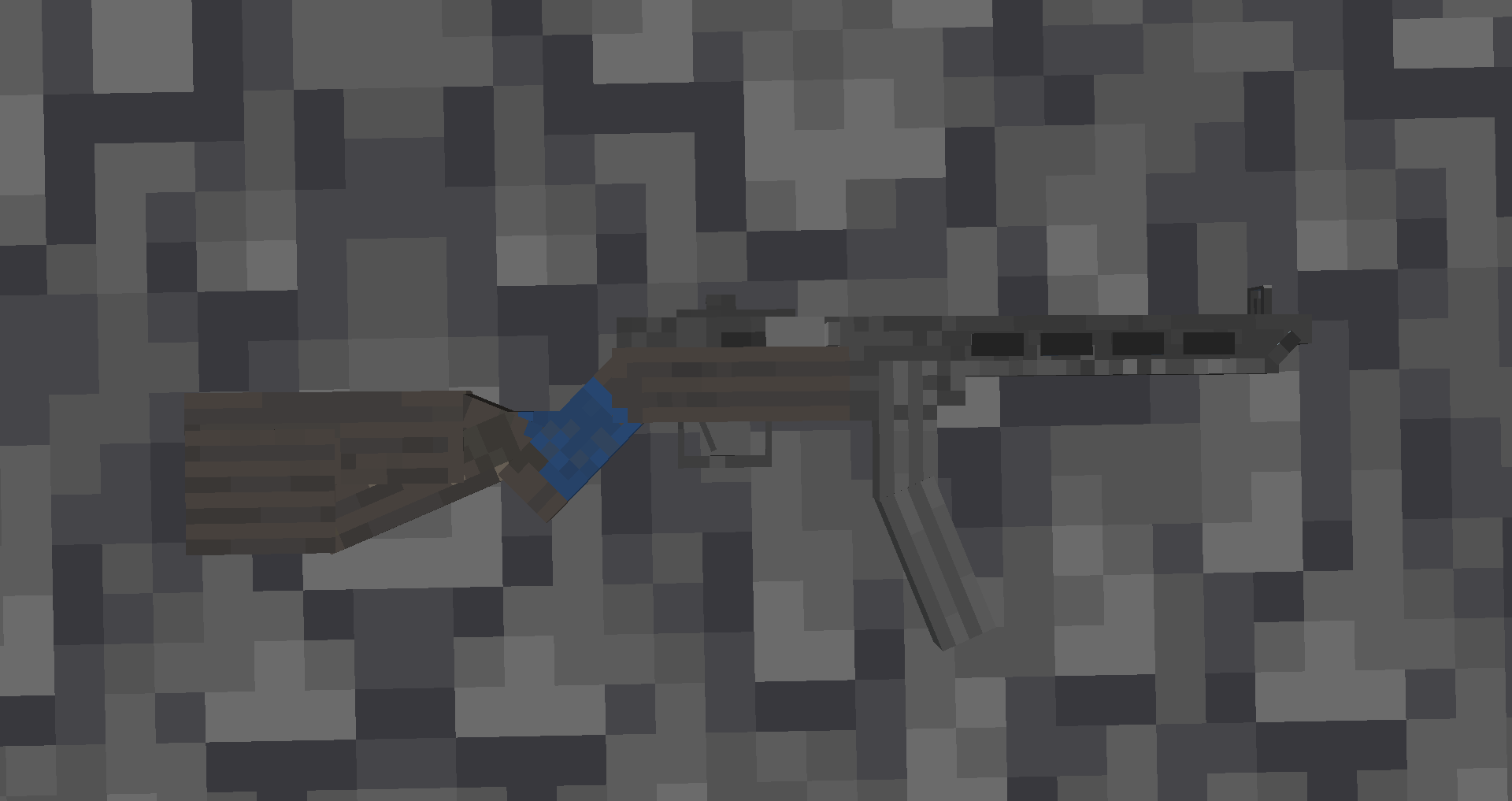
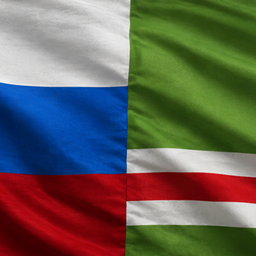
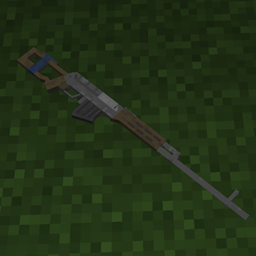
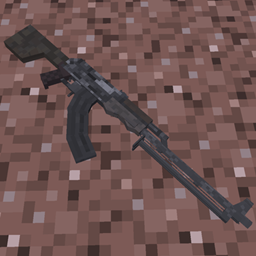
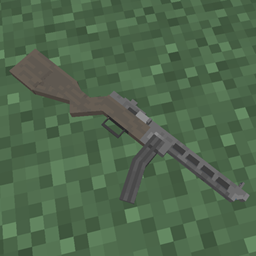
PPSh-41 was created in 1941 in soviet union. it was used in conflict like world war 2/ hungarian uprising, soviet afghan war by afghans and even 1th chechen war . and that gun is in this resource pack and it replace crossbow
by bro_im_tokarev_tt33
Download Claim this project
673 downloads
0 likes
0 followers
Updated Oct 14, 2026
0 hypes
Follow0
32x Modern
Advertisement Remove ads with Premium →

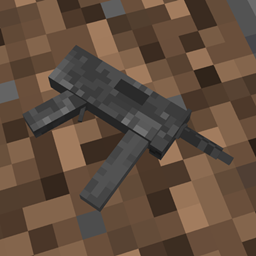
the ppsh-41 was created in 1941 in the soviet union. it serve in wars and conflict like world war 2, hungarian uprising (1956), warsaw pact intervention in czechoslovakia (1968), soviet afghan war by mujadeens (1979-1989) and even 1th chechen war (1994-1996). and that gun is in this resource pack. it have a custom sound effect of a short burst when shooting, replaces crossbow, has custom off hand position, and off hand position.

pepesza.4.0.zip
MC 1.16.3, 1.17.1, 1.21, 1.16.1, 1.18.1, 1.15, 1.16, 1.16.5, 1.19.3, 1.20.2, 1.19.4, 1.21.8, 1.17, 1.20.5, 1.21.5, 1.18, 1.21.4, 1.20.1, 1.20, 1.20.6, 1.21.1, 1.21.6, 1.21.3
Release 2026-08-19 Get
pepesza.3.0.zip
MC 1.16.3, 1.17.1, 1.21, 1.16.1, 1.18.1, 1.15, 1.16, 1.16.5, 1.19.3, 1.20.2, 1.19.4, 1.21.8, 1.17, 1.20.5, 1.21.5, 1.18, 1.21.4, 1.20.1, 1.20, 1.20.6, 1.21.1, 1.21.6, 1.21.3
Release 2026-06-15 Get
PPSH-41.2.0.zip
MC 1.16.3, 1.17.1, 1.21, 1.16.1, 1.18.1, 1.14.3, 1.15, 1.16, 1.16.5, 1.19.3, 1.20.2, 1.19.4, 1.21.8, 1.14.4, 1.14.1, 1.17, 1.20.5, 1.21.5, 1.18, 1.21.4, 1.20.1, 1.20, 1.20.6
Release 2026-05-29 Get
PPSh-41 pack v1.0
MC 1.16.3, 1.17.1, 1.21, 1.16.1, 1.18.1, 1.14.3, 1.15, 1.16, 1.16.5, 1.19.3, 1.20.2, 1.19.4, 1.21.8, 1.14.4, 1.14.1, 1.17, 1.20.5, 1.21.5, 1.18, 1.21.4, 1.20.1, 1.20, 1.20.6
Beta 2026-05-29 Get

Requirements & install

How to use this resource pack in Minecraft
Resolution
32x
Minecraft
1.20.6 – 1.21.8
Install folder
.minecraft/resourcepacks

How to install resource packs

  1. Download the resource pack .zip file (do not extract it).
  2. In Minecraft open Options → Resource Packs → Open Pack Folder.
  3. Drop the .zip into the resourcepacks folder (.minecraft/resourcepacks).
  4. Move the pack to the Selected column and click Done.
Browse more: 16x resource packs 32x resource packs 64x resource packs 128x resource packs 256x resource packs 512x+ resource packs Resource Packs for 1.21.8 All resource packs

More from bro_im_tokarev_tt33

Advertisement Remove ads with Premium →

You Might Also Like