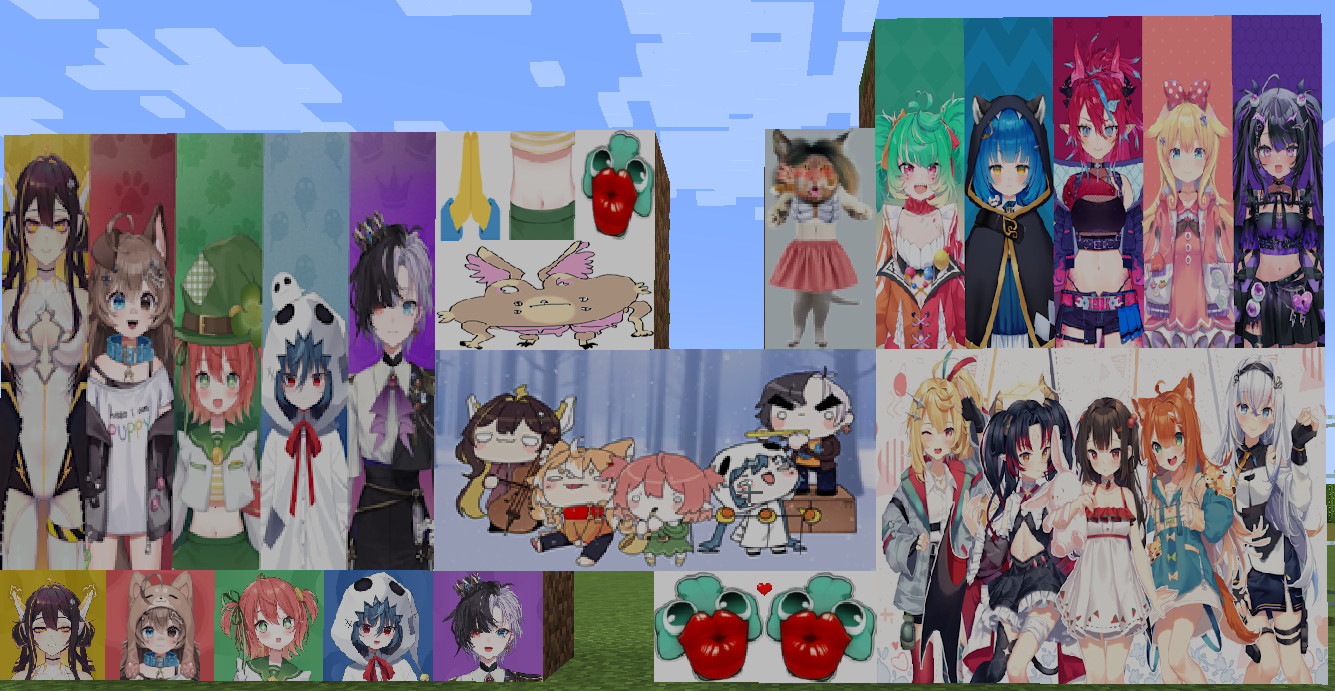
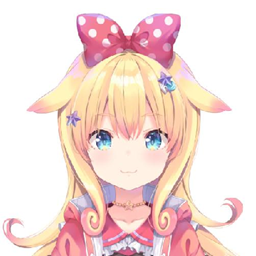
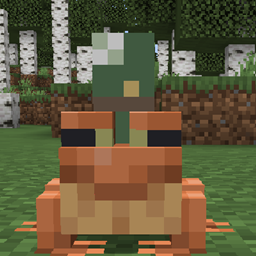
This is a fun resource pack based on the vtuber Poko Rakun:
https://www.youtube.com/@rakunpoko
This pack uses files from the Fuyo Cloverfield pack, also made by me.
Features:
- Bread looks like Fuyo Cloverfield's Fuyo Coins.
- Many paintings were replaced with ones related to the Idols
- Desert Villagers now wear Fuyo's "Cloverchad" mark on their back.
- Most hearts have been made into Pochi instead of Minecraft hearts.
- Hearts are now dark blue.
- A golden leaf as armor indicator in the GUI.
- The foodbar icons have been swapped for the eggs Poko cooked.
- The foodbar icons when having the hunger effect are now a greenish version of the eggs Poko cooked.
- Snowballs look like Wanaus from Yuko.
- All variations of Ferns now look like Clovers from Fuyo.
- Some "Creepy Cave sounds" have been switched for ones by different Members of Gen1.
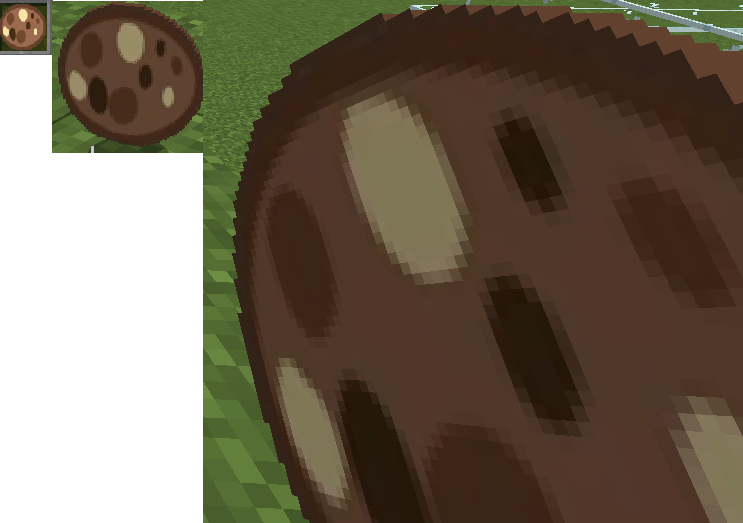
- Cookies now look like one of the Cookies Rin drew.
Files with _sounds in the name are like the normal versions, but have "creepy cave sounds" based on Gen 1 of idol.
This pack includes 2 alternative icon.png wtih a Trashcan and a black robe as armor instead.
To use it, unzip the pack and swap the icon.png files.
I'll add more as time passes.
I do not claim ownership to any of the images used in this pack.
Also, a big shout out to everyone who pitched in ideas to make this pack possible. Thank you everyone!
Special thanks to:
- Skumm for pointing out I missed the hardcore hearts. And telling me I missspelled "resource pack"
- iSneeze for preparing the Wanau-Snowballs
- Miguel Rojas for giving me the idea to swap out the cave sounds
- aldi_nh for suggesting using Block Bench and suppling me with sounds for Yuko
- Siel for also suppling sounds from Yuko
- Dragosaurus for suggesting sounds from Yuko
- TheGodfather for suggesting streams for Juna Sounds
- FIVE for also suggesting streams to use.
- inev for helping to pick sounds
- Yui-chan for also helping to pick sounds
- Anonymously Yours for also helping to pick out the sounds
- IdolBandit for helping me pick out cookies from the ones Rin drew and helping with Pochi's new look.
- Giga for helping me with Pochi's new look.
- SigmaOfGestalt for helping to design the golden leaf and giving me the idea for the design of the "eggs"
- Kaizo for the idea of the alternative armor icon (Trash Can)
Until the 1.2 files, this pack was made for 1.19.
Starting from the 1.3 files this pack is compatible with 1.20.