Mineuniverse
Resource Packs
PlushieYT

PlushieYT

RESOURCE PACK
All the Plushies you want of your Favourite youtubers, Name a Totem!
by Sohan_Mutra
Download Claim this project
680 downloads
0 likes
Updated Oct 14, 2026
0 hypes
64x Miscellaneous
Advertisement Remove ads with Premium →

YouTuber Plushies!

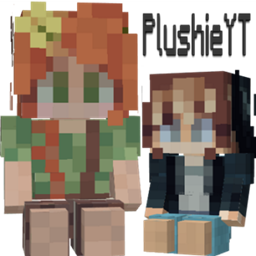
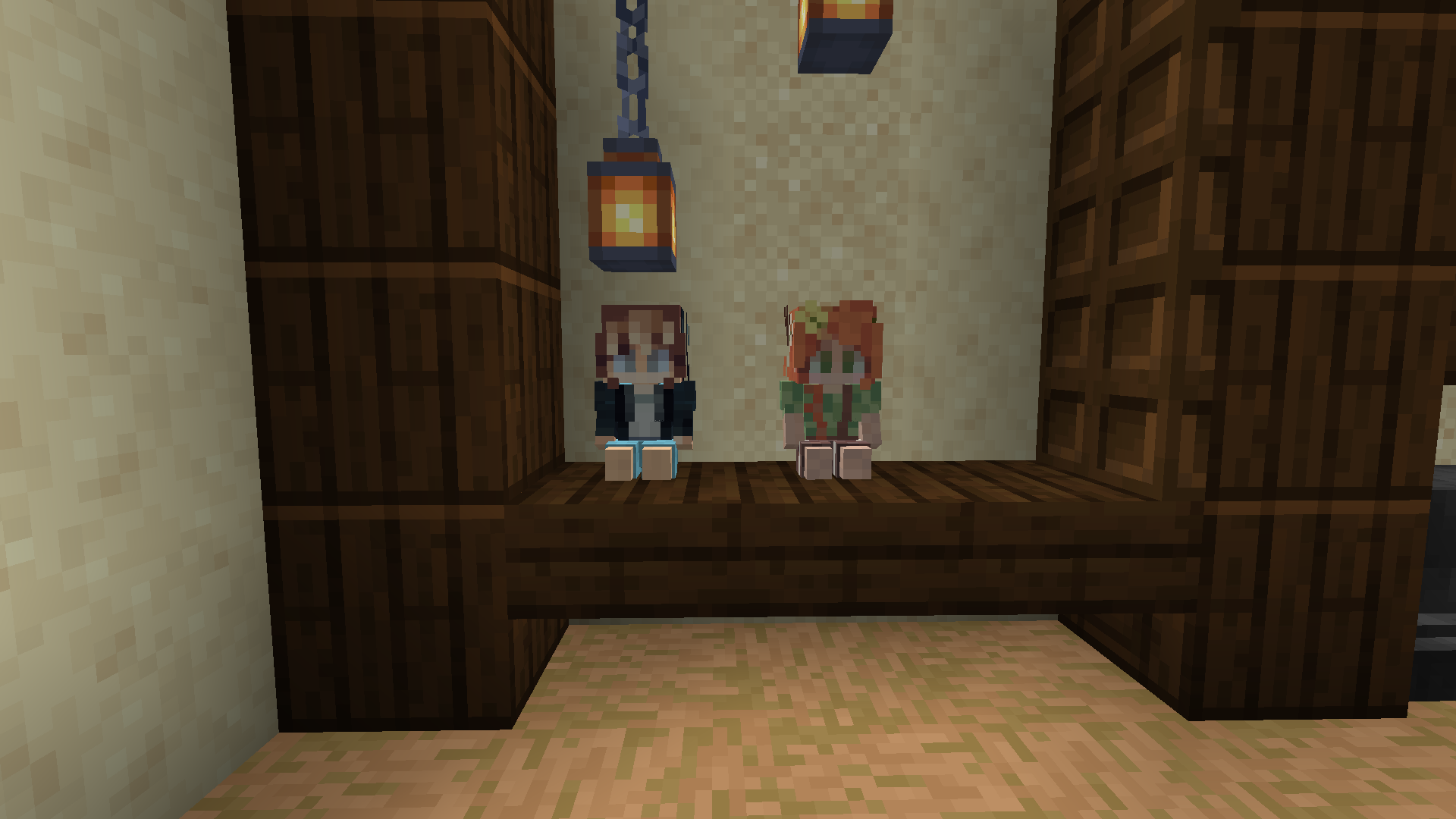
Hello everyone, This is a Resource Pack, where you can Make the Totems of Undying into your favourite YouTubers!

If the resourcepack doesn't work, let me know here in the comments. Yes, These plushies do actually save you just as Normal Totems of Undying!


-> This ResourcePack REQUIRES OPTIFINE.

-> Name the Totem of Undying into the YouTuber's Ingame Name.

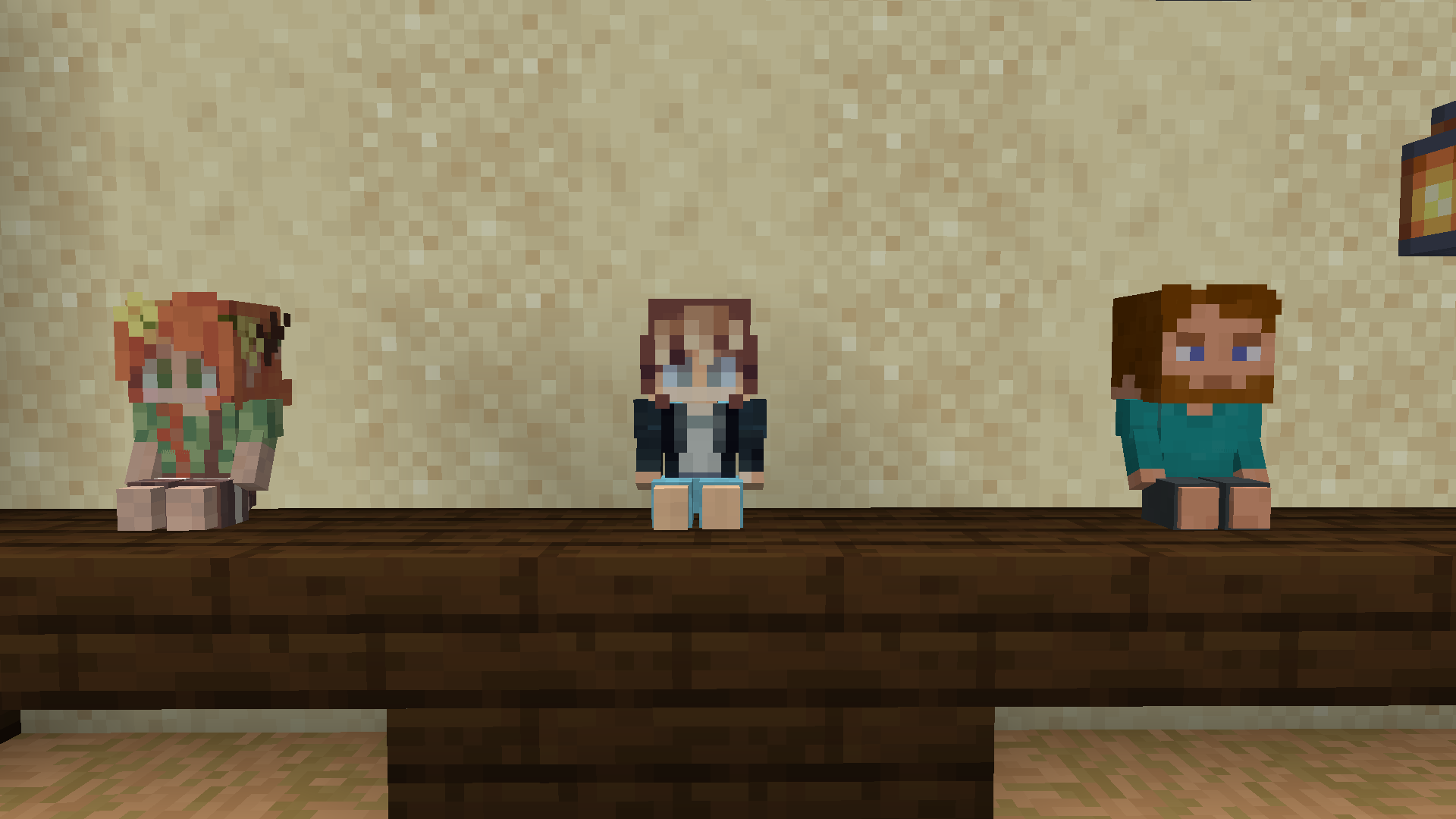
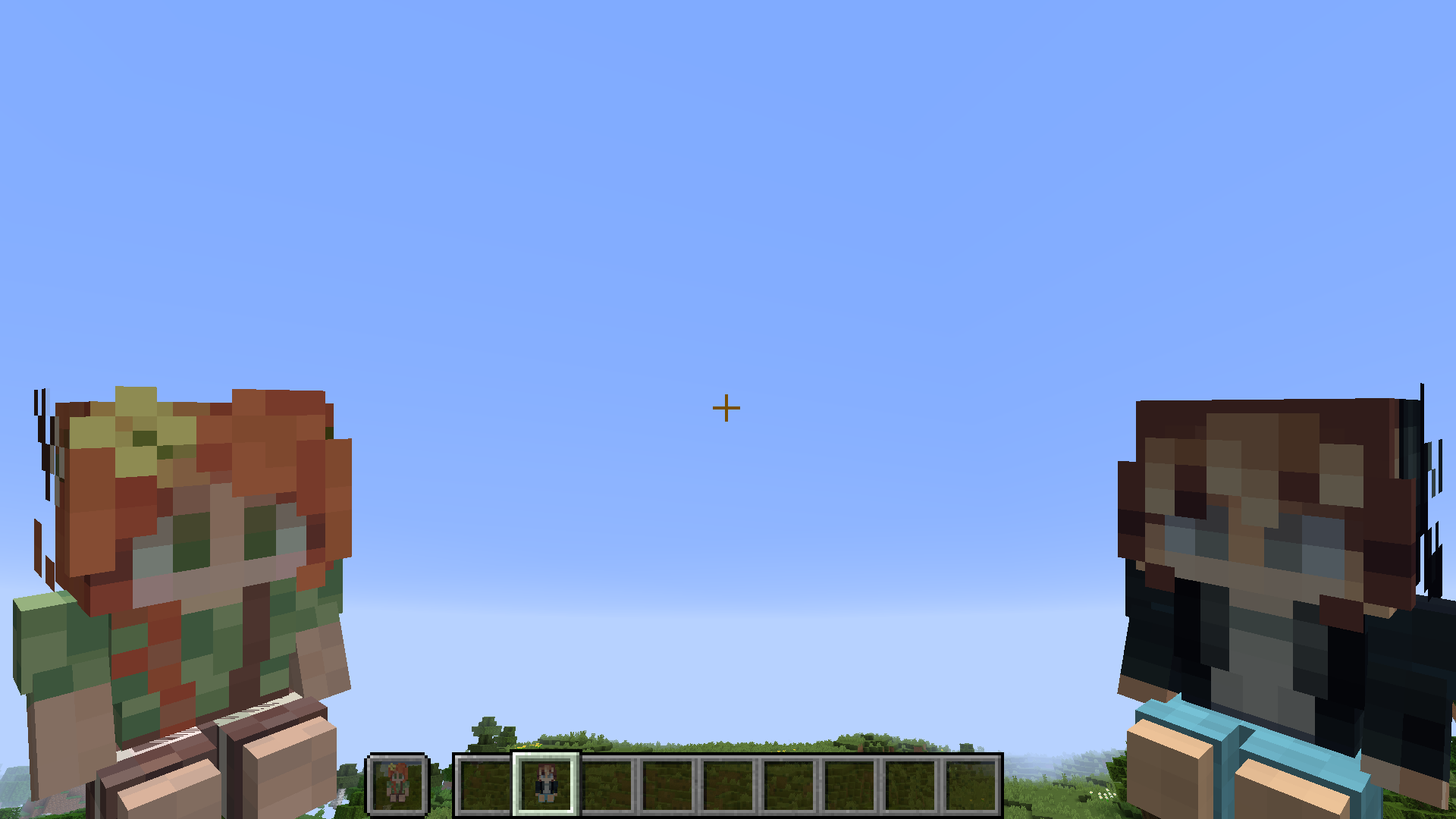
-> Now the Totem turns into the YouTuber's plushie!!


Instructions of Download

- Download the latest version (for more youtubers).
- Put it in the .minecraft/resourcepacks [the resourcepack folder].
- And you can name the totem of undying to your Favourite YouTuber!!


Join our Discord server!

For any suggestions/help or even for hanging out with the community, Join our Discord server! : https://discord.gg/tvmFFWFf4N

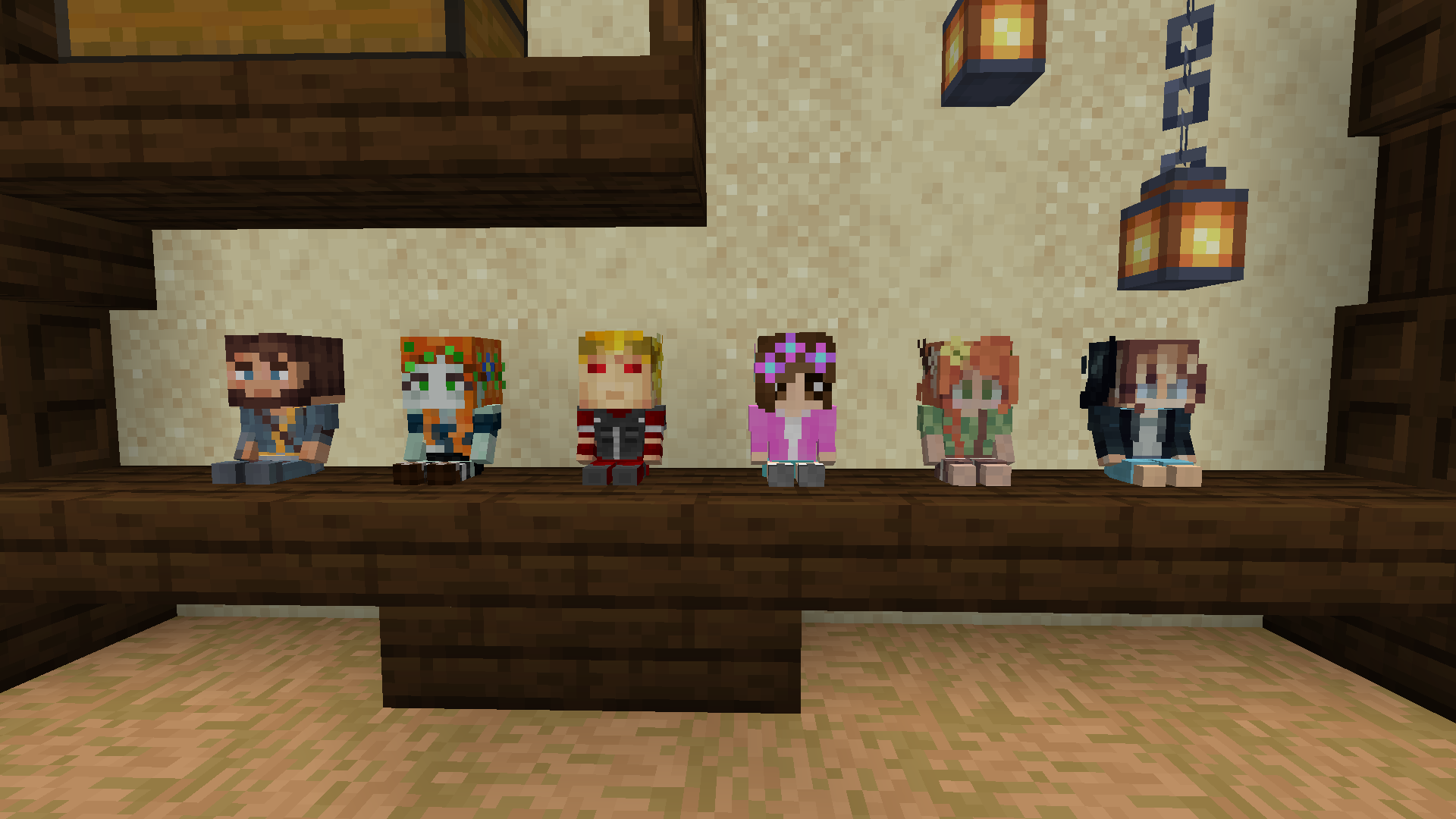
Currently available Plushies
- PearlescentMoon

- GeminiTay
- MythicalSausage
- ZombieCleo
- Stressmonster101
- Tango

(More to be added, comment down below for any suggestions!)

PlushieYT v2
MC 1.16-Snapshot, 1.17.1, 1.16.3, 1.15-Snapshot, 1.16.1, 1.14.4, 1.14.1, 1.17, 1.14.3, 1.15, 1.16, 1.16.5, 1.15.2, 1.14, 1.17-Snapshot, 1.16.4, 1.14.2, 1.16.2, 1.14-Snapshot
Release 2021-07-06 Get
PlushieYT_v1.zip
MC 1.16-Snapshot, 1.16.3, 1.15-Snapshot, 1.16.1, 1.14.4, 1.14.1, 1.17, 1.14.3, 1.15, 1.16, 1.16.5, 1.15.2, 1.14, 1.17-Snapshot, 1.16.4, 1.14.2, 1.16.2, 1.14-Snapshot, 1.15.1
Release 2021-06-24 Get

Requirements & install

How to use this resource pack in Minecraft
Resolution
64x
Minecraft
1.16.1 – 1.17.1
Install folder
.minecraft/resourcepacks

How to install resource packs

  1. Download the resource pack .zip file (do not extract it).
  2. In Minecraft open Options → Resource Packs → Open Pack Folder.
  3. Drop the .zip into the resourcepacks folder (.minecraft/resourcepacks).
  4. Move the pack to the Selected column and click Done.
Browse more: 16x resource packs 32x resource packs 64x resource packs 128x resource packs 256x resource packs 512x+ resource packs Resource Packs for 1.17.1 All resource packs

More from Sohan_Mutra

Advertisement Remove ads with Premium →

You Might Also Like