Mineuniverse
Resource Packs
Player Graves

Player Graves

RESOURCE PACK
Players leave graves on death instead of dropping items
by CooledBeans
Download Claim this project
1,375 downloads
0 likes
0 followers
Updated Oct 14, 2026
0 hypes
Follow0
Data Packs
Advertisement Remove ads with Premium →

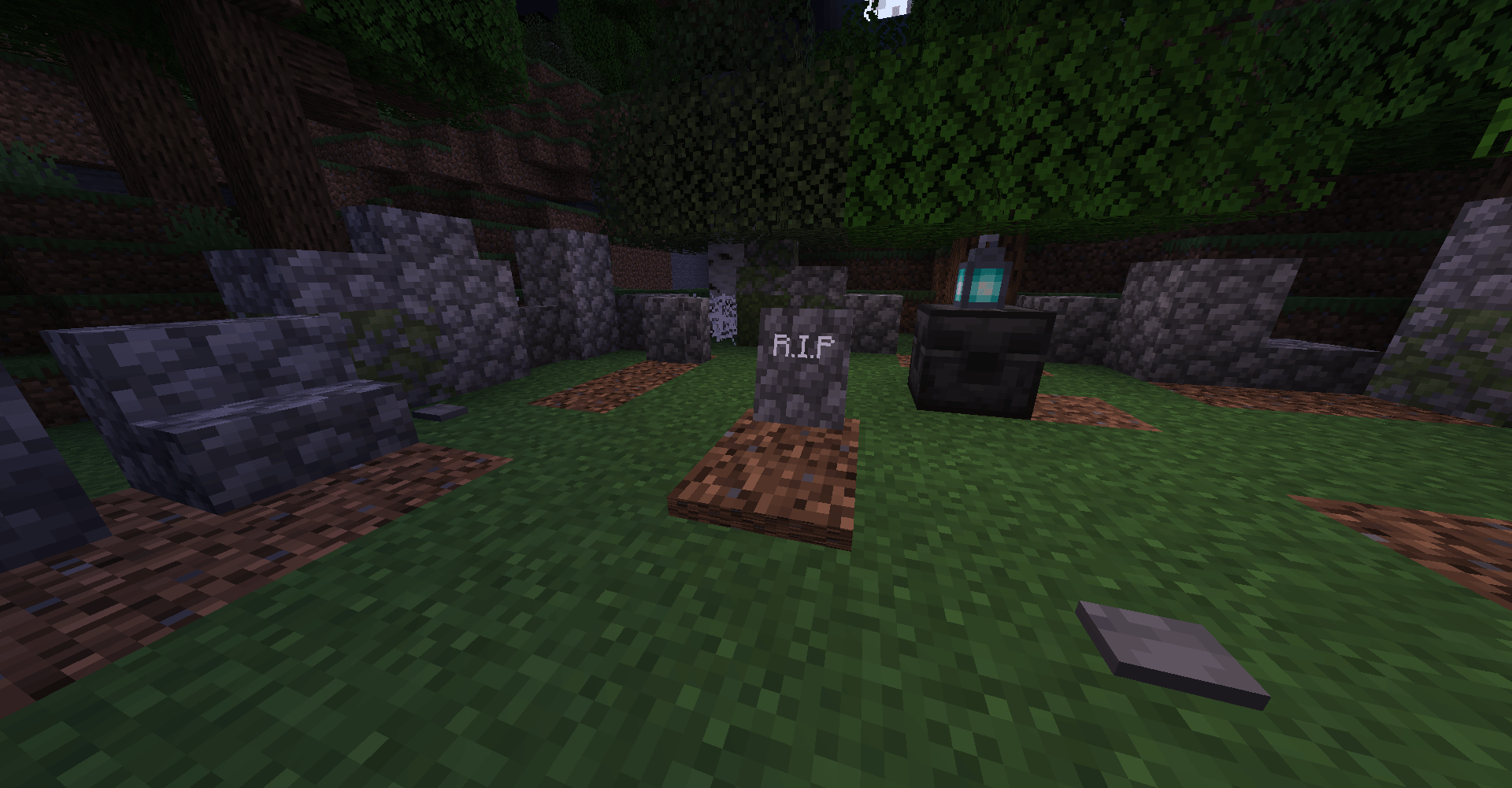
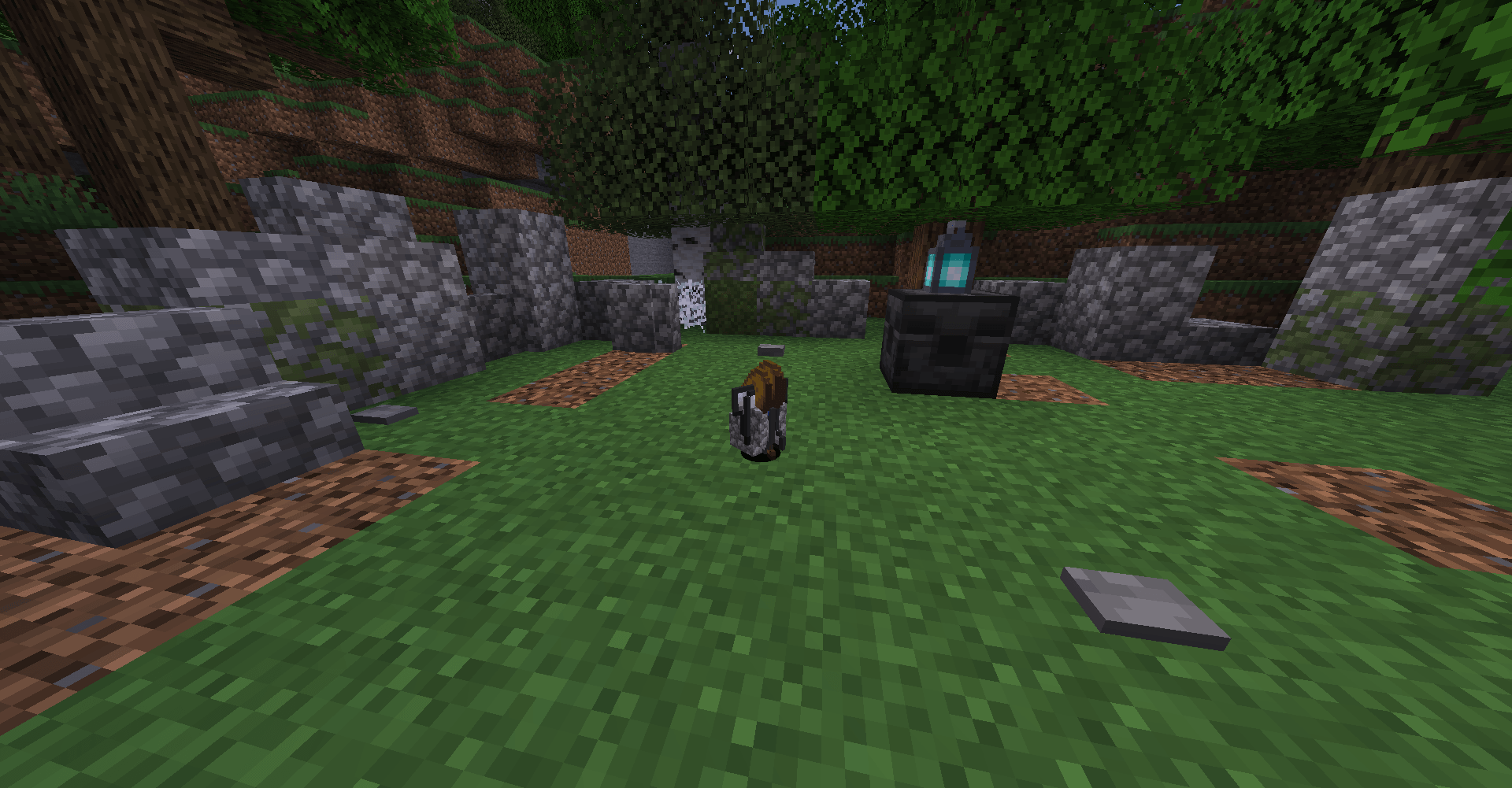
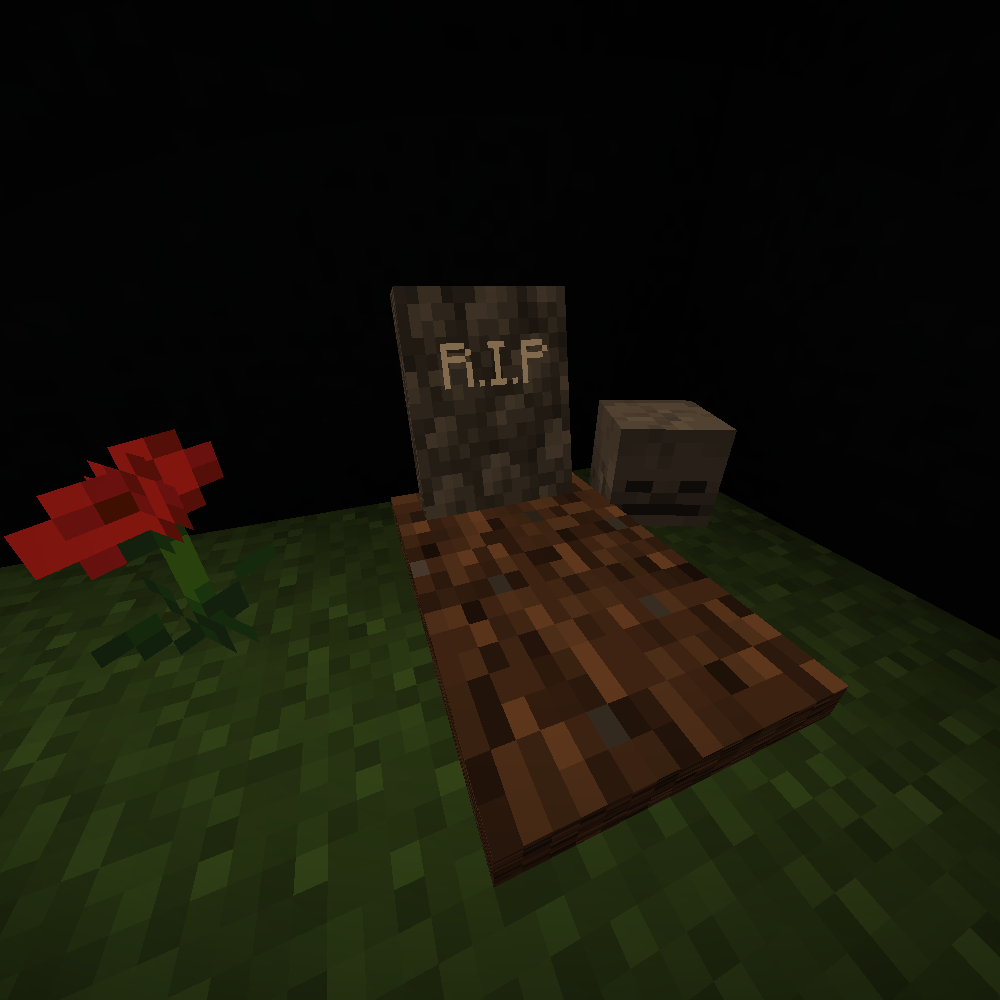
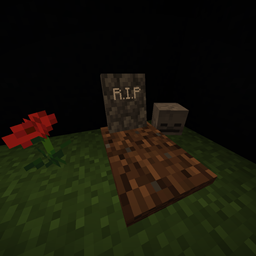
This vanilla-friendly and multiplayer-friendly data pack causes players to leave a grave at the site of their death.

Grave contains the items and experience of the deceased player, and drops its contents when any player interacts with it.

Unlike Vanilla, the amount of experience dropped will not stop scaling at level 15. For reference, players dying at level 100 will now drop 22 levels of experience rather than 7.


This data pack alleviates the frustration of death in survival by removing the stress of items despawning or getting destroyed and keeps things tidy so you don't have to search for where your items landed or sort through items when multiple players have died in the same place.

Player Graves.zip
MC 1.20.4
Release 2024-01-17 Get

Requirements & install

How to use this resource pack in Minecraft
Resolution
Not specified
Minecraft
1.20.4
Install folder
.minecraft/resourcepacks

How to install resource packs

  1. Download the resource pack .zip file (do not extract it).
  2. In Minecraft open Options → Resource Packs → Open Pack Folder.
  3. Drop the .zip into the resourcepacks folder (.minecraft/resourcepacks).
  4. Move the pack to the Selected column and click Done.
Browse more: 16x resource packs 32x resource packs 64x resource packs 128x resource packs 256x resource packs 512x+ resource packs Resource Packs for 1.20.4 All resource packs

More from CooledBeans

Advertisement Remove ads with Premium →

You Might Also Like