Mineuniverse
Resource Packs
Craftable Invisible Item Frames

Craftable Invisible Item Frames

RESOURCE PACK
Use phantom membranes to craft invisible item frames
by CooledBeans
Download Claim this project
1,866 downloads
0 likes
Updated Oct 14, 2026
0 hypes
Data Packs
Advertisement Remove ads with Premium →

Uses an accompanying Resource Pack located inside the zip file

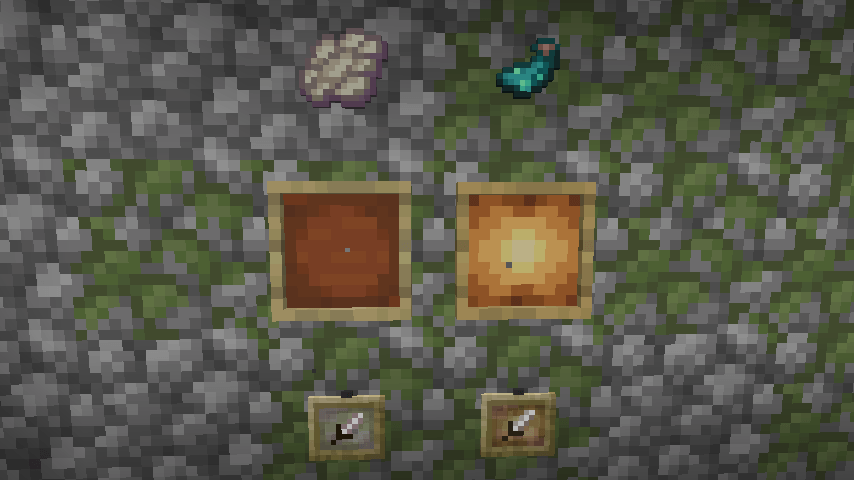
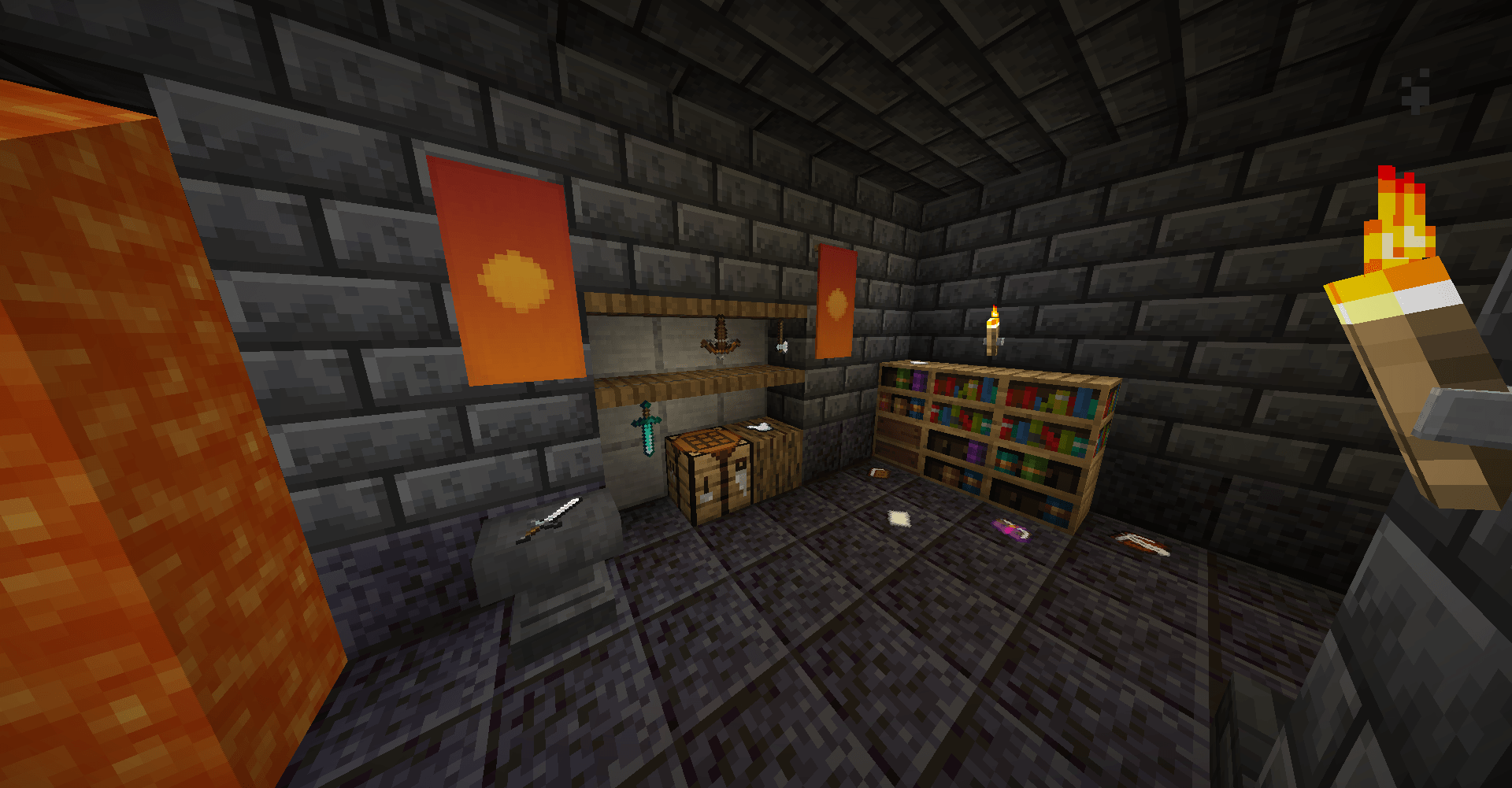
This vanilla-friendly and multiplayer-friendly data pack allows you to craft Invisible Item Frames and Invisible Glow Item Frames with phantom membranes.

Invisible item frames only become invisible when an item is place inside, meaning you don't have to worry about forgetting where you put them. When no item is placed inside, they

look like normal item frames but emit subtle particles to differentiate them.

Invisible Item Frames.zip
MC 1.20.4
Release 2024-01-18 Get

Requirements & install

How to use this resource pack in Minecraft
Resolution
Not specified
Minecraft
1.20.4
Install folder
.minecraft/resourcepacks

How to install resource packs

  1. Download the resource pack .zip file (do not extract it).
  2. In Minecraft open Options → Resource Packs → Open Pack Folder.
  3. Drop the .zip into the resourcepacks folder (.minecraft/resourcepacks).
  4. Move the pack to the Selected column and click Done.
Browse more: 16x resource packs 32x resource packs 64x resource packs 128x resource packs 256x resource packs 512x+ resource packs Resource Packs for 1.20.4 All resource packs

More from CooledBeans

Advertisement Remove ads with Premium →

You Might Also Like