Badges update automatically and link to the resource pack page on MineUniverse.

Player Armor Stand have 5 variant. Default, Sit, Right, Left, Walk.
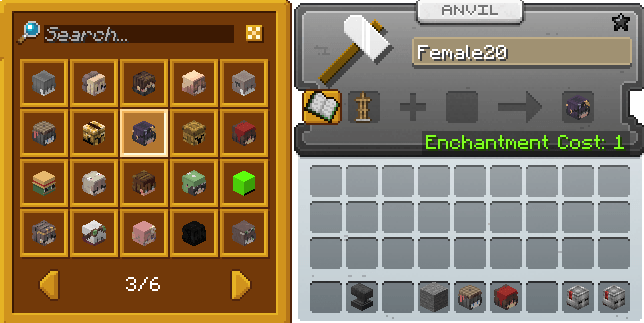
Simply rename a Armor Stand like this.
This resource pack is available for all villager variants and their jobs.
Rename your Armor Stand.
Villager without a jobs. for example:
Villager Desertif a villager has a job. for example:
Armorer Desert
*The baby villager is still in development
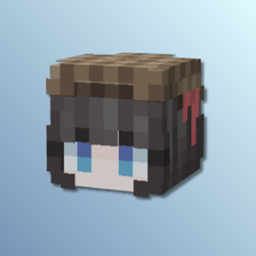
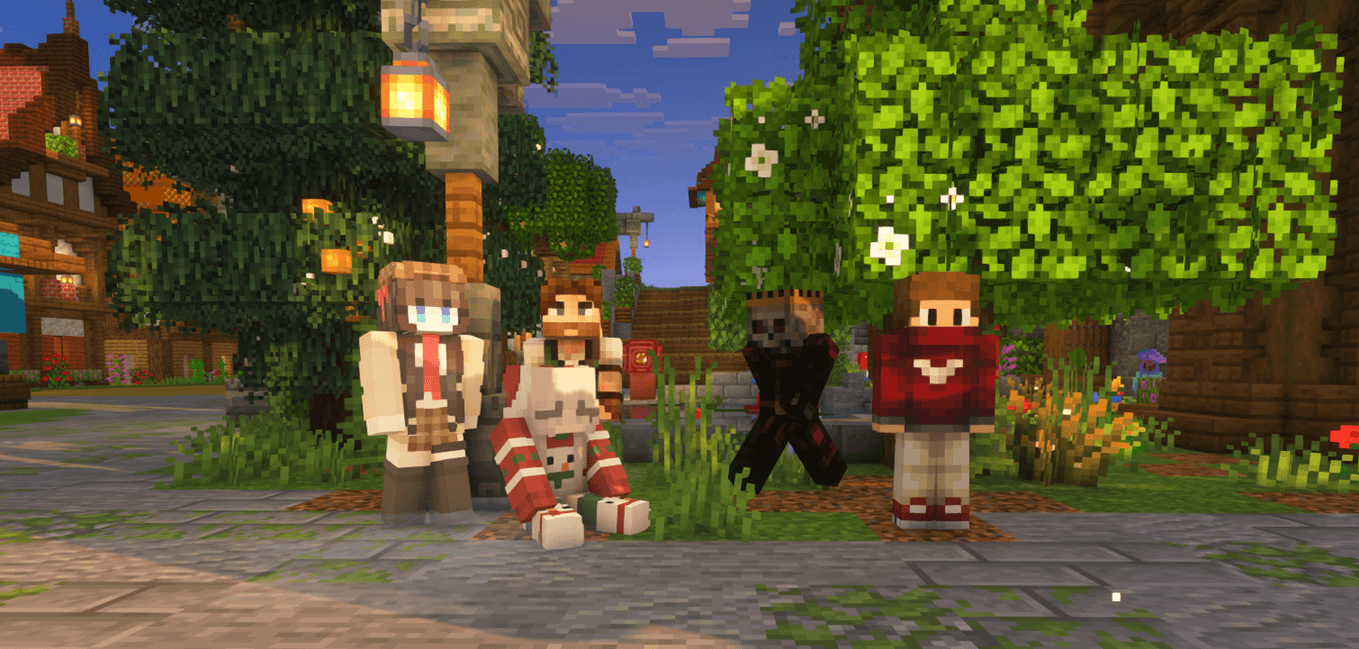
This resource pack includes 50 player skins.
I got these skins from NameMC.
Players have 5 options. Default, Sit, Right, Left, Walk.
Rename your Armor Stand 1-50. for example:
Player Default Male & Female
Male1 or Female1
Player Sit
Male Sit1 or Female Sit1
Player Right
Male Right1 or Female Right1
Player Left
Male Left1 or Female Left1
Player Walk
Male Walk1 or Female Walk1How to add your own skins to this texture pack.
Make your skins into 2 parts, so that they can be seen both when the armor stand is placed and when you hold it in your hand.
First,
Copy your skin into the armorstand folder:
Open assets/minecraft/textures/entity/armorstand. Rename your skin and follow the next available number.
Open the armorstand.properties file using Notepad, Notepad++, or VSC, then scroll to the bottom. I have shortened the text so you can understand it easily.
Example of armorstand.properties:
# MALES (Skins 51-52)
skins.104=214
name.104=iregex:male( sit| right| left| walk)?51$
skins.105=216
name.105=iregex:male( sit| right| left| walk)?52$
# FEMALES (Skins 51-52)
skins.106=213
name.106=iregex:female( sit| right| left| walk)?51$
skins.107=215
name.107=iregex:female( sit| right| left| walk)?52$
Notes:
• skins.107 and name.107 must be in sequential order! If not, the skins will not load.
• skins.107=215 (215 is the number of the skin you added).
• ?52$ (52 is the skin number when you rename it using an anvil).
Second,
Copy your skins into the item folder.
Open assets/minecraft/textures/item. Rename your skin and follow the next available number.
Example: head_male51, head_female51, and so on.
Third,
Open assets/minecraft/optifine/cem.
Open the armorstand.properties file using Notepad, Notepad++, or VSC, then scroll to the bottom.
Follow the steps that I have already created in the armorstand.properties file.
Fourth,
Open assets/minecraft/models/item.
Open the notepad file inside the item folder. I have already explained the instructions there.
Finally,
Open assets/minecraft/items.
Open the notepad file inside the items folder. I have already explained the instructions there.
Other Project: