Mineuniverse
Resource Packs
Pixel Remix Pack

Pixel Remix Pack

RESOURCE PACK
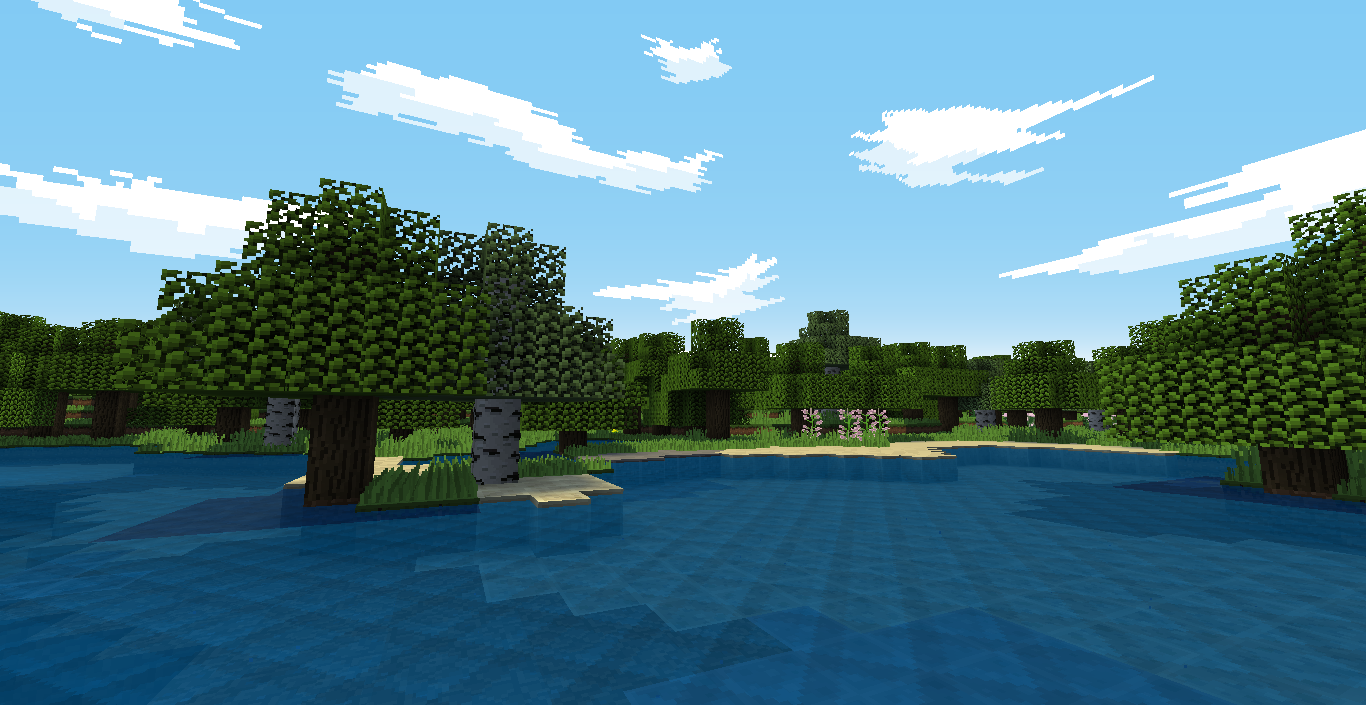
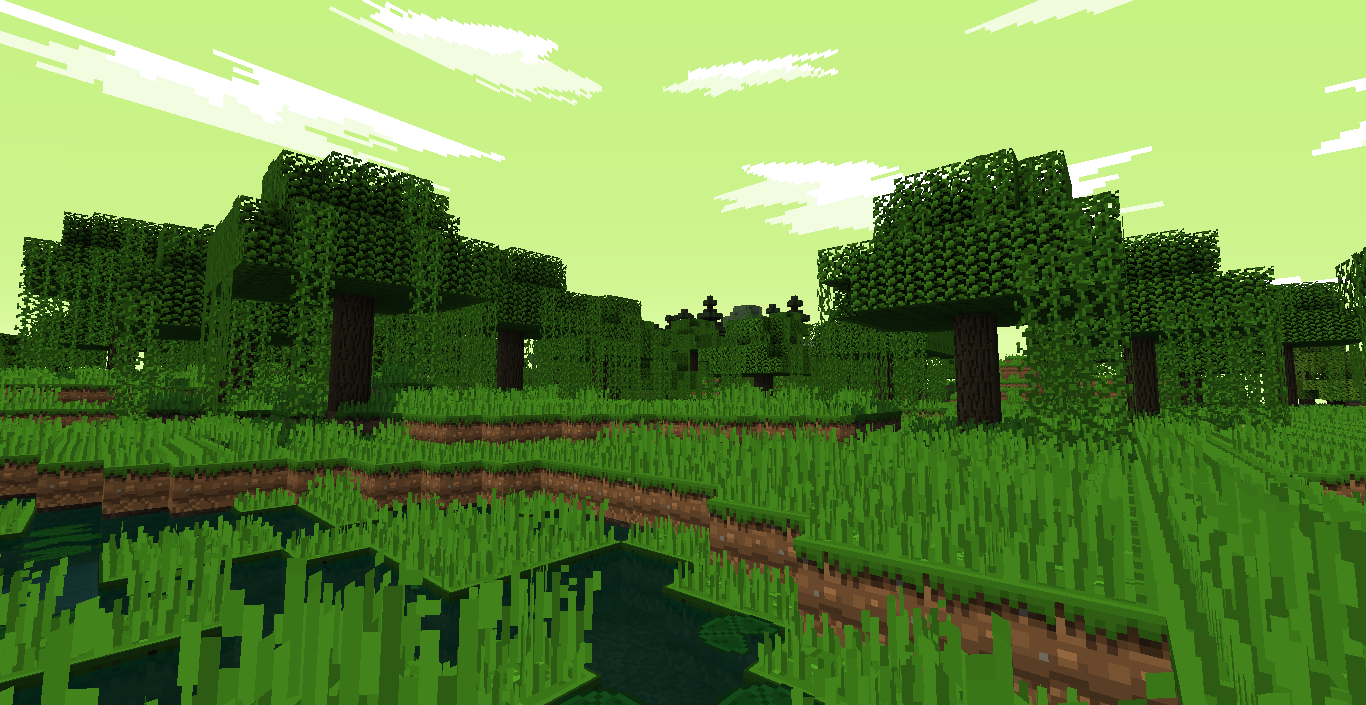
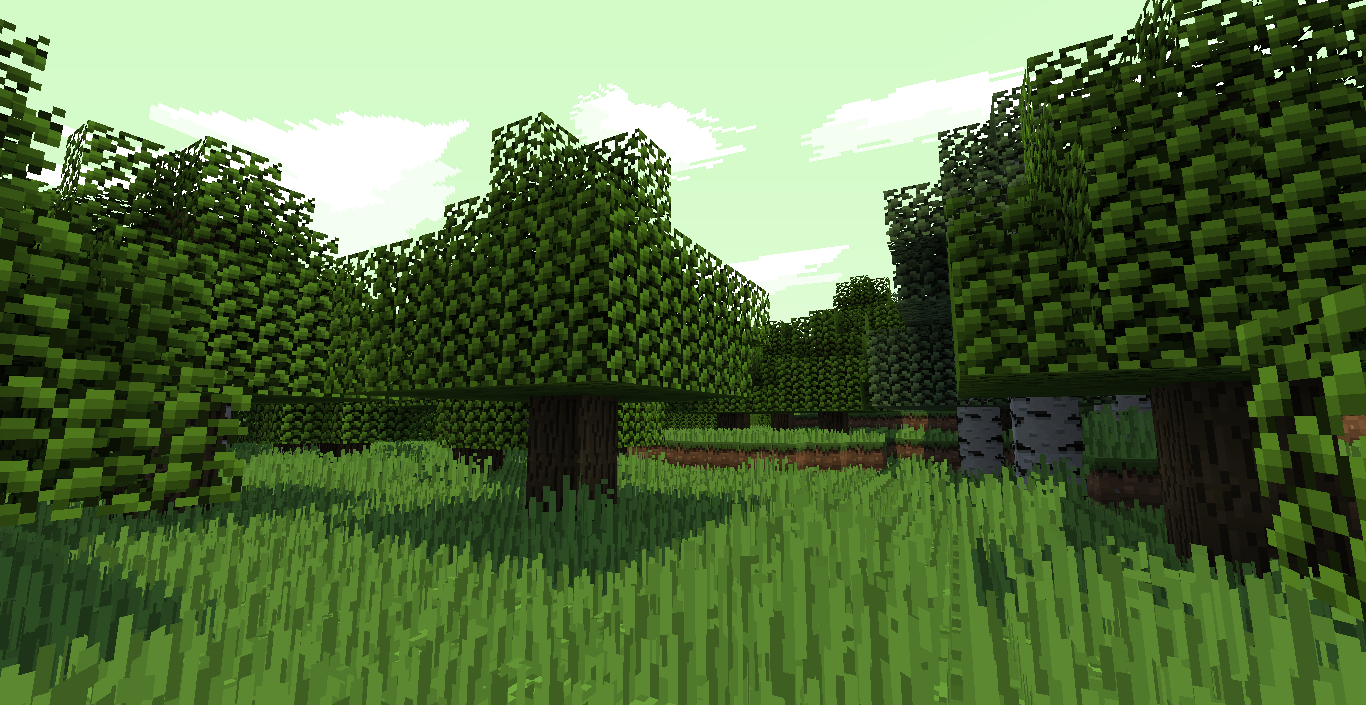
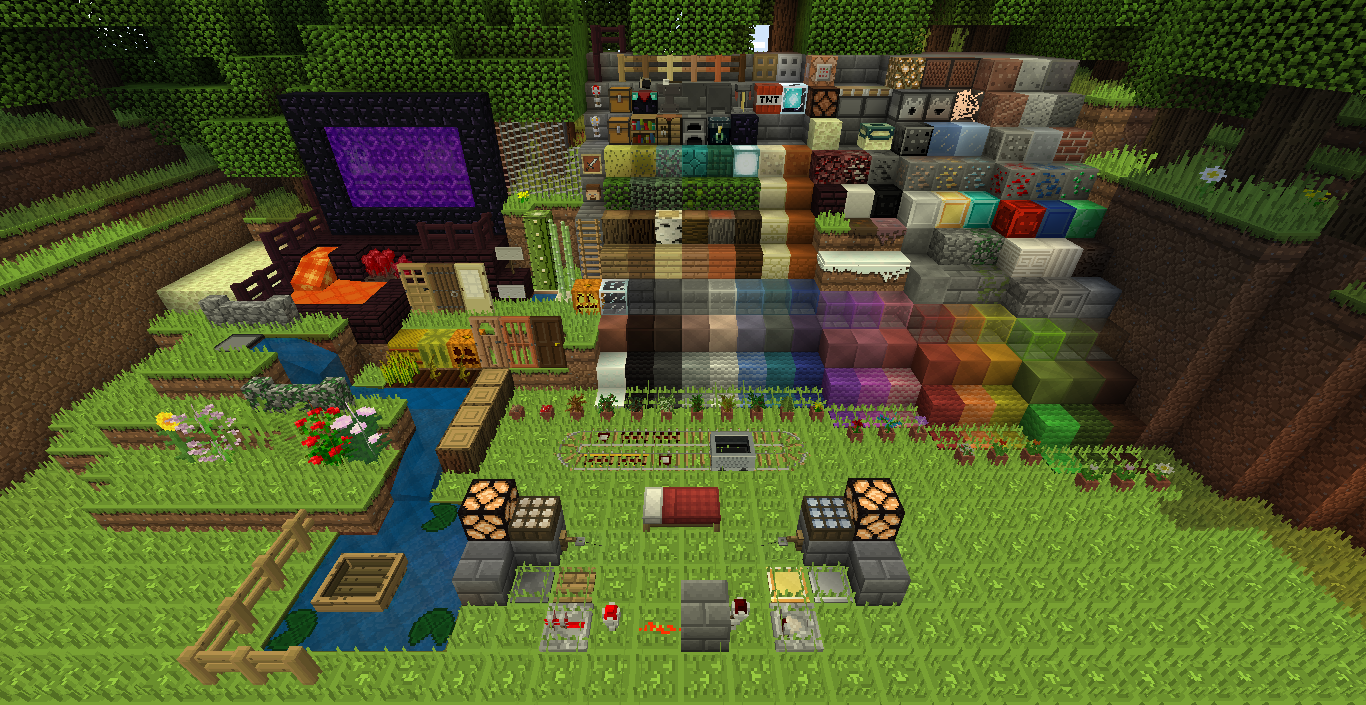
32 bit Pixelated and detailed style.
by CrisXolt
Download Claim this project
1,573 downloads
0 likes
Updated Oct 14, 2026
0 hypes
16x Animated Miscellaneous
Advertisement Remove ads with Premium →

[READ BEFORE TO DOWNLOAD]


Make sure to use OptiFine or MCPatcher.


DISCLAIMER:

Some models was made by me with OPL Model Creator and Mr. Crayfish Model Maker, because the models elements are rotated for torch and swords, and the item display for swords was did made by hand, checking in game.


Is an resource pack as test, with features of custom colors, sky, animated, biome colors, and more with my design ideas.


The features is:

-3D Blocks, specially grass.

-Different palette.

-Animated texture.


Next update:

-1.9 compatible.

-More models for items.


Is Beta version of 75% complete (not as WIP), the textures bucket filled and flat as "simple" are strictly not planned for me (was made thousand times xP).

However....

The goal planned is that must be a lot of detailed noise of blocks and entity as i did create, and palette what i create, are some different that default colors.


Example:


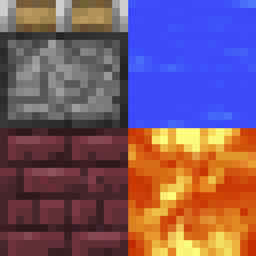
First detailed block: used in main blocks as stone brick, stone slab and lot of entities.

First detailed block


Column: used in log, pillar quartz and cactus.

Column


Reflect: used in hard clay.

Reflect


Liquid animated:

Liquid


Palette: 57%complete.

Palette


The update will be each week.


If you any question, tell me in comment (as feedback).

[Release] Pixel Remix Pack v1.1
MC 1.9.2
Release 2016-05-02 Get
[Release] Pixel Remix Pack v1
MC 1.9.2
Release 2016-04-21 Get
Pixel Remix Pack [Beta 1.5]
MC 1.8.7
Beta 2015-09-17 Get
Pixel Remix Pack Beta 1.zip
MC 1.8.7
Beta 2015-09-07 Get

Requirements & install

How to use this resource pack in Minecraft
Resolution
16x
Minecraft
1.8.7 – 1.9.2
Install folder
.minecraft/resourcepacks

How to install resource packs

  1. Download the resource pack .zip file (do not extract it).
  2. In Minecraft open Options → Resource Packs → Open Pack Folder.
  3. Drop the .zip into the resourcepacks folder (.minecraft/resourcepacks).
  4. Move the pack to the Selected column and click Done.
Browse more: 16x resource packs 32x resource packs 64x resource packs 128x resource packs 256x resource packs 512x+ resource packs Resource Packs for 1.9.2 All resource packs

More from CrisXolt

Advertisement Remove ads with Premium →

You Might Also Like