Mineuniverse
Resource Packs
Pixel Reality - Atmosphere

Pixel Reality - Atmosphere

RESOURCE PACK
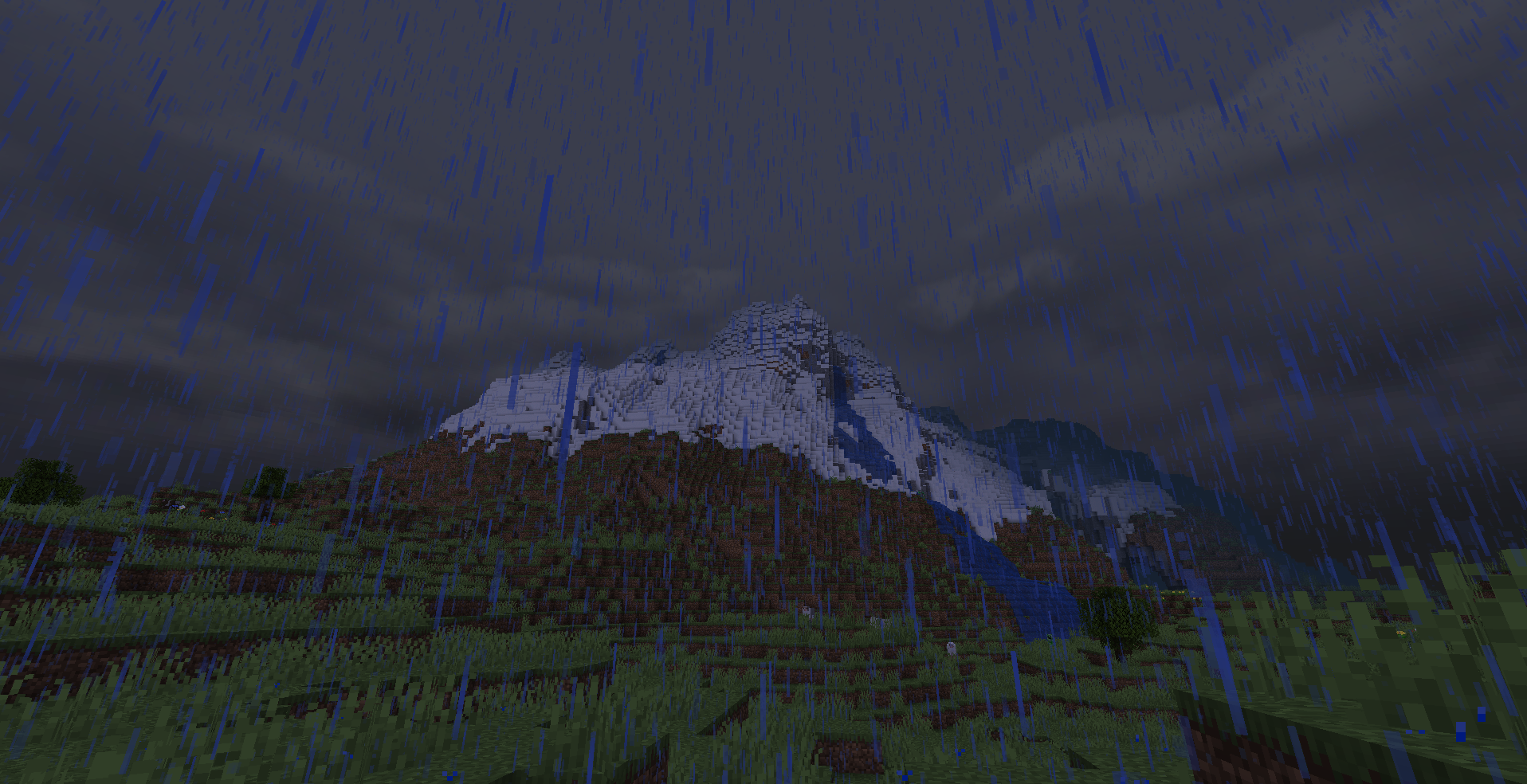
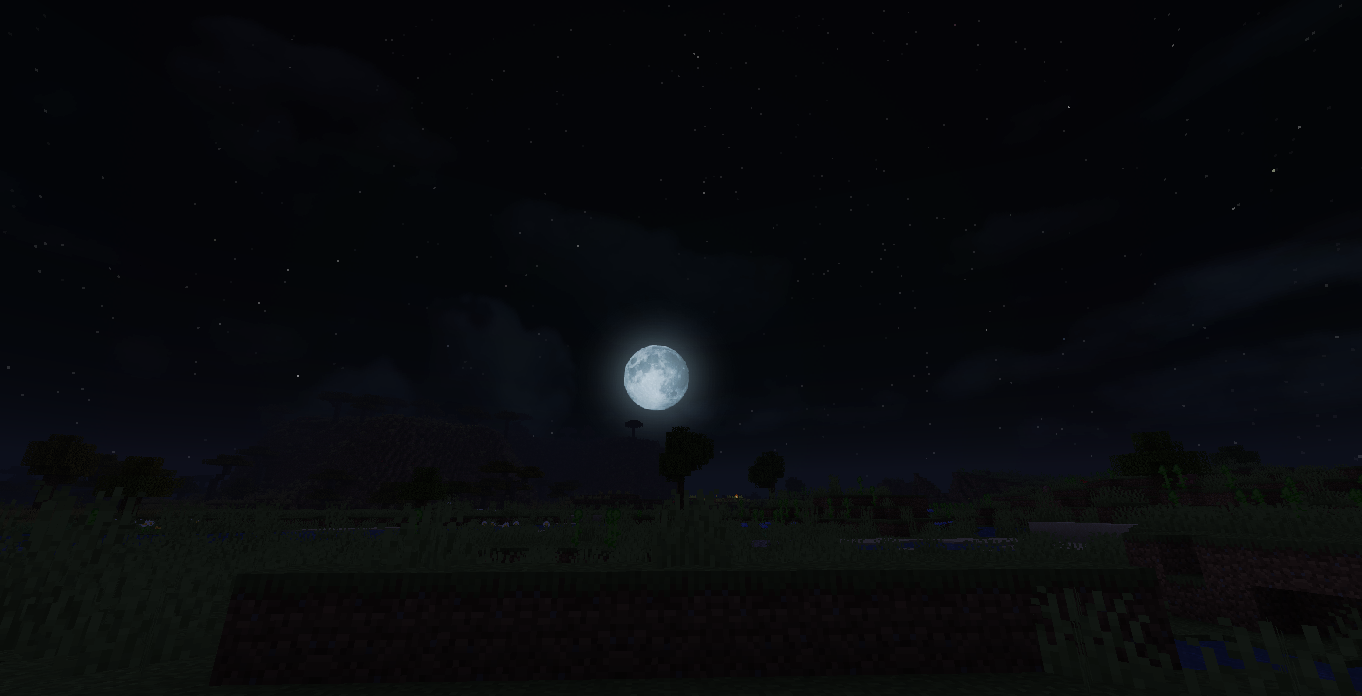
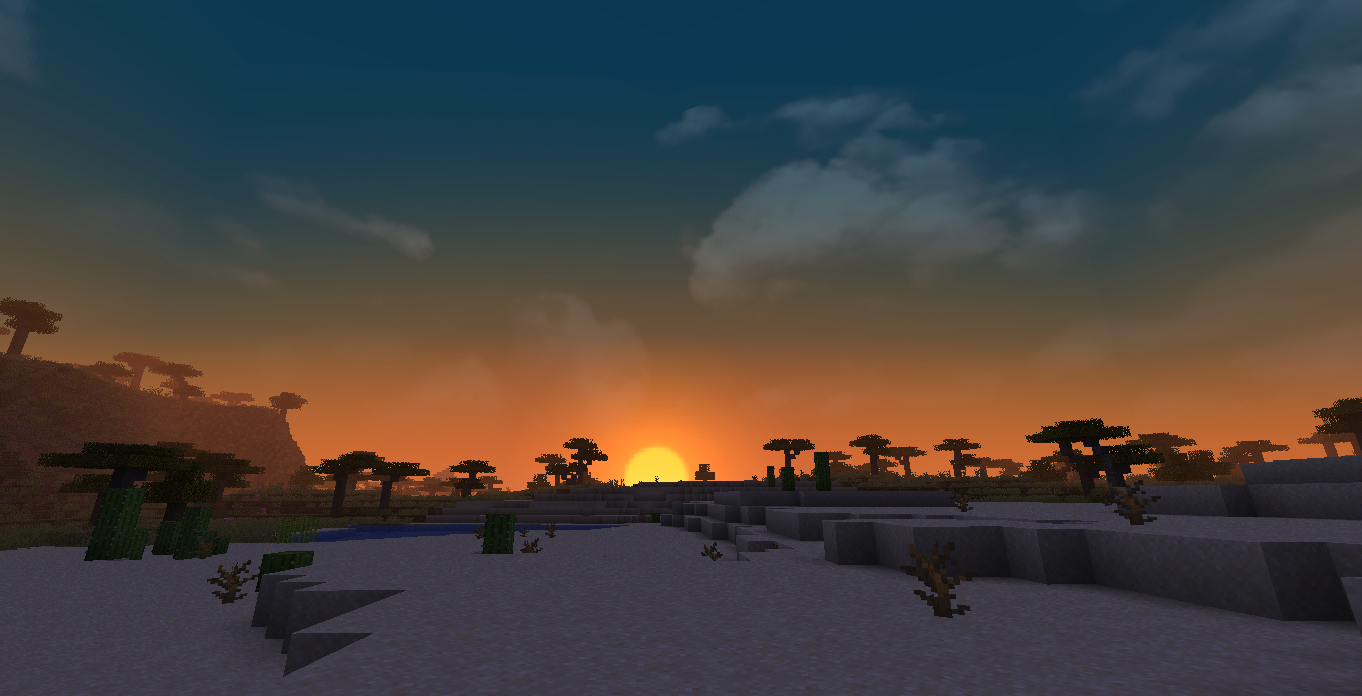
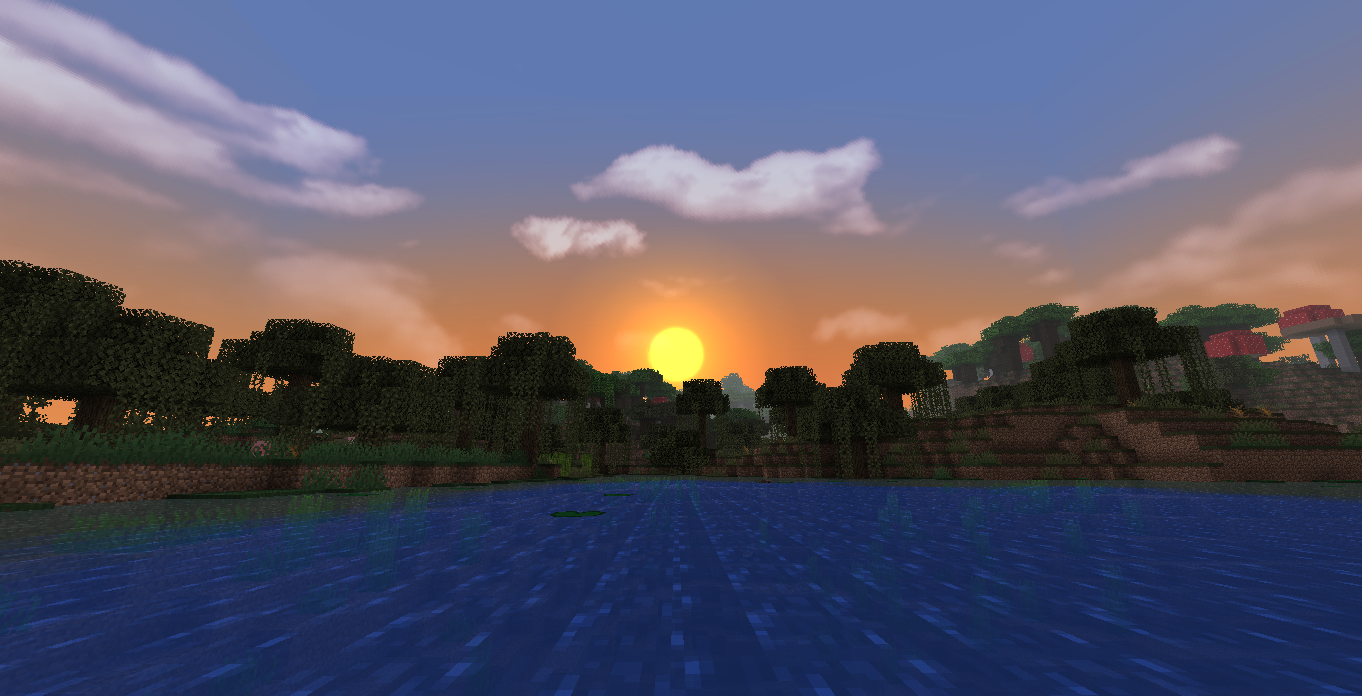
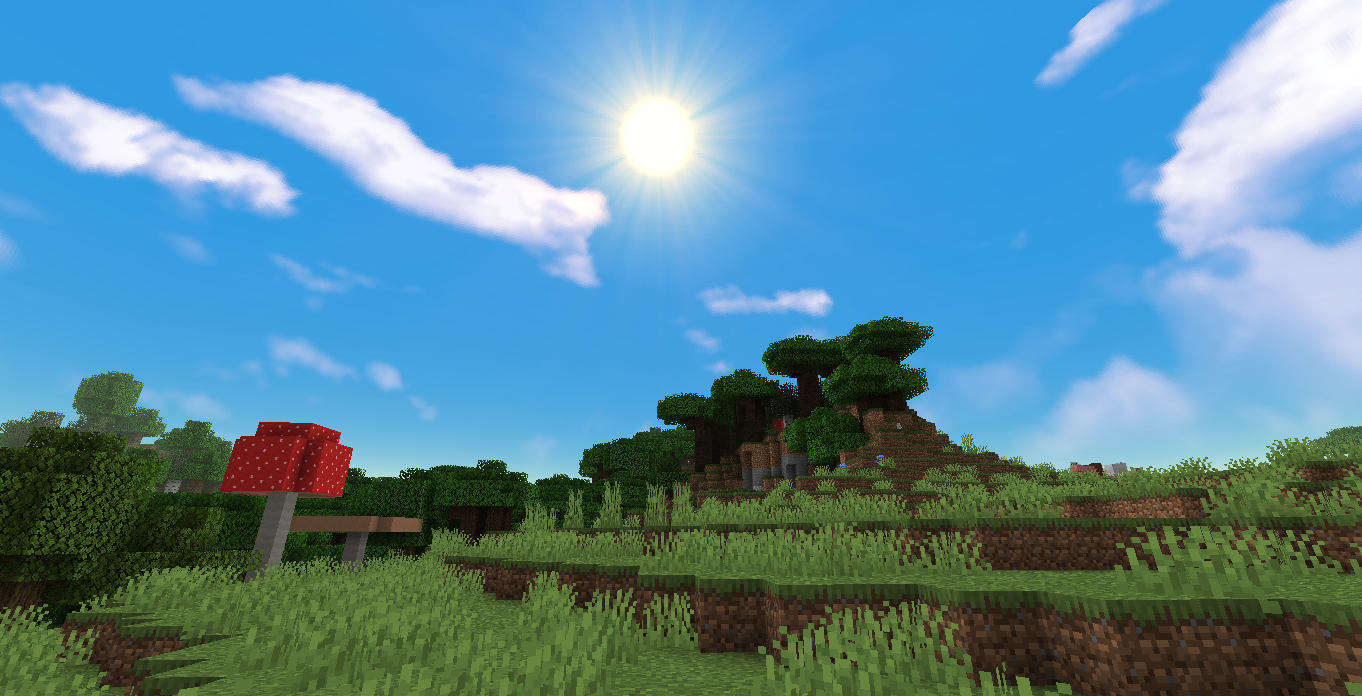
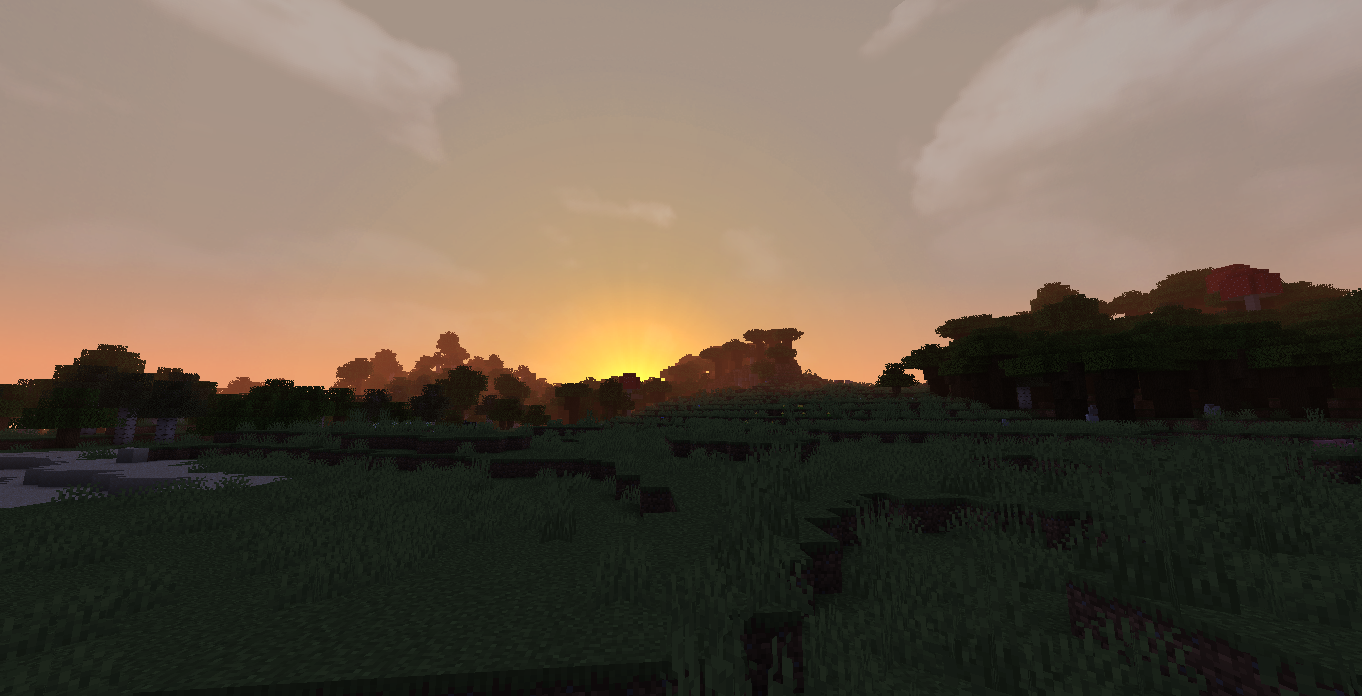
Add a realistic sky to vanilla Minecraft or any pack! Needs Optifine.
by Wedhro
Download Claim this project
201,296 downloads
0 likes
Updated Oct 14, 2026
0 hypes
128x Miscellaneous Photo Realistic
Advertisement Remove ads with Premium →

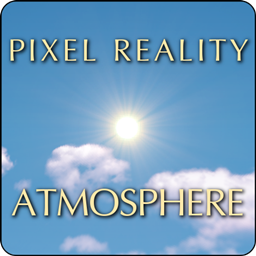
Realistic sky, sun and moon with vanilla textures or any other pack of your choice! High-res enough to look good with HD packs, but not so much it would look out of place with vanilla low-res textures.


Please don't redistribute this pack or release any part of it to the public.
  • If you like this pack don't ask me if you can use it, but suggest people to use it together with your own pack, that's the whole point of format changes Mojang introduced months ago.
  • If you want to let people know of this pack do it by posting a link to this page so I get credit and downloads.

To make this pack work properly you need to mod your game with Optifine. If you don't, only the sun and the moon will change. Once downloaded, put it in your resource pack folder, start Minecraft, go to the resource pack menu, move them on top of your other resource packs and finally confirm to apply the changes.

NOTE: vanilla clouds are disabled so those ugly white boxes don't get in the way.


PR Atmosphere shouldn't give issues with any pack regardless of version and resolution, as long as it doesn't add a huge amount of sky boxes itself.
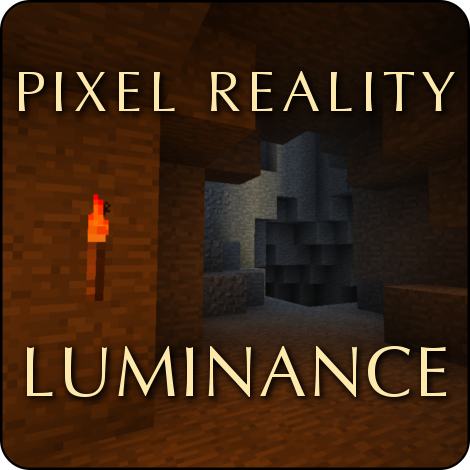


Also check Pixel Reality - Luminance: it adds realistic light effects to vanilla or any pack, it's a good companion to Atmosphere if you want to give a realistic feel to your favorite pack.
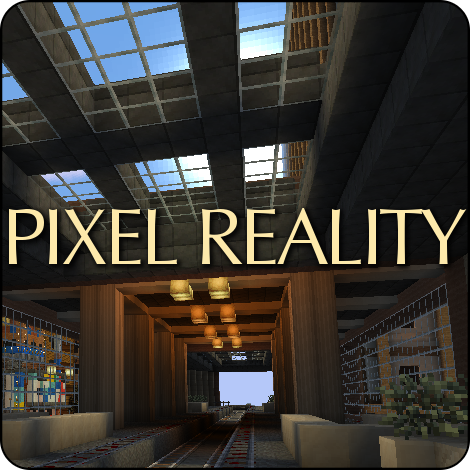
 

[outaded] This pack is included in the Pixel Reality resource pack, you might want to check it out if you need a realistic 16x pack.

Pixel Reality Atmosphere 1.19.4.zip
MC 1.19.4
Release 2023-03-26 Get
Pixel_Reality_Atmosphere_1.17.1.zip
MC 1.17.1, 1.17, 1.17-Snapshot
Release 2021-07-10 Get
Pixel_Reality_Atmosphere_1.17.zip
MC 1.17
Release 2021-06-11 Get
Pixel_Reality_Atmosphere_1.16.2.zip
MC 1.16.3, 1.16.2
Release 2020-08-23 Get
Pixel Reality - Atmosphere 1.15.2.zip
MC 1.15-Snapshot, 1.15, 1.15.2, 1.15.1
Release 2020-03-27 Get
Pixel Reality - Atmosphere 1.13.2.zip
MC 1.13.1, 1.14.4, 1.14.1, 1.14.3, 1.13, 1.14, 1.14.2, 1.13-Snapshot, 1.14-Snapshot, 1.13.2
Release 2018-11-03 Get
PRJE Atmosphere 1.12.zip
MC 1.12.1, 1.12, 1.11, 1.11.1, 1.11.2, 1.11-Snapshot, 1.12.2, 1.12-Snapshot
Release 2017-07-27 Get
Pixel Reality Atmosphere 1.9.4-1.10.2.zip
MC 1.9.1, 1.9.3, 1.10-Snapshot, 1.9.4, 1.9.2, 1.10.2, 1.10, 1.10.1, 1.9-Snapshot, 1.9
Release 2016-11-18 Get
Pixel Reality Atmosphere 1.11.zip
MC 1.11, 1.11-Snapshot
Release 2016-11-18 Get
Pixel Reality Atmosphere.zip
MC 1.7.6, 1.8.7, 1.7.4, 1.7.7, 1.7.5, 1.6.1, 1.8.4, 1.7.9, 1.8.8, 1.7.2, 1.8-Snapshot, 1.8.3, 1.8.6, 1.7.8, 1.6.4, 1.7.10, 1.8, 1.8.2, 1.8.5, 1.8.9, 1.8.1, 1.6.2
Release 2015-02-13 Get

Requirements & install

How to use this resource pack in Minecraft
Resolution
128x
Minecraft
1.15.1 – 1.19.4
Install folder
.minecraft/resourcepacks

How to install resource packs

  1. Download the resource pack .zip file (do not extract it).
  2. In Minecraft open Options → Resource Packs → Open Pack Folder.
  3. Drop the .zip into the resourcepacks folder (.minecraft/resourcepacks).
  4. Move the pack to the Selected column and click Done.

Packs from 128x upwards need more video memory: install a performance mod such as Sodium for smooth frame rates.

Browse more: 16x resource packs 32x resource packs 64x resource packs 128x resource packs 256x resource packs 512x+ resource packs Resource Packs for 1.19.4 All resource packs

More from Wedhro

Advertisement Remove ads with Premium →

You Might Also Like