Mineuniverse
Resource Packs
Pixel Edge JE

Pixel Edge JE

RESOURCE PACK
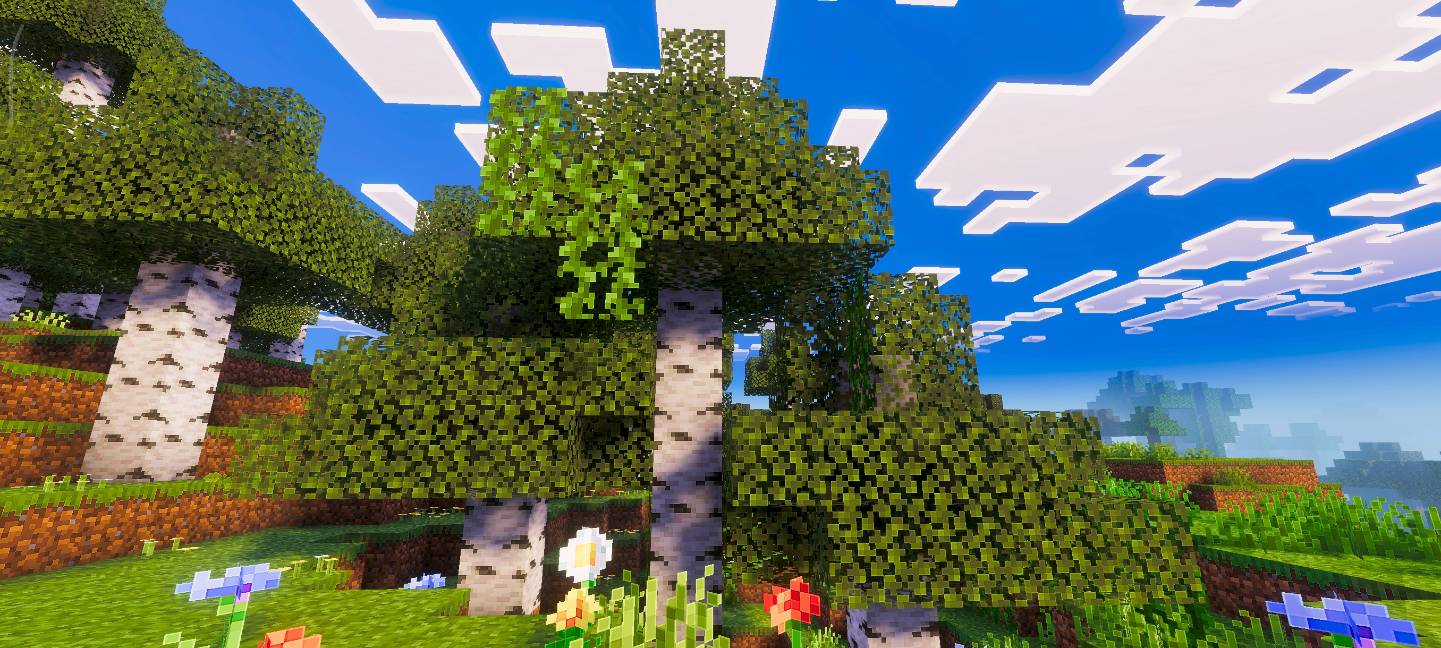
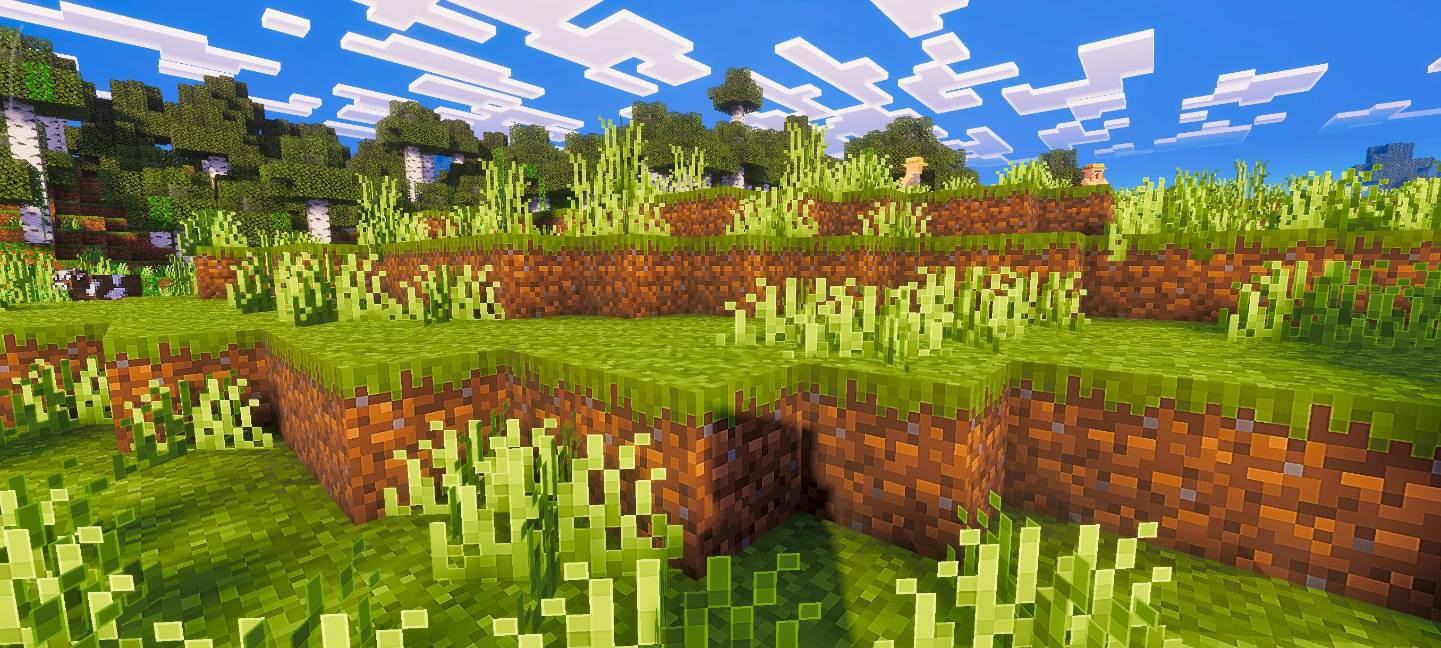
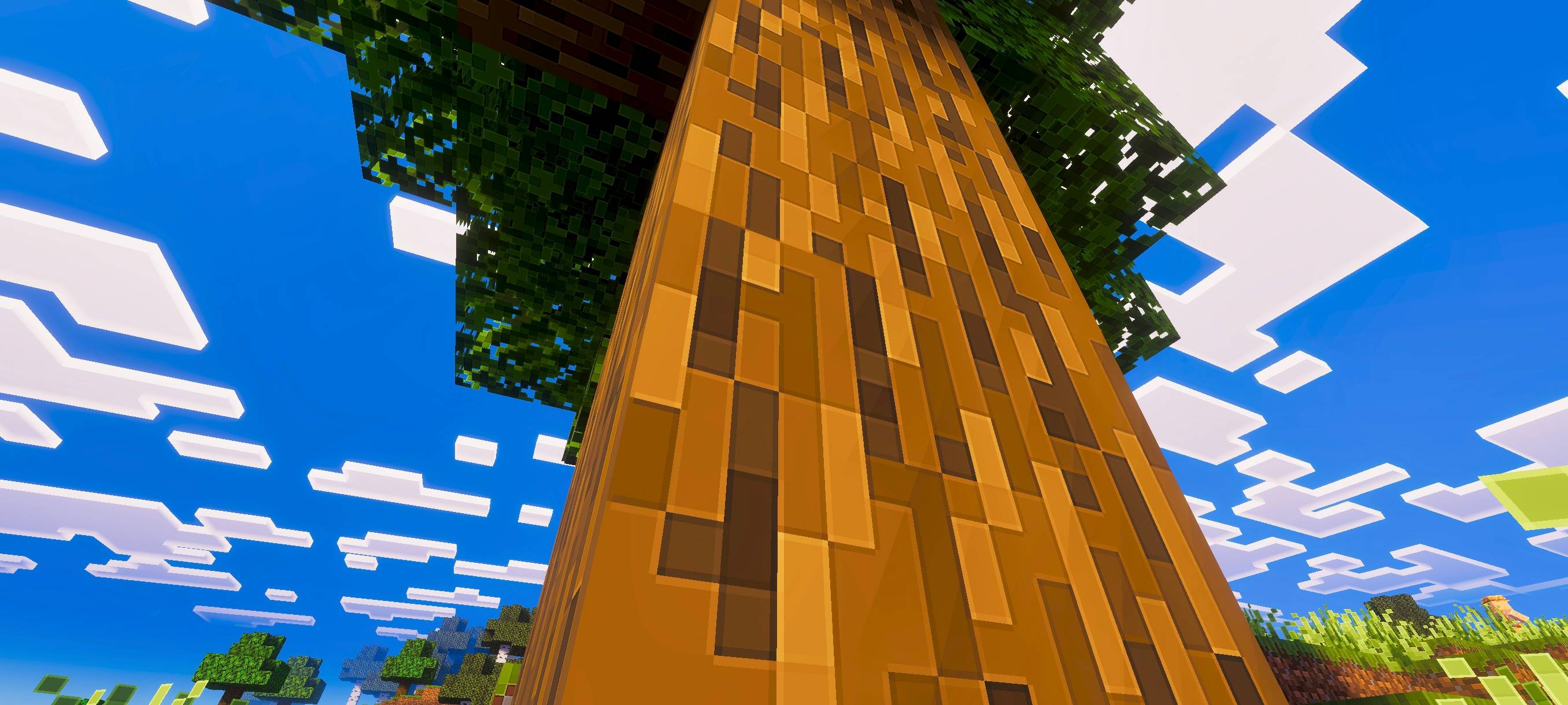
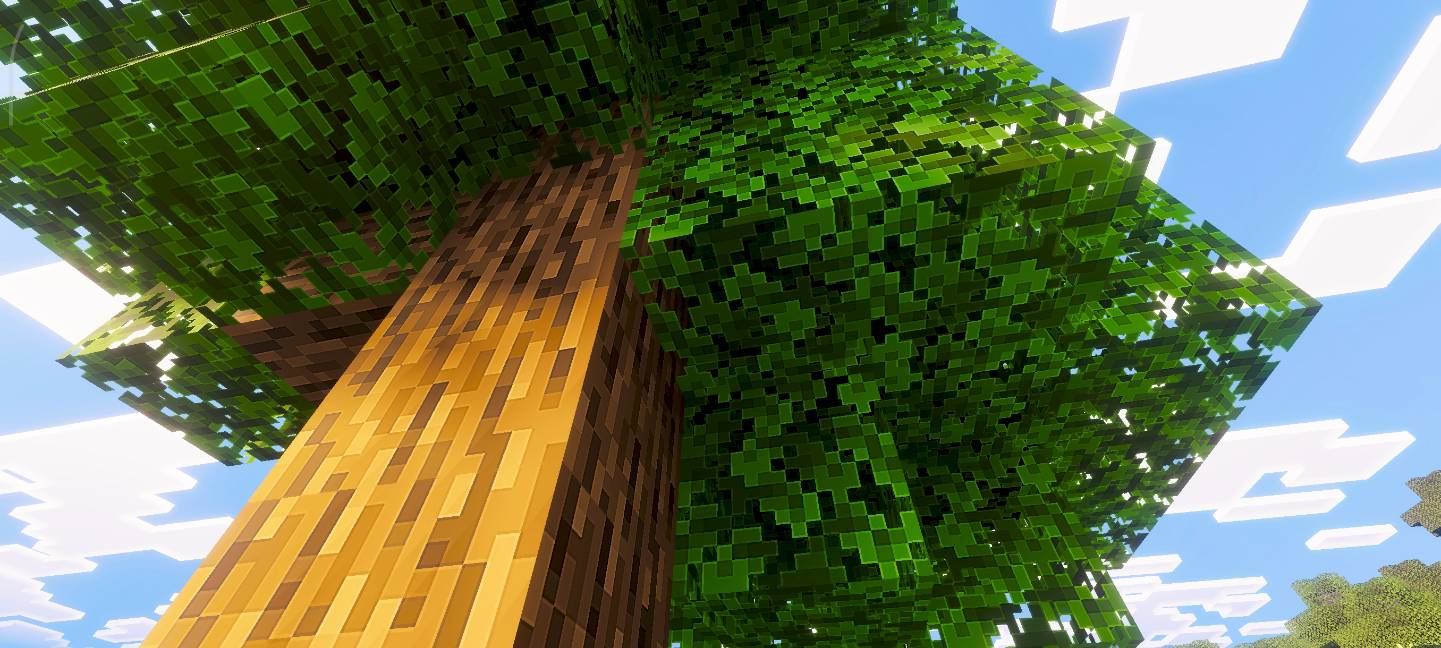
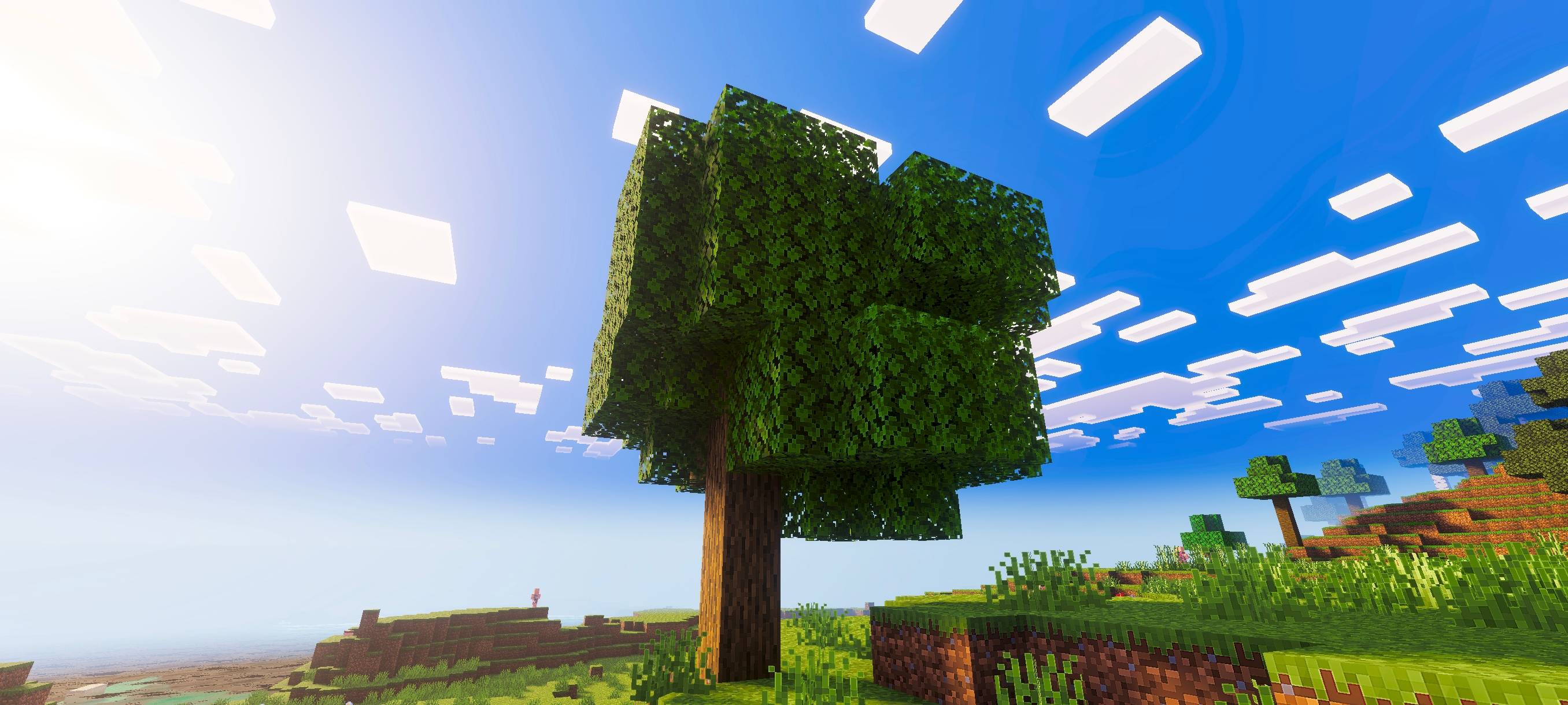
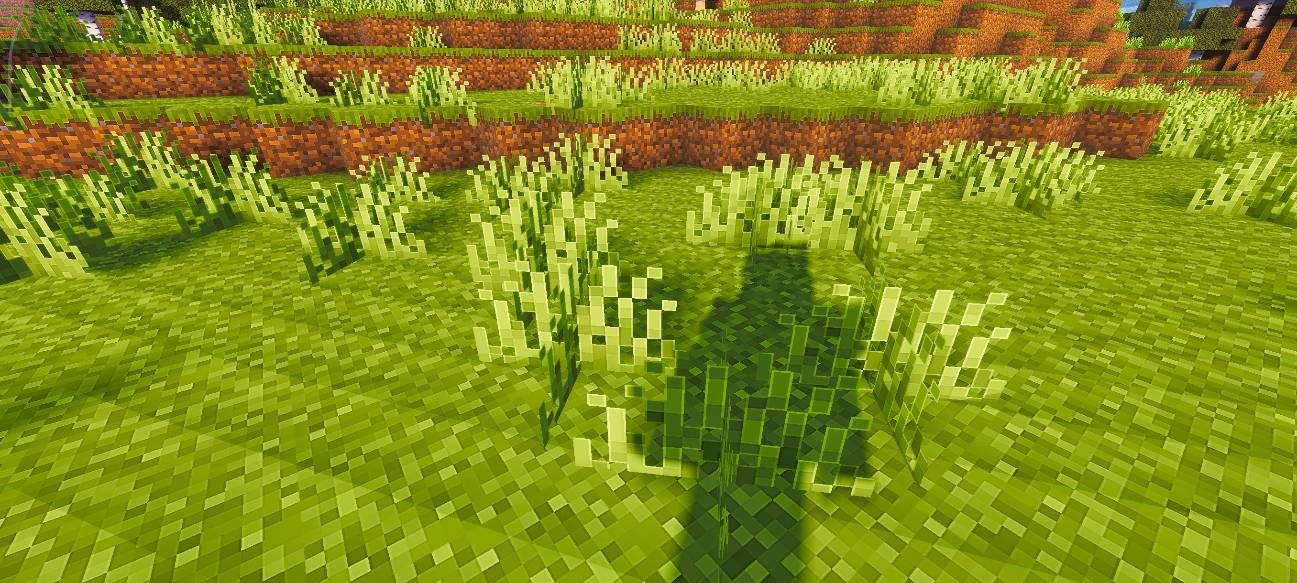
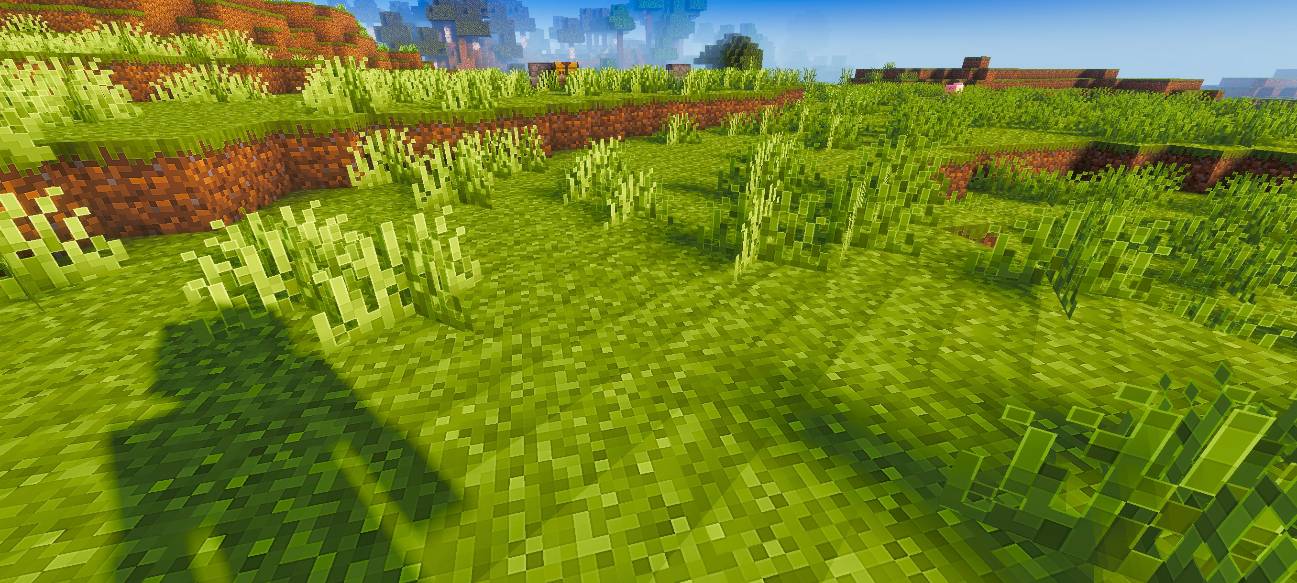
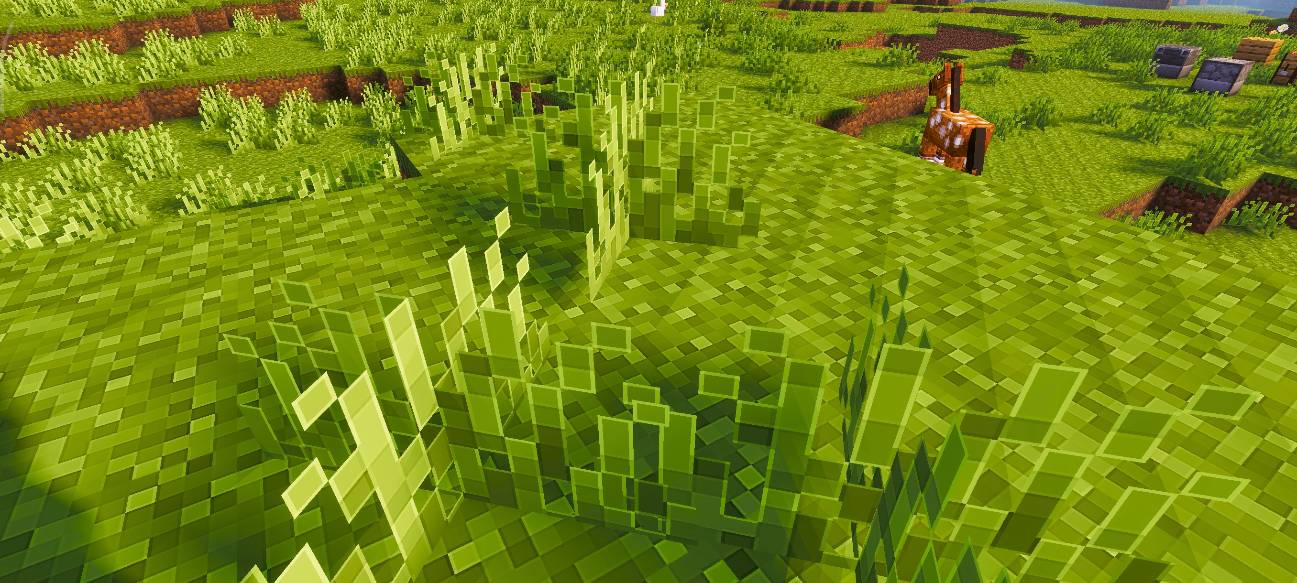
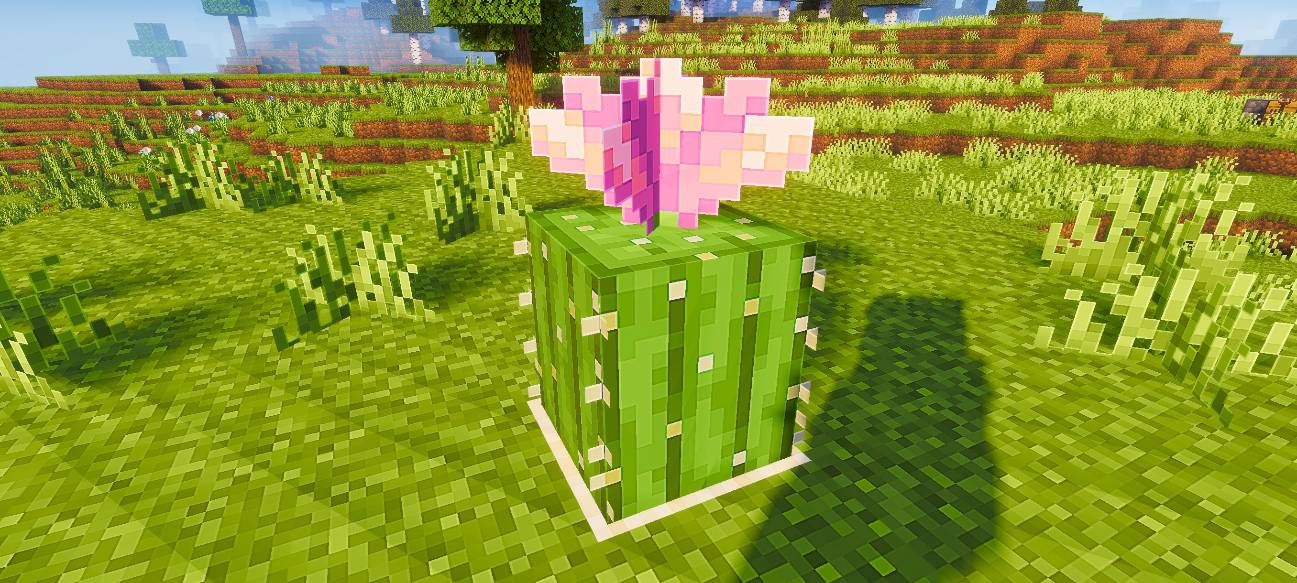
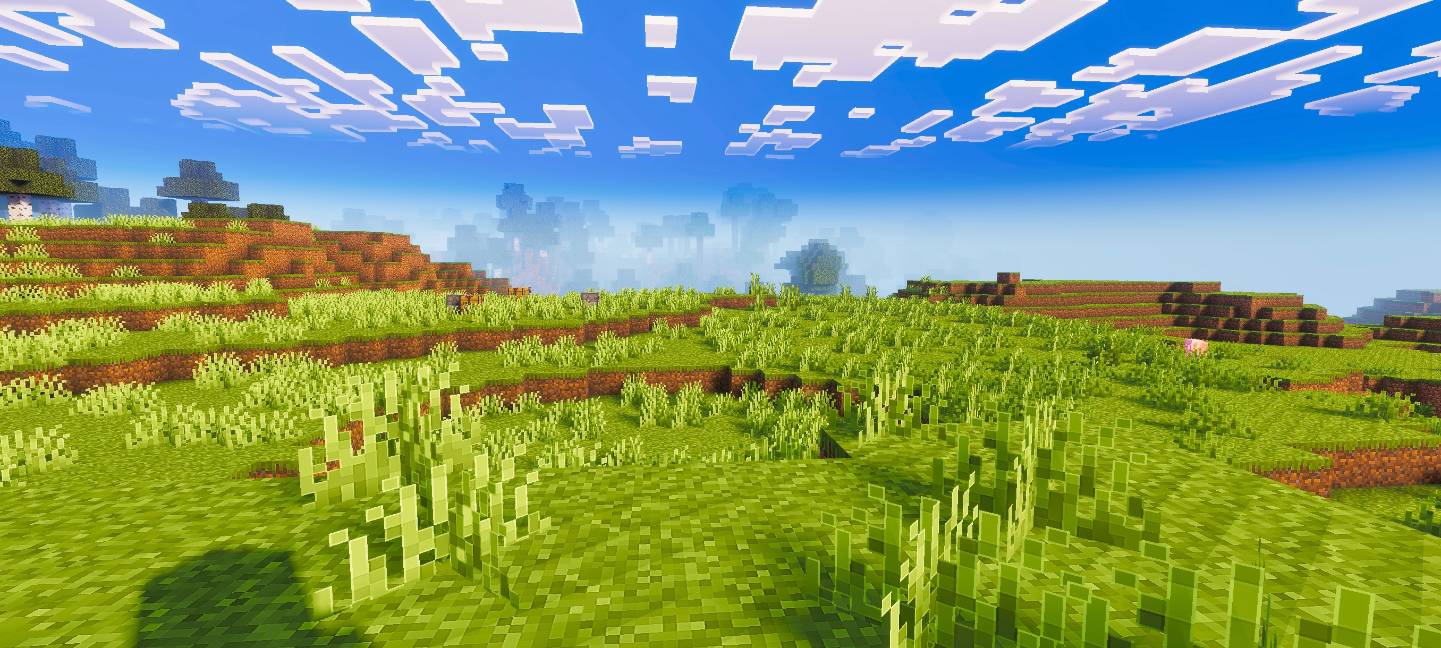
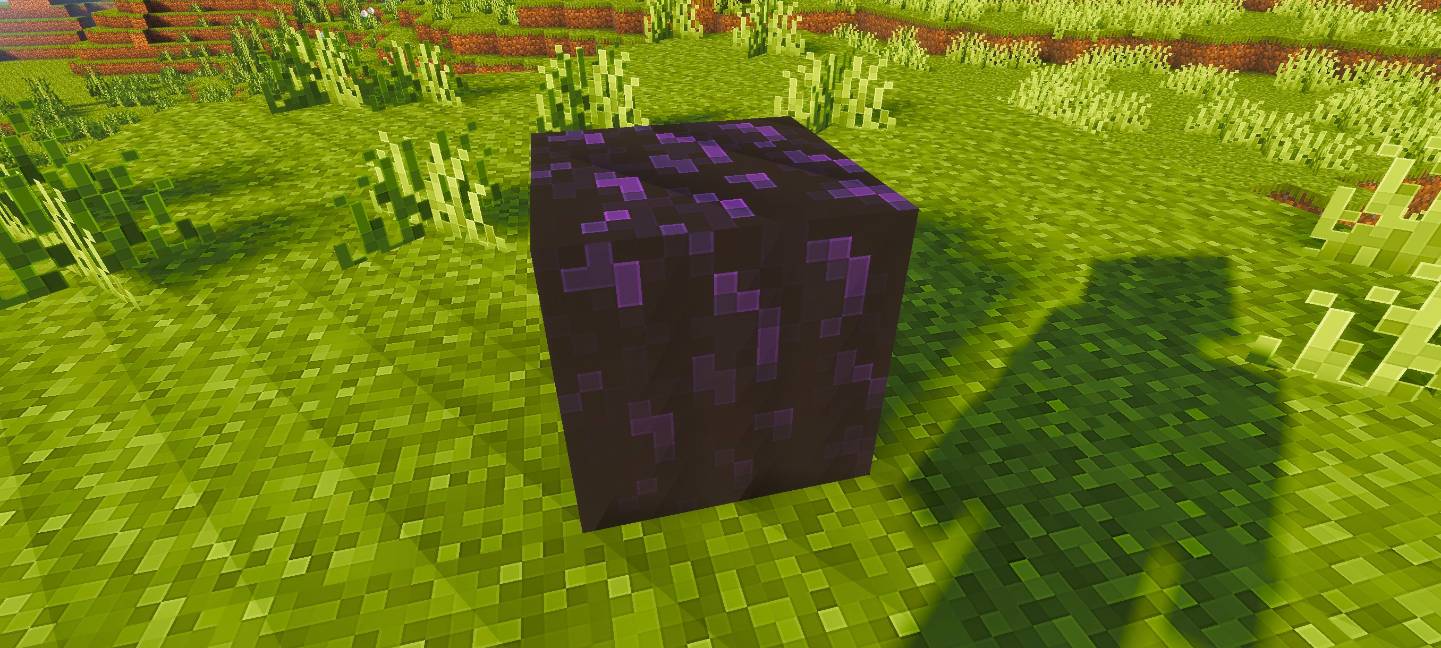
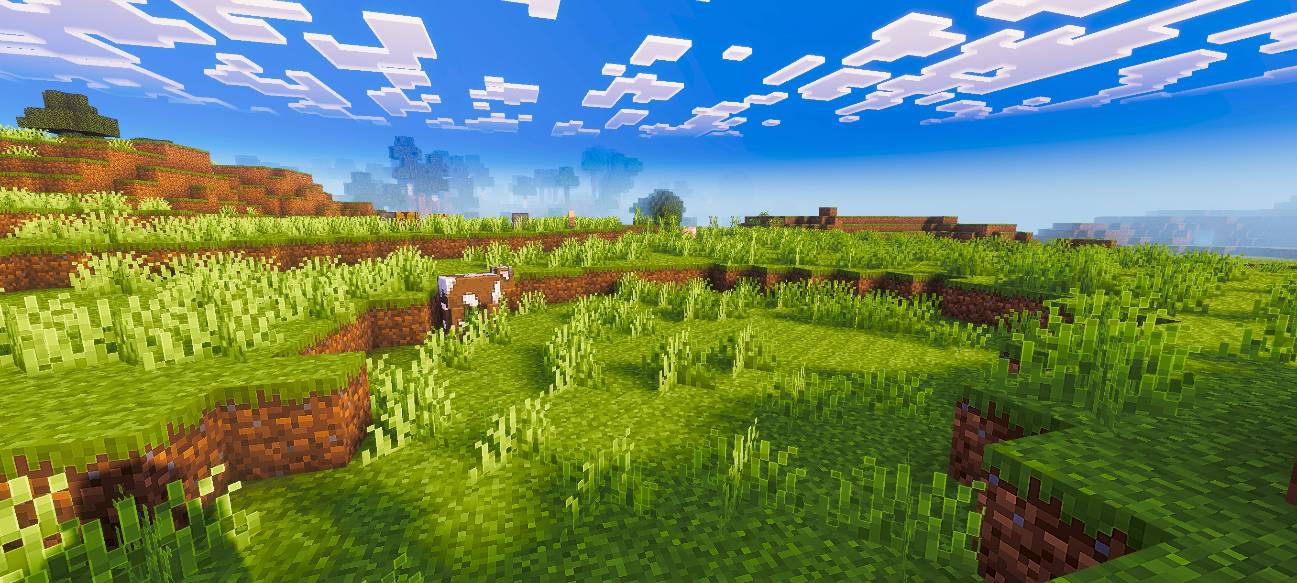
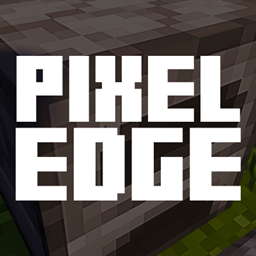
Pixel Edge enhances Minecraft’s visuals with HD clarity and sharp pixel borders, giving every texture a crisp, clean, and beautifully defined look while keeping the original vanilla style intact.
by VoxenMC2
Download Claim this project
319 downloads
0 likes
Updated Oct 14, 2026
0 hypes
128x Data Packs Miscellaneous Photo Realistic Traditional
Advertisement Remove ads with Premium →

Pixel Edge For Java Edition

Pixel Edge enhances Minecraft’s visuals with HD clarity and sharp pixel borders, giving every texture a crisp, clean, and well-defined look while keeping the original vanilla style intact.

Future Updates

This pack is currently available in 128x resolution. More resolutions will be added soon.

Recommendation

For the best visual experience, use this pack with a shader. In the preview images, I used Relta Visuals for enhanced lighting and overall appearance.


Note

This pack was originally made for the Bedrock Edition, and I have ported it to Java Edition. All preview images shown here were captured in the Bedrock version.

Pixel Edge.zip
MC 1.21.10
Release 2025-11-30 Get

Requirements & install

How to use this resource pack in Minecraft
Resolution
128x
Minecraft
1.21.10
Install folder
.minecraft/resourcepacks

How to install resource packs

  1. Download the resource pack .zip file (do not extract it).
  2. In Minecraft open Options → Resource Packs → Open Pack Folder.
  3. Drop the .zip into the resourcepacks folder (.minecraft/resourcepacks).
  4. Move the pack to the Selected column and click Done.

Packs from 128x upwards need more video memory: install a performance mod such as Sodium for smooth frame rates.

Browse more: 16x resource packs 32x resource packs 64x resource packs 128x resource packs 256x resource packs 512x+ resource packs Resource Packs for 1.21.10 All resource packs

More from VoxenMC2

Advertisement Remove ads with Premium →

You Might Also Like