Mineuniverse
Resource Packs
PIGIFY

PIGIFY

RESOURCE PACK
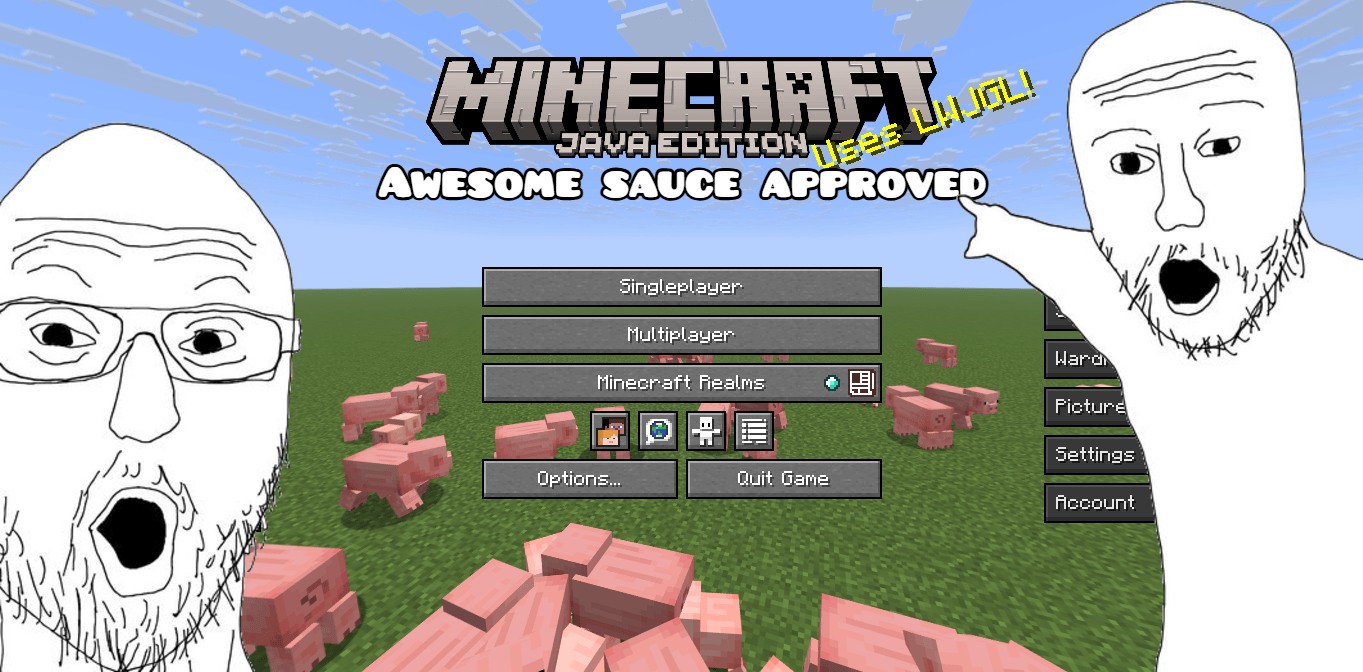
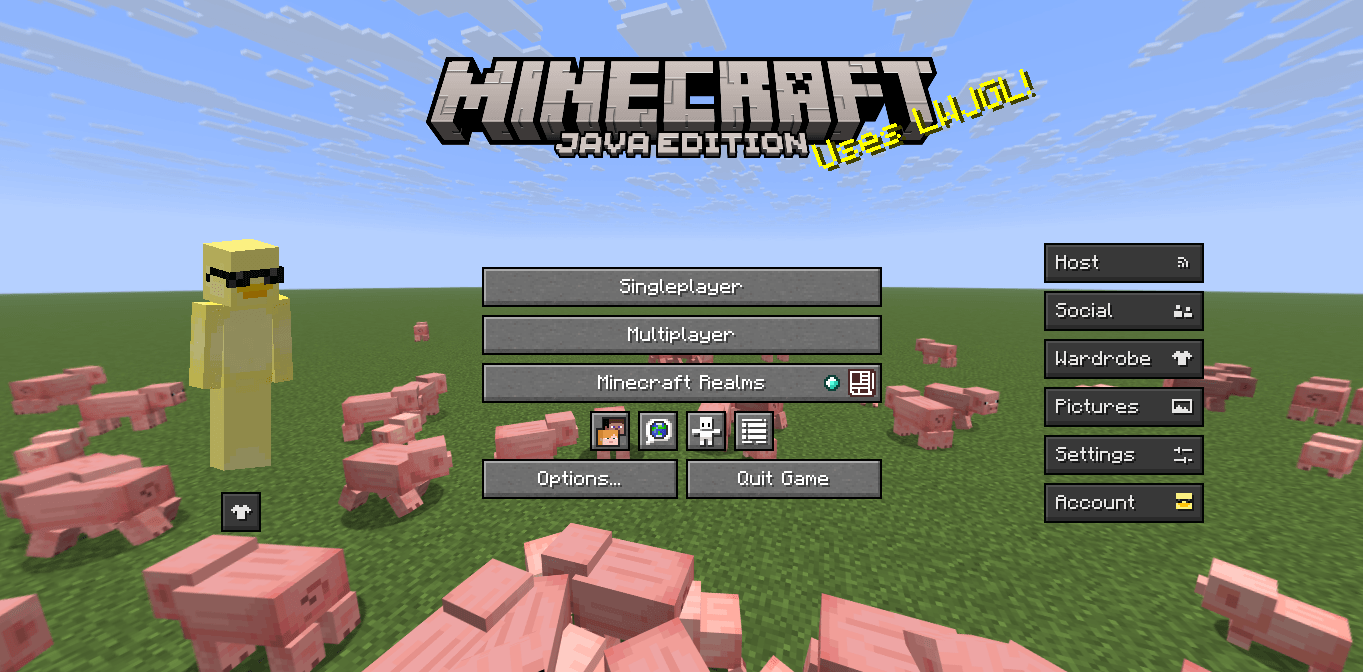
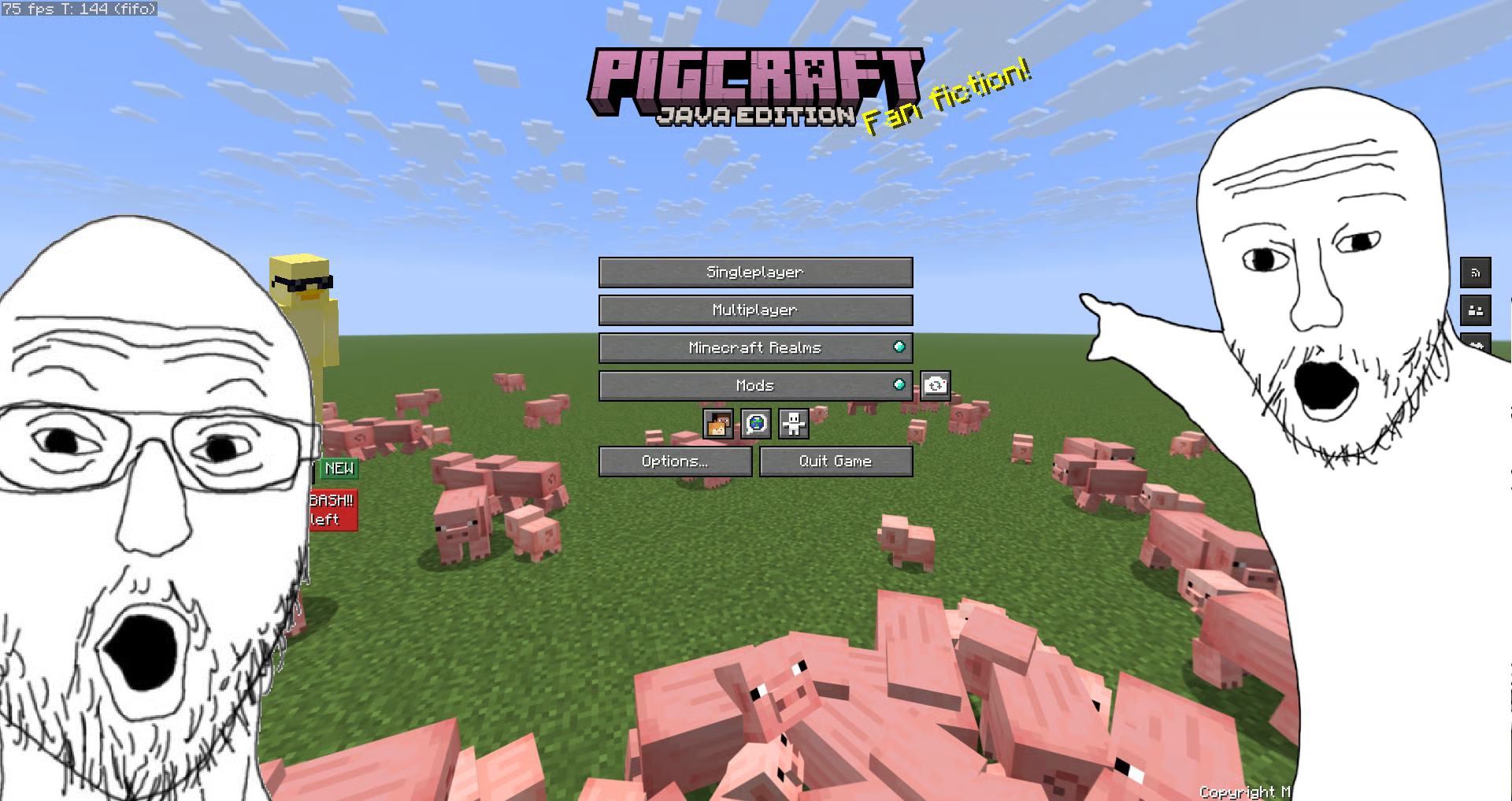
This adds a pig panorama photo
by Walkafly
Download Claim this project
45 downloads
0 likes
Updated Oct 14, 2026
0 hypes
64x Animated
Advertisement Remove ads with Premium →

Pigify Minecraft Panorama

Thank you so much for the support!

Modrinth Downloads CurseForge Downloads

This resource pack changes the Minecraft panorama and the title into a custom Pig themed one.

Join the discord please, and thank you so much for 20 downloads!

It was made for Minecraft 26.x, but it will work on 1.20 and up (I tested each version). When you download it, Minecraft might say it's incompatible if you are on a version below 1.20. That's normal and it should still work when you enable it. Banner
More support across versions will come later, along with more updates and features!

Big thanks to my friend Theri8 for helping me figure out mistakes and fix problems while I was making this.

This is my first public project, so if you enjoy it, leaving a heart or just showing some support would really mean a lot. Thanks for checking it out!


 

Pigify.v6.zip
MC 1.21, 1.20.2, 1.21.8, 1.20.5, 1.21.5, 1.21.4, 1.20.1, 1.20, 1.20.6, 1.21.1, 1.21.6, 1.21.3, 1.21.7, 1.20.4, 1.19.2, 1.20.3, 1.21.2, 1.21.9, 1.21.10, 1.21.11, 26.1, 26.1.1
Release 2026-08-18 Get
Pigify.v5.zip
MC 1.21, 1.20.2, 1.21.8, 1.20.5, 1.21.5, 1.21.4, 1.20.1, 1.20, 1.20.6, 1.21.1, 1.21.6, 1.21.3, 1.21.7, 1.20.4, 1.19.2, 1.20.3, 1.21.2, 1.21.9, 1.21.10, 1.21.11, 26.1, 26.1.1
Release 2026-08-03 Get
Pigify.v3.zip
MC 1.21, 1.20.2, 1.21.8, 1.20.5, 1.21.5, 1.21.4, 1.20.1, 1.20, 1.20.6, 1.21.1, 1.21.6, 1.21.3, 1.21.7, 1.20.4, 1.20.3, 1.21.2, 1.21.9, 1.21.10, 1.21.11, 26.1, 26.1.1, 26.1.2
Release 2026-07-26 Get
Pigifypack
MC 1.21, 1.21.8, 1.21.5, 1.21.4, 1.21.1, 1.21.6, 1.21.3, 1.21.7, 1.21.2, 1.21.9, 1.21.10, 1.21.11, 26.1, 26.1.1, 26.1.2, 26.2
Release 2026-07-21 Get

Requirements & install

How to use this resource pack in Minecraft
Resolution
64x
Minecraft
1.21.8 – 26.2
Install folder
.minecraft/resourcepacks

How to install resource packs

  1. Download the resource pack .zip file (do not extract it).
  2. In Minecraft open Options → Resource Packs → Open Pack Folder.
  3. Drop the .zip into the resourcepacks folder (.minecraft/resourcepacks).
  4. Move the pack to the Selected column and click Done.
Browse more: 16x resource packs 32x resource packs 64x resource packs 128x resource packs 256x resource packs 512x+ resource packs Resource Packs for 26.2 All resource packs

More from Walkafly

Advertisement Remove ads with Premium →

You Might Also Like