Mineuniverse
Resource Packs
Pickaxe Efficiency Indicator

Pickaxe Efficiency Indicator

RESOURCE PACK
Shows an Indicator for the Efficiecy Level on Pickaxes
by PrecisionZero
Download Claim this project
185 downloads
0 likes
Updated Oct 14, 2026
0 hypes
16x Miscellaneous
Advertisement Remove ads with Premium →

Pickaxe Efficiency Indicator Title

Pickaxe Efficiency Indicator is a simple texture pack that adds a visual indicator on the pickaxe to show its Efficiency enchantment level—all in vanilla Minecraft, with no mods required.


Modrinth Icon CurseForge Icon PMC Icon Discord Icon


Pickaxe Efficiency Indicator Featured Image


Features - Heading

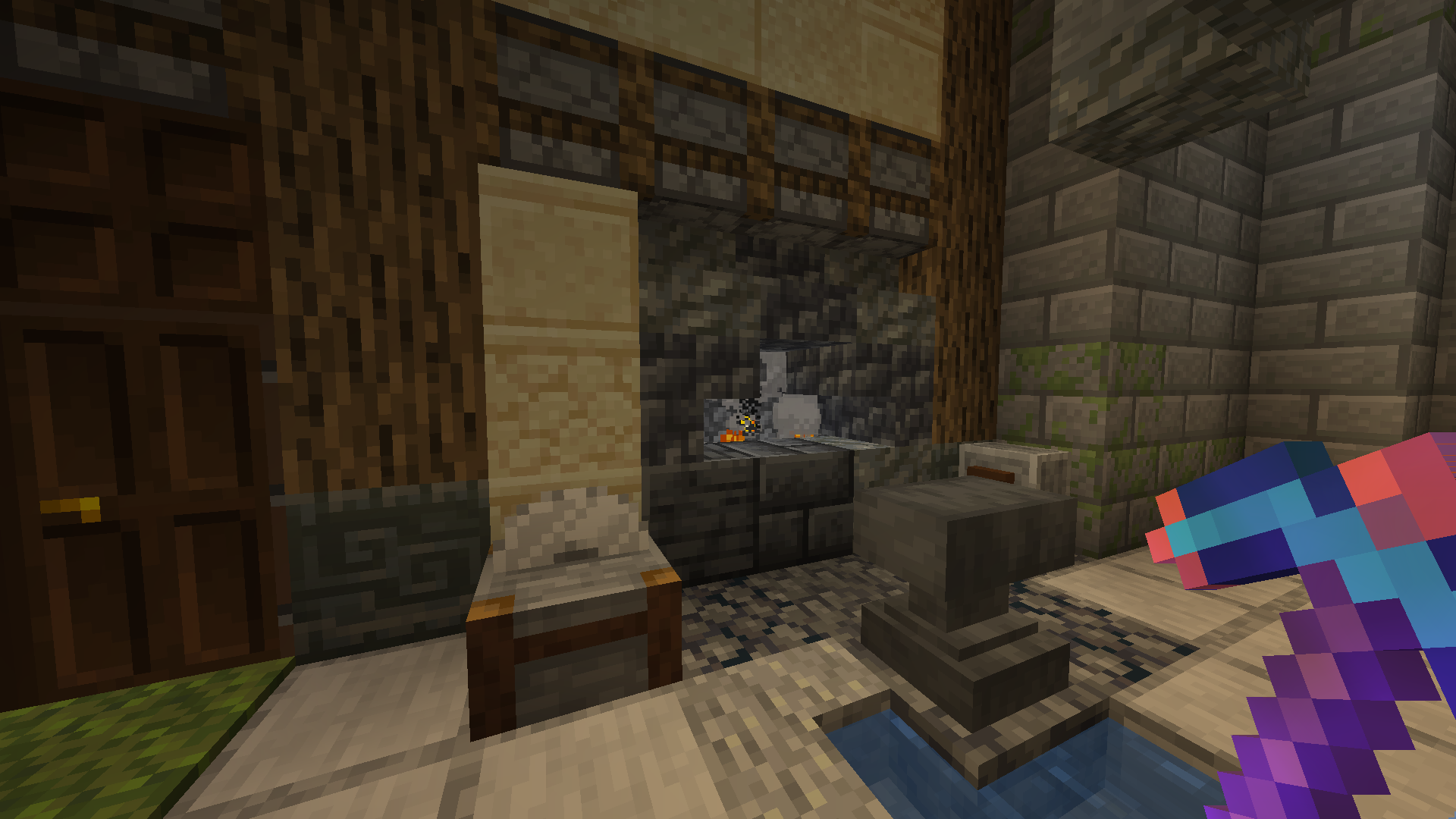
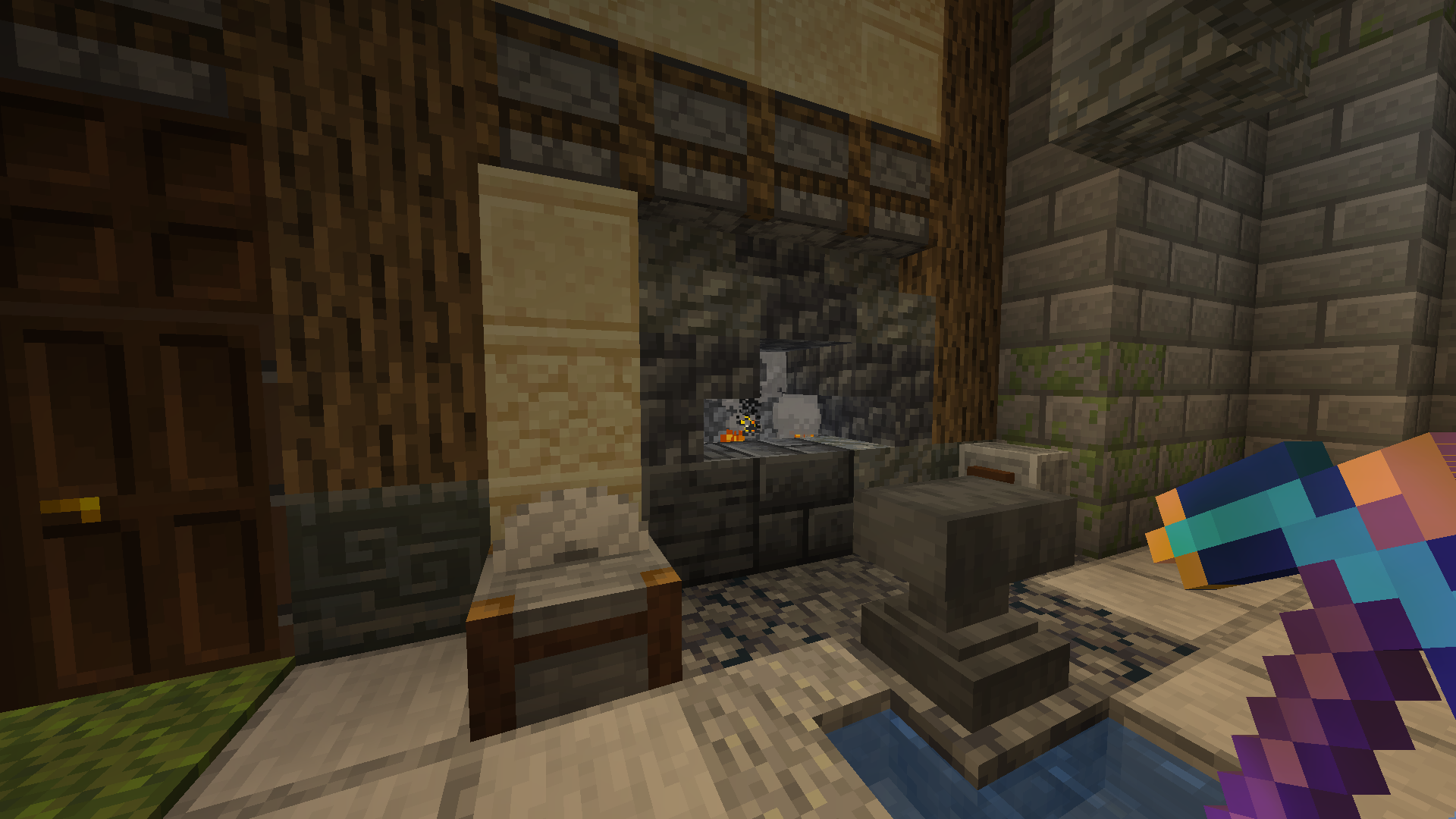
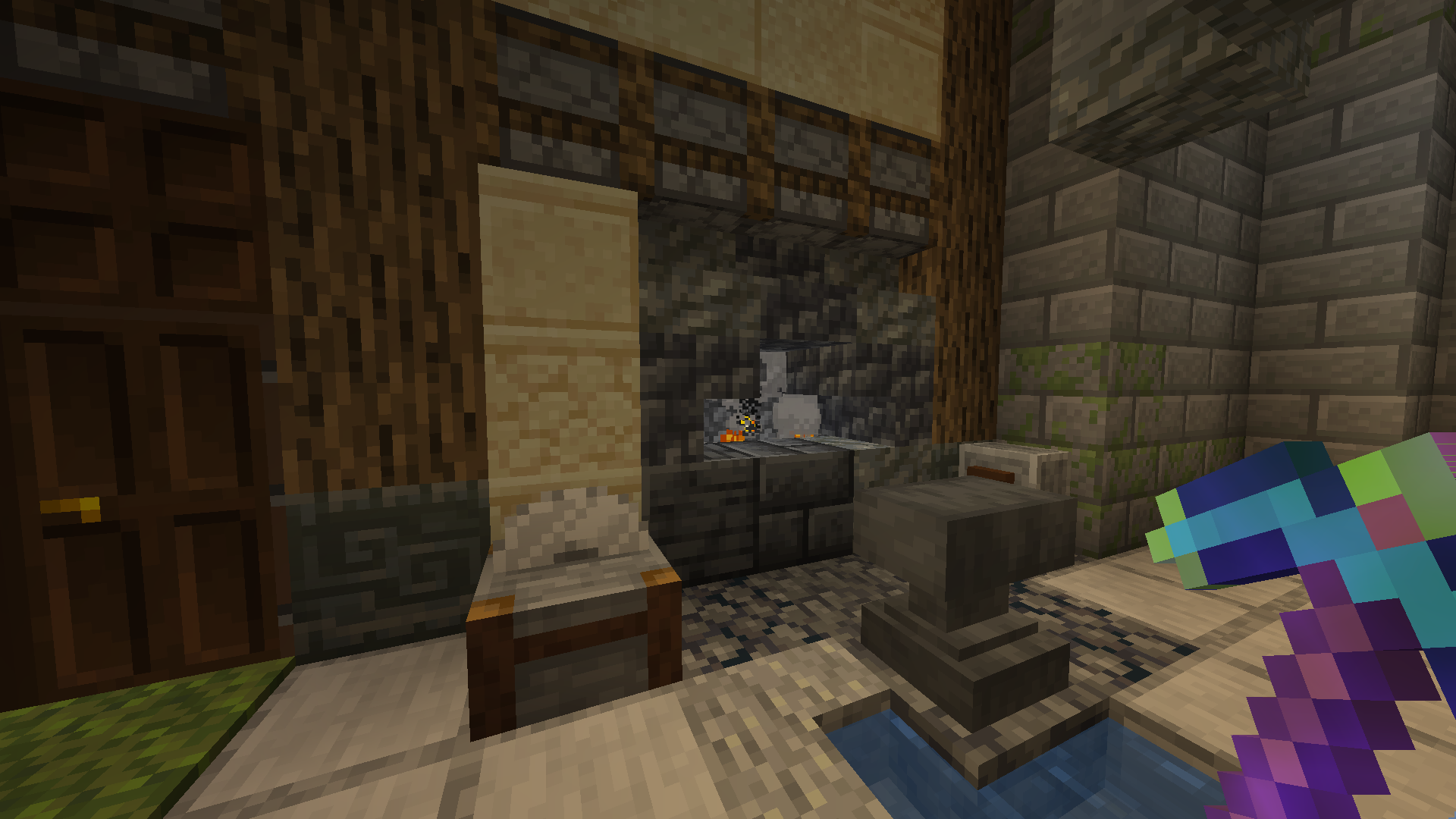
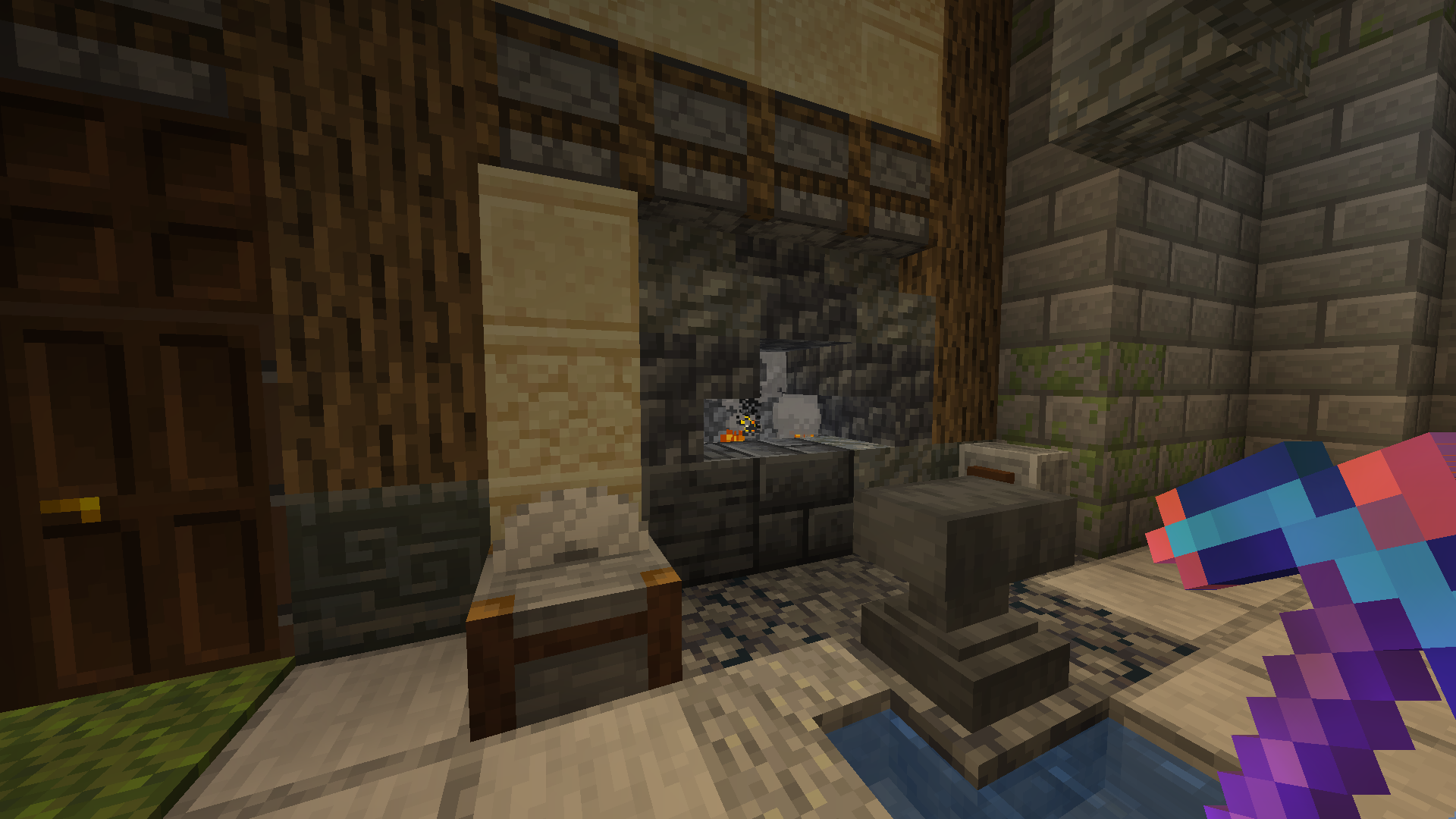
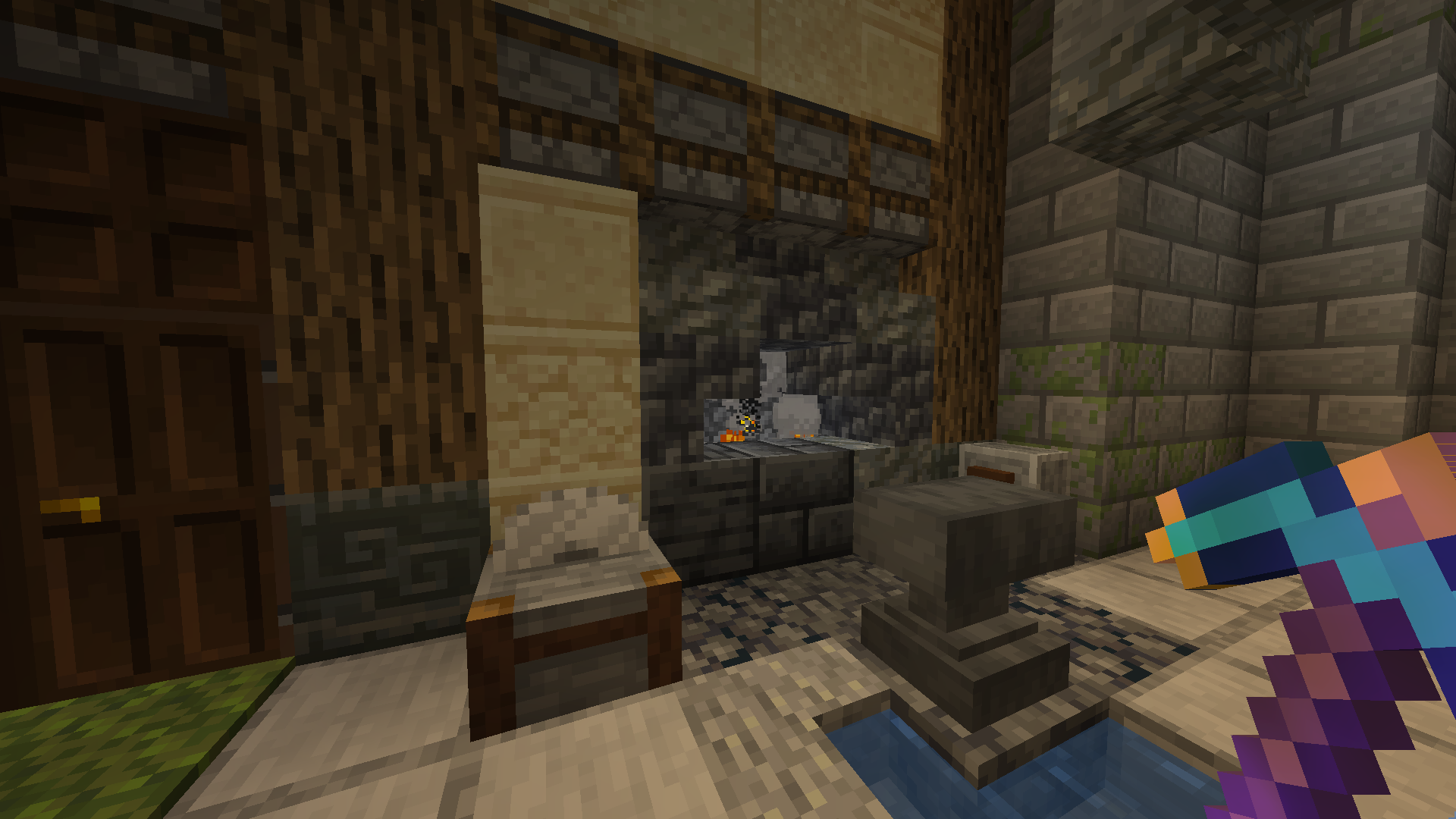
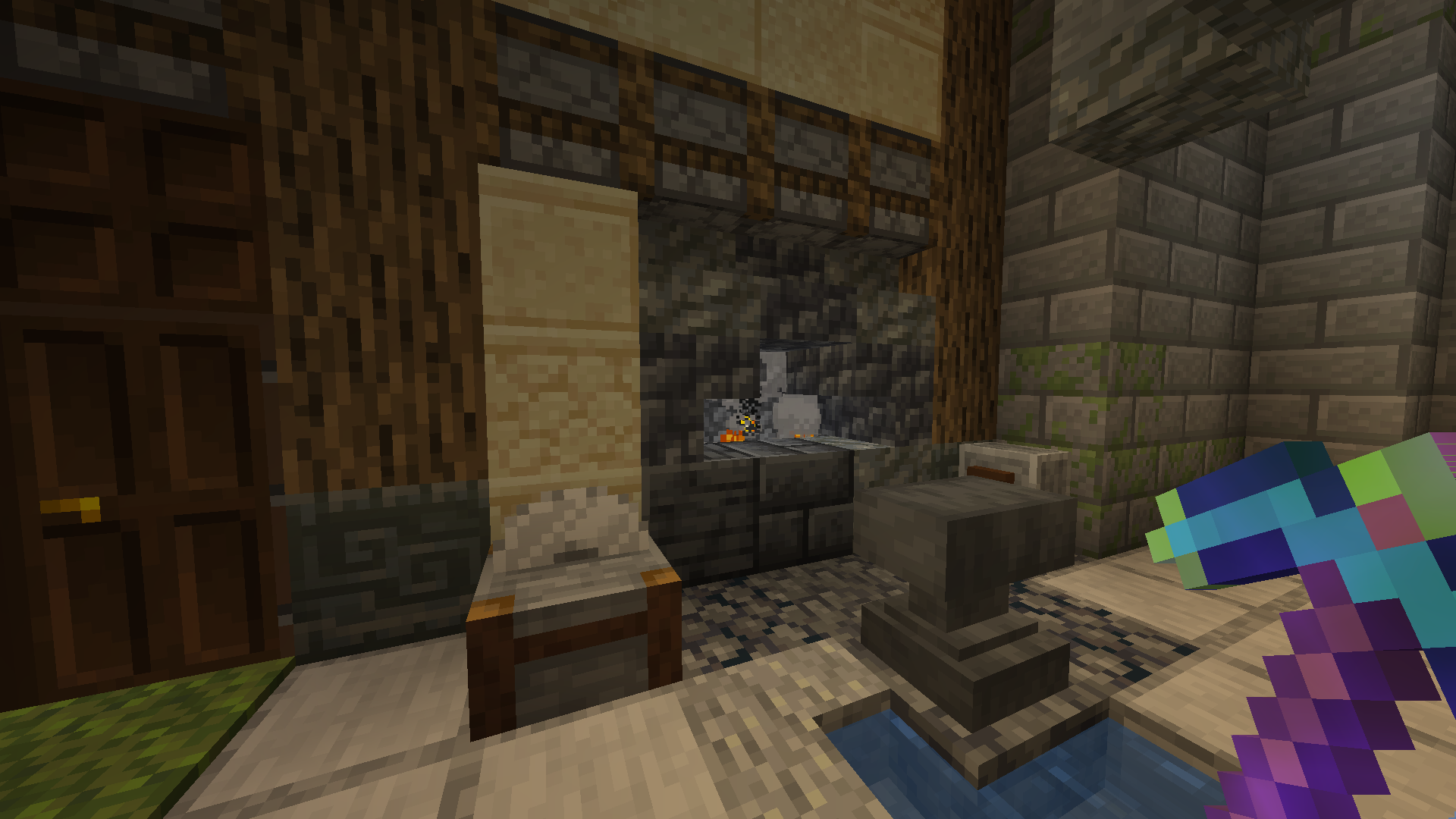
Indicators on the pickaxe change color depending on the strength of Efficiency

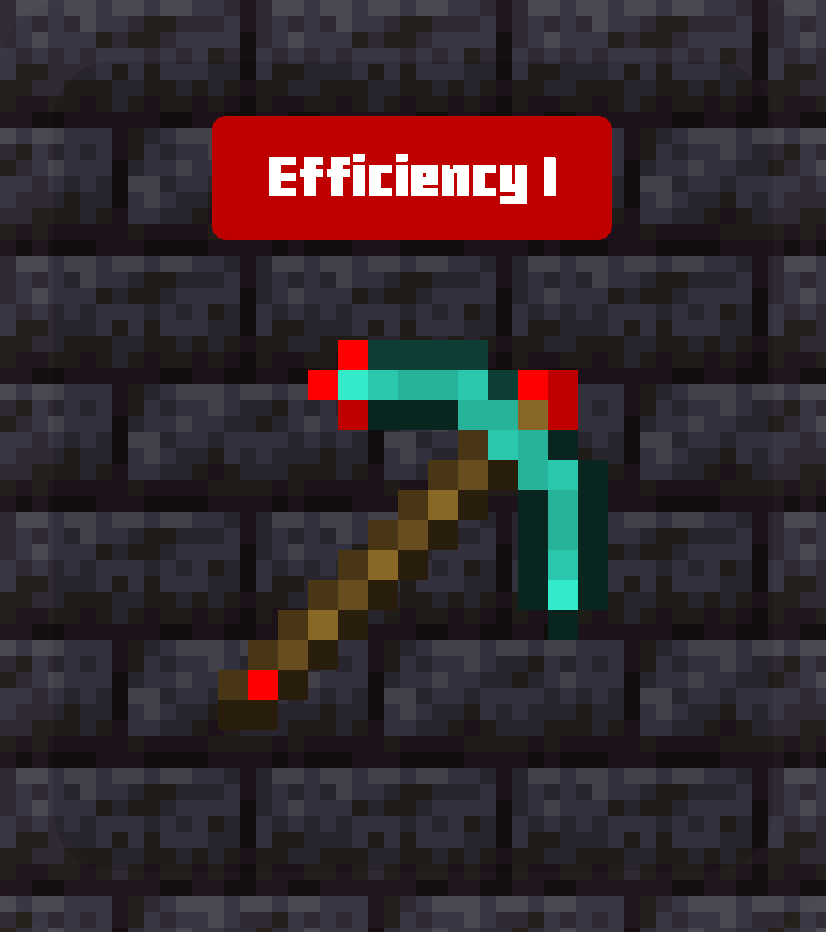
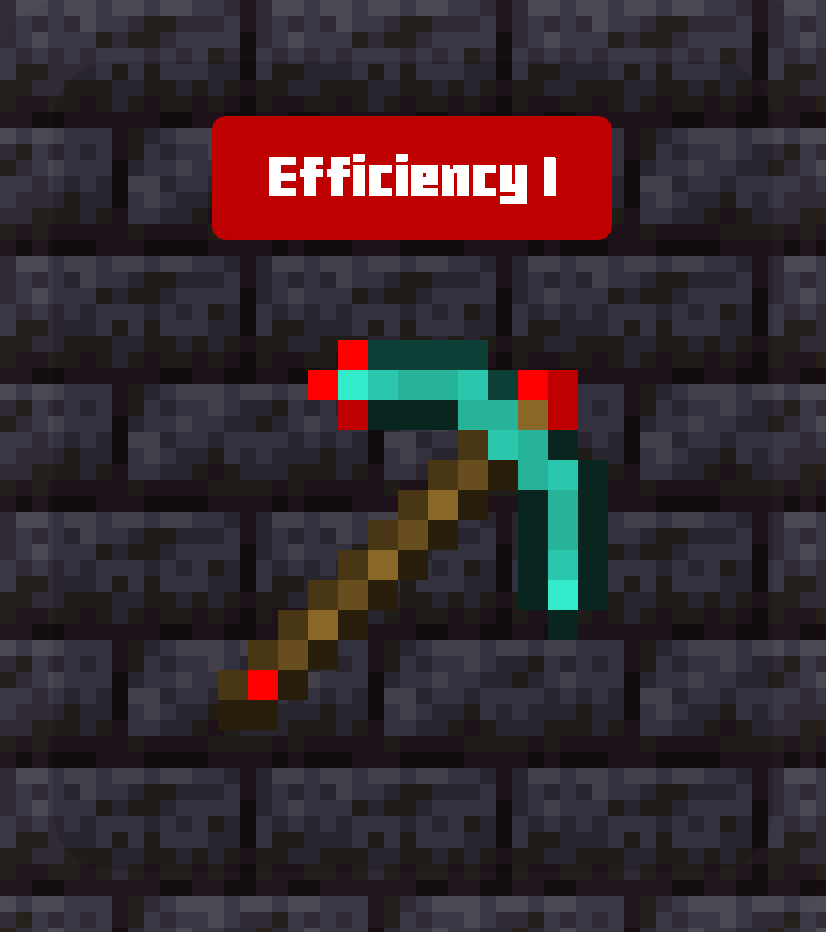
  • Efficiency I — Red
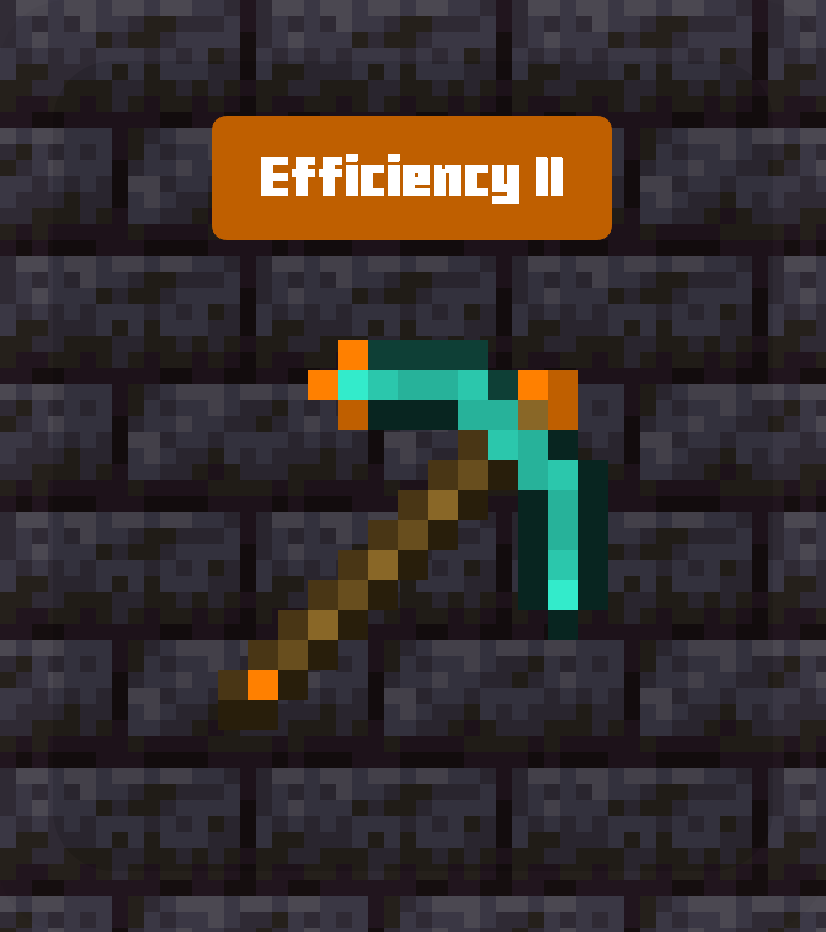
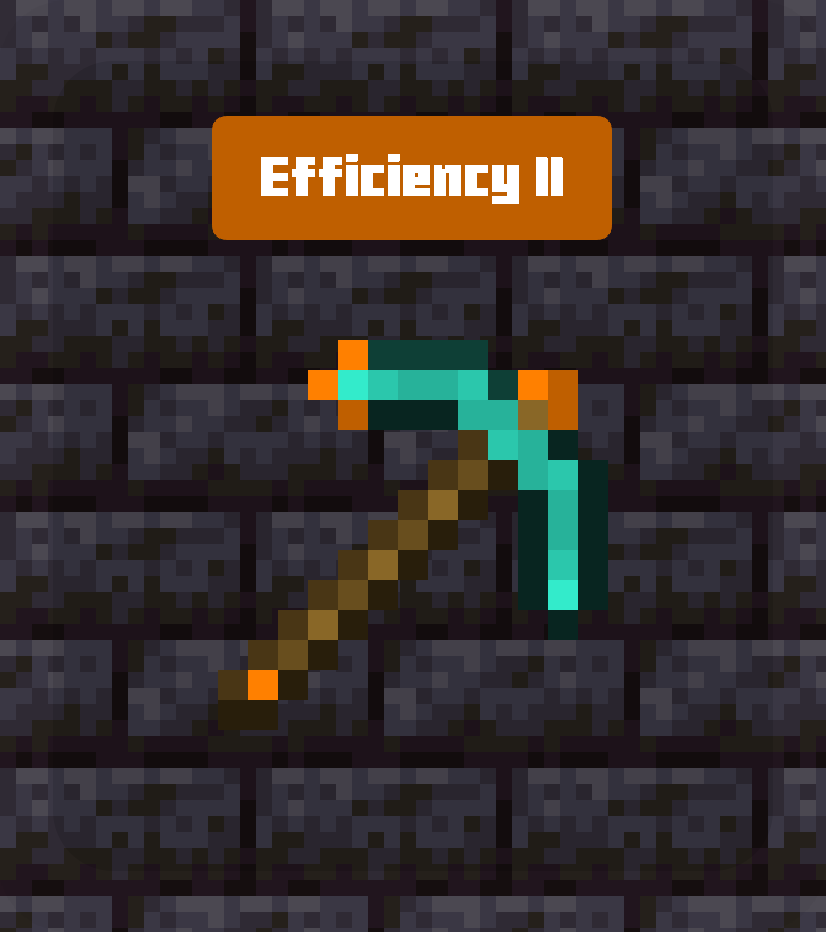
  • Efficiency II — Orange
  • Efficiency III — Yellow
  • Efficiency IV — Green
  • Efficiency V — Aqua

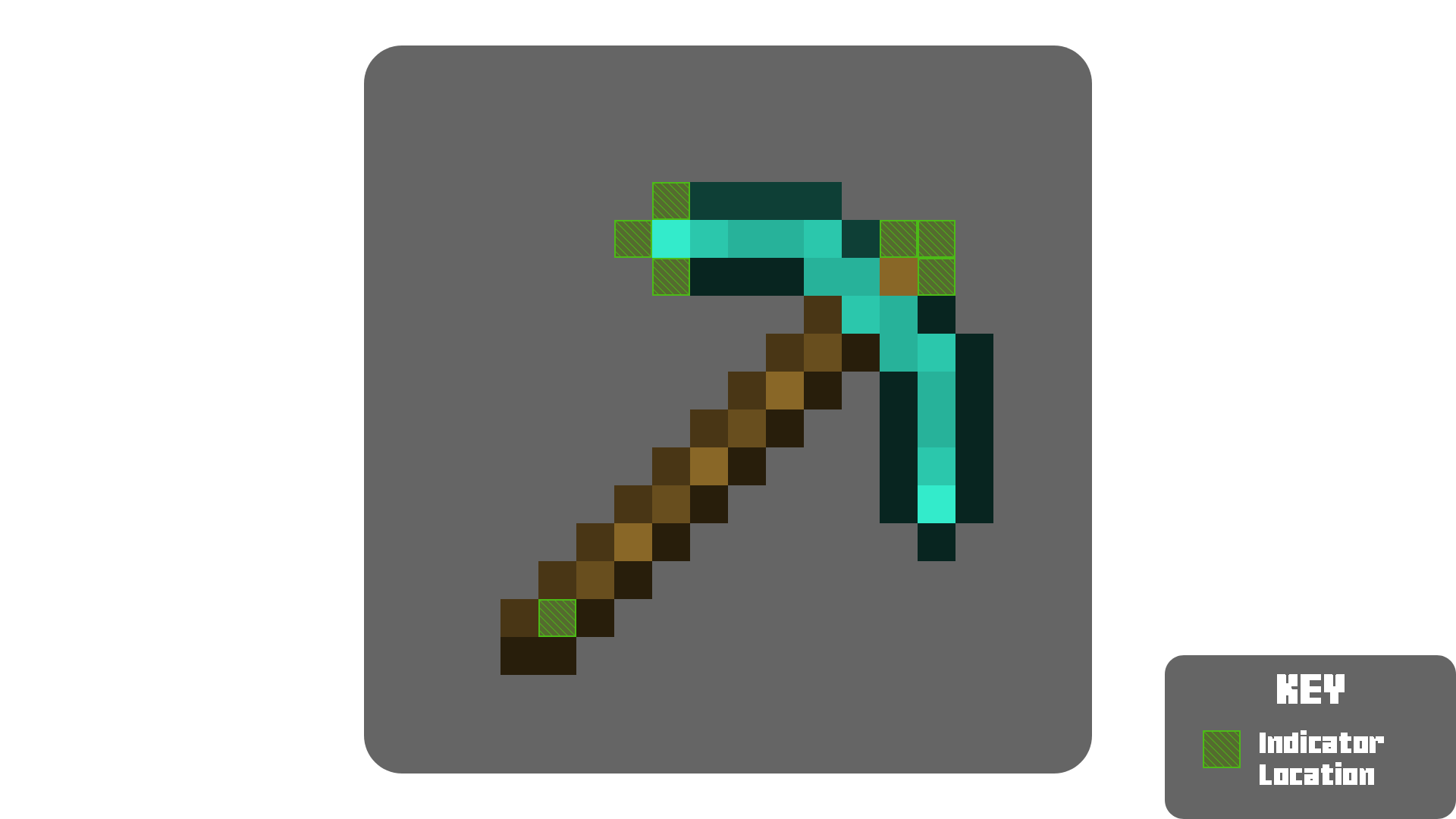
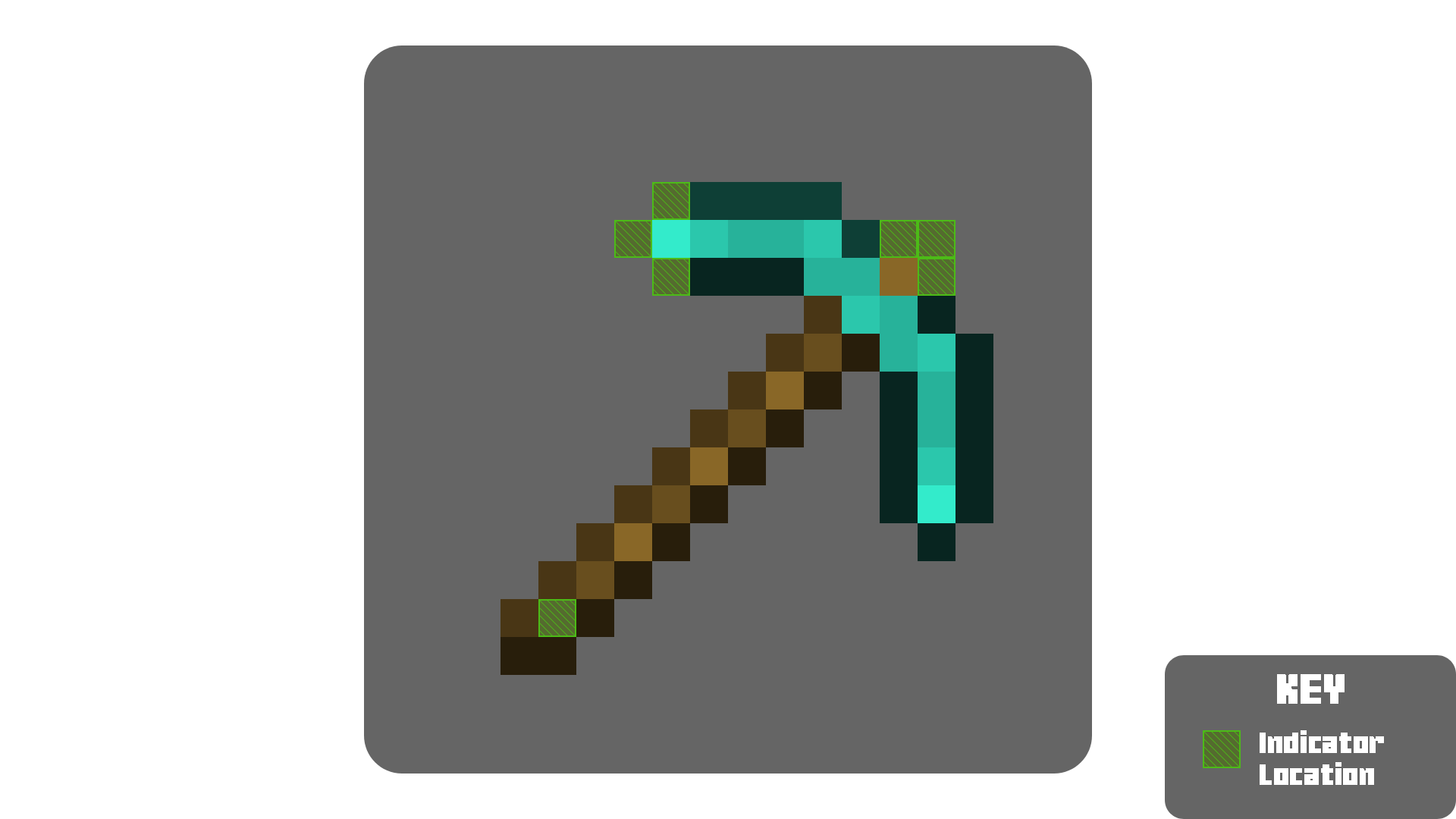
The Indicators are located in the places in the above image.


Why Pickaxe Efficiency Indicator? - Heading

  • The indicators go from red (weakest) to aqua (strongest)
  • This gradual shift in color allows players to understand the efficiency level of the pickaxe increases naturally
  • The indicators are placed in the perfect positions that allow players to immediately notice it without ruining the vanilla feel.

Overview - Heading

Cards

Efficiency I Efficiency II
Pickaxe Efficiency I Pickaxe Efficiency II
View Full Size View Full Size
Efficiency III Efficiency IV Efficiency V
Pickaxe Efficiency III Pickaxe Efficiency IV Pickaxe Efficiency V
View Full Size View Full Size View Full Size

Screenshots

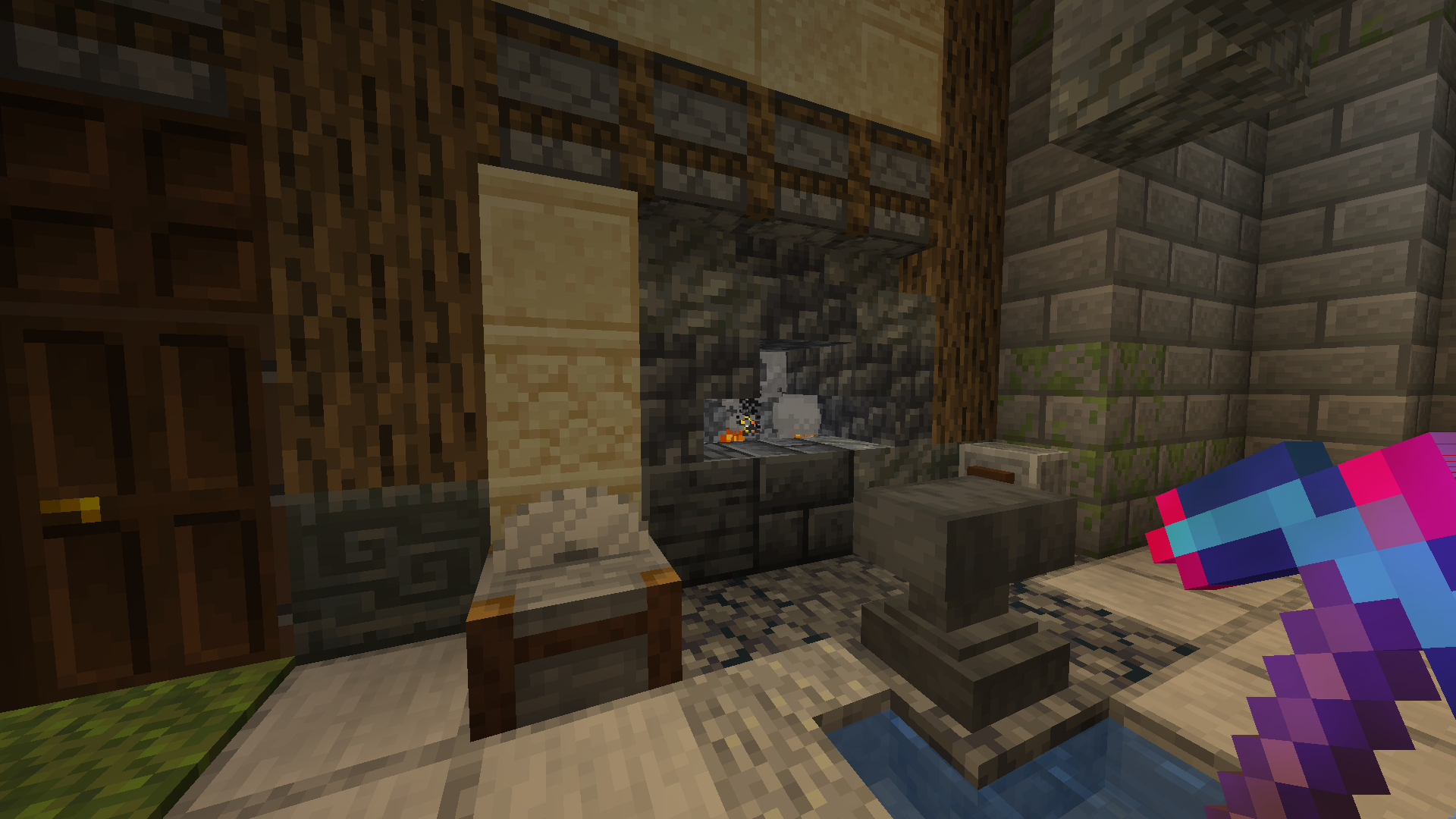
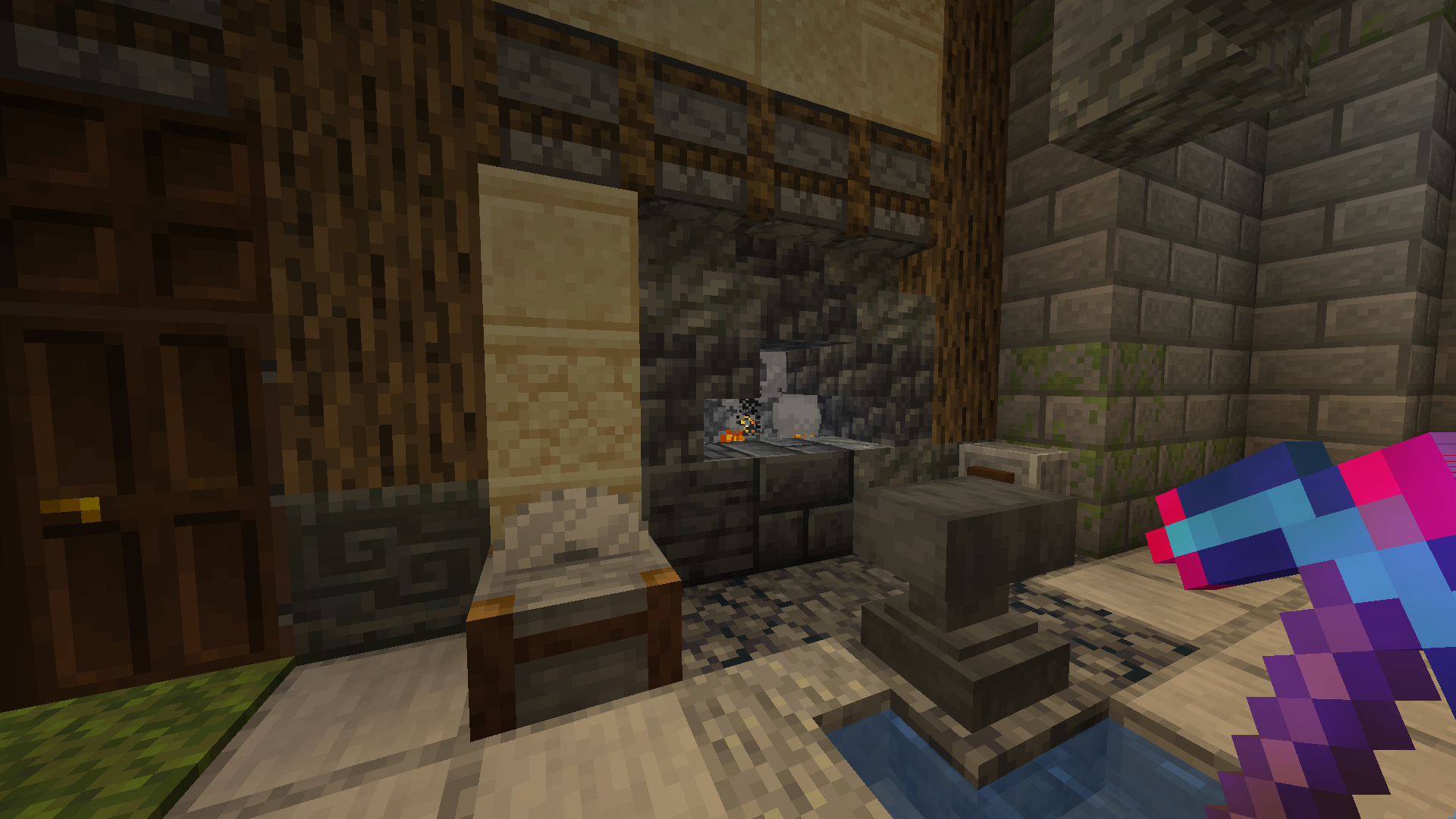
Efficiency I Efficiency II
Pickaxe Efficiency I Pickaxe Efficiency II
View Full Size View Full Size
Efficiency III Efficiency IV Efficiency V
Pickaxe Efficiency III Pickaxe Efficiency IV Pickaxe Efficiency V
View Full Size View Full Size View Full Size

The Collection - Heading

Any pack downloaded from PrecisionZero or ChillByte will completely work with all other packs from us. Our texture packs are designed in a way that no pack would clash with each other, ensuring a reliable and seamless experience.
Discover the PrecisionStudios Collection

   
PrecisionZero Banner ChillByte Banner

Technical - Heading

Requirements

Pack Version Minecraft Version Forge Fabric Vanilla
Any 1.21.4+ ✔ Supported ✔ Supported ✔ Supported

Installation

  1. Download the ZIP file
  2. Place it in your Minecraft resourcepacks folder
  3. Enable it from the Resource Pack menu

Compatibility

  • Not compatible with texture packs that change the shape of the pickaxe (3D pickaxes, remodeled tools, etc.)

Contact

For any concerns regarding Pickaxe Efficiency Indicator, contact me at: [email protected]


Licence - Heading

Licensed as All Rights Reserved (ARR) under PrecisionZero

Public Release 1.0.0
MC 1.21.6-snapshot, 1.21.8, 1.21.5, 1.21.4, 1.21.5-Snapshot, 1.21.6, 1.21.7, 1.21.9-snapshot, 1.21.9, 1.21.10, 1.21.11-snapshot, 1.21.11, 26.1, 26.1.1, 26.1.2, 26.2
Release 2026-08-12 Get

Requirements & install

How to use this resource pack in Minecraft
Resolution
16x
Minecraft
1.21.9 – 26.2
Install folder
.minecraft/resourcepacks

How to install resource packs

  1. Download the resource pack .zip file (do not extract it).
  2. In Minecraft open Options → Resource Packs → Open Pack Folder.
  3. Drop the .zip into the resourcepacks folder (.minecraft/resourcepacks).
  4. Move the pack to the Selected column and click Done.
Browse more: 16x resource packs 32x resource packs 64x resource packs 128x resource packs 256x resource packs 512x+ resource packs Resource Packs for 26.2 All resource packs

More from PrecisionZero

Advertisement Remove ads with Premium →

You Might Also Like