Mineuniverse
Resource Packs
Mace Enchant Indicator - Breach and Density

Mace Enchant Indicator - Breach and Density

RESOURCE PACK
Changes Mace colour based on Breach and Density
by PrecisionZero
Download Claim this project
Add a badge to your pageLink to Mace Enchant Indicator - Breach and Density from a README, website or forum post.
Preview: Badge

Badges update automatically and link to the resource pack page on MineUniverse.

13,102 downloads
0 likes
0 followers
Updated Oct 14, 2026
0 hypes
Follow0
16x Miscellaneous
Advertisement Remove ads with Premium →

Mace Enchant Indicator Title

Mace Enchant Indicator is a simple texture pack that changes the colour of the mace depending on its enchantment all in vanilla Minecraft, with no mods required.


Modrinth IconCurseForge IconPMC IconDiscord Icon


Mace Enchant Indicator Featured Image


Features - Heading

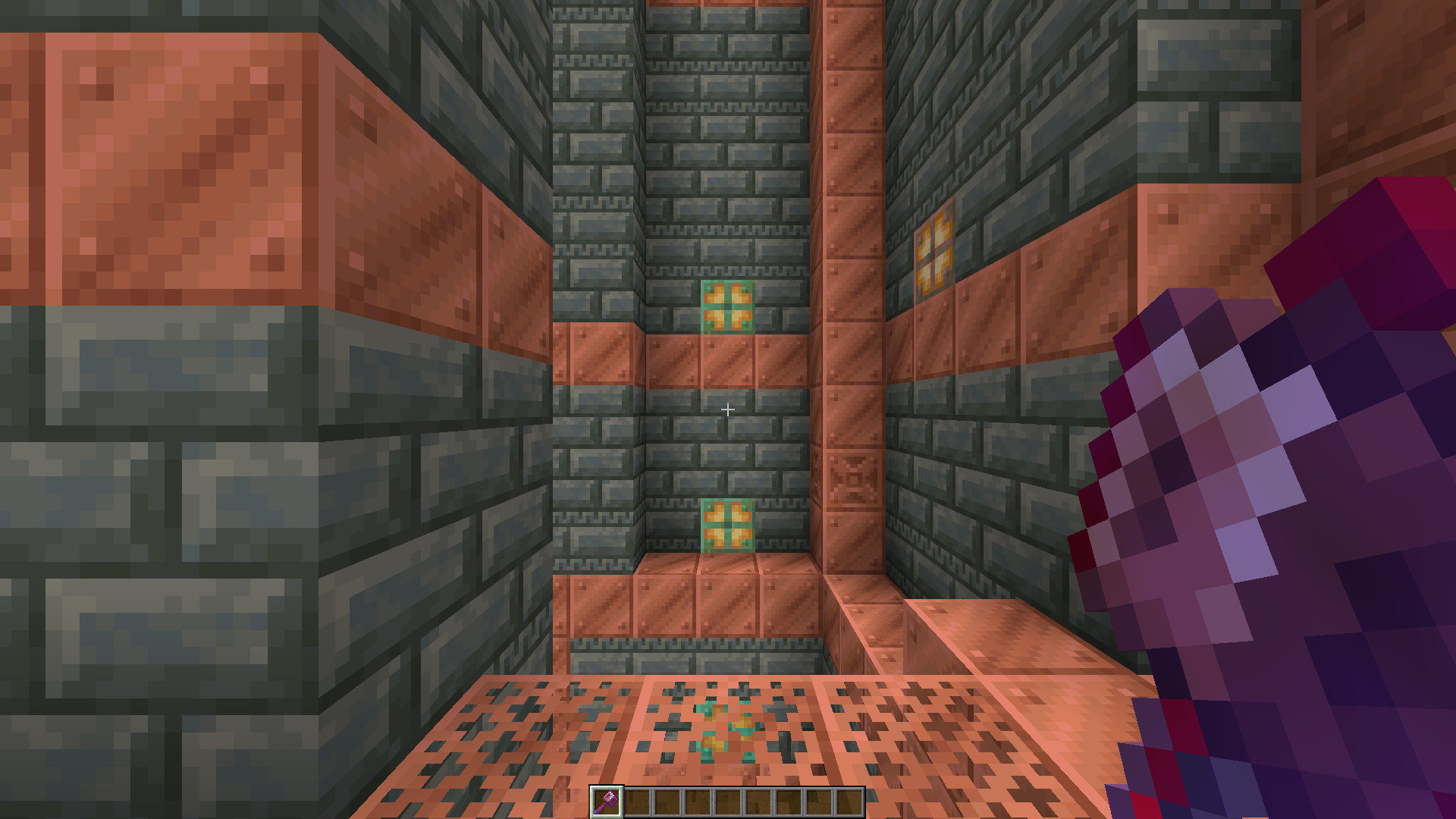
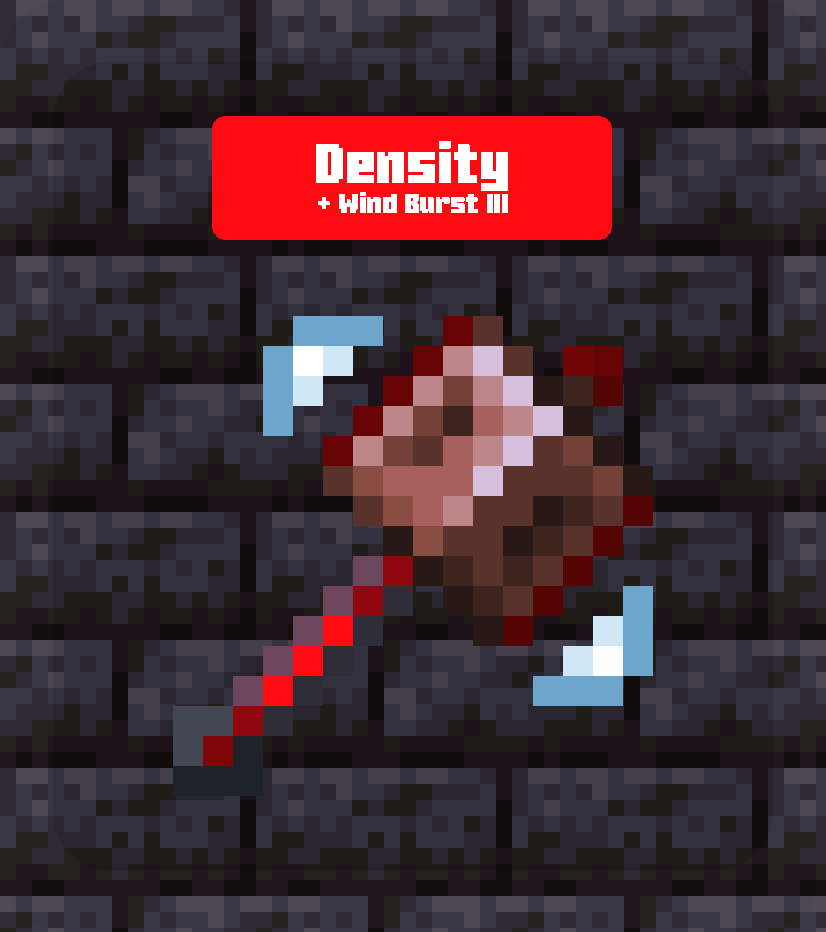
  • The mace turns Red when it has Density
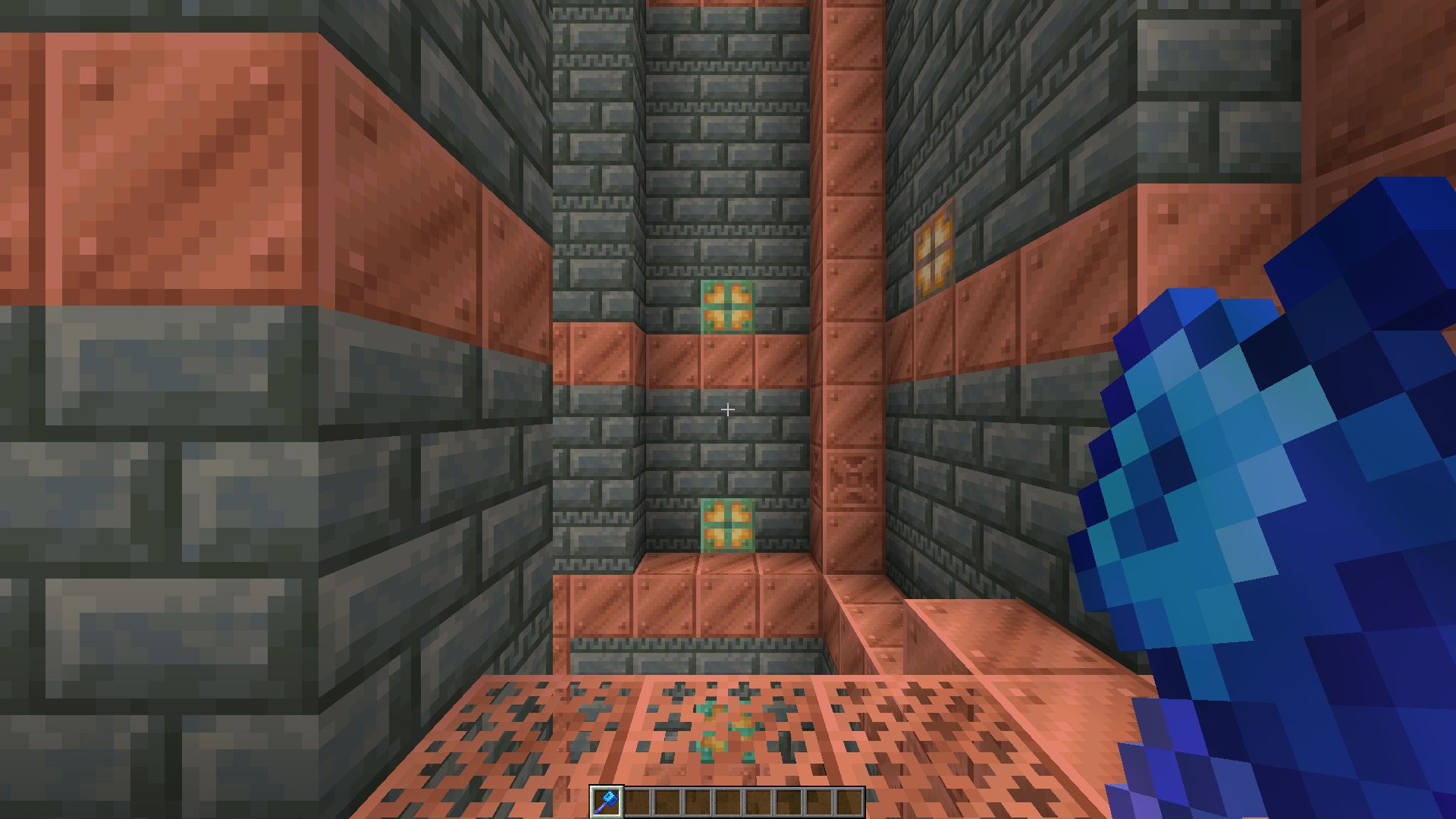
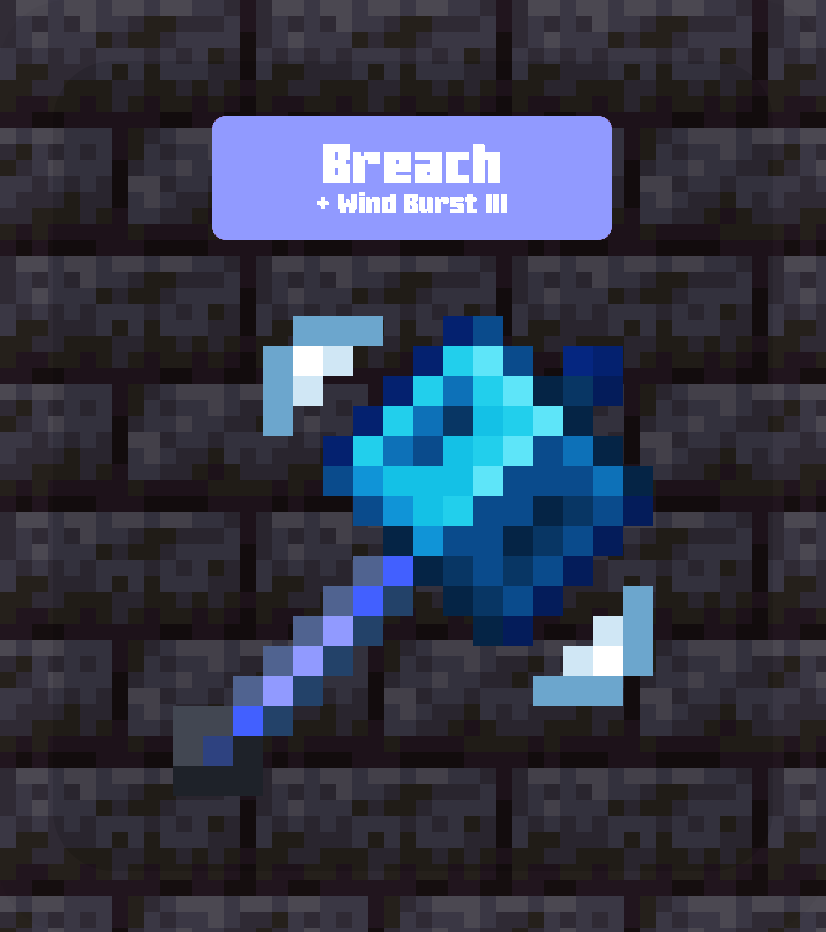
  • The mace turns Blue when it has Breach
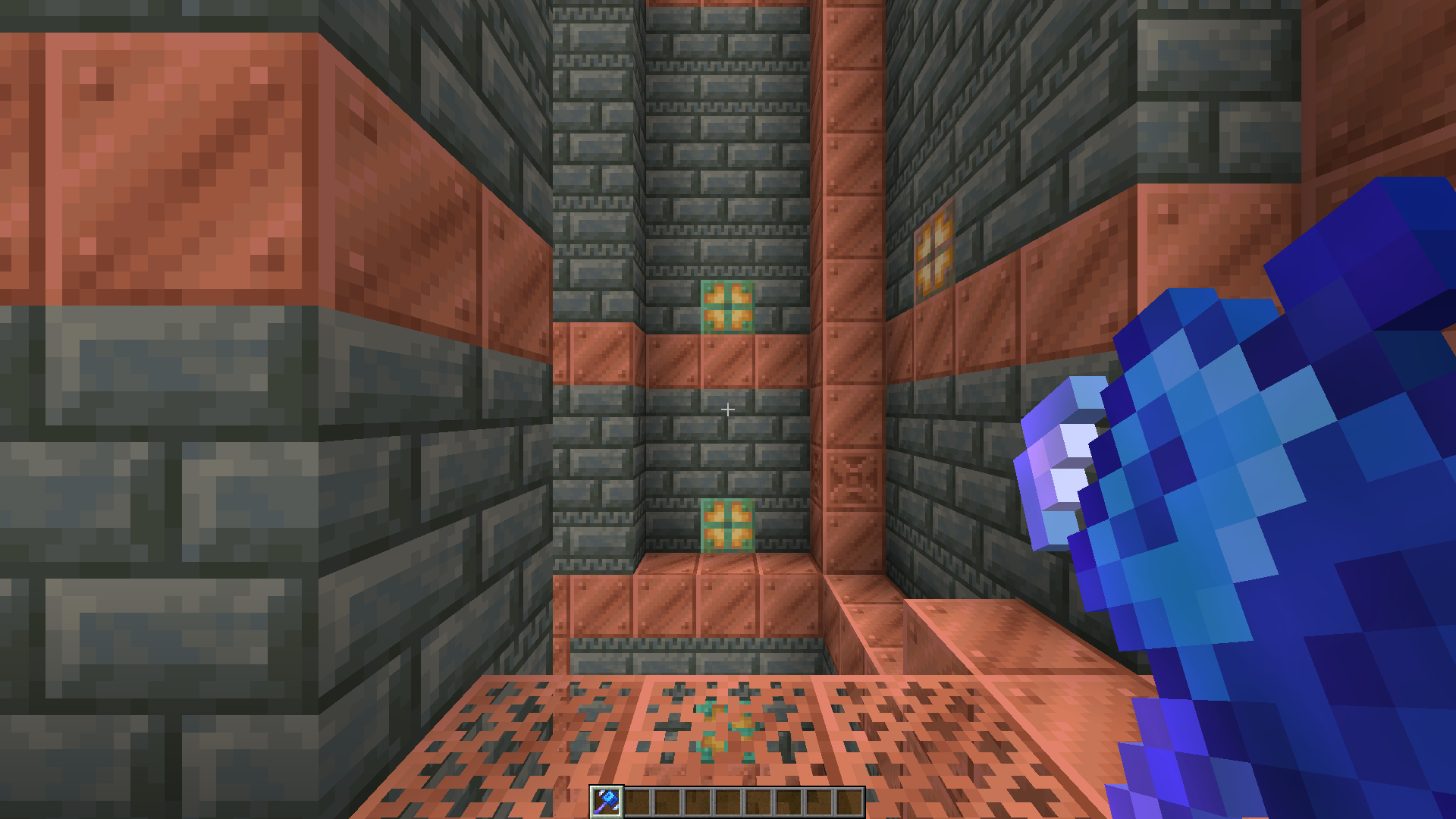
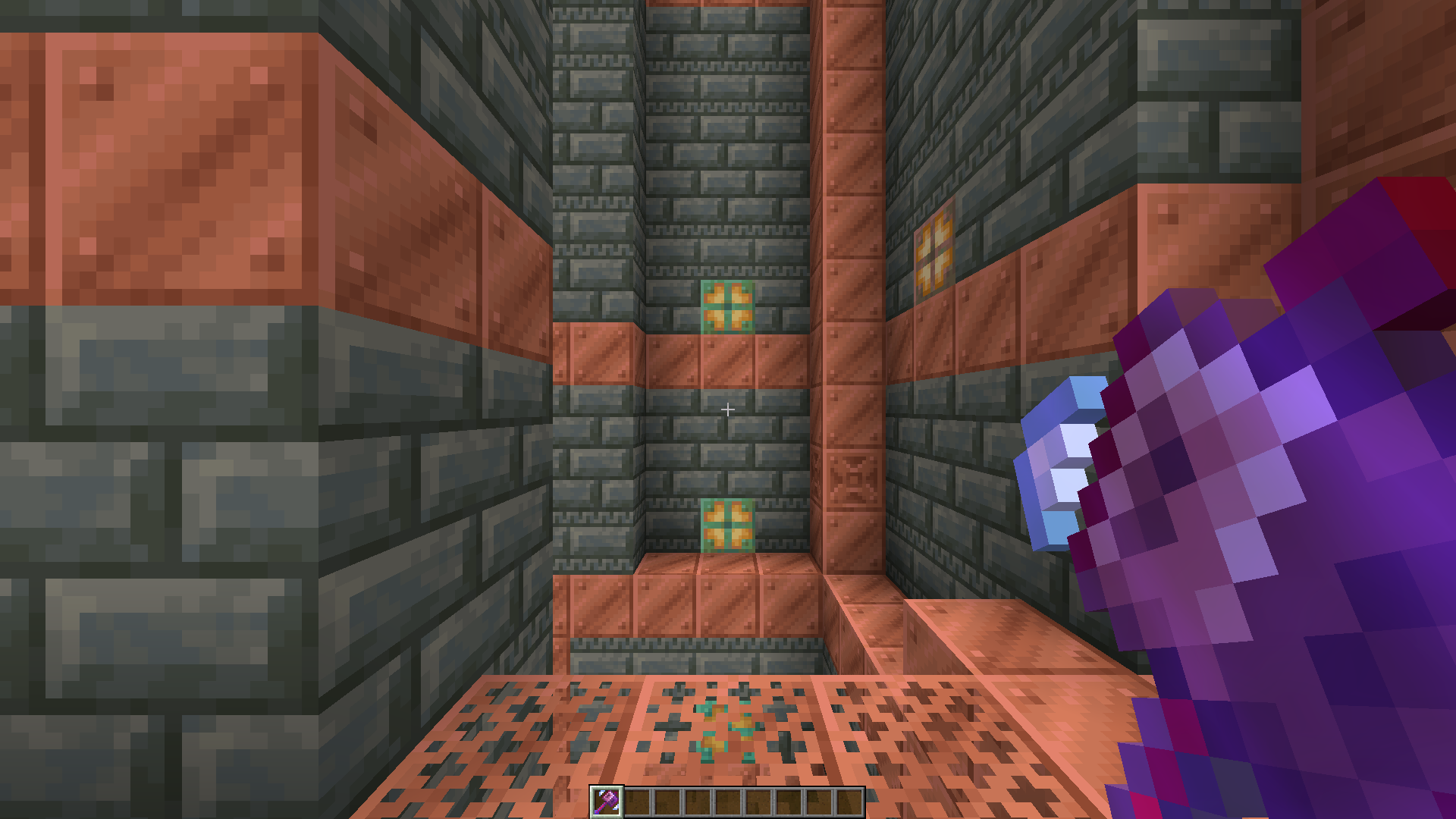
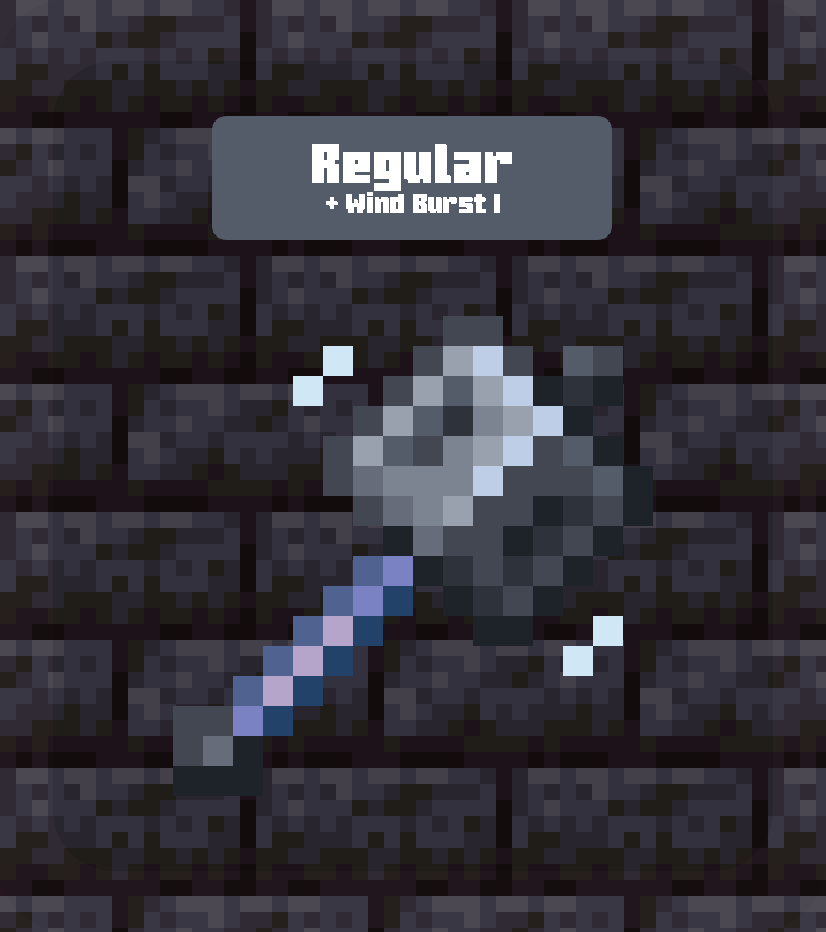
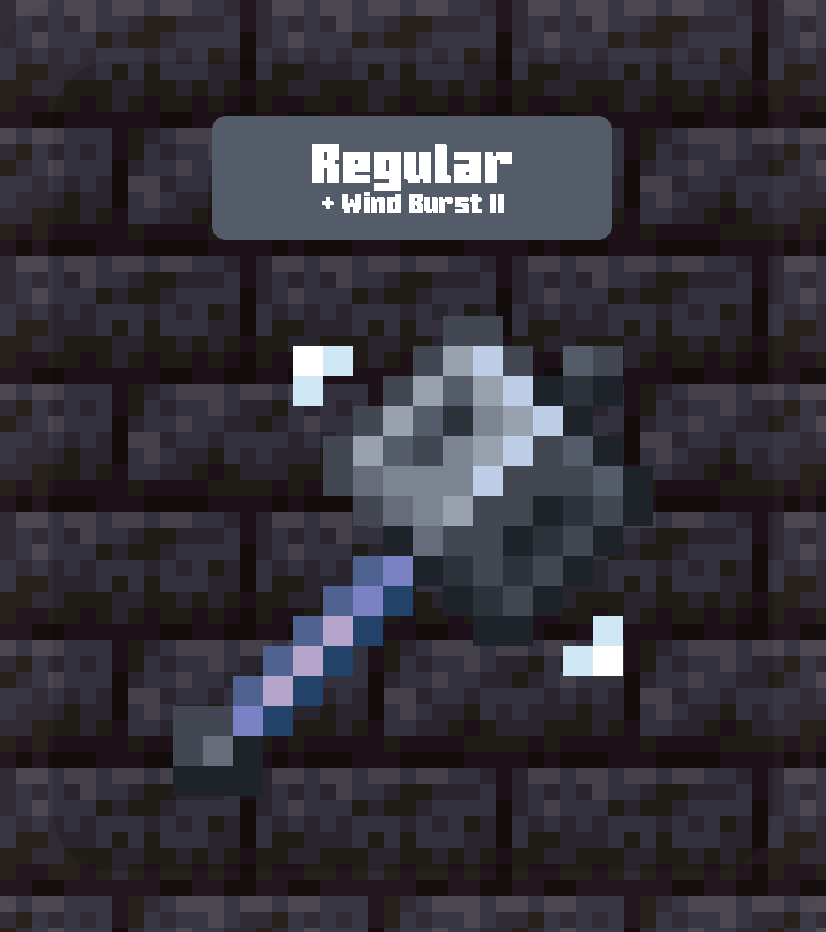
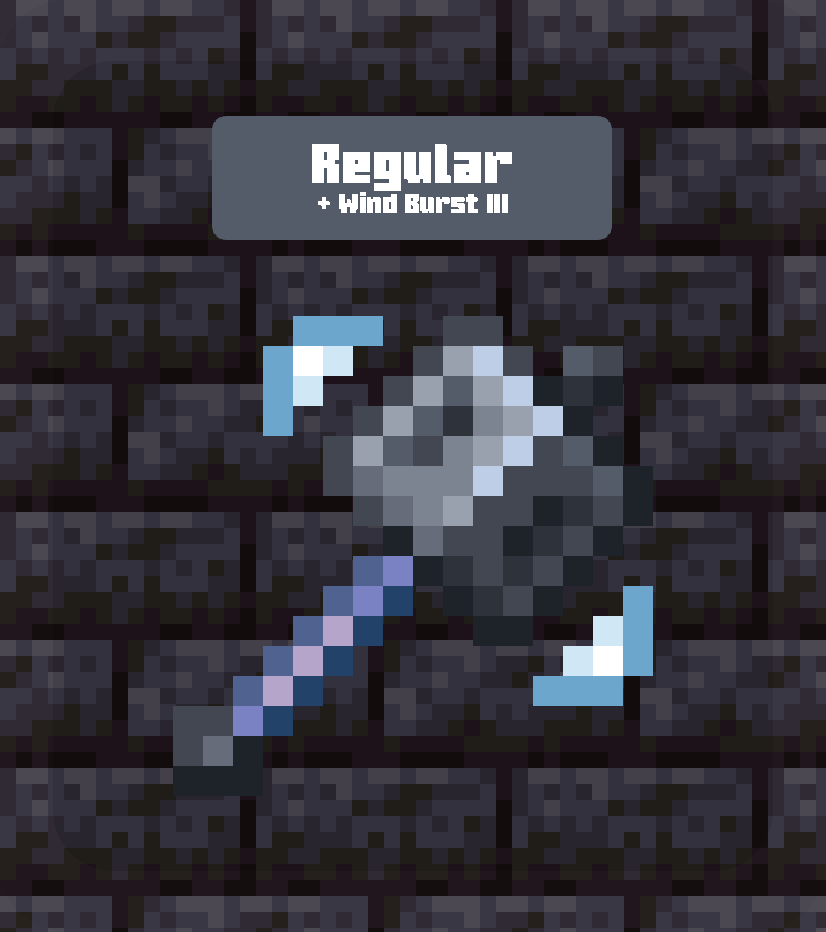
  • The mace shows a wave-like indicator near its head when it has Windburst, growing larger as the enchantment strength increases.

Why Mace Enchant Indicator? - Heading

We notice colour faster than shape. This pack uses that fact to make enchantments instantly recognizable, so you can tell which mace you’re holding without checking manually.

Mace PvP is situational. By only using two very different colors, you can immediately notice that the mace being held is the correct one for the situation you are in.


Overview - Heading

Screenshots

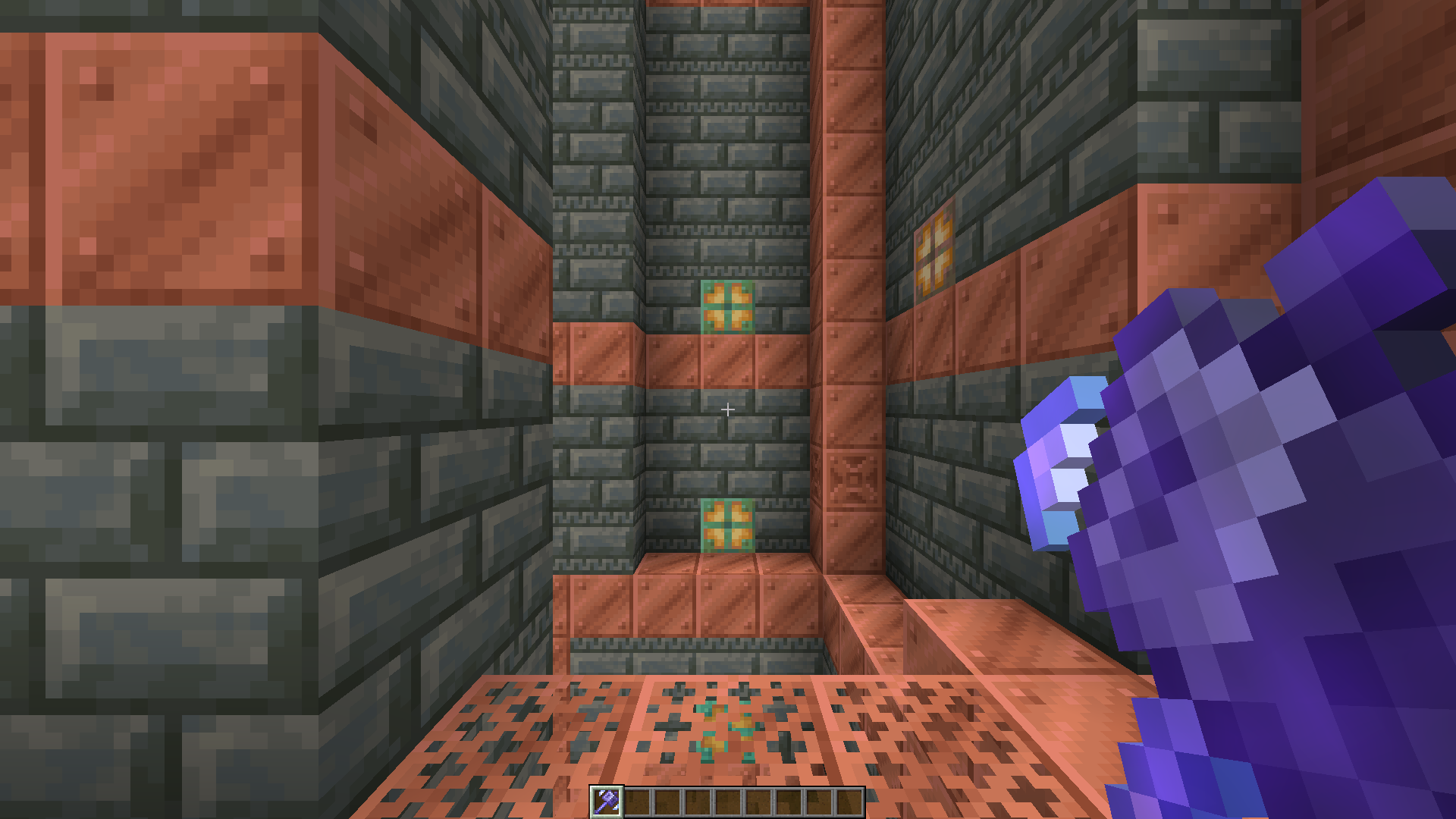
Breach Density
Breach Screenshot Density (Glint)
View Full Size View Full Size

Wind Burst

Breach + Windburst III Density + Windburst III Regular + Windburst III
Breach + Windburst Screenshot Density + Windburst Screenshot Regular + Windburst Screenshot
View Full Size View Full Size View Full Size

Cards

Wind Burst

Breach + Windburst III Density + Windburst III
Breach + Windburst III Card Density + Windburst III Card
View Full Size View Full Size
Regular + Windburst I Regular + Windburst II Regular + Windburst III
Regular + Windburst Card I Regular + Windburst Card II Regular + Windburst Card III
View Full Size View Full Size View Full Size

The Collection - Heading

Any pack downloaded from PrecisionZero or ChillByte will completely work with all other packs from us. Our texture packs are designed in a way that no pack would clash with each other, ensuring a reliable and seamless experience.
Discover the PrecisionStudios Collection

   
PrecisionZero Banner ChillByte Banner

Technical - Heading

Requirements

Pack Version Minecraft Version Vanilla All Modloaders
Any 1.21.5+ ✔ Supported ✔ Supported

Installation

  1. Download the .zip file
  2. Open Minecraft → Options → Resource Packs → Open Pack Folder
  3. Paste the .zip file into the folder
  4. Close and re-open the Resource Packs menu
  5. Enable Mace Enchant Indicator from the list

Compatibility

  • Works with all vanilla-based and modded gameplay
  • Not compatible with texture packs or mods that change the shape of the mace (3D maces, short maces, etc.)
  • Resource pack only, no mods required

Contact

For any concerns regarding Mace Enchant Indicator, contact me at: [email protected]


Licence - Heading

Licensed as All Rights Reserved (ARR) under PrecisionZero

Public Release 2.0.2
MC 26.3
Release 2026-09-16 Get
3rd Maintenance Release 2.0.1
MC 1.21.8, 1.21.5, 1.21.6, 1.21.7, 1.21.9, 1.21.10, 1.21.11, 26.1, 26.1.1, 26.1.2, 26.2
Release 2026-08-19 Get
2nd Development Release 2.0.2
MC 26.3-snapshot
Release 2026-08-19 Get
2nd Maintenance Release 2.0.1
MC 1.21.8, 1.21.5, 1.21.6, 1.21.7, 1.21.9, 1.21.10, 1.21.11, 26.1, 26.1.1, 26.1.2, 26.2
Release 2026-08-18 Get
1st Development Release 2.0.2
MC 26.3-snapshot
Release 2026-08-14 Get
1st Maintenance Release 2.0.1
MC 1.21.6-snapshot, 1.21.8, 1.21.5, 1.21.6, 1.21.7, 1.21.9-snapshot, 1.21.9, 1.21.10, 1.21.11, 26.1, 26.1.1, 26.1.2, 26.2
Release 2026-08-07 Get
2.0.1
MC 26.2
Release 2026-06-18 Get
2.0.0
MC 1.21.11, 26.1, 26.1.1, 26.1.2
Release 2026-05-26 Get
1.1.0
MC 1.21.11, 26.1, 26.1.1, 26.1.2
Release 2026-05-22 Get
MEI 1.0.1
MC 26.1, 26.1.1, 26.1.2
Release 2026-04-30 Get
MEI 1.0.0
MC 1.21.11
Release 2026-04-29 Get

Requirements & install

How to use this resource pack in Minecraft
Resolution
16x
Minecraft
1.21.10 – 26.3
Install folder
.minecraft/resourcepacks

How to install resource packs

  1. Download the resource pack .zip file (do not extract it).
  2. In Minecraft open Options → Resource Packs → Open Pack Folder.
  3. Drop the .zip into the resourcepacks folder (.minecraft/resourcepacks).
  4. Move the pack to the Selected column and click Done.
Browse more: 16x resource packs 32x resource packs 64x resource packs 128x resource packs 256x resource packs 512x+ resource packs Resource Packs for 26.3 All resource packs

More from PrecisionZero

Advertisement Remove ads with Premium →

You Might Also Like