Badges update automatically and link to the resource pack page on MineUniverse.
About
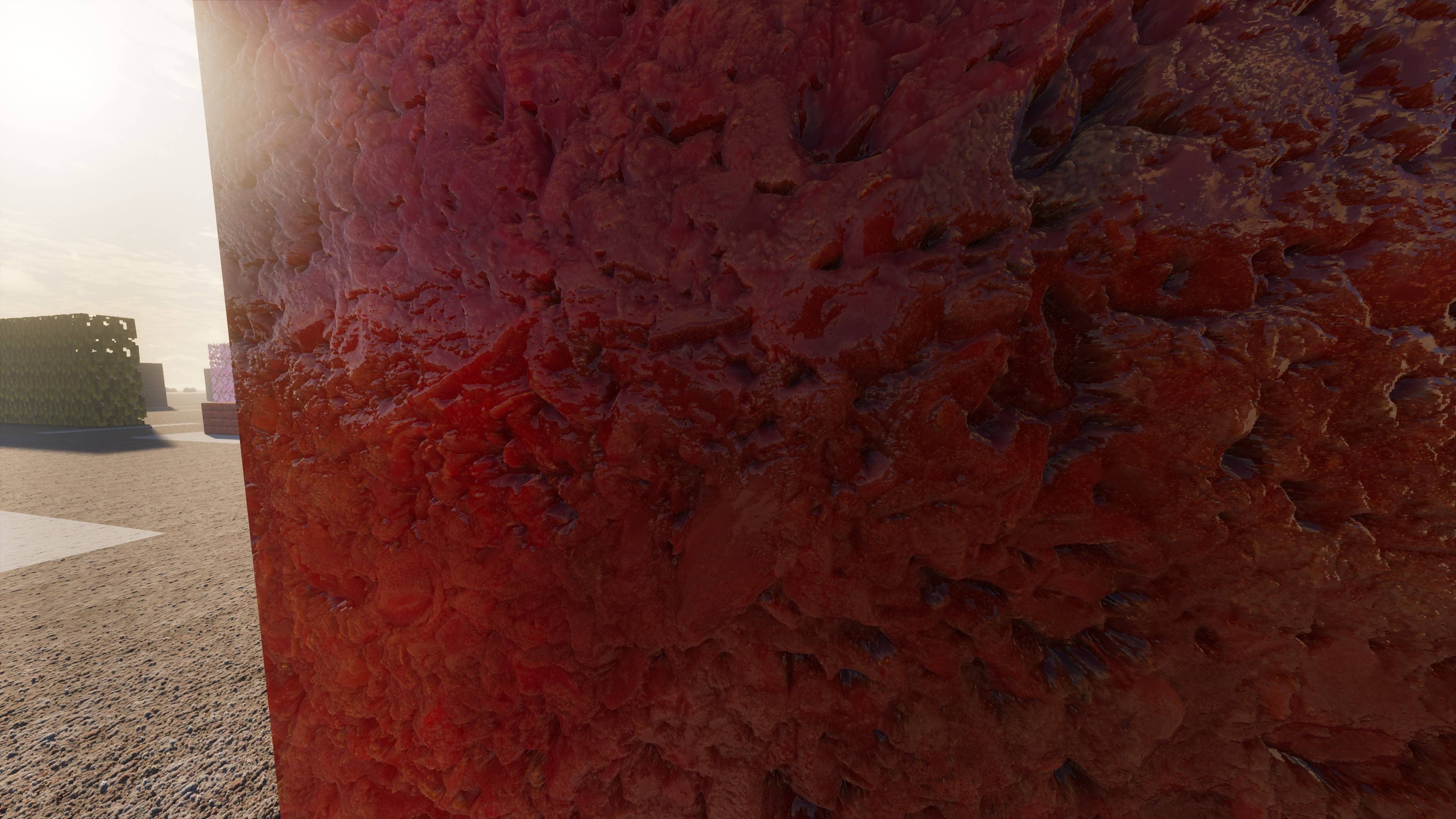
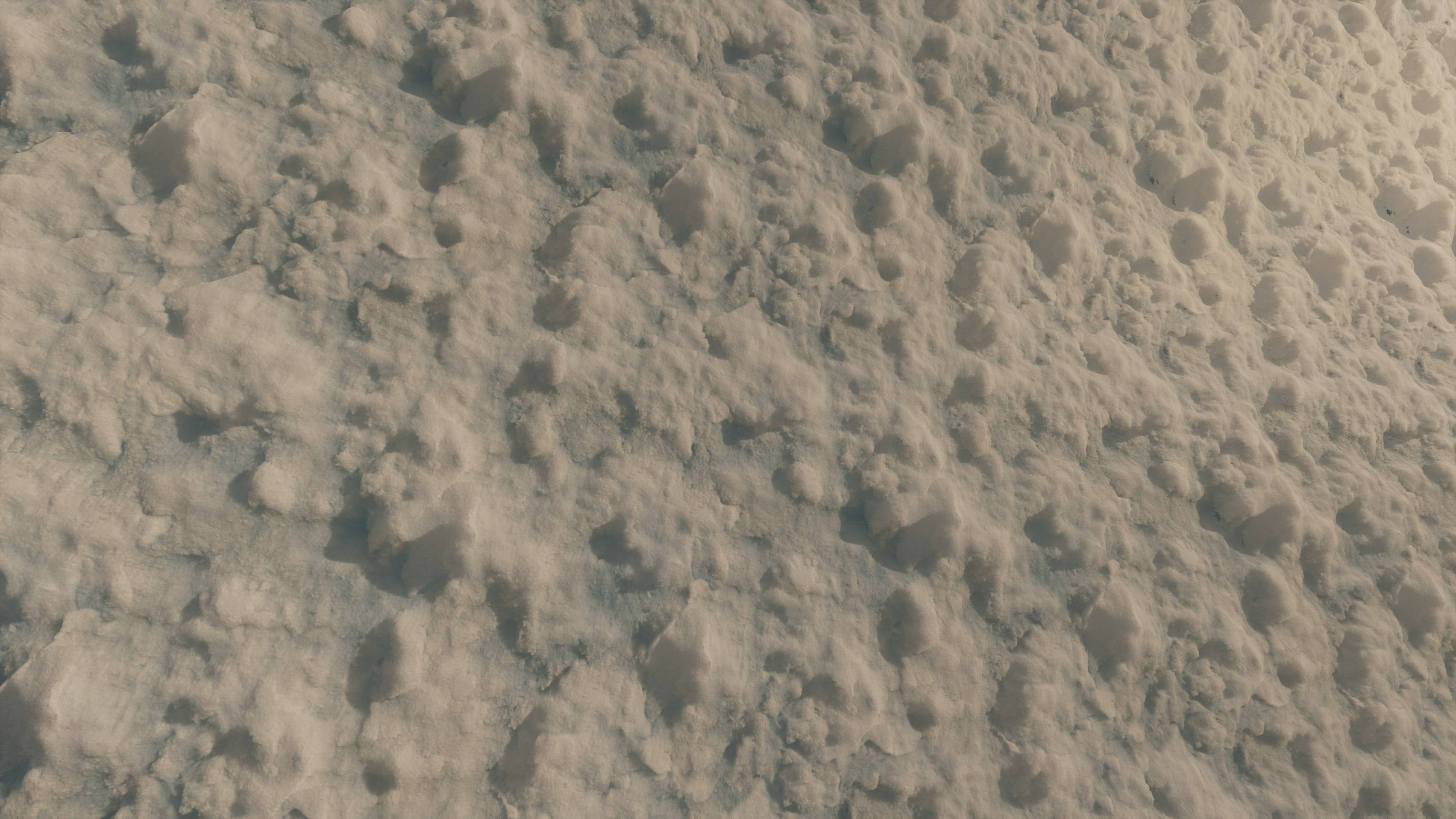
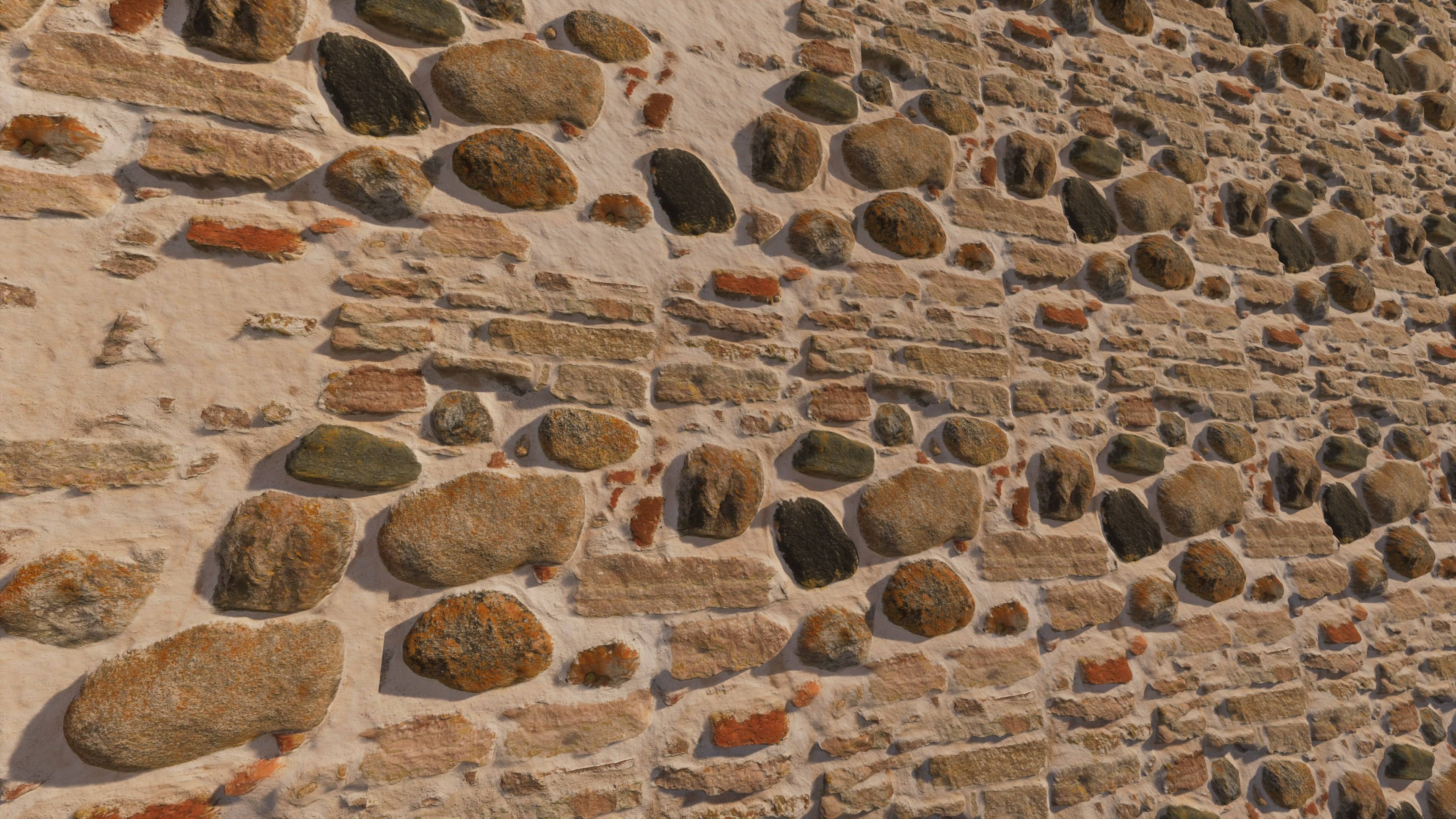
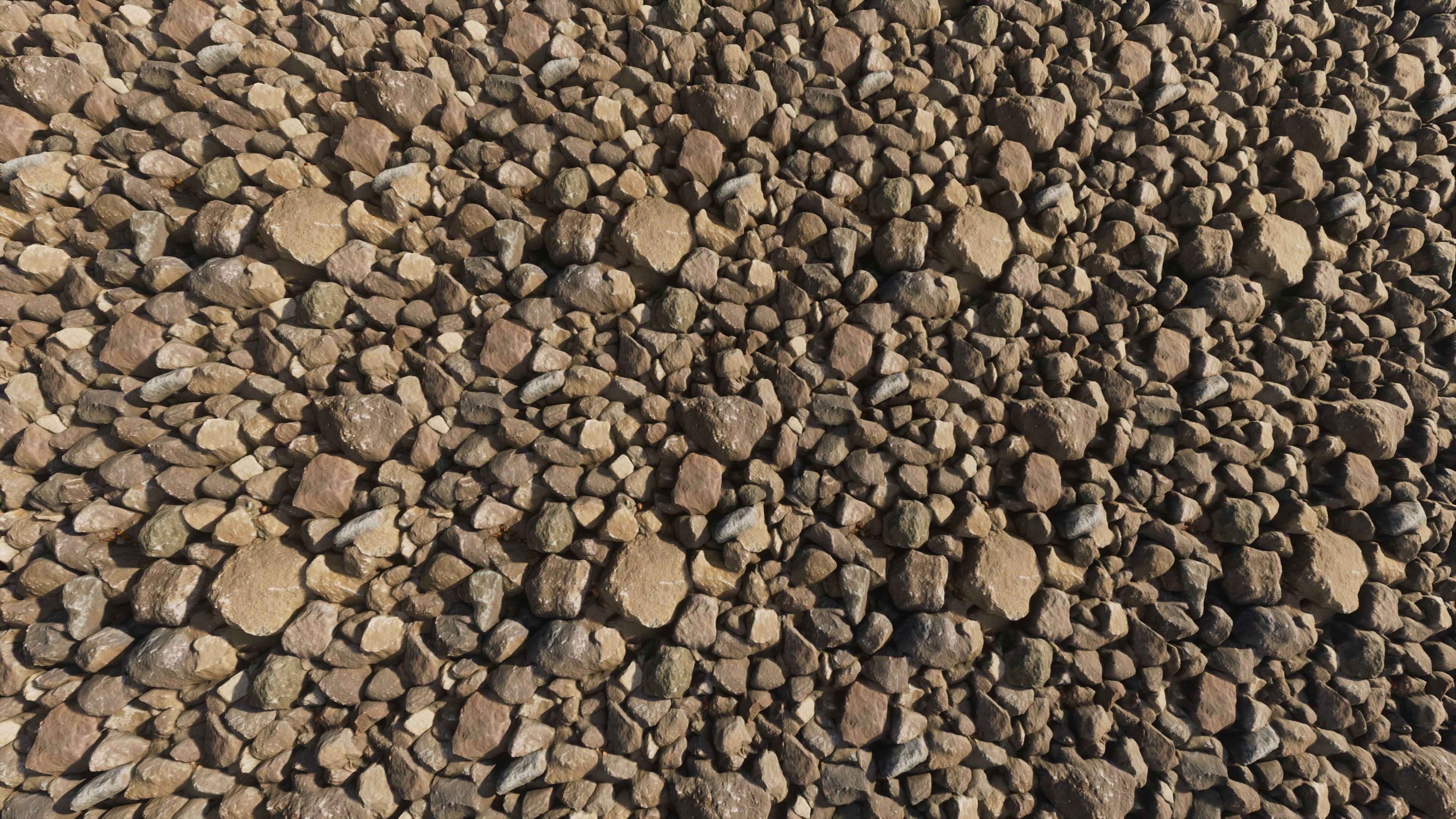
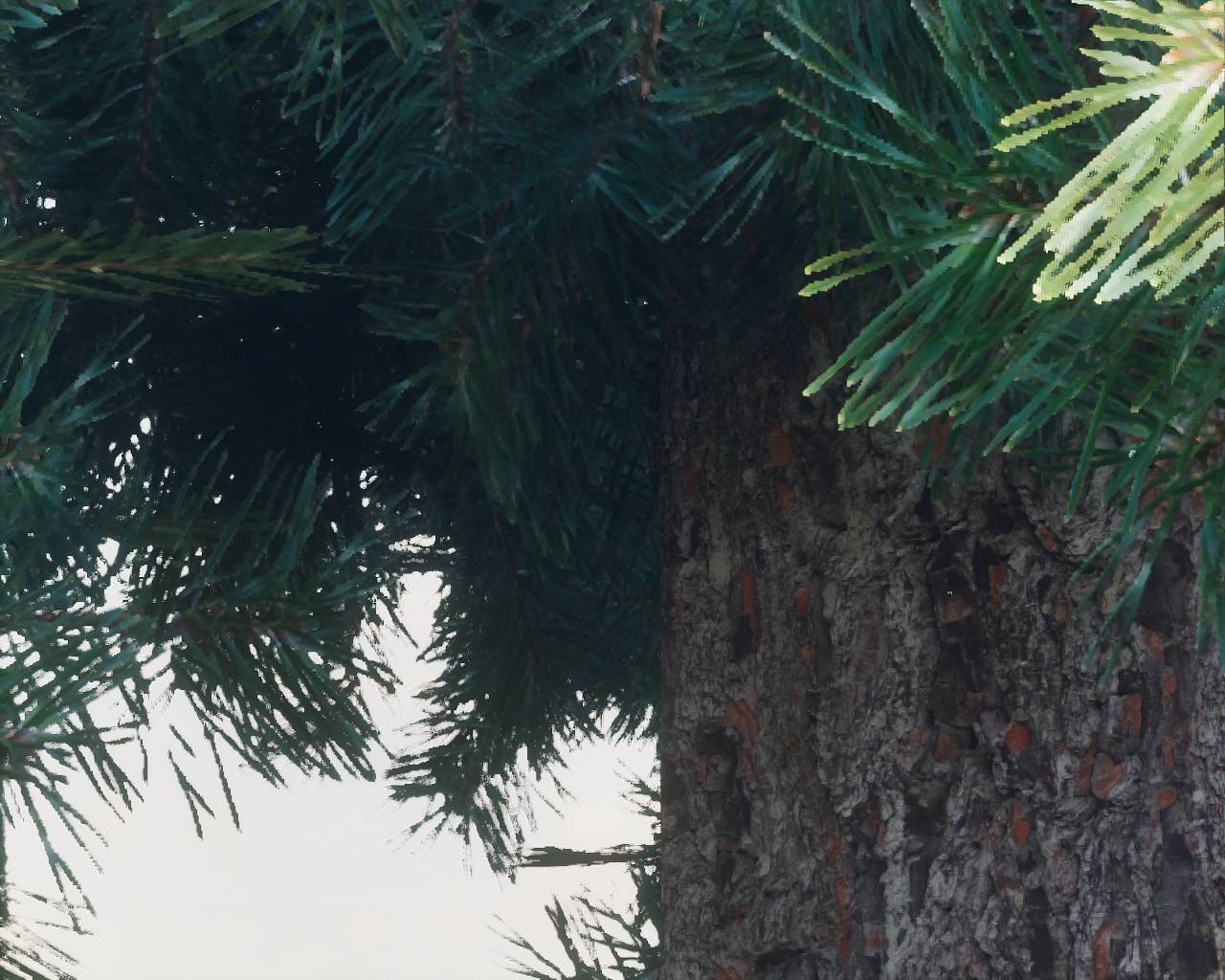
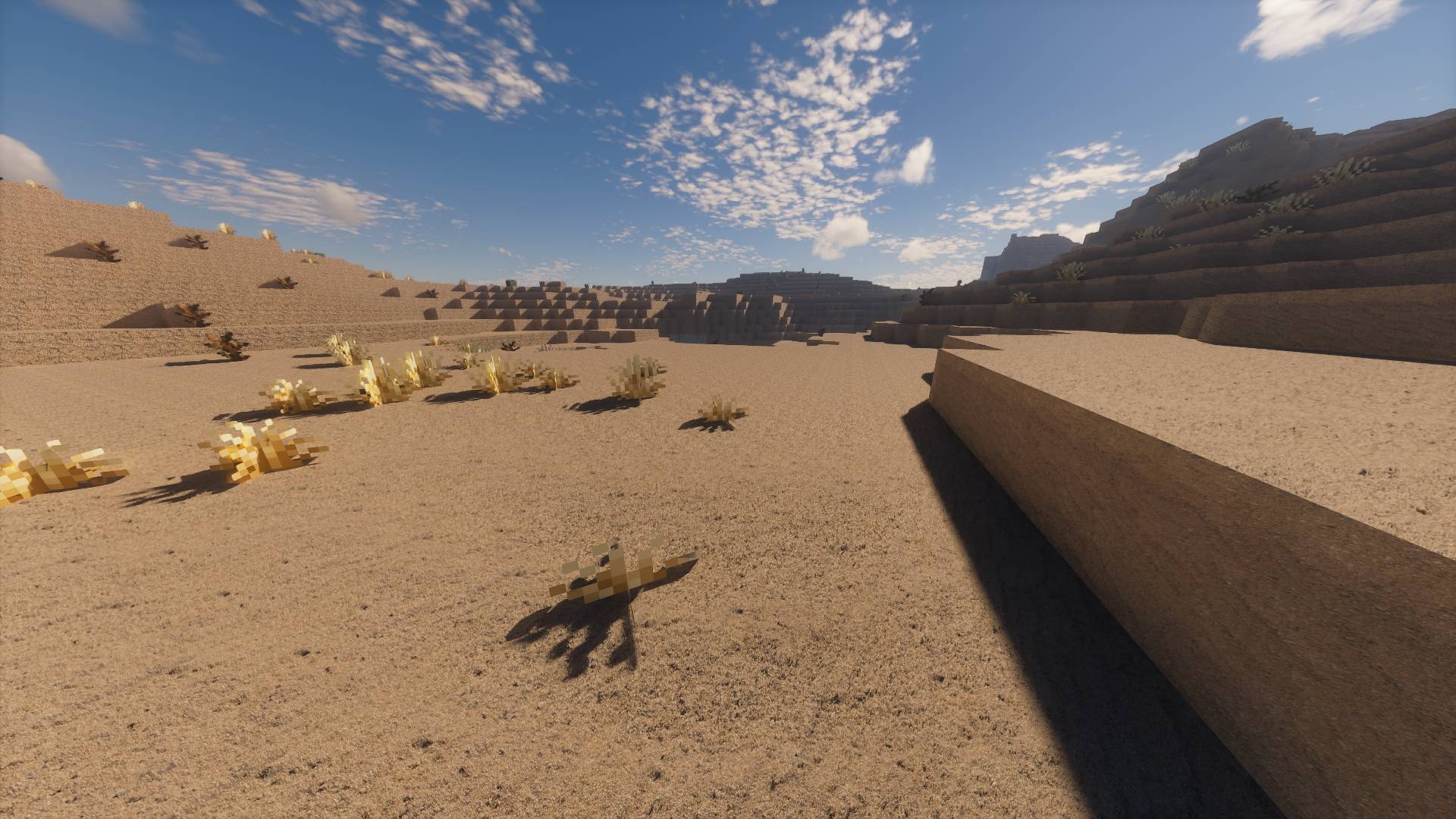
PhotoCraft Reimagined is a resourcepack that overhauls the overall look of minecraft. Making it more realistic and customized towards a true-to-life color palette. This is achieved using Textures crafted from real world images of different textured surfaces, from treebarck, stone to wood floors and more. For a more in depth description on how the textures are made check down below.
For the best experience consider using (Iris Shaders + Sodium combined with ComplementaryShaders or Kappa) This is what i use.
//SurvivalCrafter
Texture creation
The textures of PCR512x-1024x are created using field images i have taken my self, of different surfaces that has potential to become a texture that can be used inside of PCR512x-1024x .
So what are the steps of creating a texture that can be used inside of PCR512x-1024x.
1. Going out in the real world locking for surfaces that has potential to become a texture, then photograping it at the correct distans and in soft lighting for the best result.
2.Sourcing the best images of material surfaces that has the highest potential to become a texture.
3. Selecting the parts, or part of the images that is the sharpest, and then hand painting in the missing details, making it a seamless texture that can be used to generate texture maps.
4. Generating texture maps from the edited image texture(BaseColor, Normal, Height, Roughness and AmbientOcclusion).
5. Combining the different texture maps into a format that works with the shaders that use LabPBR Material Standard.
6. Implementing the textures into PCR512x-1024x.
Recommended shaders
KAPP
ComplementaryReimagined