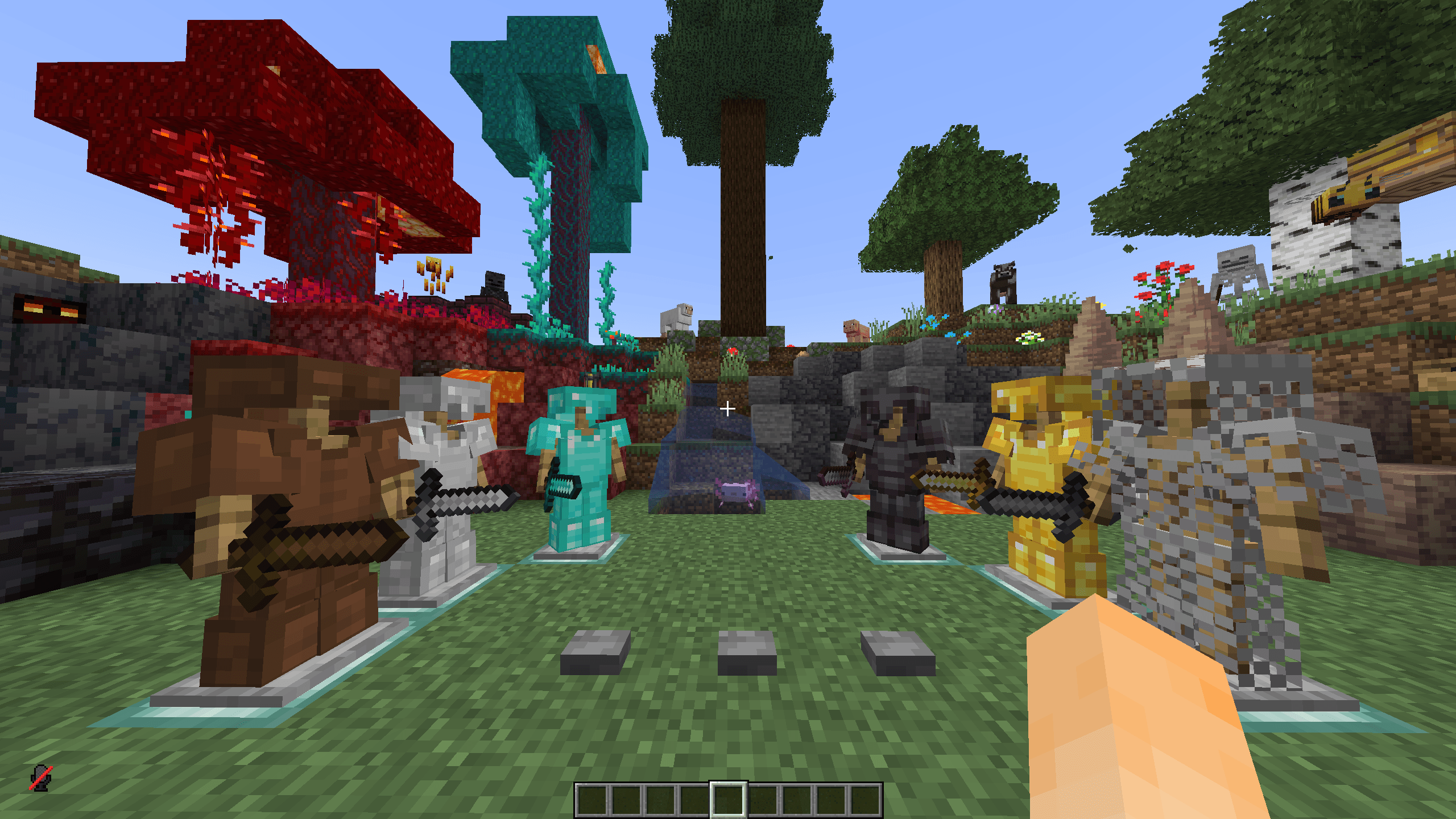
PhoenixPVP is a Minecraft resource pack designed for both PvP and Survival. It combines clean, PvP-focused textures with custom visuals to create a smoother and more enjoyable gameplay experience while keeping the classic Minecraft feel.
The goal is to make combat clearer, resources easier to spot, and the overall game look cleaner without sacrificing the Survival experience.
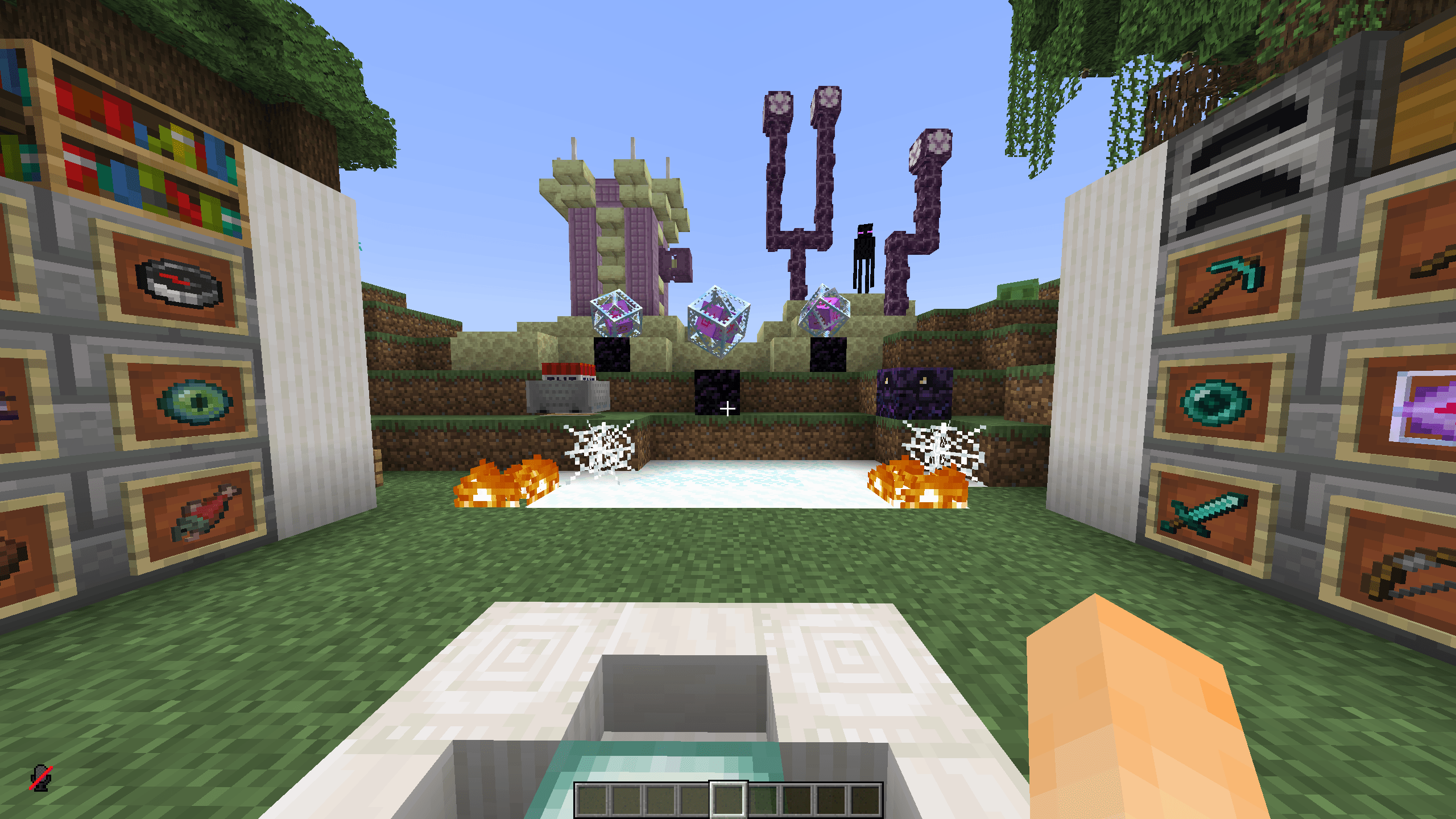
Reduced fire textures for better visibility during combat.
Cleaner visuals for intense PvP fights.
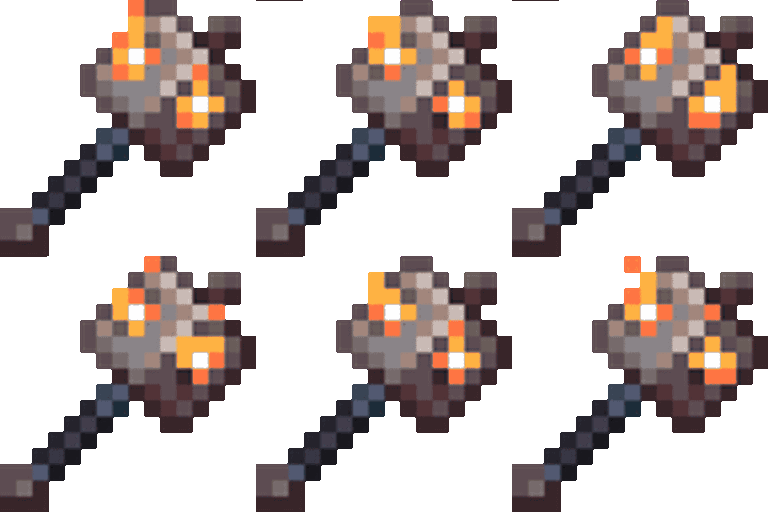
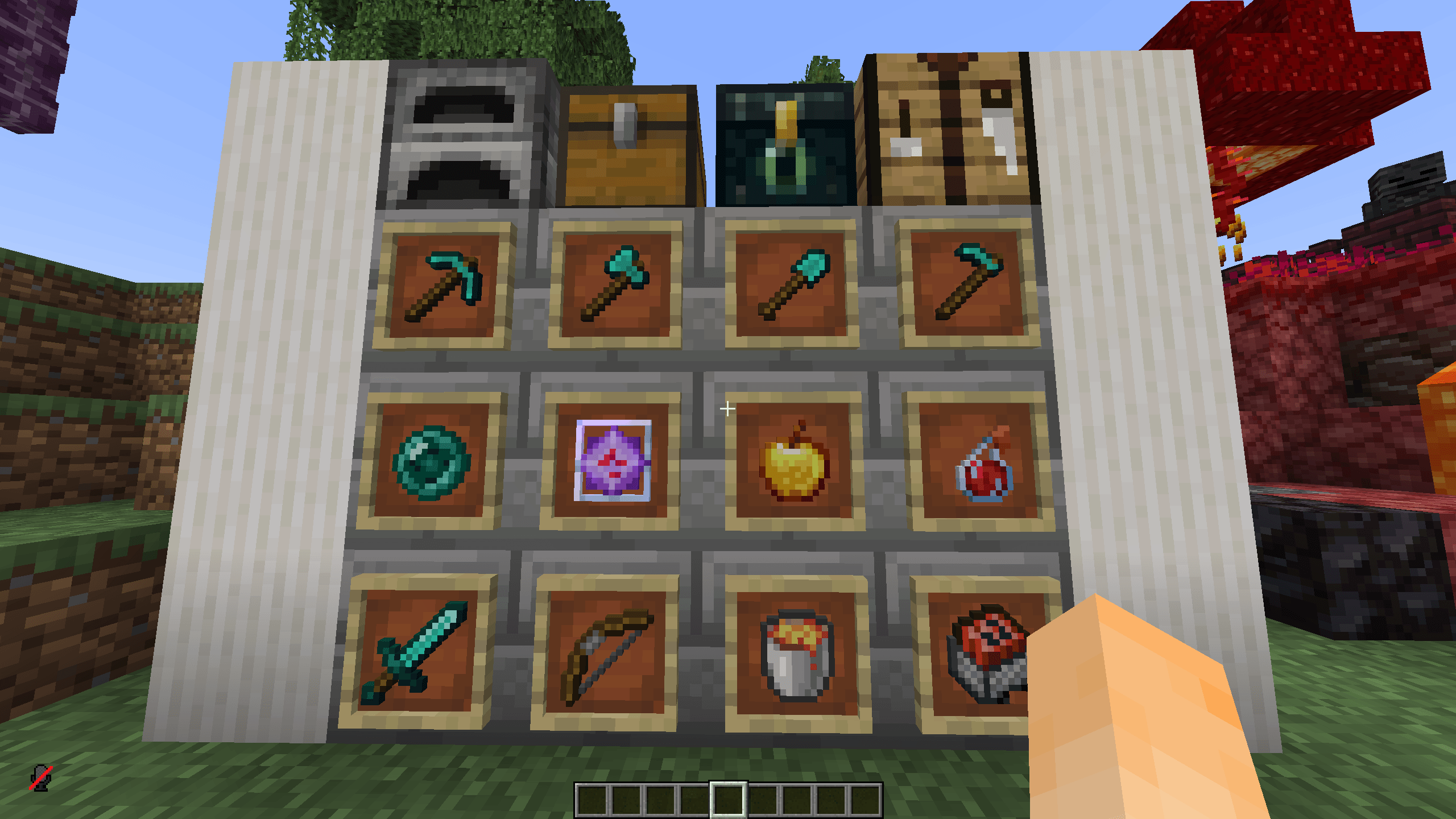
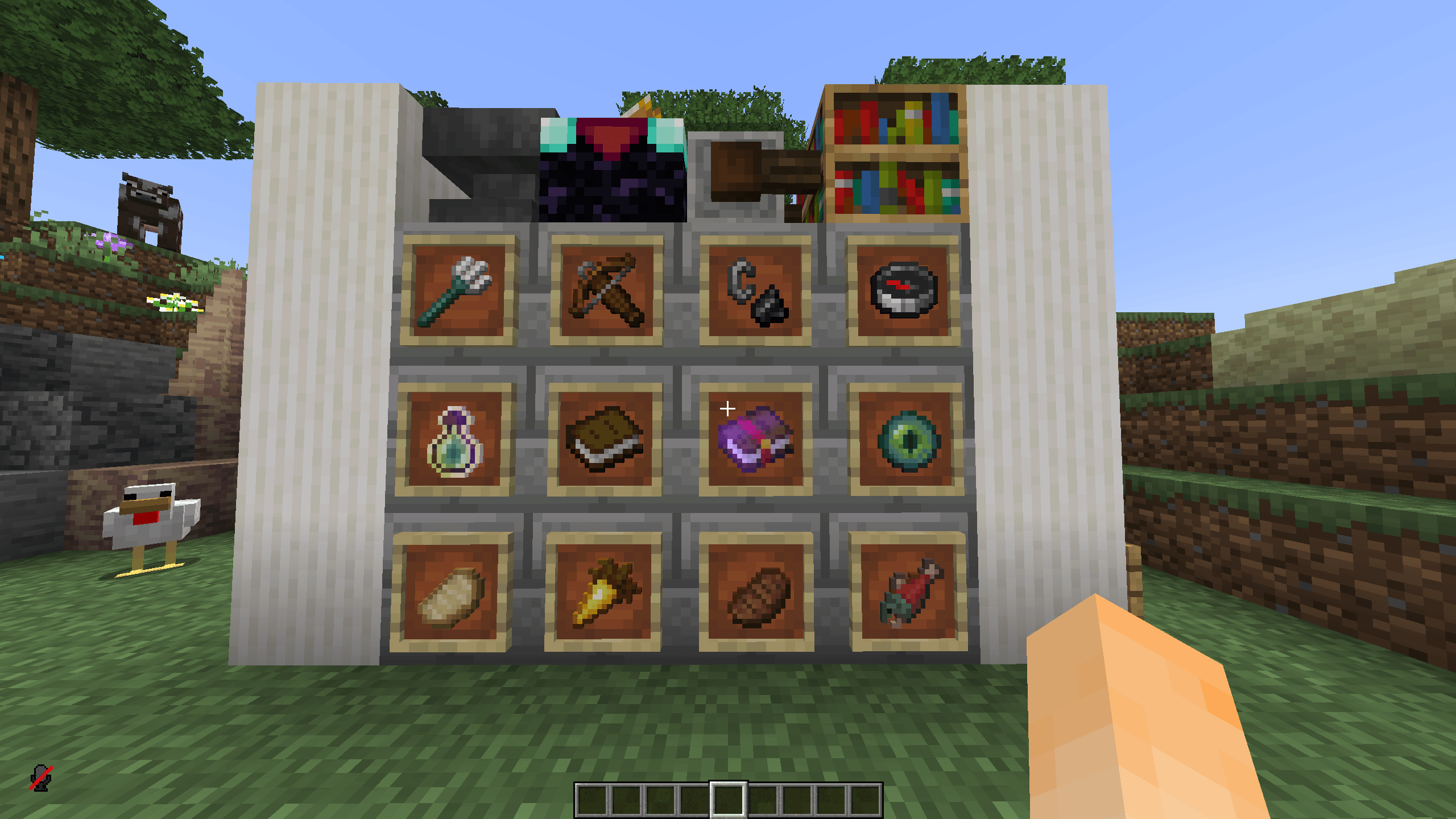
Custom item textures for a unique PvP experience.
Improved ore textures to help you spot valuable resources.
Updated particles and visual effects.
Custom textures for PvP-related items.
Improved textures for selected blocks and items.
Better ore visibility while mining.
Custom visuals that fit naturally into Survival.
A clean style that keeps the classic Minecraft atmosphere.
Visual improvements for everyday gameplay.
Custom fire textures and animations.
Updated item and block textures.
Unique Phoenix-inspired visual style.
PvP and Survival improvements in one pack.
Designed for Minecraft Java Edition.
Suitable for both PvP and Survival.
For the best experience, use a Minecraft version supported by the resource pack.
Improved PvP visibility.
Updated item textures.
Improved ore visibility.
Adjusted fire textures for clearer combat.
Added and updated custom textures.
Improved visual consistency between PvP and Survival.
Various texture improvements and fixes.
🔥 PhoenixPVP — Dance with the Fire.