Mineuniverse
Resource Packs
Phantasmal Homestead GUI

Phantasmal Homestead GUI

RESOURCE PACK
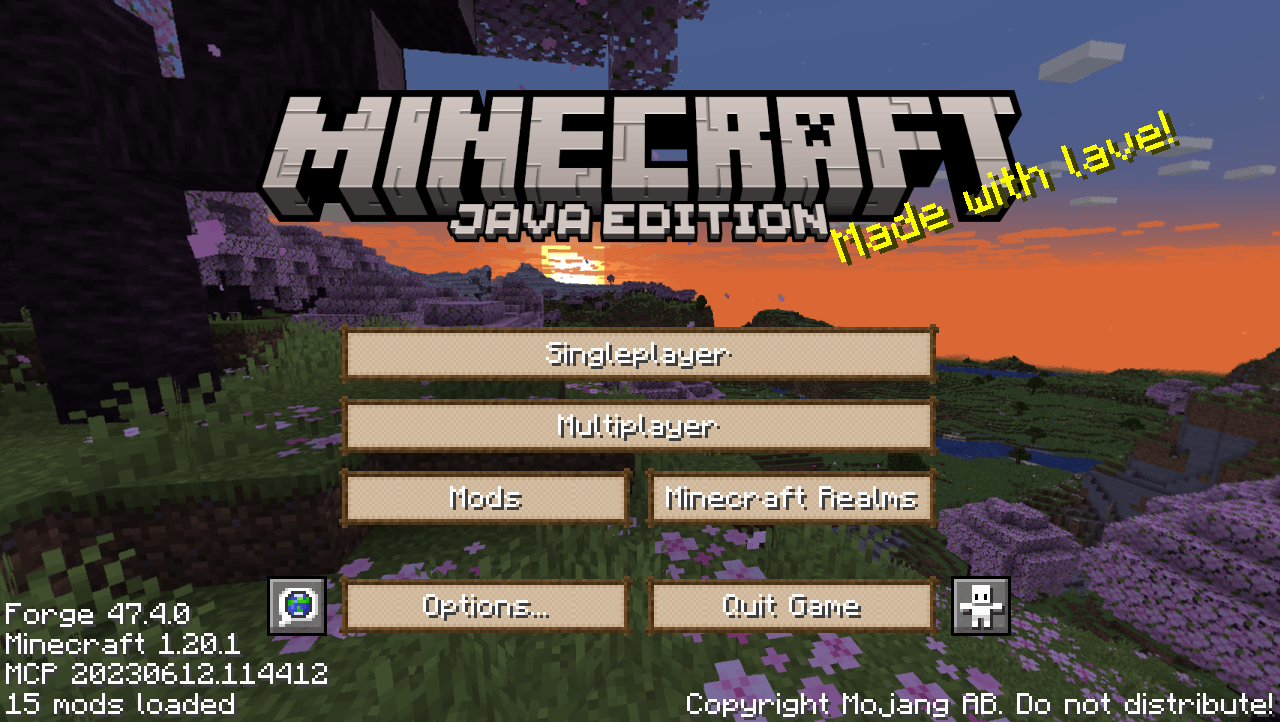
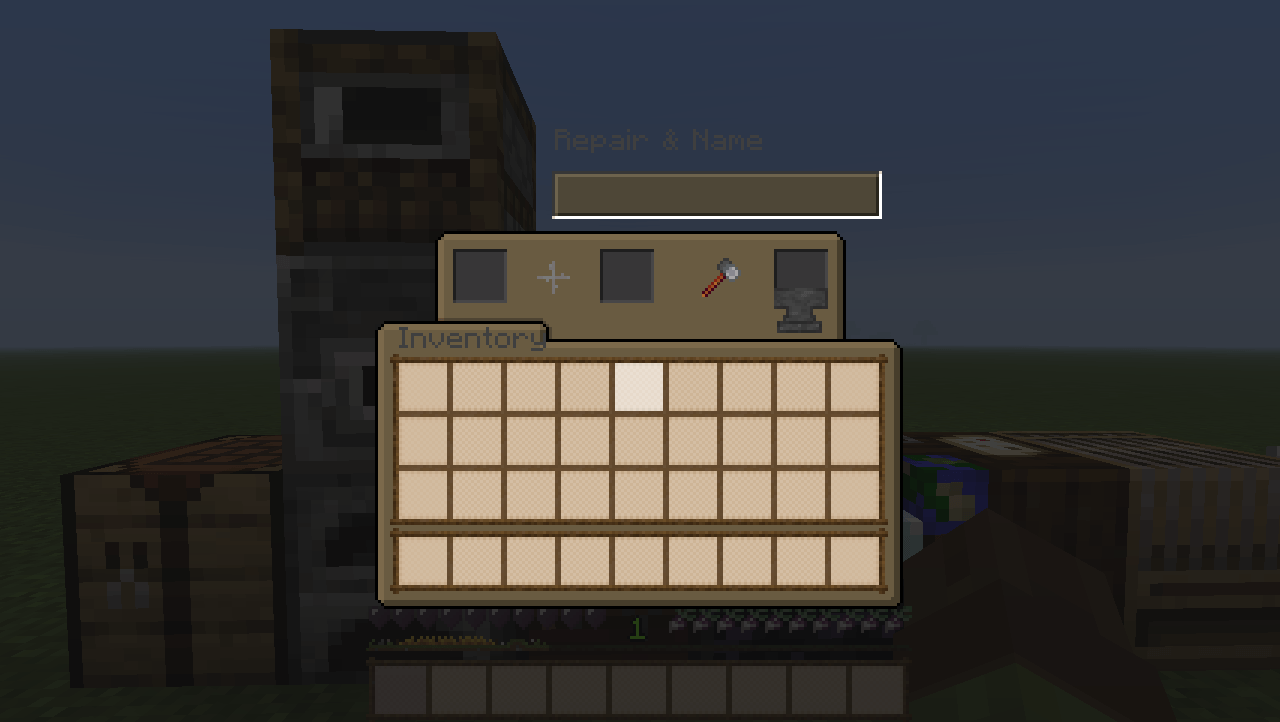
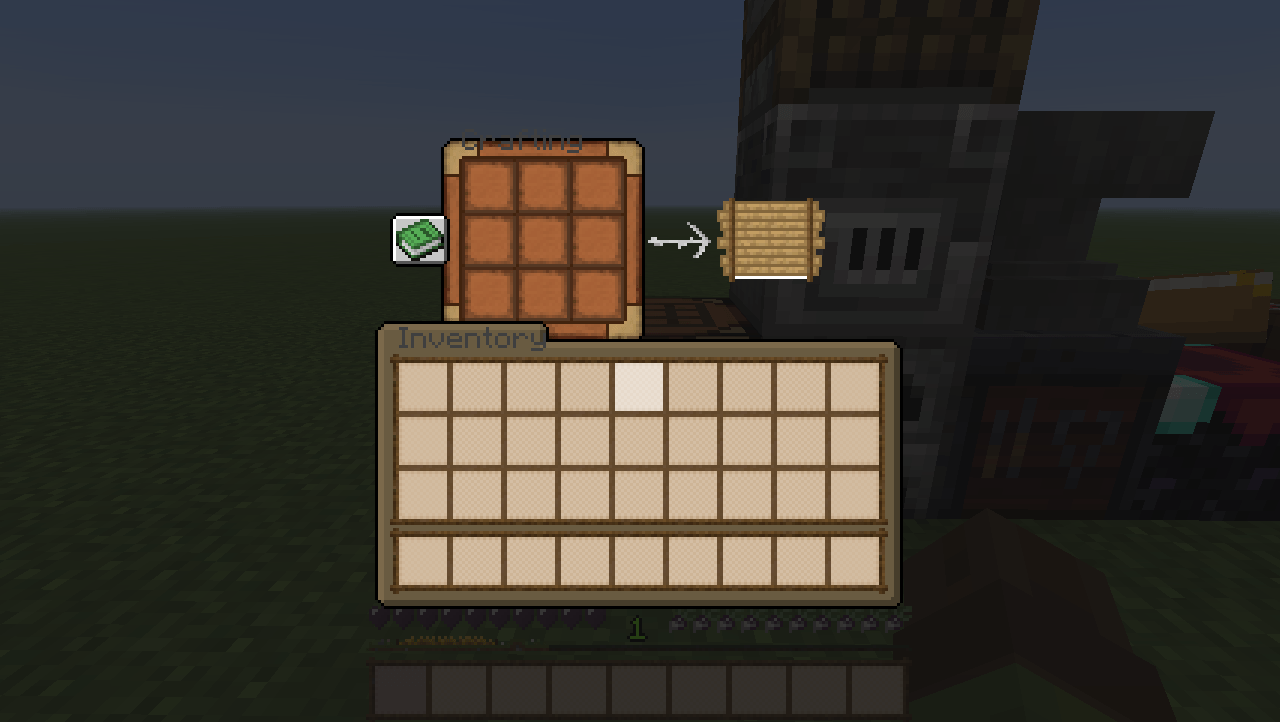
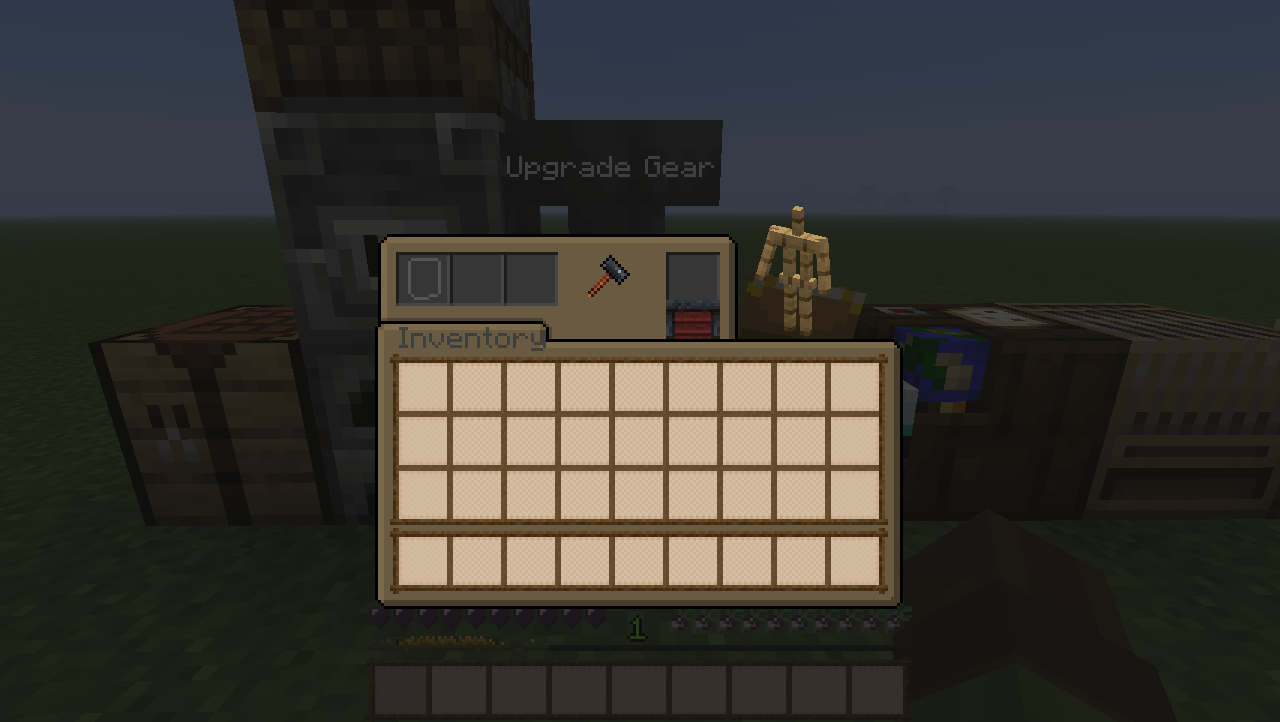
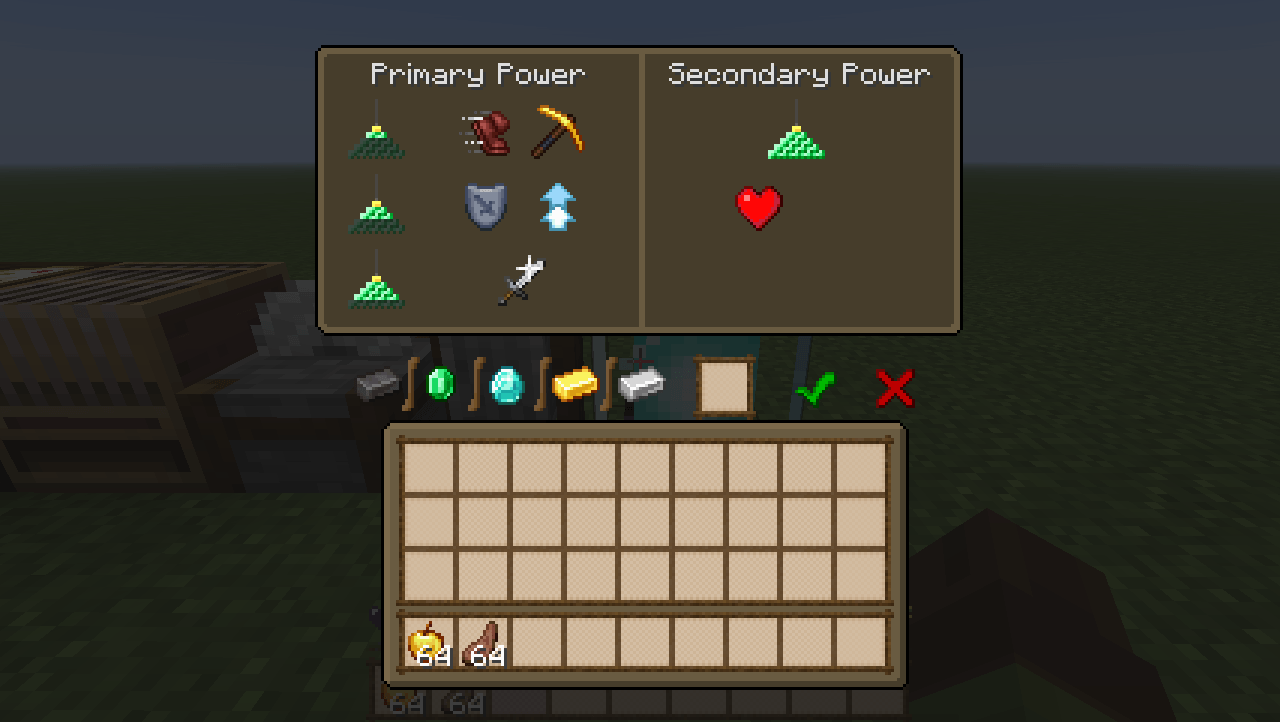
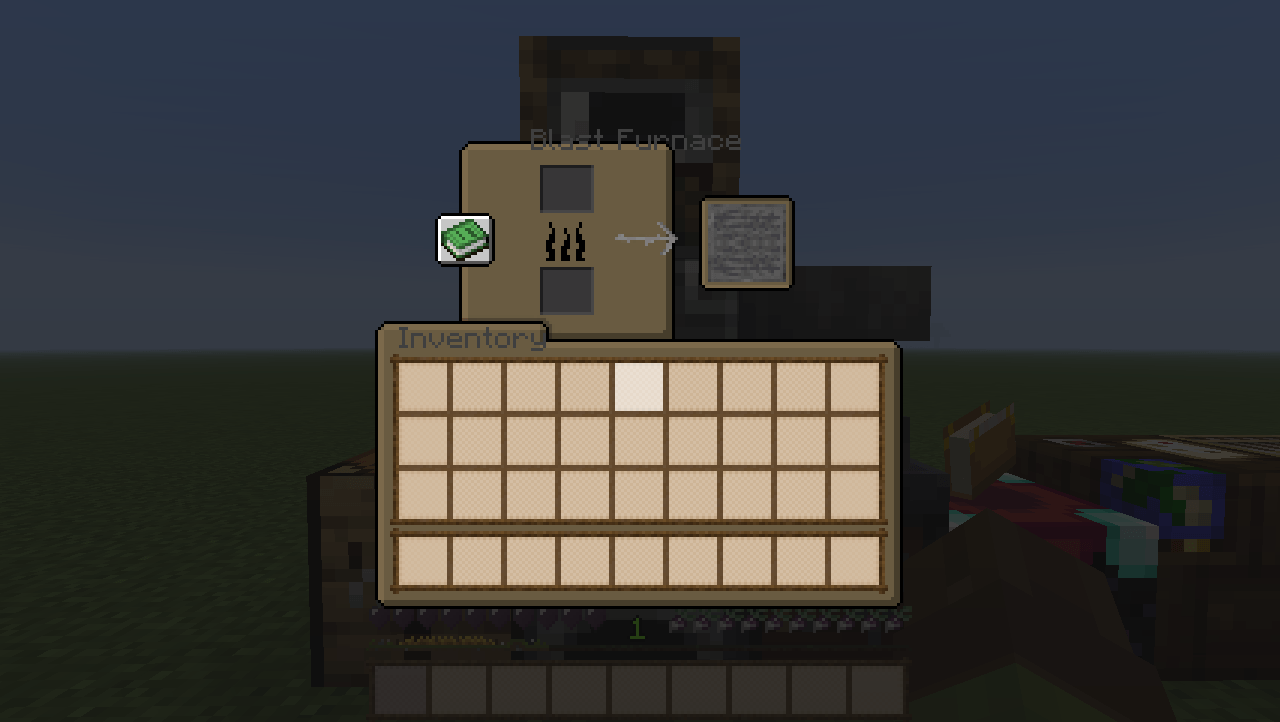
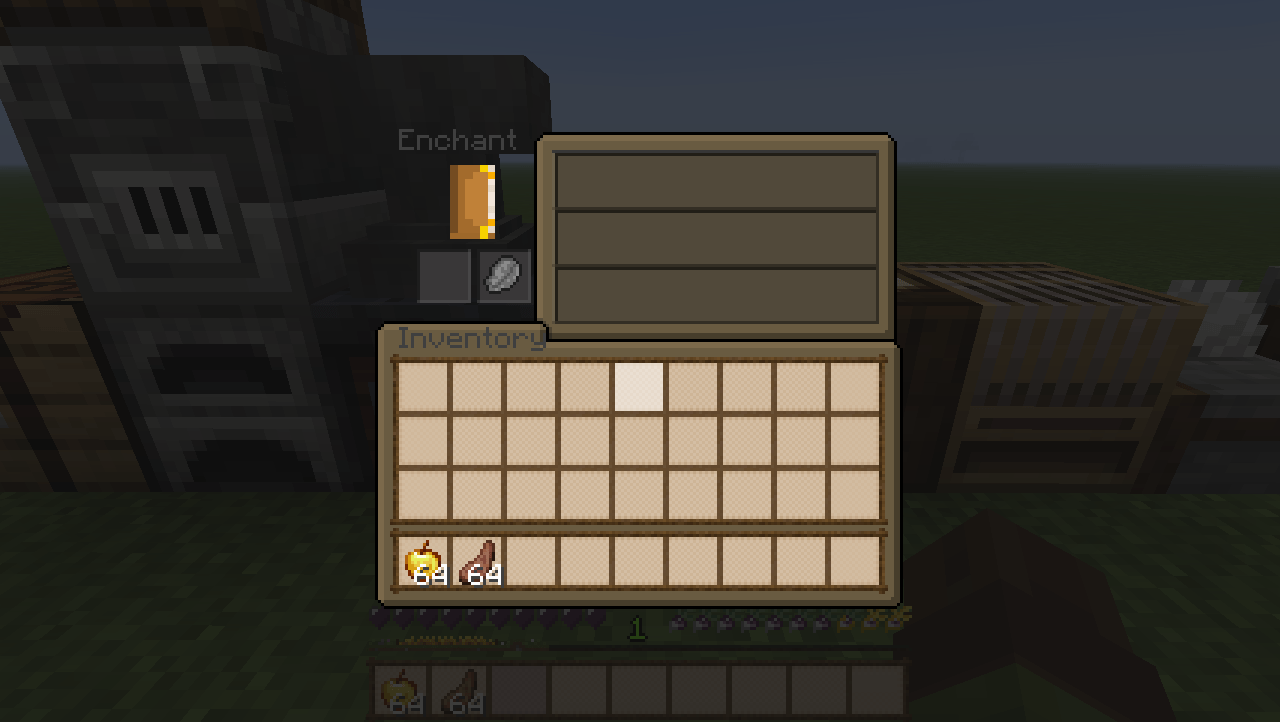
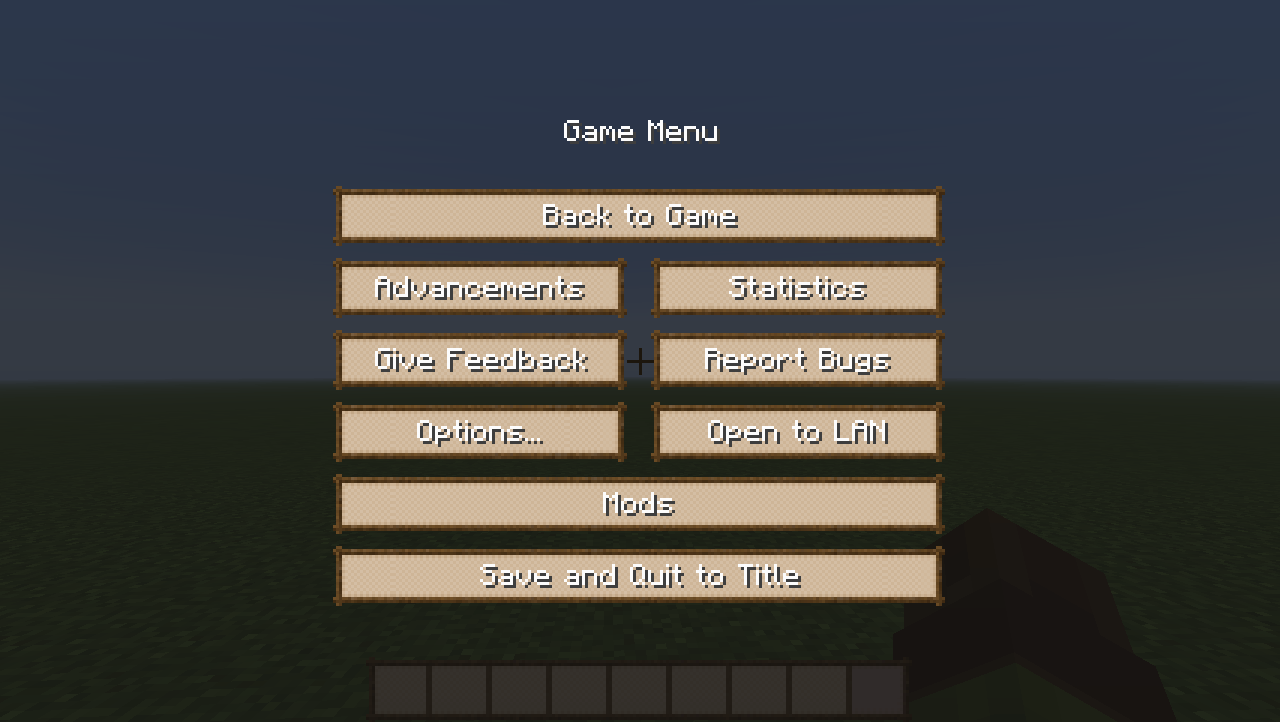
Soon to be GUI used in the modpack i'm working on called "Phantasmal Homestead"
by edenemery
Download Claim this project
467 downloads
0 likes
0 followers
Updated Oct 14, 2026
0 hypes
Follow0
16x Miscellaneous Mod Support
Advertisement Remove ads with Premium →

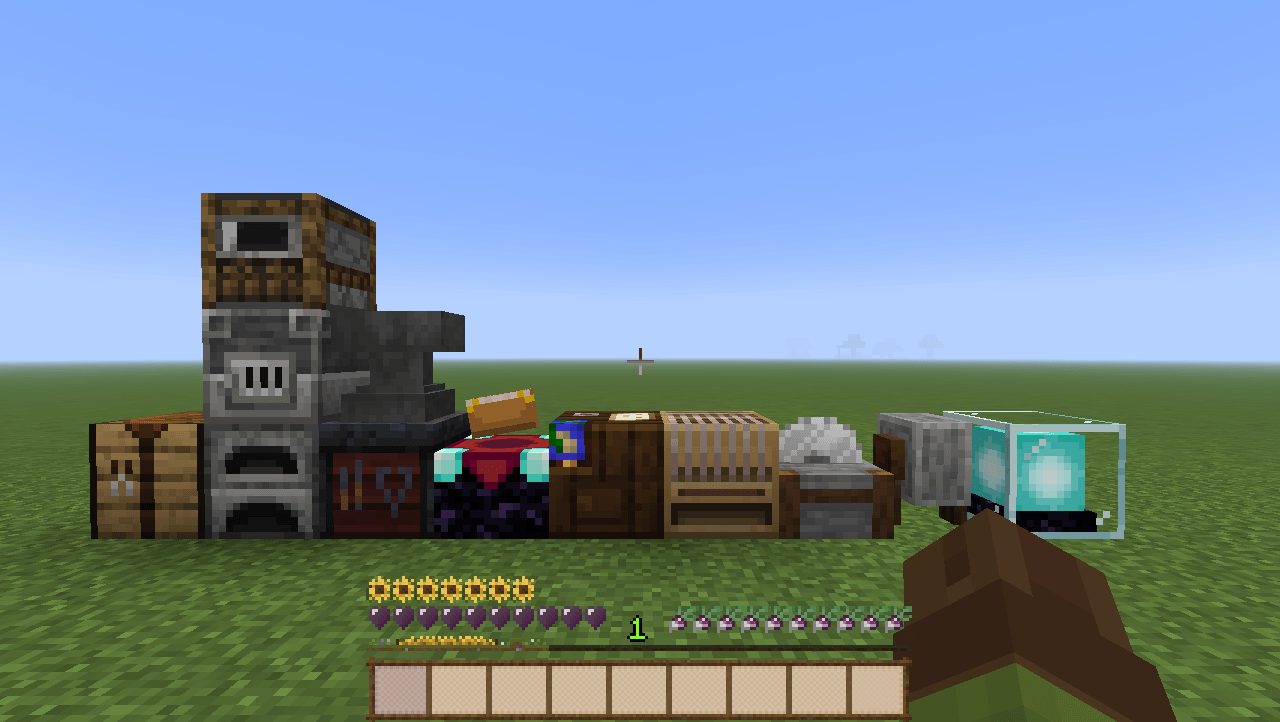
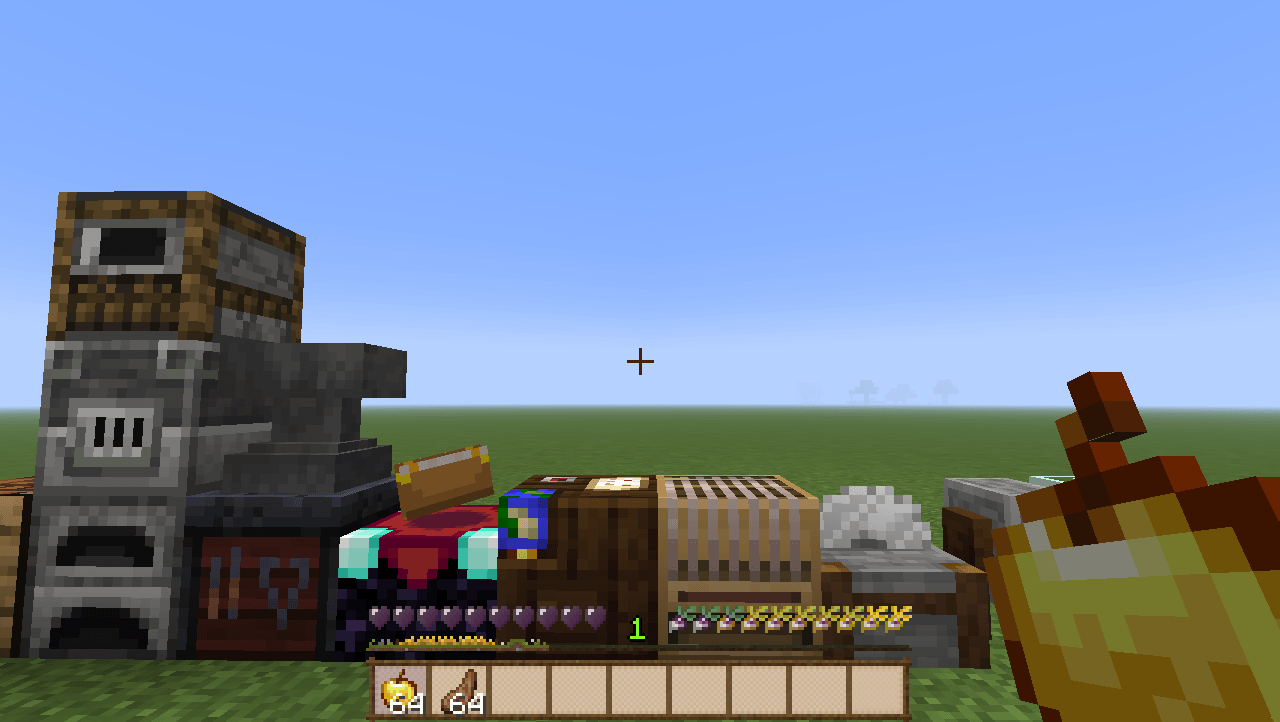
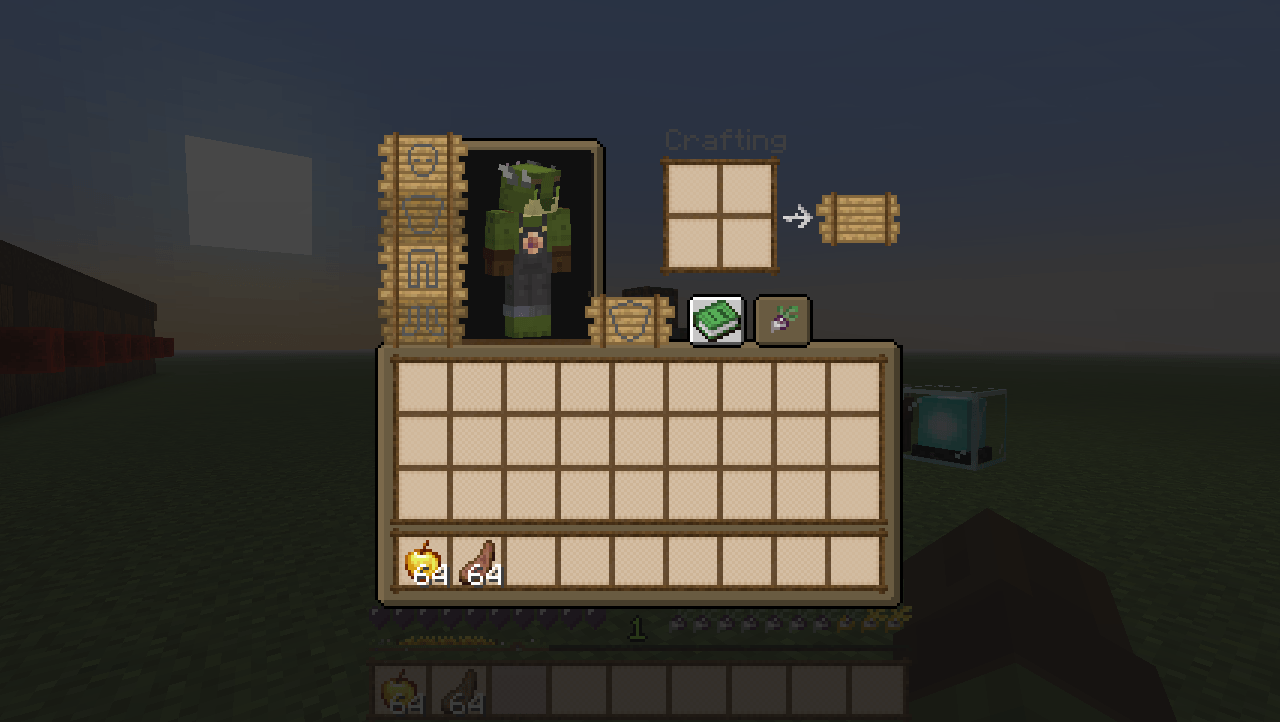
Soon to be GUI used in the modpack i'm working on called "Phantasmal Homestead".

The aim of the mod pack will be focused on farming and magic with a spooky undertone. (no dwellers)
So, the GUI has a farming theme with heavy inspiration from "Farmers Delight"

 Currently the pack edits all the GUI used in survival aside from the Villager trading GUI. I want that one to be unique, but dont know how yet, so im taking a break from GUI while I work on tweaks, configs, and mods for the packl. The pack also has built in support for the diet mod and 

Further mod support is planned. Grand scheme is to add compat with most mods involved in the pack.


Inspo: 

https://www.curseforge.com/minecraft/mc-mods/farmers-delight

https://www.curseforge.com/minecraft/texture-packs/overgrown-flowery-gui


Thanks for downloading if you do, and let me know what you think.

PhantasmalHomesteadGUI v2.zip
MC 1.20.1
Release 2025-05-10 Get
Phantasmal Homestead.zip
MC 1.20.1
Beta 2025-04-15 Get

Requirements & install

How to use this resource pack in Minecraft
Resolution
16x
Minecraft
1.20.1
Install folder
.minecraft/resourcepacks

How to install resource packs

  1. Download the resource pack .zip file (do not extract it).
  2. In Minecraft open Options → Resource Packs → Open Pack Folder.
  3. Drop the .zip into the resourcepacks folder (.minecraft/resourcepacks).
  4. Move the pack to the Selected column and click Done.
Browse more: 16x resource packs 32x resource packs 64x resource packs 128x resource packs 256x resource packs 512x+ resource packs Resource Packs for 1.20.1 All resource packs

More from edenemery

Advertisement Remove ads with Premium →

You Might Also Like