Mineuniverse
Resource Packs
PfantomaBG's Tavern Drinks

PfantomaBG's Tavern Drinks

RESOURCE PACK
Adds beautiful custom textures and item models for the PfantomaBG's Tavern Drinks Datapack. Perfect for taverns, restaurants, medieval builds, and roleplay servers.
by PfantomaBG
Download Claim this project
297 downloads
0 likes
0 followers
Updated Oct 14, 2026
0 hypes
Follow0
Data Packs
Advertisement Remove ads with Premium →

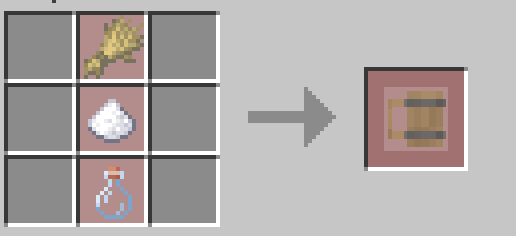
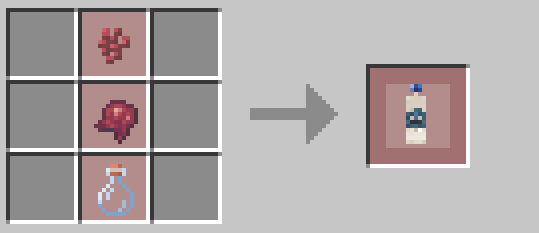
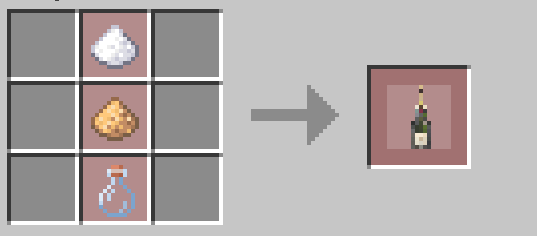
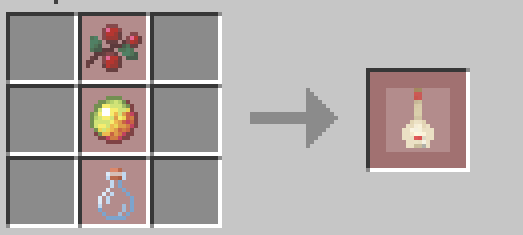
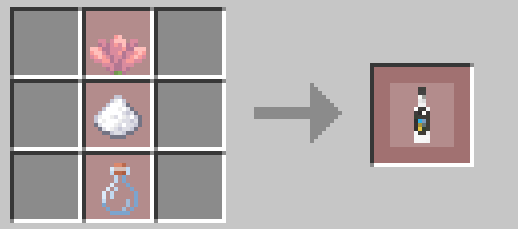
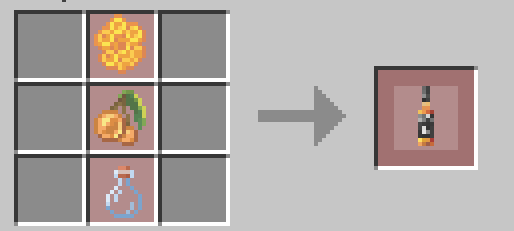
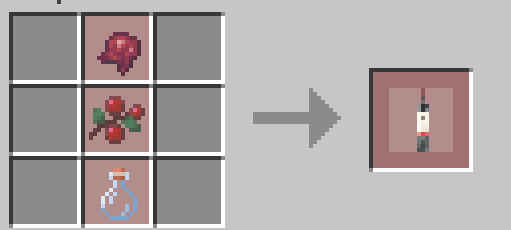
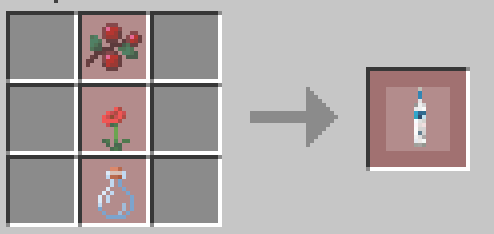
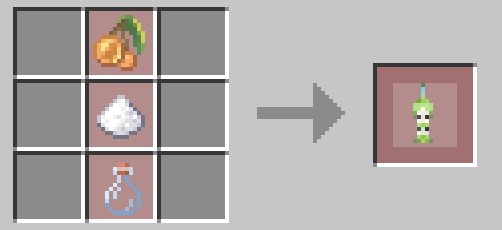
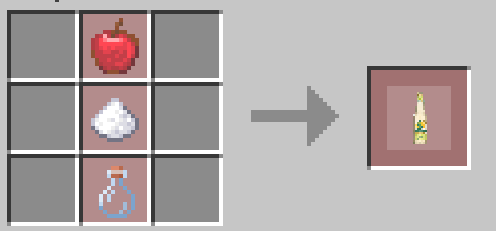
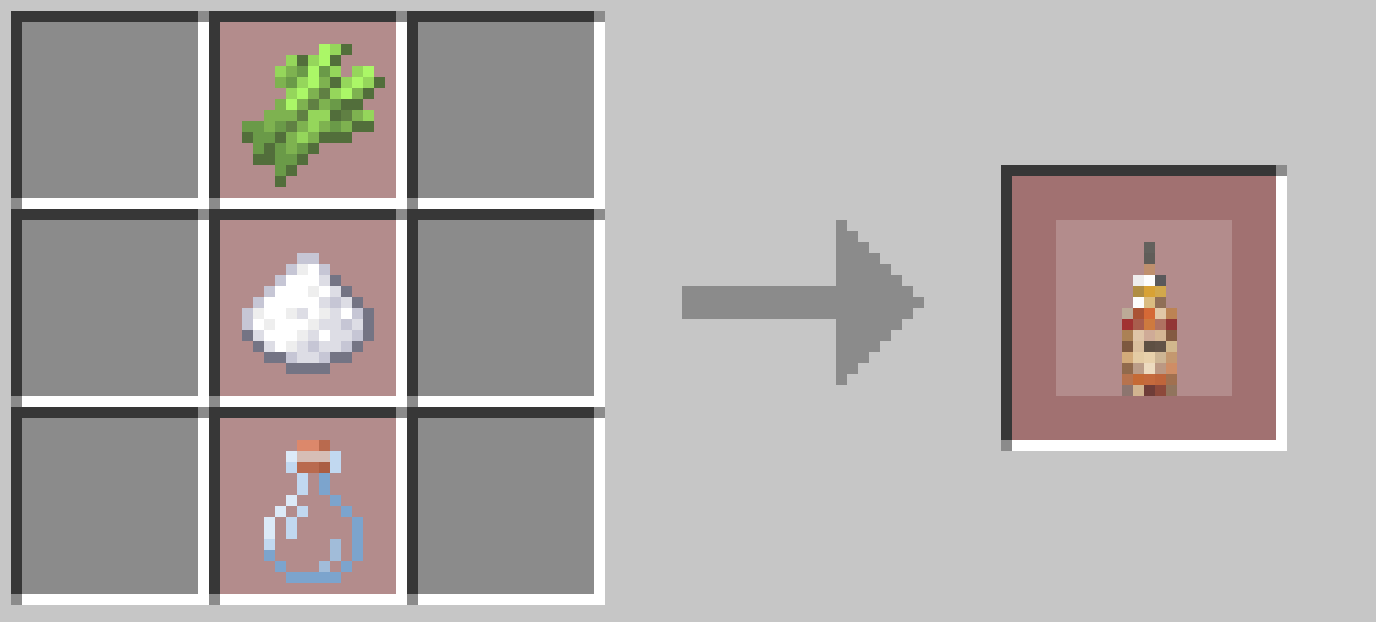
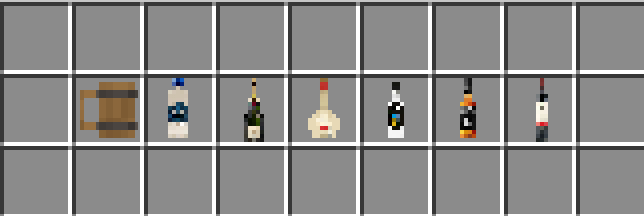
PfantomaBG's Tavern Drinks Resource Pack brings your custom drinks to life with high-quality Minecraft-style textures and custom item models.

Designed to work together with the PfantomaBG's Tavern Drinks Datapack, this resource pack gives every drink its own unique appearance, making taverns, restaurants, cafés, medieval villages, and roleplay servers feel more immersive than ever.

https://www.curseforge.com/minecraft/data-packs/pfantomabgs-tavern-drinks

The textures are carefully designed to match Minecraft's vanilla art style, ensuring they blend naturally into the game while adding a wide variety of new beverages.


Features

  • 🍺 Unique textures for every custom drink
  • 🍷 Custom 3D item models
  • 🥃 Minecraft-friendly art style
  • 🍹 Multiple beverage designs
  • 🎨 High-quality pixel art
  • 🏰 Perfect for medieval, fantasy, and roleplay builds
  • 👥 Multiplayer compatible
  • 📦 No mods required
PfantomaBG's Tavern Drinks Resource Pack.zip
MC 26.2
Release 2026-08-20 Get
PfantomaBG's Tavern Drinks Resource Pack.zip
MC 26.2
Release 2026-07-28 Get
PfantomaBG's Tavern Drinks Resource Pack.zip
MC 26.2
Release 2026-07-15 Get
PfantomaBG's Tavern Drinks Resource Pack.zip
MC 26.2
Release 2026-07-13 Get
PfantomaBG's Tavern Drinks Resource Pack.zip
MC 26.2
Release 2026-07-13 Get

Requirements & install

How to use this resource pack in Minecraft
Resolution
Not specified
Minecraft
26.2
Install folder
.minecraft/resourcepacks

How to install resource packs

  1. Download the resource pack .zip file (do not extract it).
  2. In Minecraft open Options → Resource Packs → Open Pack Folder.
  3. Drop the .zip into the resourcepacks folder (.minecraft/resourcepacks).
  4. Move the pack to the Selected column and click Done.
Browse more: 16x resource packs 32x resource packs 64x resource packs 128x resource packs 256x resource packs 512x+ resource packs Resource Packs for 26.2 All resource packs

More from PfantomaBG

Advertisement Remove ads with Premium →

You Might Also Like