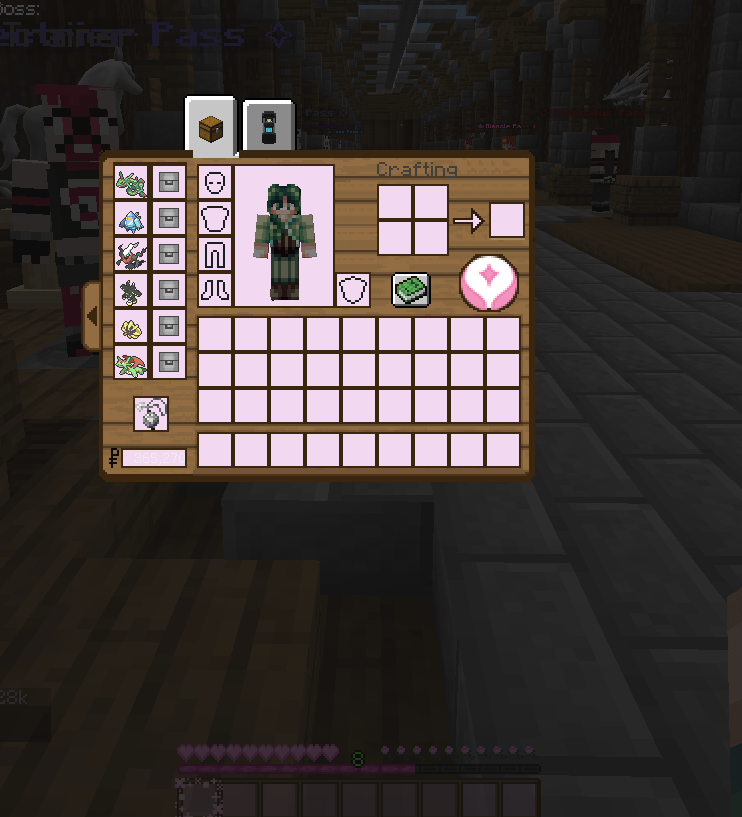
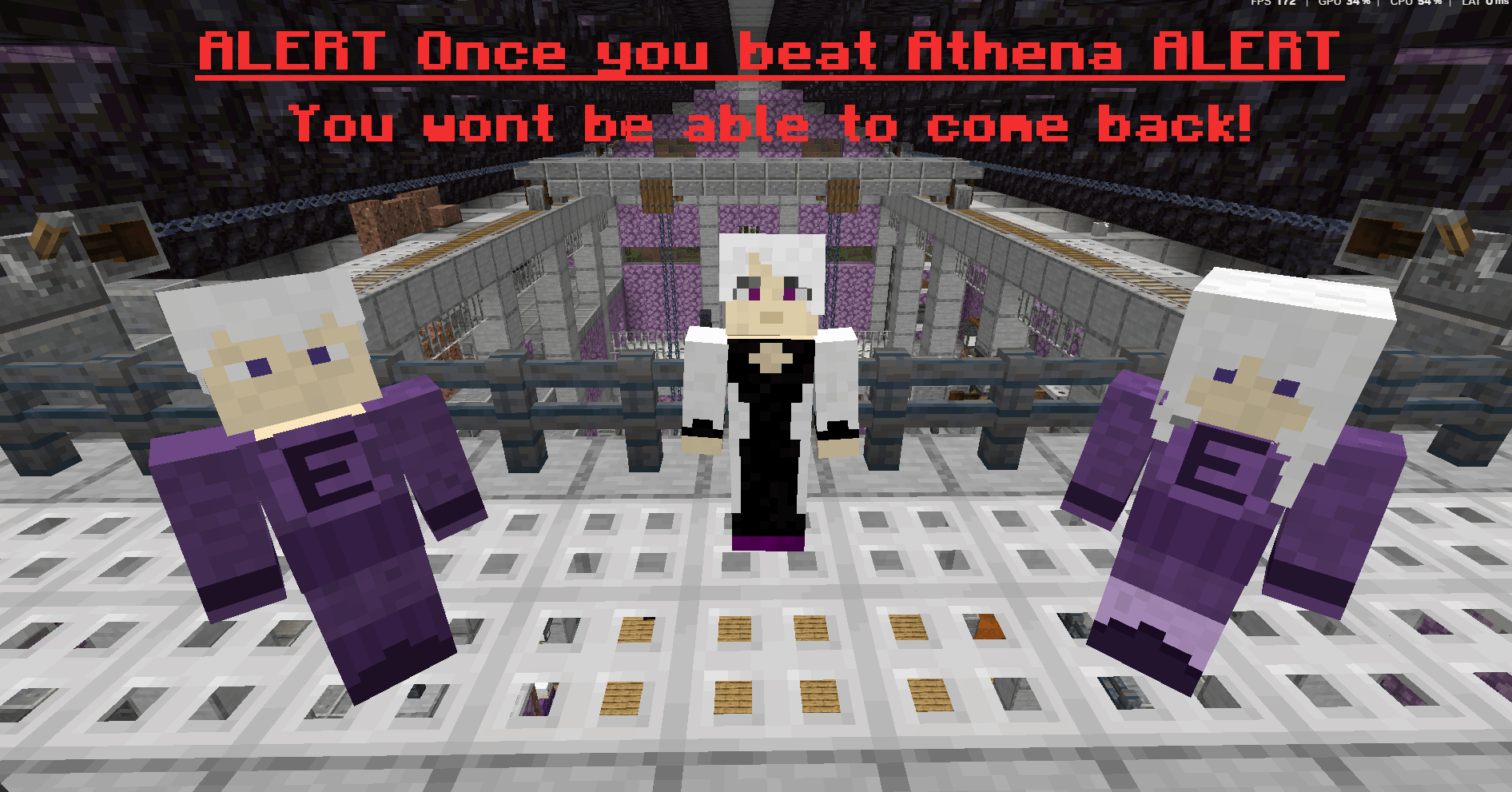
🎨 **Petal Peaks Official Resource Pack** 🎨
## ⚠️ REQUIRED FOR FULL EXPERIENCE ⚠️
This resource pack is essential for experiencing Petal Peaks as intended! Without it, you'll miss out on many custom features and content.
### What You'll Miss Without the Pack:
- Custom Clothing & Hats System
- Unique GUI Elements
- Special Item Textures
- Custom Plushie Designs
- Event-Exclusive Content
- Story-Related Visual Elements
- Custom NPC Appearances
- Gym Leader Custom Designs
- Special Effect Textures
- Custom Building Materials
### Easy Installation:
1. Download the pack from our official source
2. Place it in your resource packs folder
3. Move it to the top of your active resource packs
4. Click "Done" and enjoy!
### Compatibility:
- Optimized for Minecraft 1.16.5
- Designed specifically for our modpack
- Regular updates to match server content
- Minimal performance impact
### Support:
If you're having trouble with the resource pack:
- Check our #resource-pack-help channel
- Contact our support team
- Verify your installation using our guide
Don't miss out on the complete Petal Peaks experience - make sure your resource pack is installed and active!
✨ For the best experience, keep automatic resource pack updates enabled in your game settings! ✨
#PetalPeaks #ResourcePack #Required