Badges update automatically and link to the resource pack page on MineUniverse.
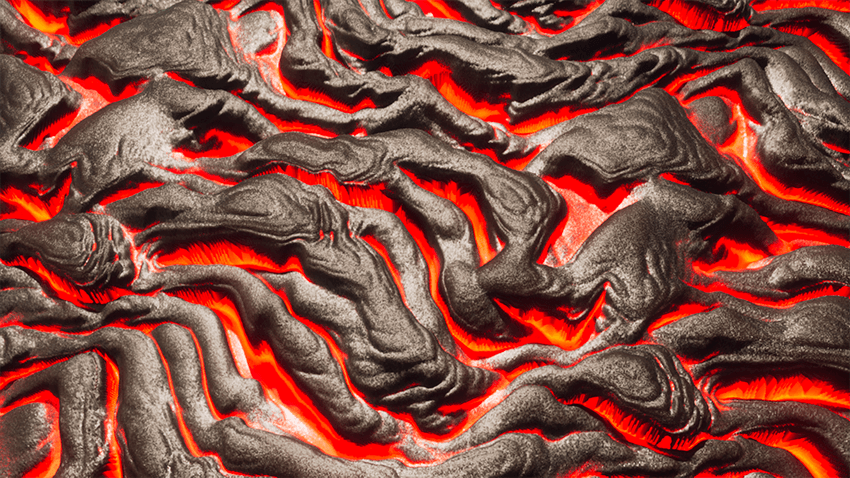
It's a simple realistic texturepack, that's literally it. Play it the way you want, create amazing worlds, play survival, do what you heart desires; because this texturepack lets you do exactly that.
Minimum Requirements
Pellucid HD is not that heavy to run, you do not need an RTX card to run. A GTX 1080 should be enough to run the texturepack at playable fps. However performance may differ depending upon the Minecraft version you use and the shader.
This texturepack requires Optifine or Iris to run. On Iris you'll need to download alternative mods to Optifine's missing features with Iris. I'll be making a list in the future.
Pellucid HD requires a med/high end shader which supports POM & PBR. We recommend SEUS PTGI HRR 3/2.1 or Kappa. Make sure you've one before trying to play with Pellucid HD.
Download the texturepack either from the Patreon page or the Curseforge page. You'll be provided with a zip file. Press Win+ R and type in %appdata%. Then click on the .minecraft folder, and navigate to a folder called 'resourcepacks'. Paste the zip file inside it. Now open the game and enable the texturepack, that's it.
Join our discord for any support