Mineuniverse
Resource Packs
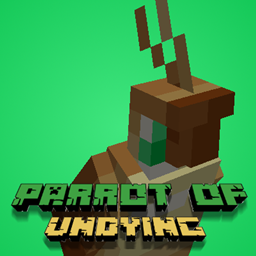
Parrot of Undying [3d Parrot Totem]

Parrot of Undying [3d Parrot Totem]

RESOURCE PACK
Replaces the Totem of Undying with a Parrot of Undying
by riehlgamer247
Download Claim this project
Add a badge to your pageLink to Parrot of Undying [3d Parrot Totem] from a README, website or forum post.
Preview: Badge

Badges update automatically and link to the resource pack page on MineUniverse.

2,514 downloads
0 likes
0 followers
Updated Oct 14, 2026
0 hypes
Follow0
16x Miscellaneous
Advertisement Remove ads with Premium →

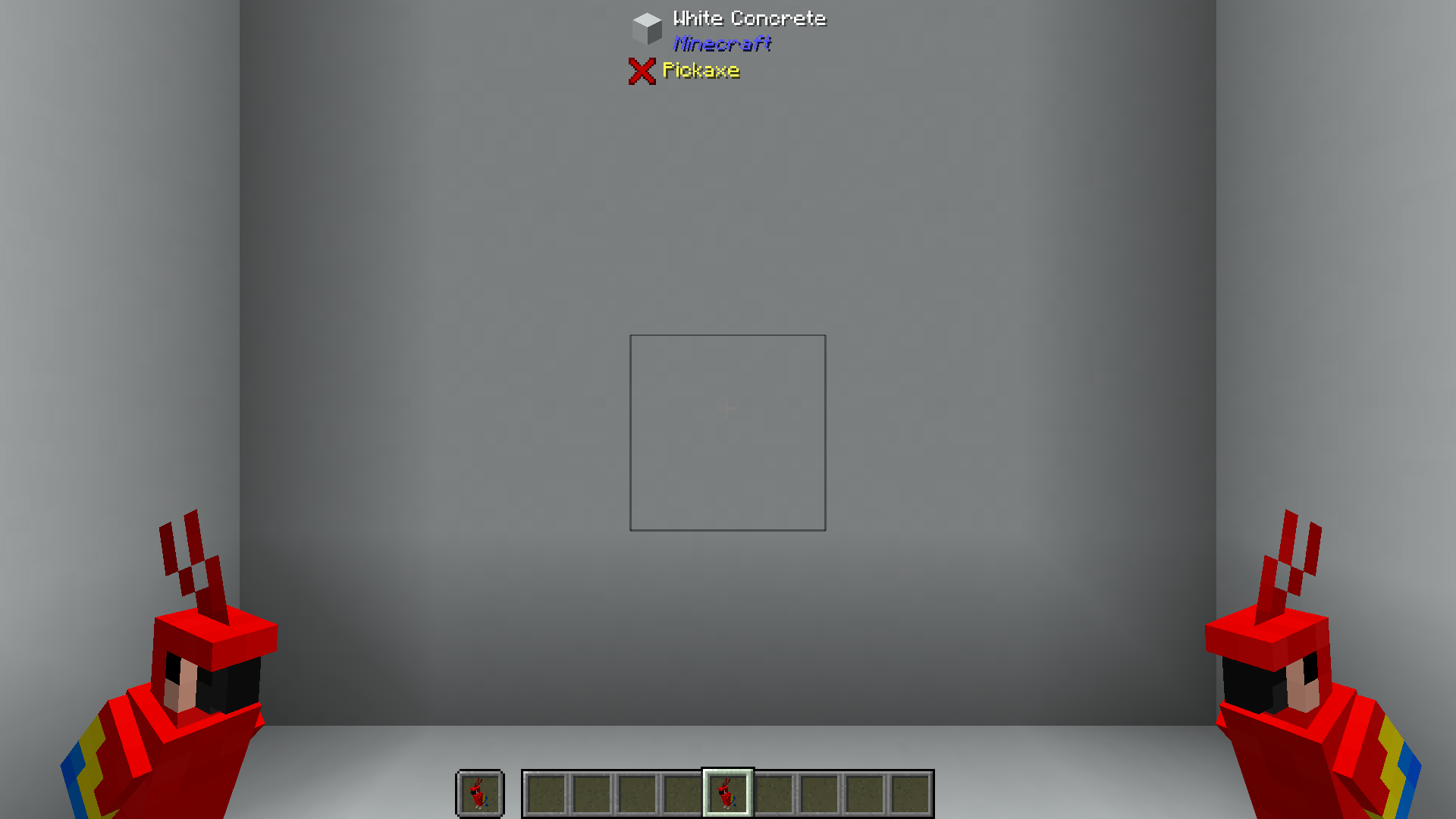
This resource pack includes: A remodel to the totem of undying to look like a parrot, a new totem activation sound, and a new name for the totem (called the Parrot of Undying).


 Since my last upload of Parrot of Undying I have added a couple of things. 

   I added:

*A new texture for the Totem that looks more like an actual Totem

*The ability to rename the totem to any of the Vanilla parrot textures

*A different name for the totem and achievement because I wasn't expecting to get over 100 downloads

*A secret name for my Girlfriend to have her Cockatiel in game


*I also added a new model of a pig with a crown as a tribute to Technoblade (R.I.P)


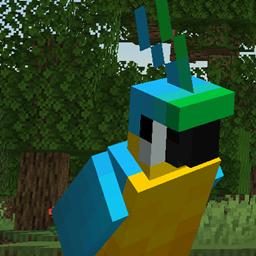
Here are the names for all the variants. Photos of all of them with their names will be in the screenshots tab.

Renaming these totems to have custom textures !Requires Optifine! 

Blue

Green

Grey

Red and Blue

Yellow and Blue

Technoblade


Assets for the Parrot Model I took from Vega_Senpai and vega_senpai_cbw's resource pack, 

Spawn Egg 3D - https://www.curseforge.com/minecraft/texture-packs/spawn-egg-3d


Parrot of Undying v2.3- 1.19.zip
MC 1.19.3, 1.19.4, 1.19-Snapshot, 1.19.2, 1.19.1, 1.19
Release 2022-07-05 Get
Parrot of Undying v2.2 - 1.18.1.zip
MC 1.18.1, 1.18.2, 1.18, 1.18-Snapshot
Release 2022-03-02 Get

Requirements & install

How to use this resource pack in Minecraft
Resolution
16x
Minecraft
1.18.1 – 1.19.4
Install folder
.minecraft/resourcepacks

How to install resource packs

  1. Download the resource pack .zip file (do not extract it).
  2. In Minecraft open Options → Resource Packs → Open Pack Folder.
  3. Drop the .zip into the resourcepacks folder (.minecraft/resourcepacks).
  4. Move the pack to the Selected column and click Done.
Browse more: 16x resource packs 32x resource packs 64x resource packs 128x resource packs 256x resource packs 512x+ resource packs Resource Packs for 1.19.4 All resource packs

More from riehlgamer247

Advertisement Remove ads with Premium →

You Might Also Like