Mineuniverse
Resource Packs
Create Automations

Create Automations

RESOURCE PACK
This project is a datapack that adds 30+ quality of life recipes for the Create Mod.
by riehlgamer247
Download Claim this project
Add a badge to your pageLink to Create Automations from a README, website or forum post.
Preview: Badge

Badges update automatically and link to the resource pack page on MineUniverse.

22,169 downloads
0 likes
0 followers
Updated Oct 14, 2026
0 hypes
Follow0
16x Data Packs Steampunk
Advertisement Remove ads with Premium →


THIS IS A DATAPACK. MOVE FILE INTO YOUR WORLDS DATAPACK FOLDER. How To Install Data Packs in Minecraft 1.20.1

This Datapack adds more than 30 new recipes to the Create Mod. These recipes will help in automating a whole bunch of items. Most of these recipes are pretty accurate to how the Create mod recipes are. As well as, they don't ruin the balance of the game. They simply add more ways to automate with Create.


The recipes include:

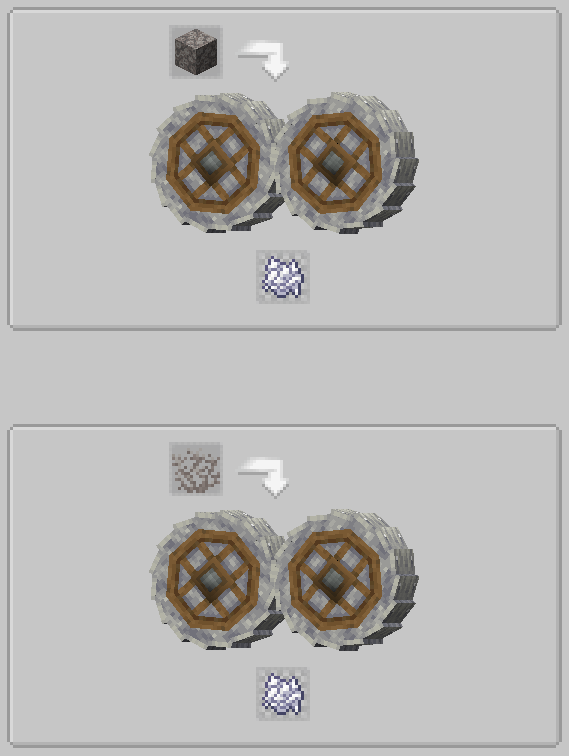
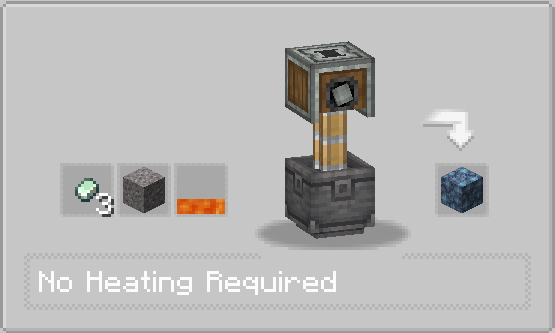
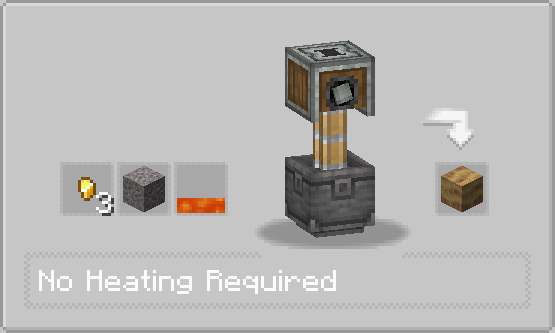
▪ New Create style recipes for some vanilla stones and Create mod stones.

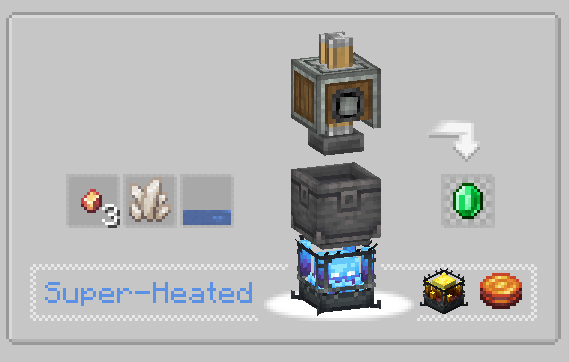
▪ New recipes for all materials. (copper, zinc, amethyst, emerald, ...)

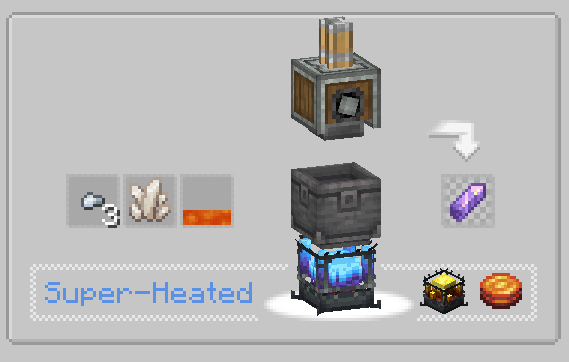
▪ New recipes to help with automation. (coal from charcoal, rotten flesh to leather, ...)

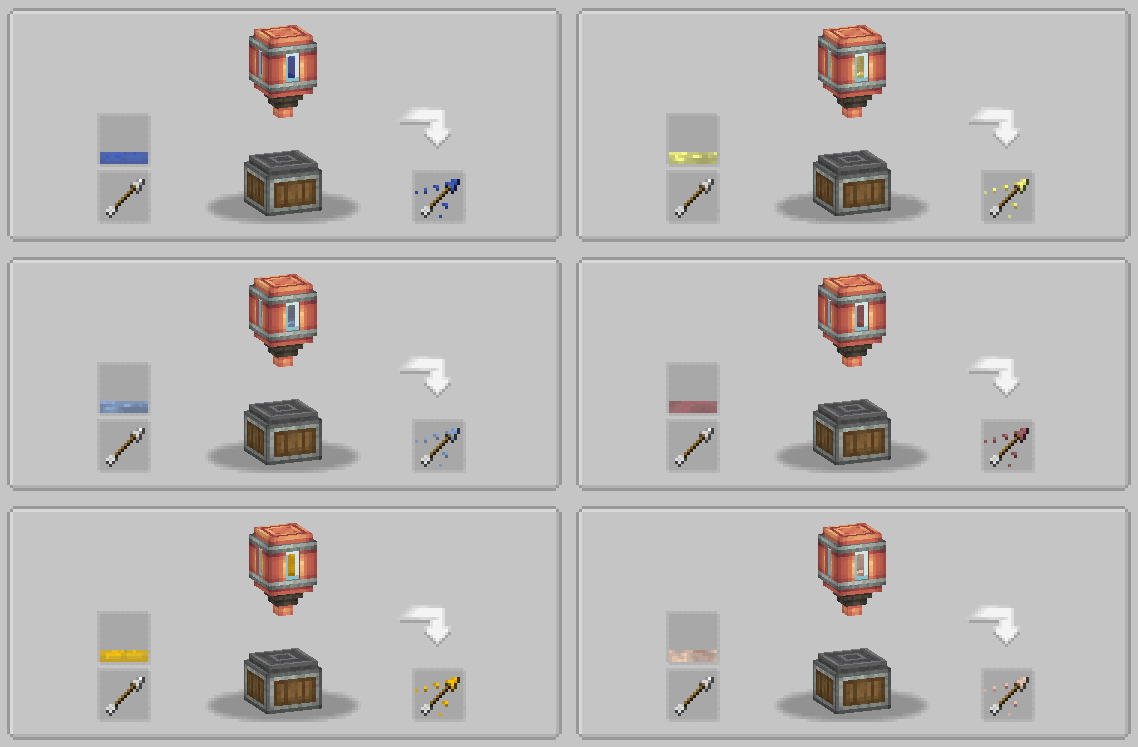
▪ New recipes that use potions. (Now Included in Version 1.2+ are new recipes for tipped arrows!)

▪ A couple recipes for items, that just make sense. (sugar from honey, dirt from saplings, ...)

Check Changelog for most recent version to see added and changed recipes. 


List of Recipes:
New Recipes

Version 1.4


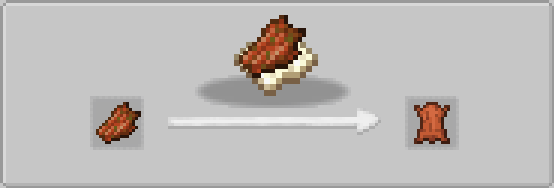
Rotten Flesh Scraping


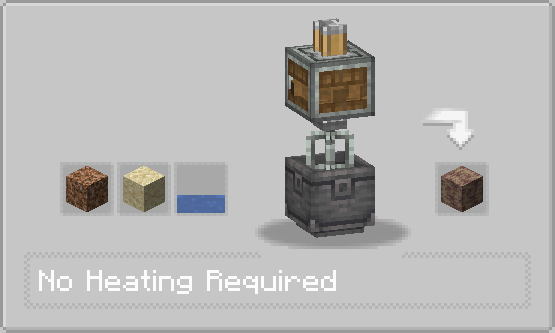
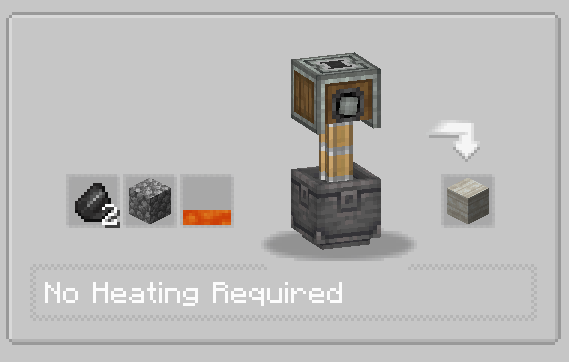
Dripstone Mixing


Tuff From Flint


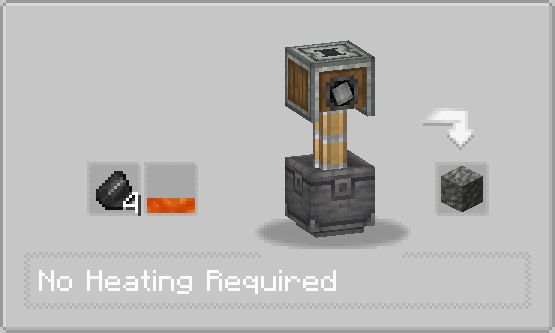
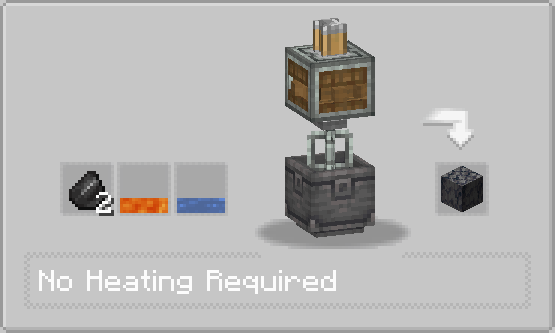
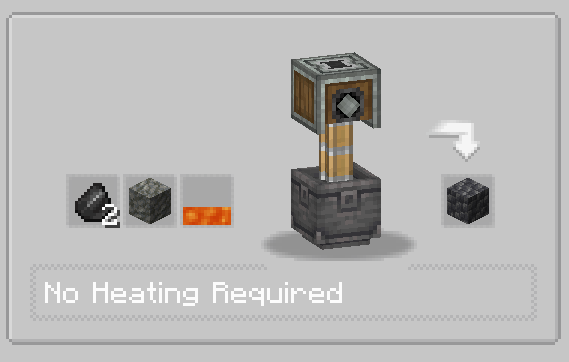
Basalt Mixing


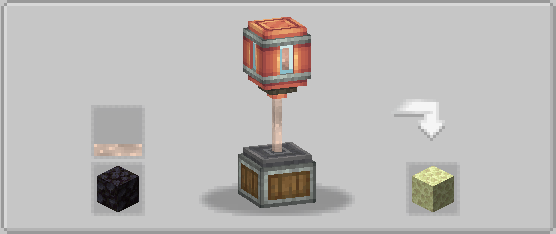
End Stone From Slow Falling


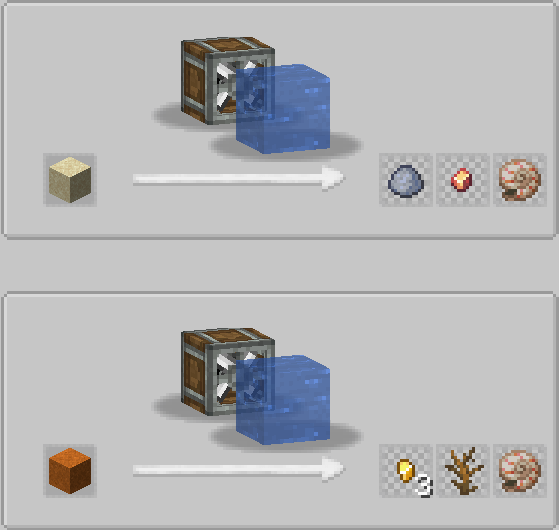
Copper From Sand And Nautilus Shell from Sand/RedSand


All Dead Corals Into Bone Meal (Blocks are 40% and Plants are 20%)


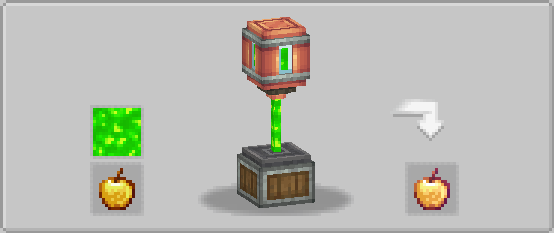
Enchanted Golden Apple (Only Available if you have Create Enchantment Industry)


Version 1.4.5

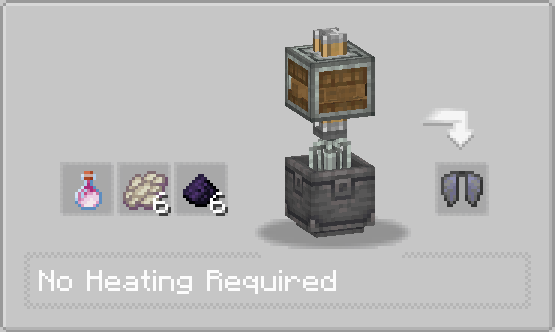
Elytra


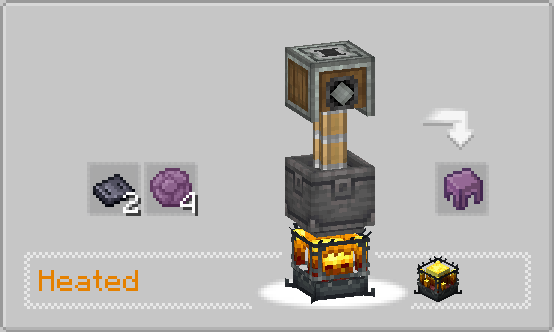
Shulker Shell


Tipped Arrows


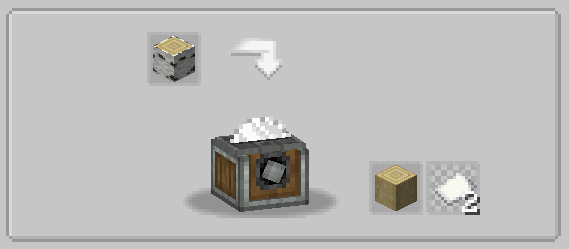
Paper from Birch (Paper has a 75% for 2 pieces)


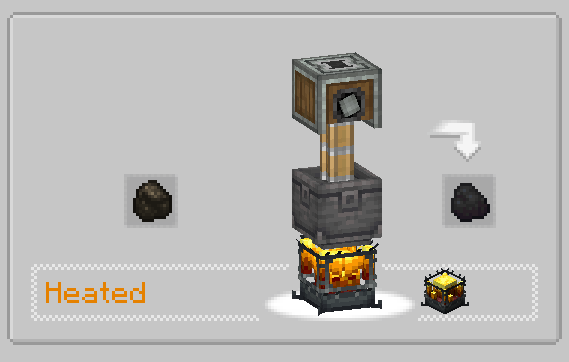
Coal from Charcoal


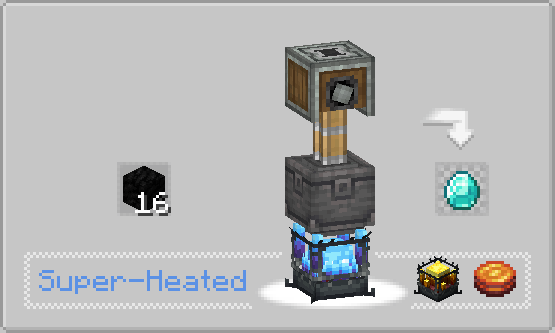
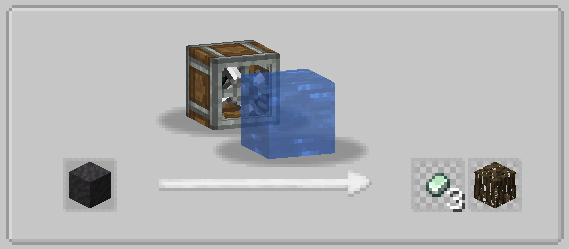
Diamond from Coal (Diamond has a 33% chance for 1)


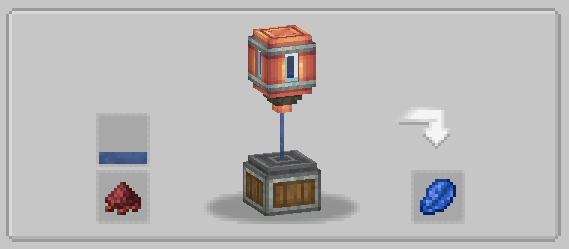
Lapis from Water Breathing


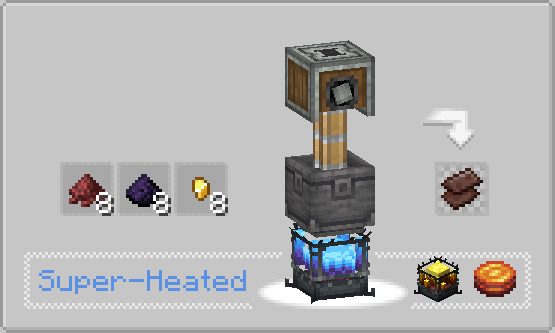
Netherite Scrap Recipe (Netherite scrap has a 33% chance for 1)


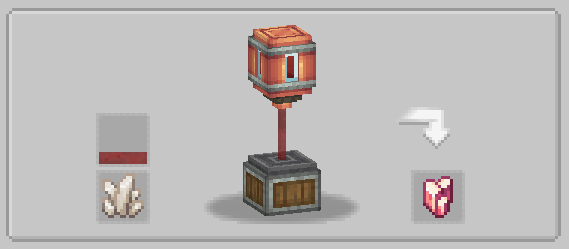
Rose Quartz from Strength 


Amethyst from Iron (Amethyst has a 33% chance for 1)


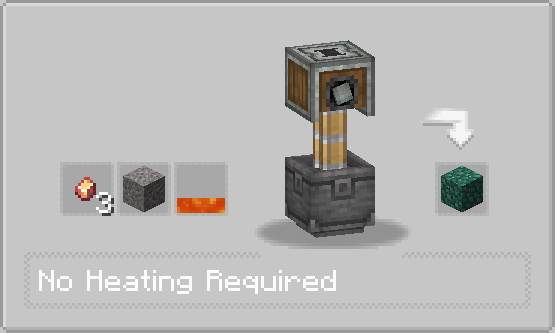
Emerald from copper (Emerald has a 33% chance for 1)


Asurine from Zinc


Ochrum from Gold


Veridium from Copper


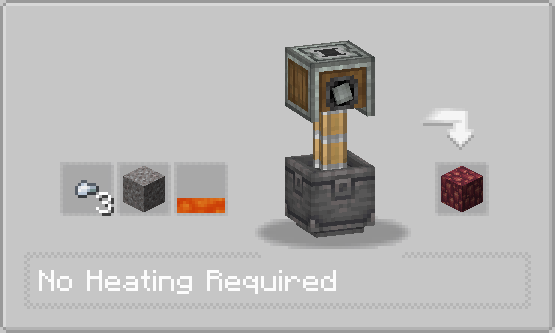
Crimsite from Iron


Calcite from Bone


Deepslate from Tuff


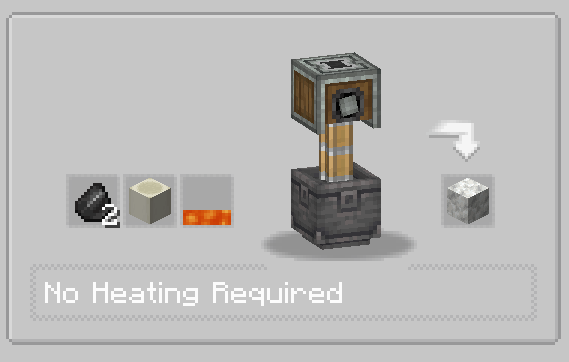
Limestone from Cobblestone


Zinc from Mud (Zinc nuggets have a 12.5% chance for 3 and mangrove roots have a 5% chance for 1)


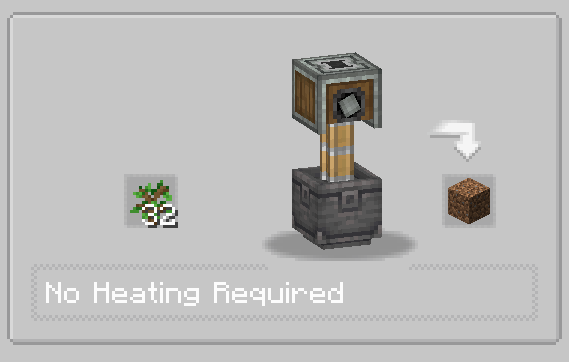
Dirt from Saplings


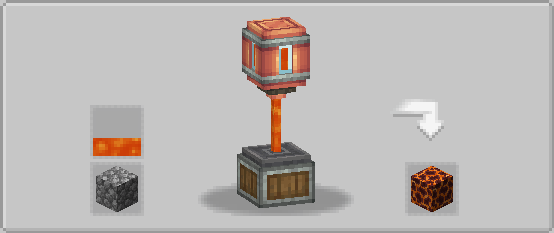
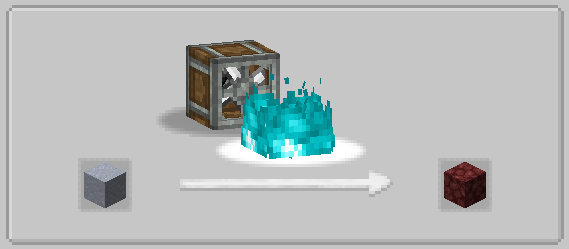
Magma from Stone


Netherrack from Clay


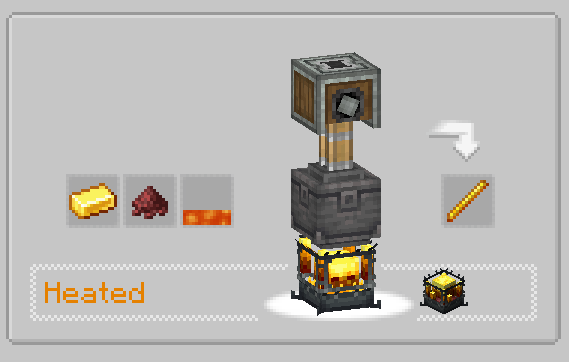
Blaze Rod from Gold


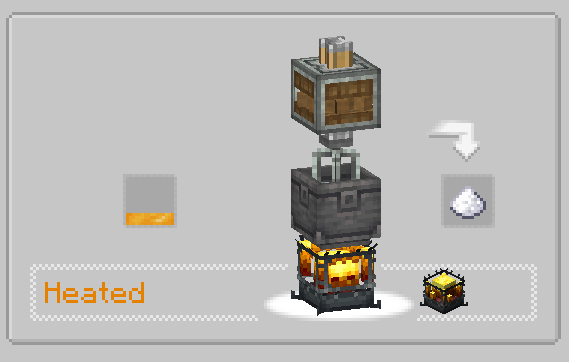
Sugar from Honey


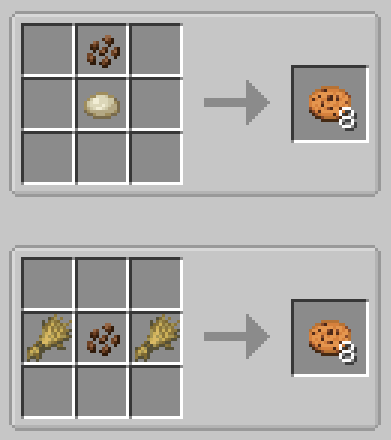
 Cookie From Dough


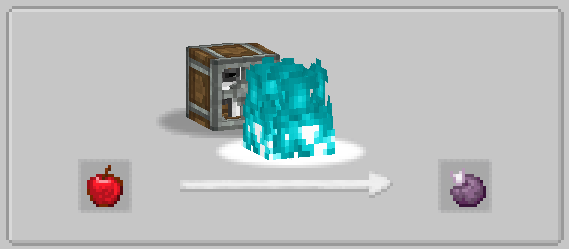
Chorus Fruit From Apple


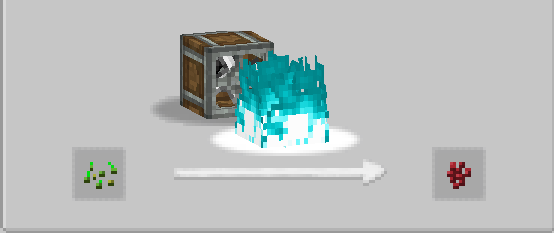
Nether Wart From Wheat Seeds


Special thanks to 

Create-more-renewables

They gave me the inspiration for this datapack

Create Automations 1.4 1.18.2.zip
MC 1.18.2
Release 2024-05-27 Get
Create Automations 1.4 1.19.2.zip
MC 1.19.2
Release 2024-05-27 Get
Create Automations 1.4 1.20.1.zip
MC 1.20.1
Release 2024-05-27 Get
Create Automations 1.4.5 1.18.2.zip
MC 1.18.2
Release 2024-05-27 Get
Create Automations 1.4.5 1.19.2.zip
MC 1.19.2
Release 2024-05-27 Get
Create Automations 1.4.5 1.20.1.zip
MC 1.20.1
Release 2024-05-27 Get
Create Automation 1.3 1.18.2.zip
MC 1.18.2
Release 2024-01-22 Get
Create Automation 1.3 1.19.2.zip
MC 1.19.2
Release 2024-01-22 Get
Create Automation 1.3 1.20.1.zip
MC 1.20.1
Release 2024-01-22 Get
Create Automation 1.2 1.20.1.zip
MC 1.20.1
Release 2023-08-23 Get
Create Automation 1.2 1.19.2.zip
MC 1.19.2
Release 2023-08-23 Get
Create Automation 1.2 1.18.2.zip
MC 1.18.2
Release 2023-08-23 Get
Create Automation 1.1 1.20.1.zip
MC 1.20.1
Release 2023-07-25 Get
Create Automation 1.1 1.18.2.zip
MC 1.18.2
Release 2023-06-23 Get
Create Automation 1.1 1.19.2
MC 1.19.2
Release 2023-06-06 Get

Requirements & install

How to use this resource pack in Minecraft
Resolution
16x
Minecraft
1.18.2 – 1.20.1
Install folder
.minecraft/resourcepacks

How to install resource packs

  1. Download the resource pack .zip file (do not extract it).
  2. In Minecraft open Options → Resource Packs → Open Pack Folder.
  3. Drop the .zip into the resourcepacks folder (.minecraft/resourcepacks).
  4. Move the pack to the Selected column and click Done.
Browse more: 16x resource packs 32x resource packs 64x resource packs 128x resource packs 256x resource packs 512x+ resource packs Resource Packs for 1.20.1 All resource packs

More from riehlgamer247

Advertisement Remove ads with Premium →

You Might Also Like