Mineuniverse
Resource Packs
Paddy's Hand-Drawn Textures

Paddy's Hand-Drawn Textures

RESOURCE PACK
A 100% hand-drawn Minecraft texture-pack using ballpoint pens.
by CreativePaddy
Download Claim this project
6,987 downloads
0 likes
0 followers
Updated Oct 14, 2026
0 hypes
Follow0
512x and Higher
Advertisement Remove ads with Premium →

About this texture pack

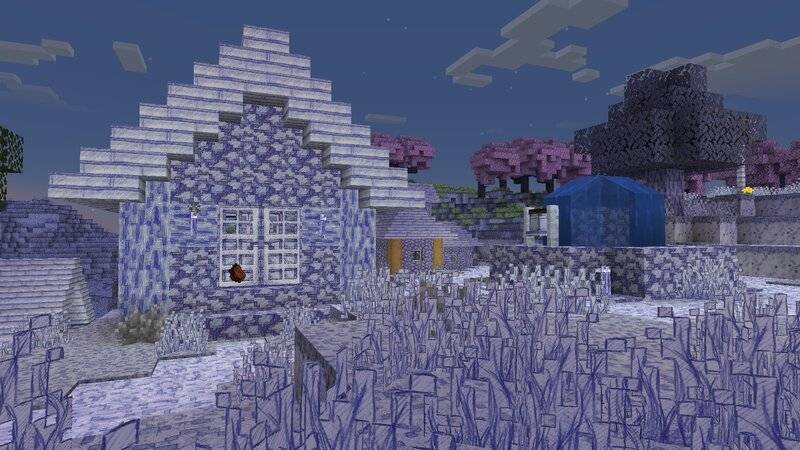
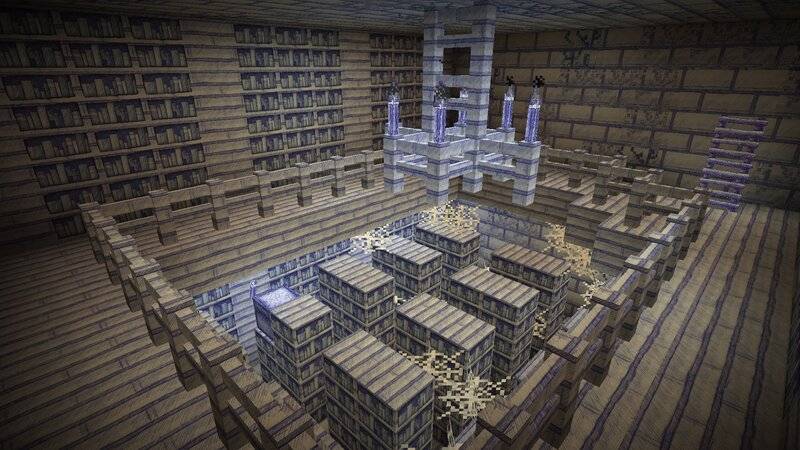
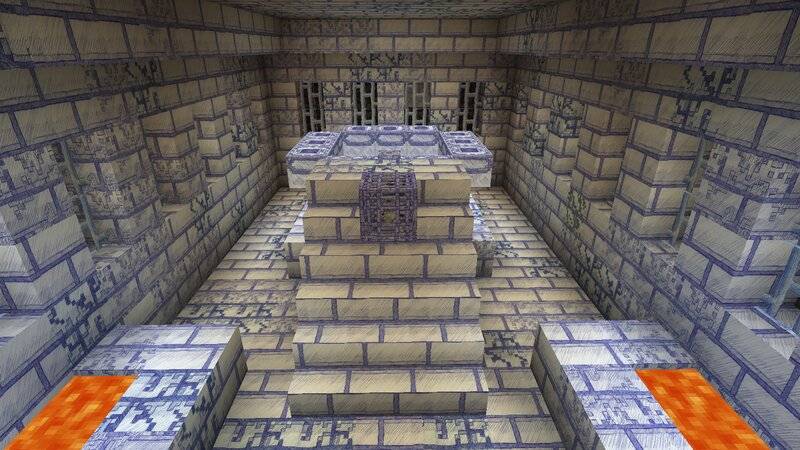
Do you wish you could jump right into a sketchbook full of Minecraft drawings? Or maybe you just want to play with textures resembling concept art?

Then this resource pack is perfect for you! Every texture is hand-drawn with blue ballpoint pens on real paper, giving your game a unique and refreshing look.

With its monochromatic appearance, it adds a new challenge while immersing you in a world where creativity comes to life.

Resolution: 512x512
Screenshots

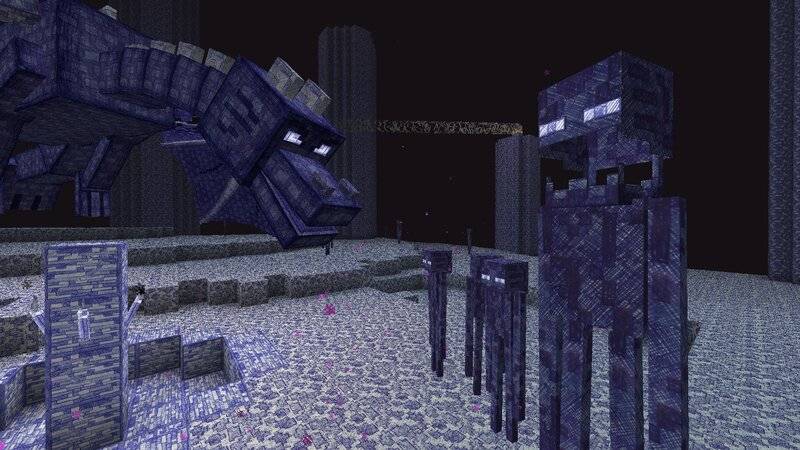
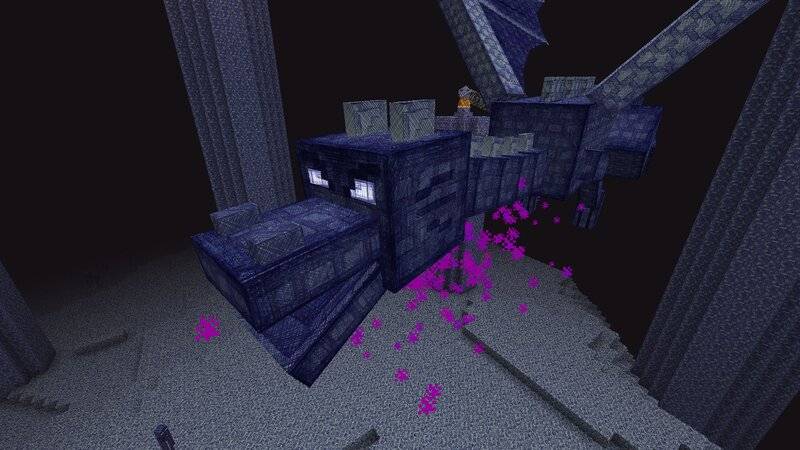
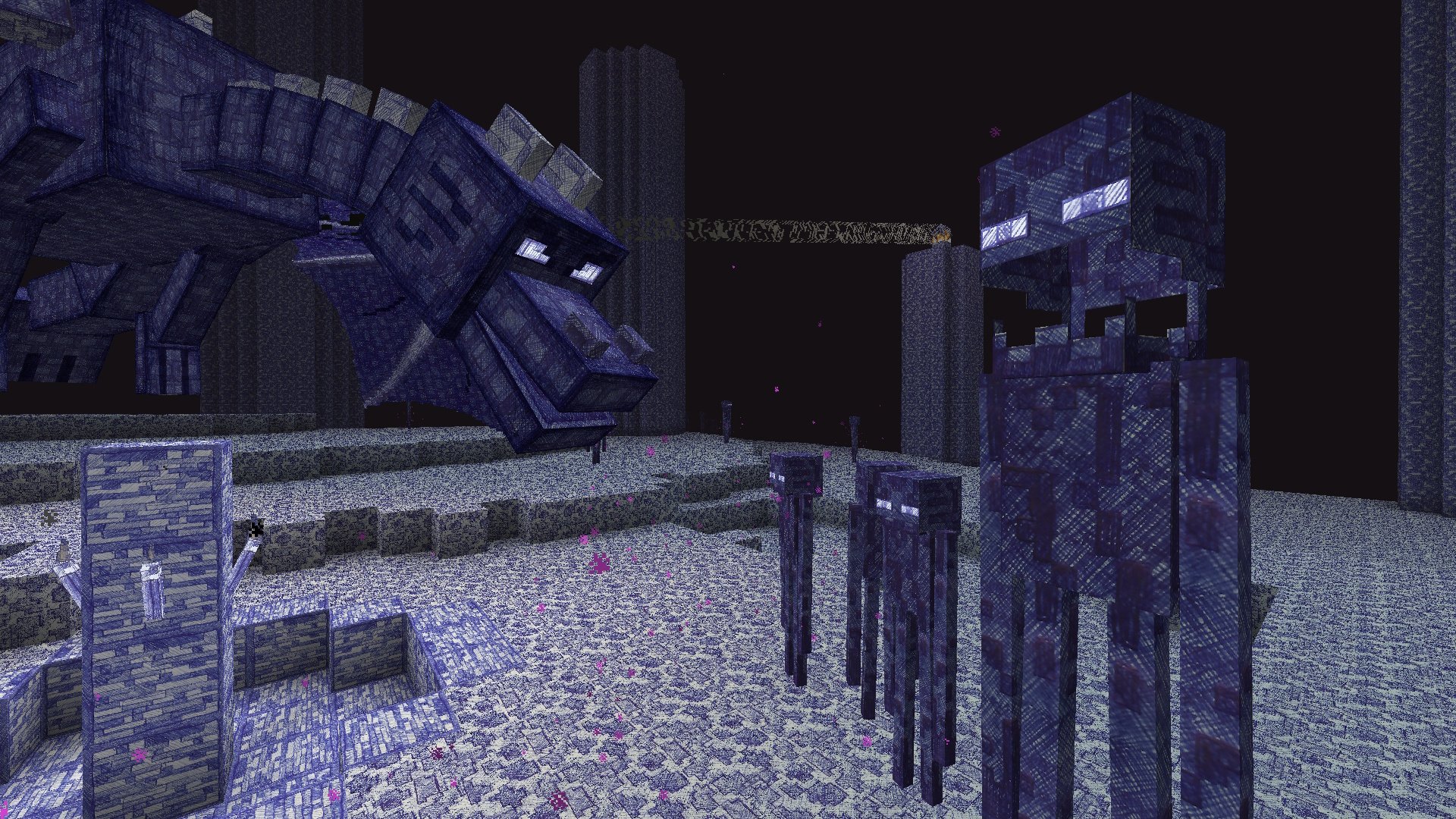
The enderdragon and some endermen in the end dimension

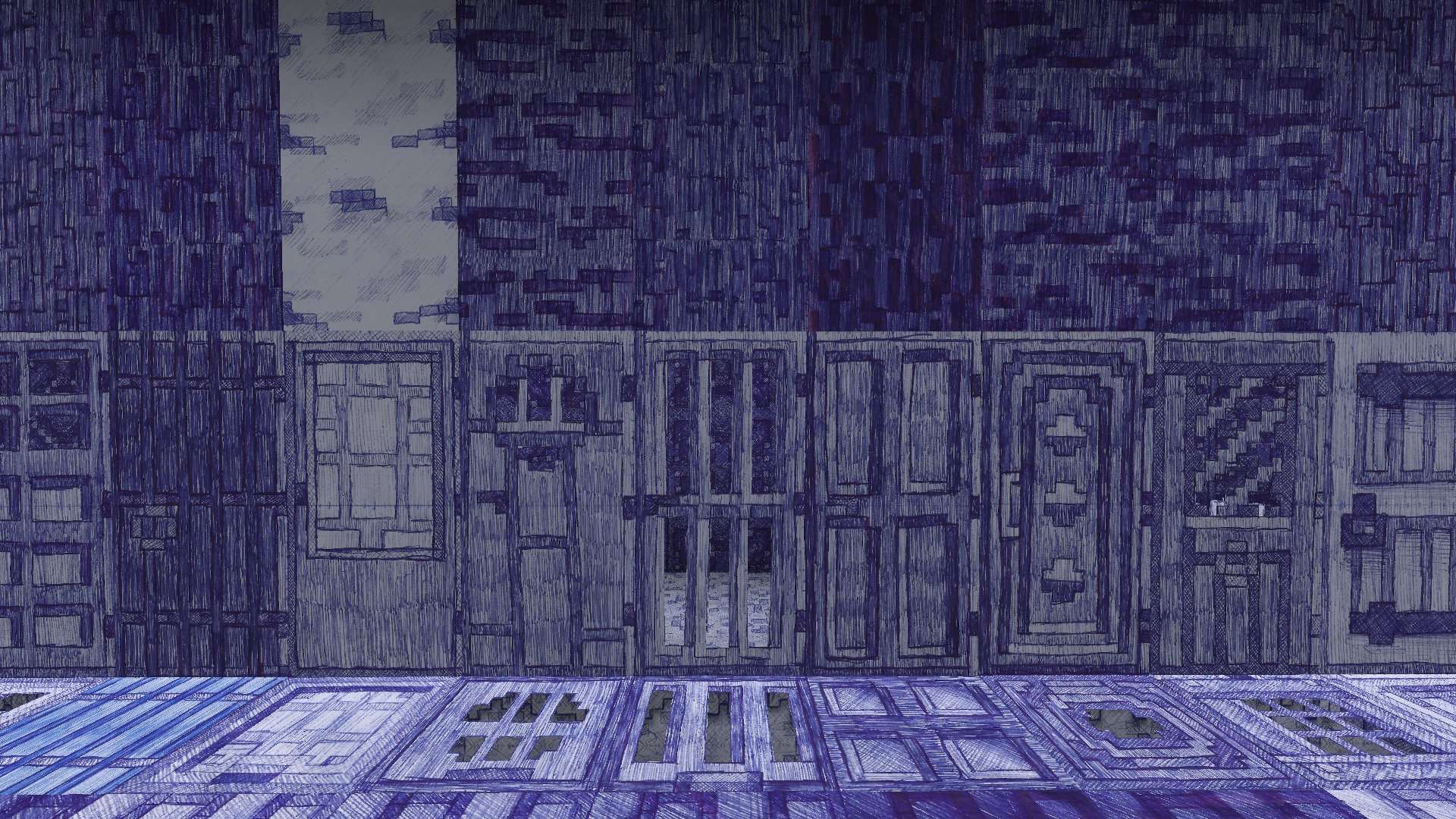
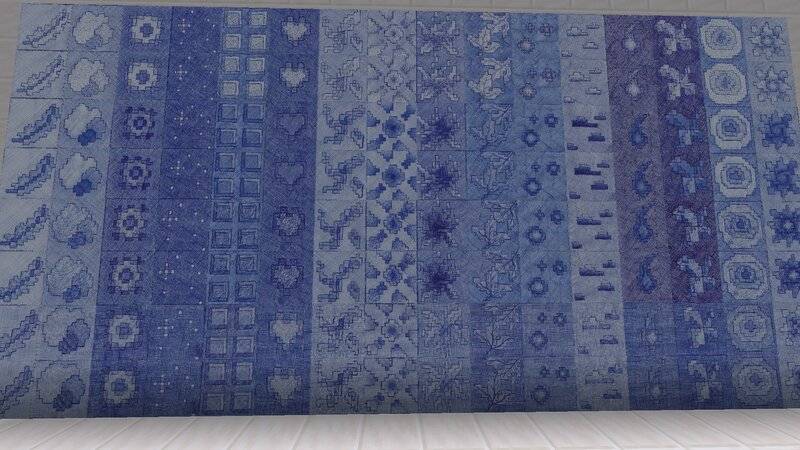
Overworld wood types (without bamboo)

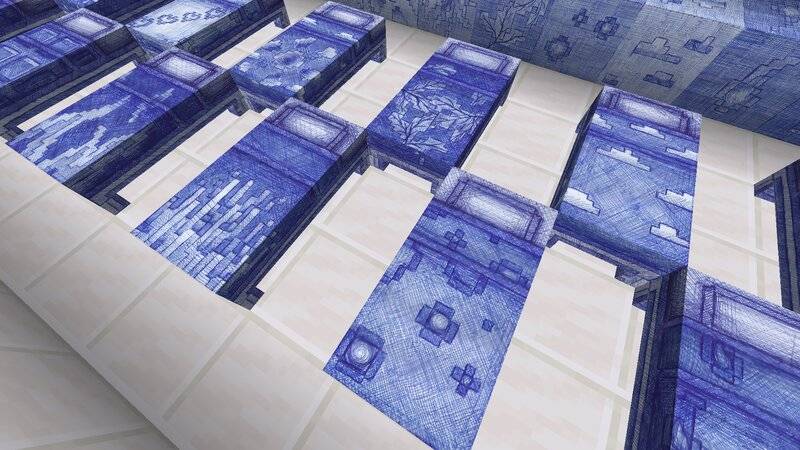
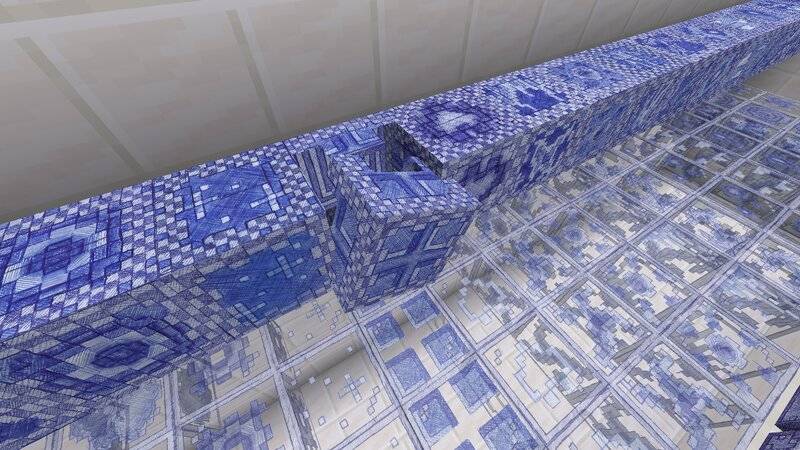
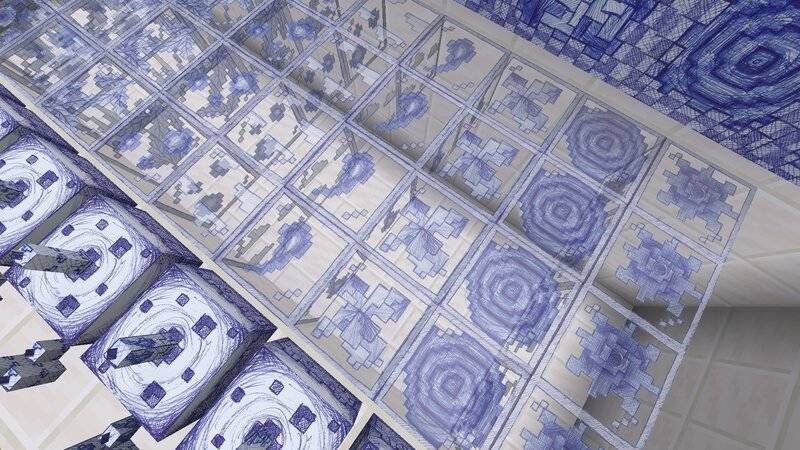
Some functional blocks

How to use

  1. Download the pack for the current version.
  2. Move the downloaded zip-file to Minecraft's resource pack folder.

Additional note

This project is still a work in progress. The goal of this project is to eventually include every single texture.

If you want to stay up to date with the progress you might also want to check out my YouTube-Channel or the playlist about this project.


Paddy's_Hand-Drawn_Textures_26.1_v0.11wip.zip
MC 1.21.11, 26.1, 26.1.1, 26.1.2
Beta 2026-09-17 Get
Paddy's_Hand-Drawn_Textures_26.1_v0.10wip.zip
MC 1.21.11, 26.1, 26.1.1, 26.1.2
Beta 2026-07-22 Get
Paddy's_Hand-Drawn_Textures_26.1_v0.9wip
MC 1.21.11, 26.1, 26.1.1, 26.1.2
Beta 2026-04-15 Get
Paddy's_Hand-Drawn_Textures_1.21.5_v0.8.zip
MC 1.21.5
Beta 2026-03-15 Get
Paddy's_Hand-Drawn_Textures_1.21.5_v0.7.zip
MC 1.21.5
Beta 2026-02-12 Get
Paddy's_Hand-Drawn_Textures_1.21.5_v0.6.zip
MC 1.21.5
Beta 2025-12-23 Get
Paddy's_Hand-Drawn_Textures_1.21.5_v0.5.zip
MC 1.21.5
Beta 2025-12-11 Get

Requirements & install

How to use this resource pack in Minecraft
Resolution
512x+
Minecraft
1.21.5 – 26.1.2
Install folder
.minecraft/resourcepacks

How to install resource packs

  1. Download the resource pack .zip file (do not extract it).
  2. In Minecraft open Options → Resource Packs → Open Pack Folder.
  3. Drop the .zip into the resourcepacks folder (.minecraft/resourcepacks).
  4. Move the pack to the Selected column and click Done.

512x packs need a strong GPU and at least 4 GB of RAM for Minecraft; a performance mod such as Sodium is strongly recommended.

Browse more: 16x resource packs 32x resource packs 64x resource packs 128x resource packs 256x resource packs 512x+ resource packs Resource Packs for 26.1.2 All resource packs
Advertisement Remove ads with Premium →

You Might Also Like