Mineuniverse
Resource Packs
Ornate 5 Re-resurrected - FX - Default dark(less) AddOn

Ornate 5 Re-resurrected - FX - Default dark(less) AddOn

RESOURCE PACK
much brighter nights, noticably less dark
by babbajagga
Download Claim this project
Add a badge to your pageLink to Ornate 5 Re-resurrected - FX - Default dark(less) AddOn from a README, website or forum post.
Preview: Badge

Badges update automatically and link to the resource pack page on MineUniverse.

1,278 downloads
0 likes
0 followers
Updated Oct 14, 2026
0 hypes
Follow0
64x Medieval Miscellaneous Modern Photo Realistic
Advertisement Remove ads with Premium →

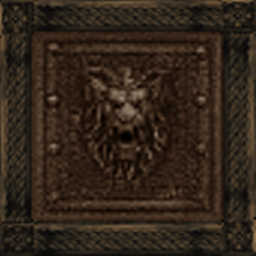
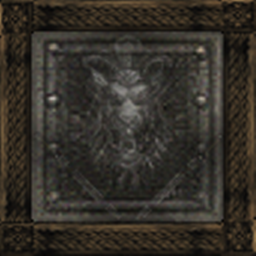
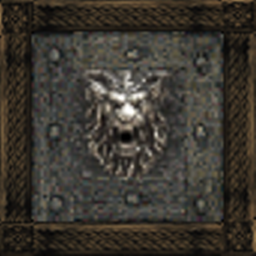
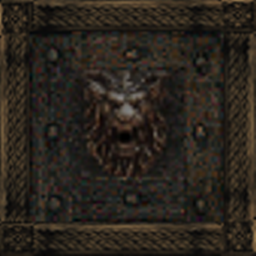
This is an Add-On extension meant by default for the Ornate 5 Re-resurrected resource pack made by me (Babbajagga).
It will work with any other pack as well including the Default Minecraft pack. But make sure to use MCPatcher (recommended).


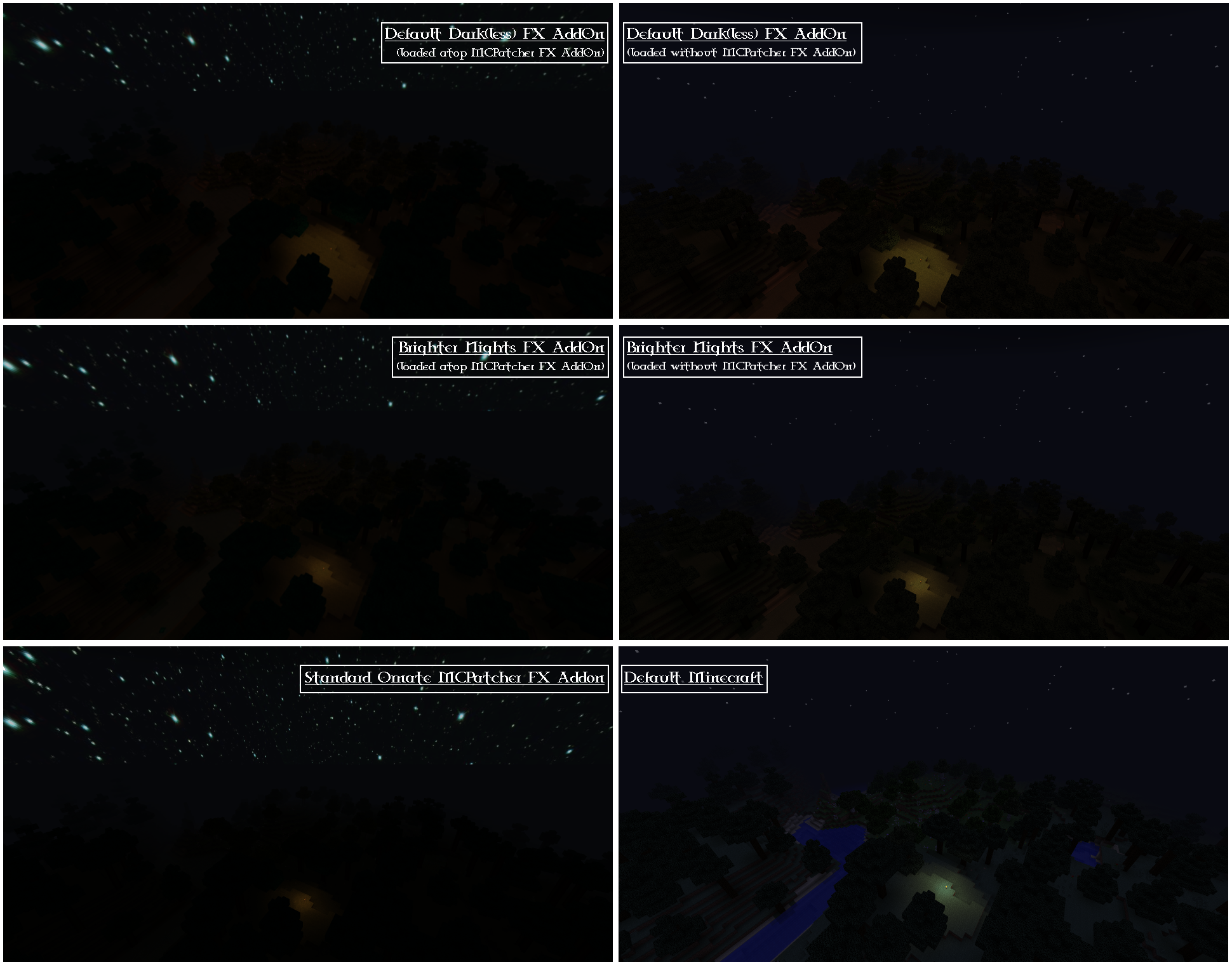
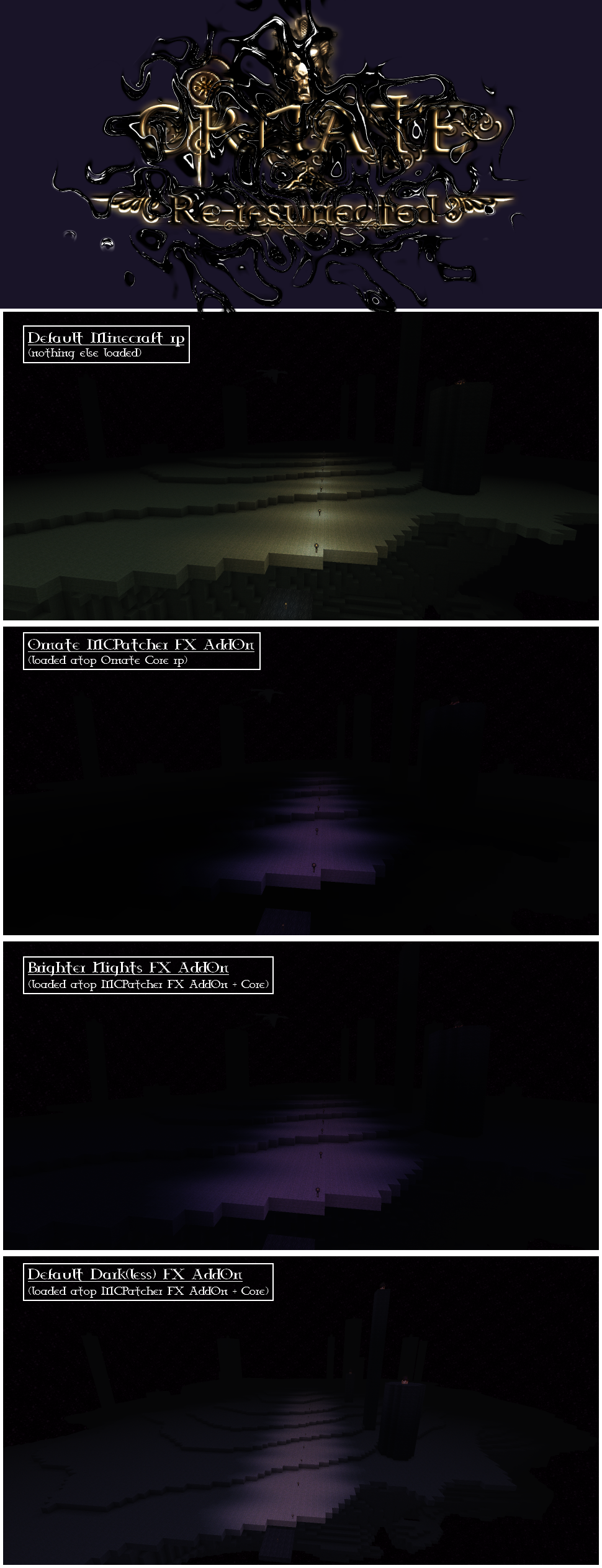
The pack makes the darkness nearly perish. It's main purpose is to give the players a less stressfull feelings when outside in the dark night.
Nearly removes total darkness.

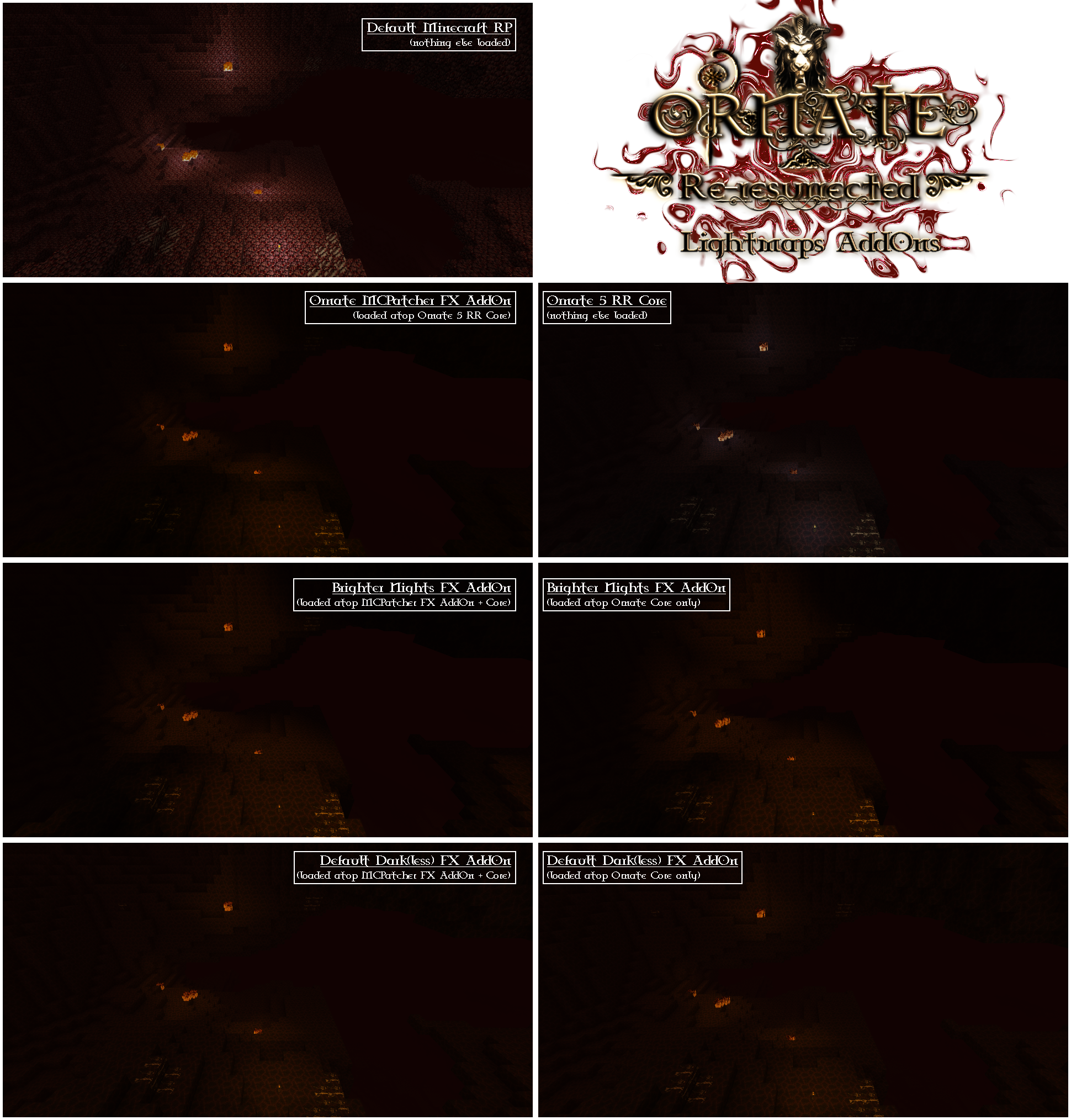
Alternates the lightmaps for Overworld, Nether and End as well, including the emitted lights by Torches, Glowstones, Fire, Lava or Portals.


If you find it too easy and are looking for better darkness, but not that dark as the standard Ornate pack, try the mid-dark version which can be found over here >>> link <<<


HOW TO USE

  1. place the downloaded .zip file into the resource pack folder within ".../.minecraft"
  2. in game, move the pack atop of any current packs
  3. hit Done, the game should become a nicer place to play in ;-)

You can load this atop any pack/AddOn, including the Ornate MCPatcher FX AddOn.


You NEED to use MCPAtcher for this addon to work.
I am not sure if OptiFine will work correctly with this Addon.

Ornate 5 RR - FX - Default Dark(less) AddOn.zip
MC 1.7.6, 1.7.4, 1.7.7, 1.7.5, 1.7.9, 1.7.2, 1.7.8, 1.7.10, 1.8, 1.8.2, 1.8.1
Release 2015-03-09 Get

Requirements & install

How to use this resource pack in Minecraft
Resolution
64x
Minecraft
1.7.6 – 1.8.2
Install folder
.minecraft/resourcepacks

How to install resource packs

  1. Download the resource pack .zip file (do not extract it).
  2. In Minecraft open Options → Resource Packs → Open Pack Folder.
  3. Drop the .zip into the resourcepacks folder (.minecraft/resourcepacks).
  4. Move the pack to the Selected column and click Done.
Browse more: 16x resource packs 32x resource packs 64x resource packs 128x resource packs 256x resource packs 512x+ resource packs Resource Packs for 1.8.2 All resource packs

More from babbajagga

Advertisement Remove ads with Premium →

You Might Also Like