Change that boring vanilla Gui with this immersive GUI!!
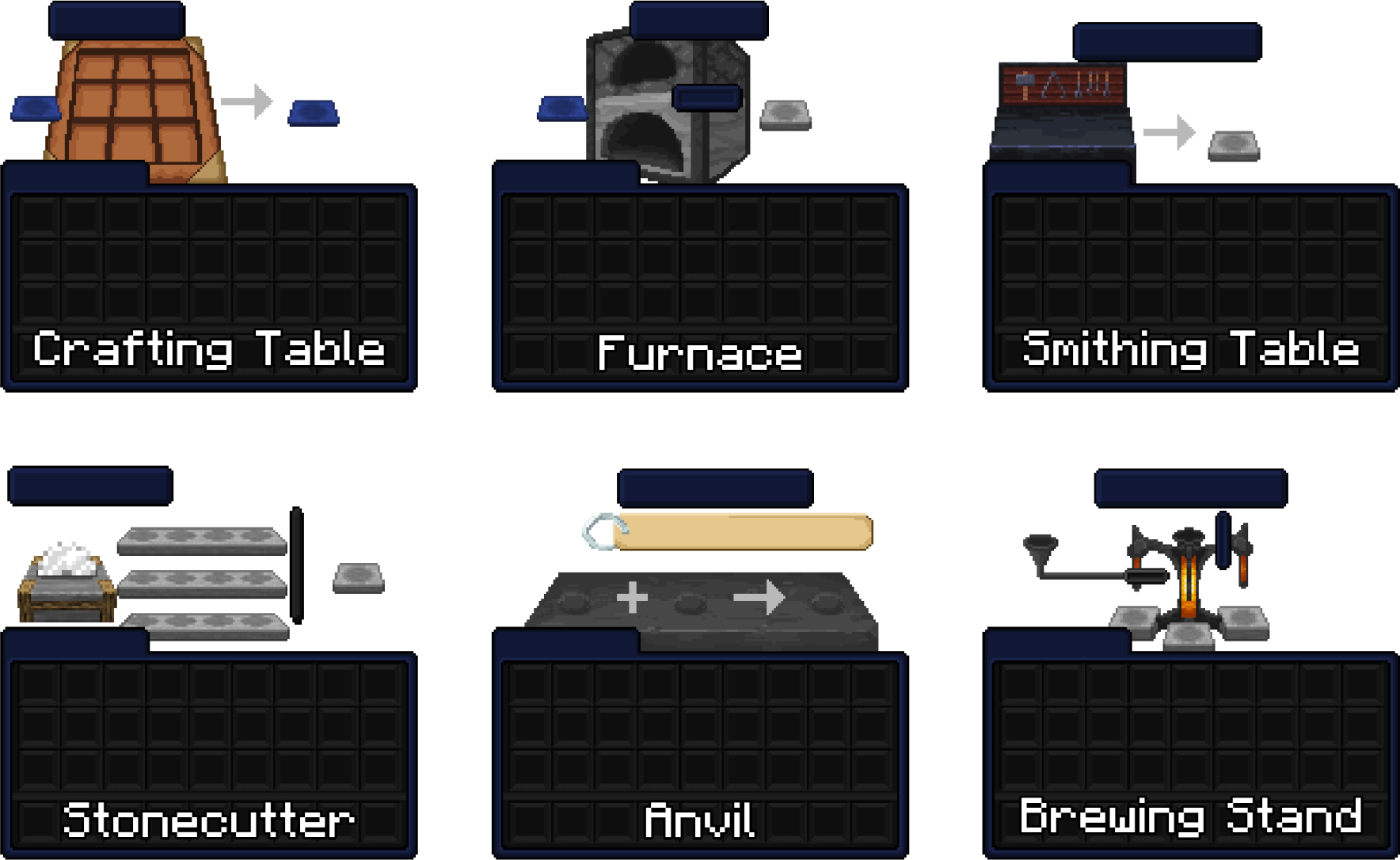
Vanilla GUI lack of detail, color and style, so this resources pack try to bring those missing features with a futuristic/minimalist style with immersive feel while crafting, smelting and MORE!!
Examples

Features
- Custom GUI for every interactive block and entities like horses and donkeys.
- Unobtrusive Background for no be ambushed while crafting.
- Whiter, brighter font for better readability.
- Reworked icons like health, armor and hunger bars.
Future Features
- More language (since the font only work with EN/US language, so every languange need its respective lang.JSON for custom font work).
- Mods Compatibility (like JEI, Mod Menu, etc).
- More color versions (different color version of this resources pack like green, red, etc).
- Vanilla style version (i know some people don't like the futuristic style and want something more vanilla).
- Backport for past versions (the resources pack may work on older version, but i recommend to wait for its respective versions).
Notes
- You are not allowed to redistribute this resource pack files in other sites.
- You can use this resources pack for your content on your social medias, i just want the credits of this work.
- You can modify this resources pack as you want, but you can't redistribute that version in any way.
Especial thanks for StitchSprites and Jicklus as inspiration and reworked resouces of their work.