Mineuniverse
Resource Packs
Omnix Autumning

Omnix Autumning

RESOURCE PACK
Autumn comes to Minecraft with a vanilla feel!!
by Lermonix_
Download Claim this project
3,203 downloads
0 likes
Updated Oct 14, 2026
0 hypes
16x Medieval Miscellaneous Traditional
Advertisement Remove ads with Premium →

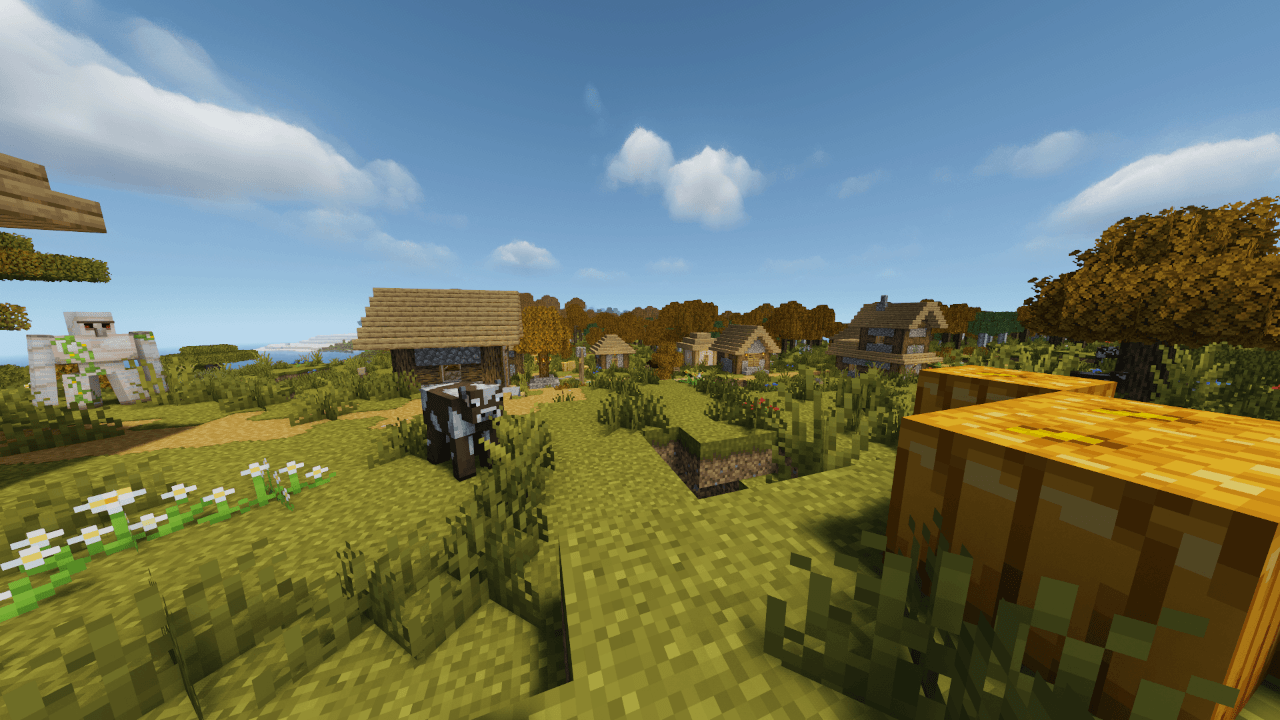
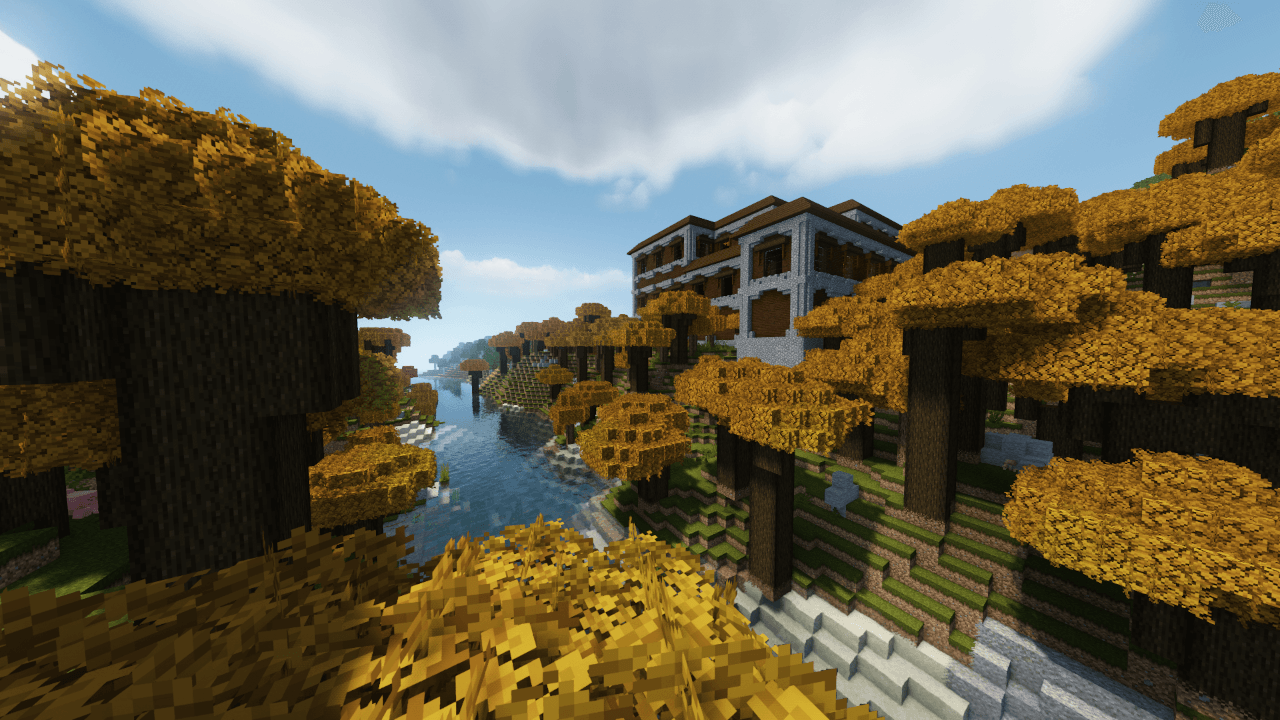
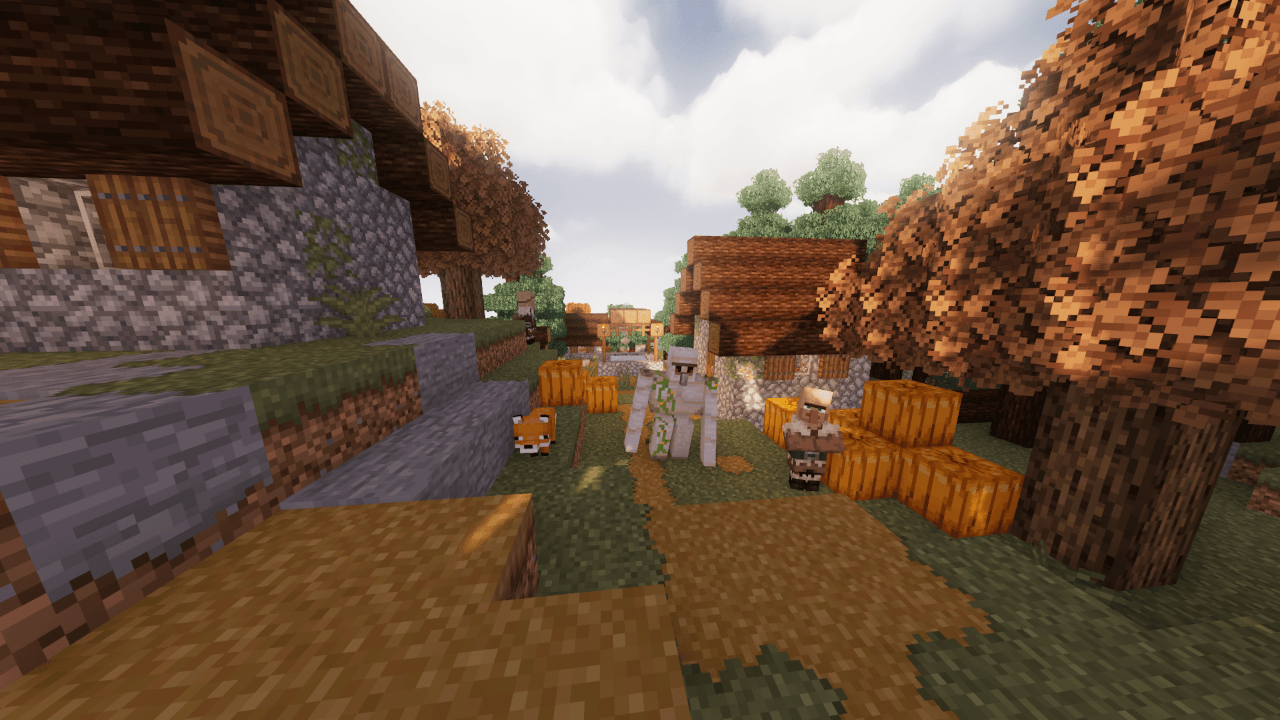
Autumn comes to Minecraft with a Vanilla feel!! 

You ever ask how Minecraft would be if had an Autumn Season? Well, This Resources Pack do it.
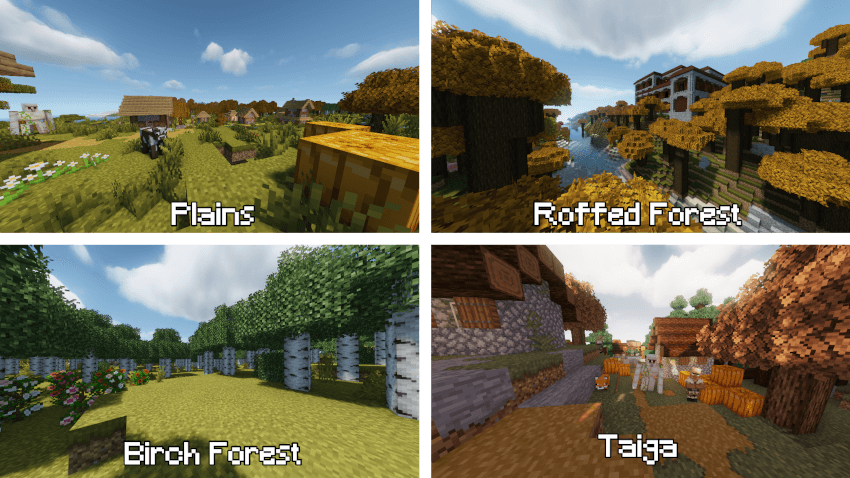
Features:

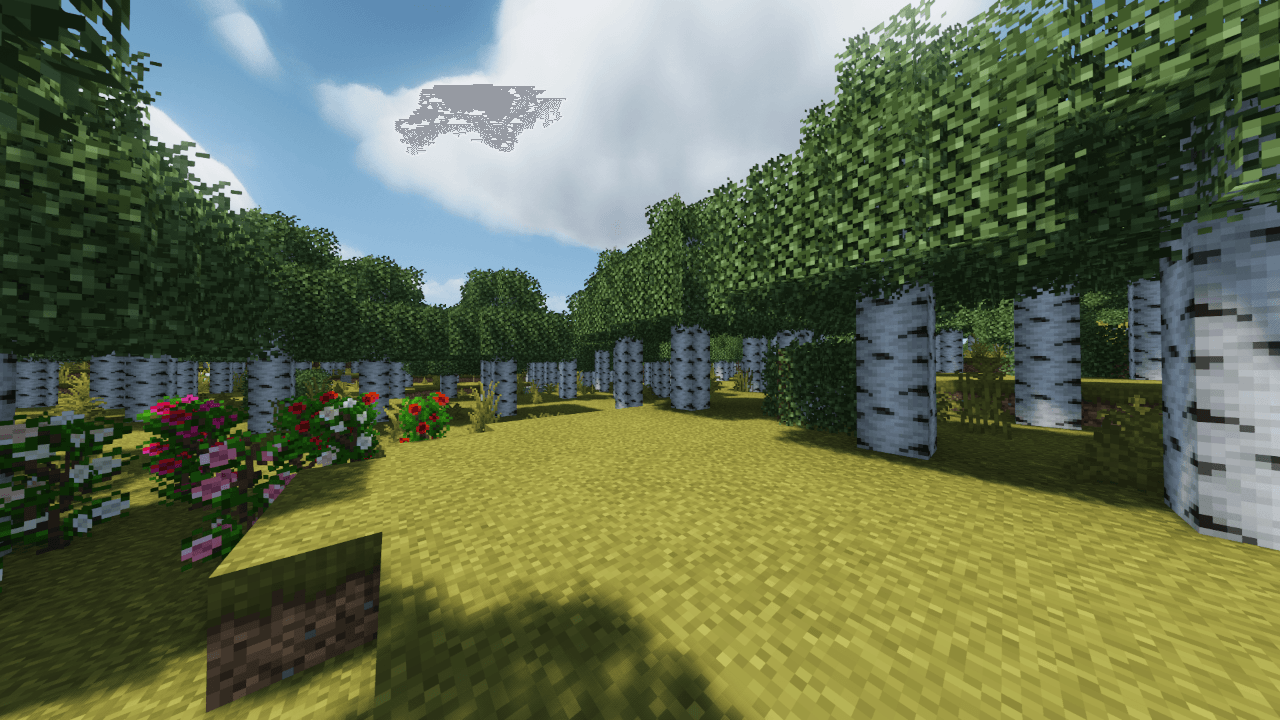
  • Change the colors of grass and trees leaves by an orange/green palette depending on the biome.
  • Compatible with most Resources Pack, that means you can turn a resources pack in a autumn variation.
  • Very lightweith, this just change the colormap of minecraft for performance

FAQ:

  • Some features are missing, like red birch Leaves and colored plants, where are those?

R. For 1.1 pack version and above, those features has been disabled for better compatibility with other resources packs, since trying to load this pack above other load vanilla textures, which is a bit out of place, But those features can be enable again by editing the resources pack, seek for note inside the resources pack.

  • Minecraft isn't compatible with this resources pack version, but still work, it's ok?

R. It's fine, but i always recommend to use the correct version of the Resources Pack.

  • Why birch can't be orange?

R. It's posible to make birch orange (spruce too), but since birch don't follow the rule of foliage colormap, i have to create a model for birch leaves to be orange, so that would make issues with other resources packs, which it's not intended, the resources pack have to be compatible with every resources pack posible.

Notes

  • You are not allowed to redistribute this resource pack files in other sites.
  • You can use this resources pack for your content on your social medias, i just want the credits of this work.
  • You can modify this resources pack as you want, but you can't redistribute that version in any way.
v. 1.2 for 1.20.4
MC 1.16-Snapshot, 1.17.1, 1.16.3, 1.19.3, 1.20.2, 1.16.1, 1.18.1, 1.19.4-Snapshot, 1.17, 1.20.2-Snapshot, 1.20.5-Snapshot, 1.16, 1.19.4, 1.19-Snapshot, 1.16.5, 1.18.2, 1.19.2
Release 2024-04-21 Get
v. 1.2 for 1.19.4
MC 1.19.4
Release 2024-04-21 Get
v. 1.2 for 1.18.2
MC 1.18.1, 1.18.2, 1.18, 1.18-Snapshot
Release 2024-04-21 Get
v. 1.2 for 1.17 - 1.17.1
MC 1.17.1, 1.17, 1.17-Snapshot
Release 2024-04-21 Get
v. 1.2 for 1.16.2 - 1.16.5
MC 1.16.3, 1.16.5, 1.16.4, 1.16.2
Release 2024-04-21 Get
v. 1.2 for 1.15 - 1.16.1
MC 1.16-Snapshot, 1.15-Snapshot, 1.16.1, 1.15, 1.16, 1.15.2, 1.15.1
Release 2024-04-21 Get
v.1.1 for 1.20.4
MC 1.20.4
Release 2024-04-14 Get
v.1.1 for 1.20.1
MC 1.20.1, 1.20
Release 2024-04-14 Get
§f§l§nOmnix Autumn 1.19.zip
MC 1.19.3, 1.19-Snapshot, 1.19.2, 1.19.1, 1.19
Release 2023-01-09 Get

Requirements & install

How to use this resource pack in Minecraft
Resolution
16x
Minecraft
1.19.4-Snapshot – 1.20.5-Snapshot
Install folder
.minecraft/resourcepacks

How to install resource packs

  1. Download the resource pack .zip file (do not extract it).
  2. In Minecraft open Options → Resource Packs → Open Pack Folder.
  3. Drop the .zip into the resourcepacks folder (.minecraft/resourcepacks).
  4. Move the pack to the Selected column and click Done.
Browse more: 16x resource packs 32x resource packs 64x resource packs 128x resource packs 256x resource packs 512x+ resource packs Resource Packs for 1.20.5-Snapshot All resource packs

More from Lermonix_

Advertisement Remove ads with Premium →

You Might Also Like