Mineuniverse
Resource Packs
OliverPack

OliverPack

RESOURCE PACK
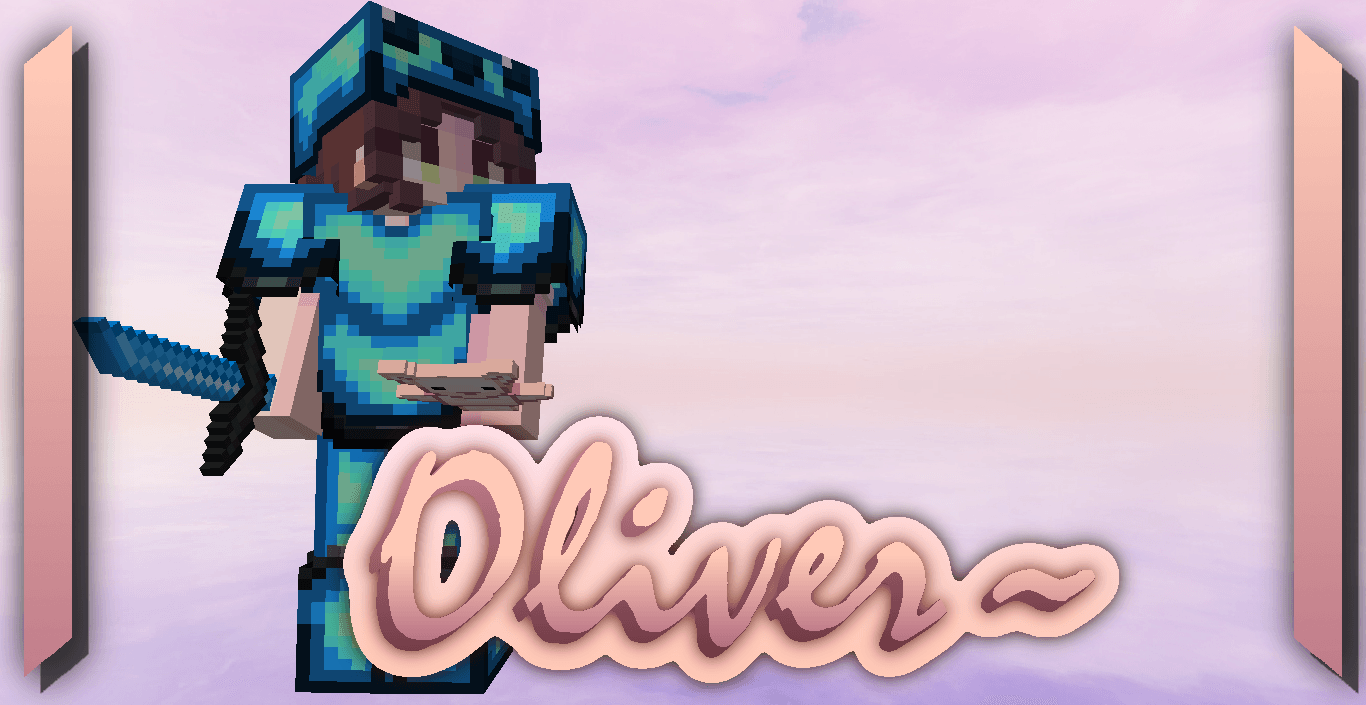
CPvP Texture Pack of an Albino Otter (Ft. E-Z)
by GalacticUniv
Download Claim this project
Add a badge to your pageLink to OliverPack from a README, website or forum post.
Preview: Badge

Badges update automatically and link to the resource pack page on MineUniverse.
294 downloads
0 likes
0 followers
Updated Oct 14, 2026
0 hypes
Follow0
32x Miscellaneous Mod Support Modern Traditional
Advertisement Remove ads with Premium →

Logo Pack Version (Last): v1.1

Created by:

Me ( @GalacticUniv )

Available in the following versions:

1.7.10 - 1.8.9 | 1.16 - 1.20.1 | 1.20.2+

Tags:

Service, Custom Color, 32x, Otter, E-Z

Description:

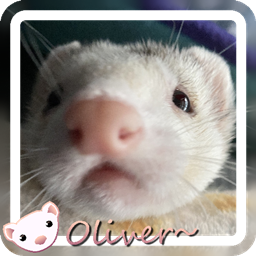
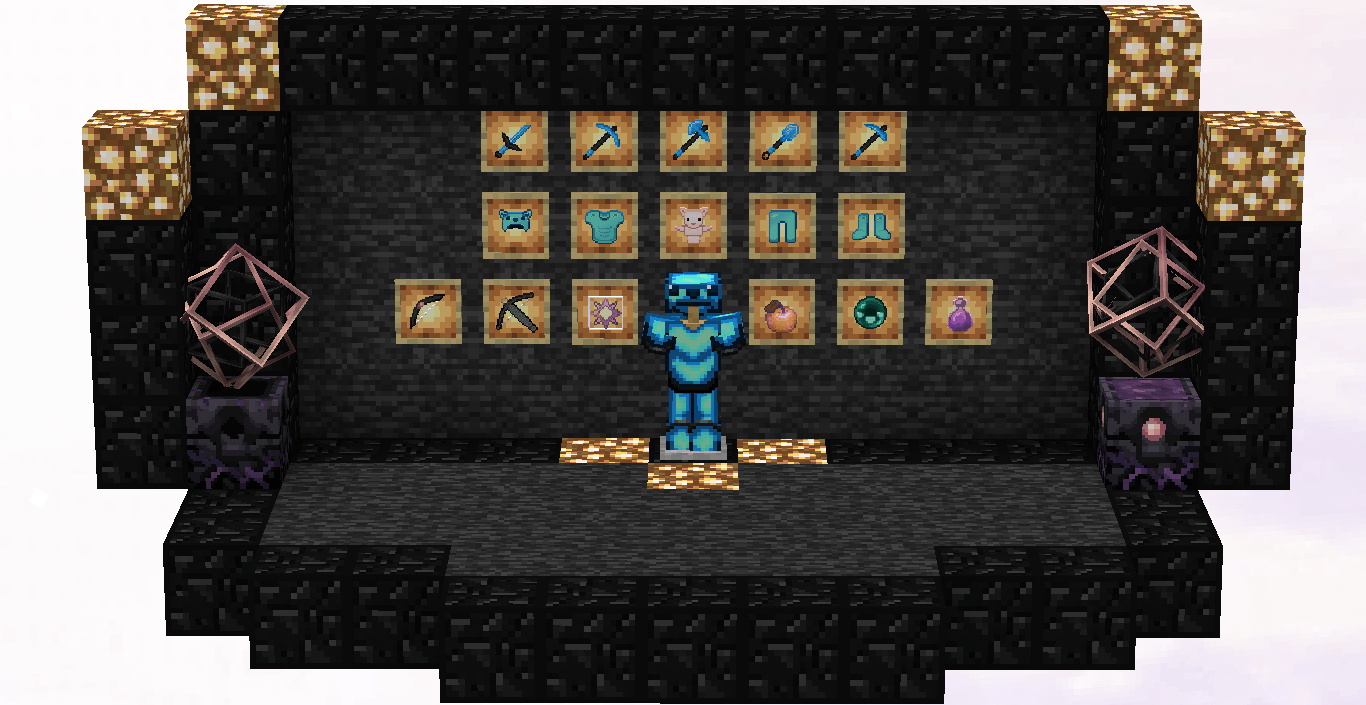
Oliver is another texture pack I was commissioned to create (yes, I was paid for this one!). It was one of the largest commissions I’ve ever done, and I’m incredibly grateful for that. <3 The main theme revolves around Aiden’s pet (the creator of E-Z), an adorable otter, by the way!

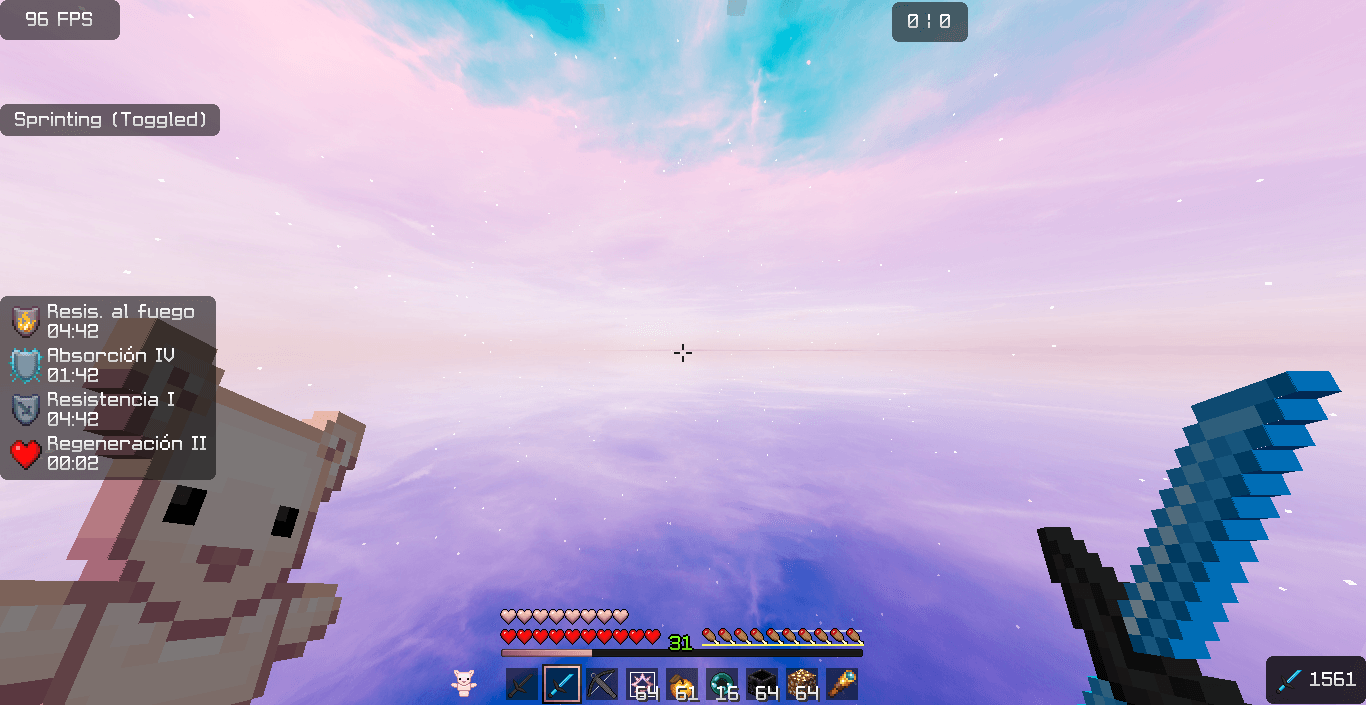
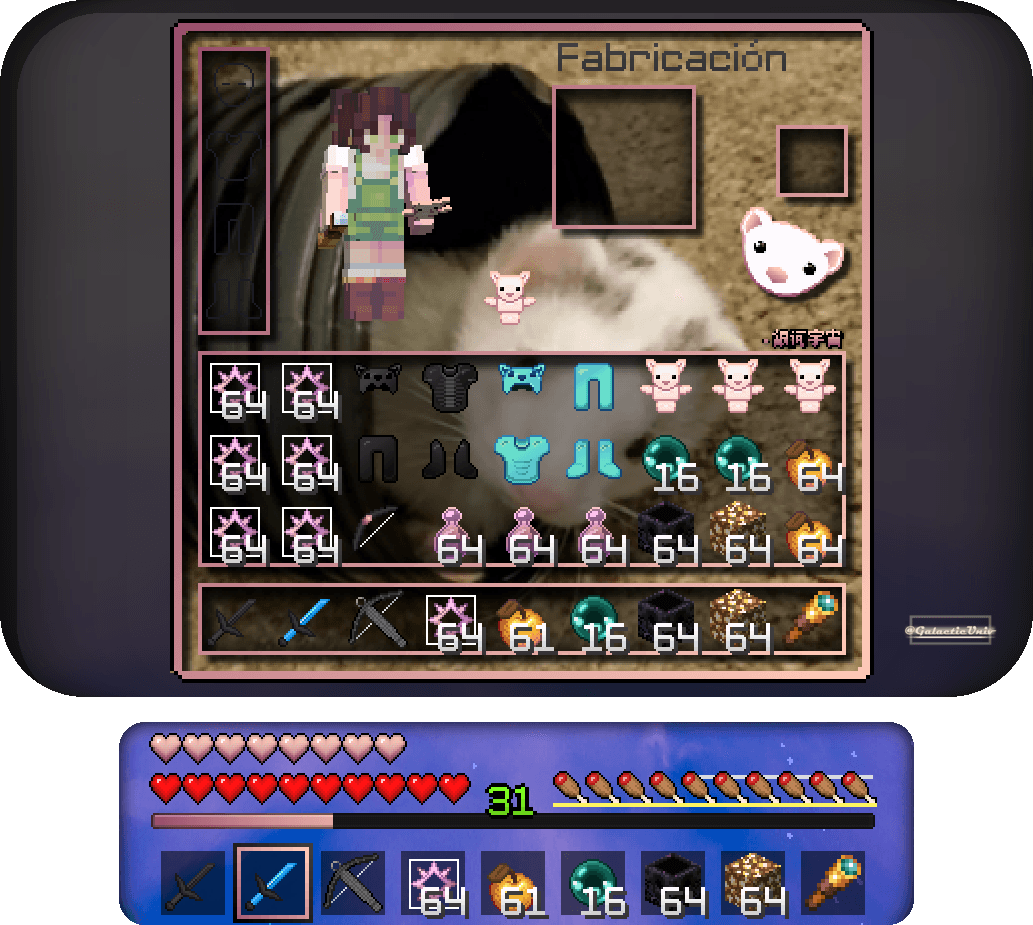
Most of the texture pack keeps the vanilla colors for tools but enhances the overall look of the textures significantly. The inventory, however, gets a complete makeover with a beautiful, stylized image of Oliver, so you can enjoy his cuteness and take him with you wherever you go. If you’re an otter fan—or have one as a pet—this pack is absolutely perfect for you!

Don't forget that downloading the texture pack from the official sources (In PlanetMinecraft) is a huge way to support us! <3

If you have any questions or want to report a bug, feel free to do so through our official Discord: https://discord.gg/72dHTWJr6R

Join E-Z discord server!: https://discord.gg/ez

You can also follow us on social media! :D https://solo.to/galacticuniv

Compatible with

Oliver for 1.20.2 - 1.21.2
MC 1.20.2, 1.21.4
Release 2025-02-12 Get
1.8.9
MC 1.7.10, 1.8.9
Release 2025-01-24 Get
OliverPack for 1.16 - 1.20.1
MC 1.17.1, 1.19.4, 1.16.5, 1.18.2, 1.20.1
Release 2025-01-24 Get

Requirements & install

How to use this resource pack in Minecraft
Resolution
32x
Minecraft
1.8.9 – 1.21.4
Install folder
.minecraft/resourcepacks

How to install resource packs

  1. Download the resource pack .zip file (do not extract it).
  2. In Minecraft open Options → Resource Packs → Open Pack Folder.
  3. Drop the .zip into the resourcepacks folder (.minecraft/resourcepacks).
  4. Move the pack to the Selected column and click Done.
Browse more: 16x resource packs 32x resource packs 64x resource packs 128x resource packs 256x resource packs 512x+ resource packs Resource Packs for 1.21.4 All resource packs

More from GalacticUniv

Advertisement Remove ads with Premium →

You Might Also Like